 Free 30-Day Trial








Enforce phishing-resistant MFA by using biometrics, hardware keys, and push approvals, while continuously verifying device and network trust to maintain policies, reduce risk, and demonstrate compliance.

Apply risk-based, contextual policies that adjust MFA using device posture, location, and network trust, strengthening protection in high-risk situations while keeping access smooth for trusted users.

Deploy MFA quickly with a user-friendly self-enrollment process, enabling users to register devices independently while IT provisions and secures access at scale.
Meet DPDP requirements with comprehensive identity and access management.
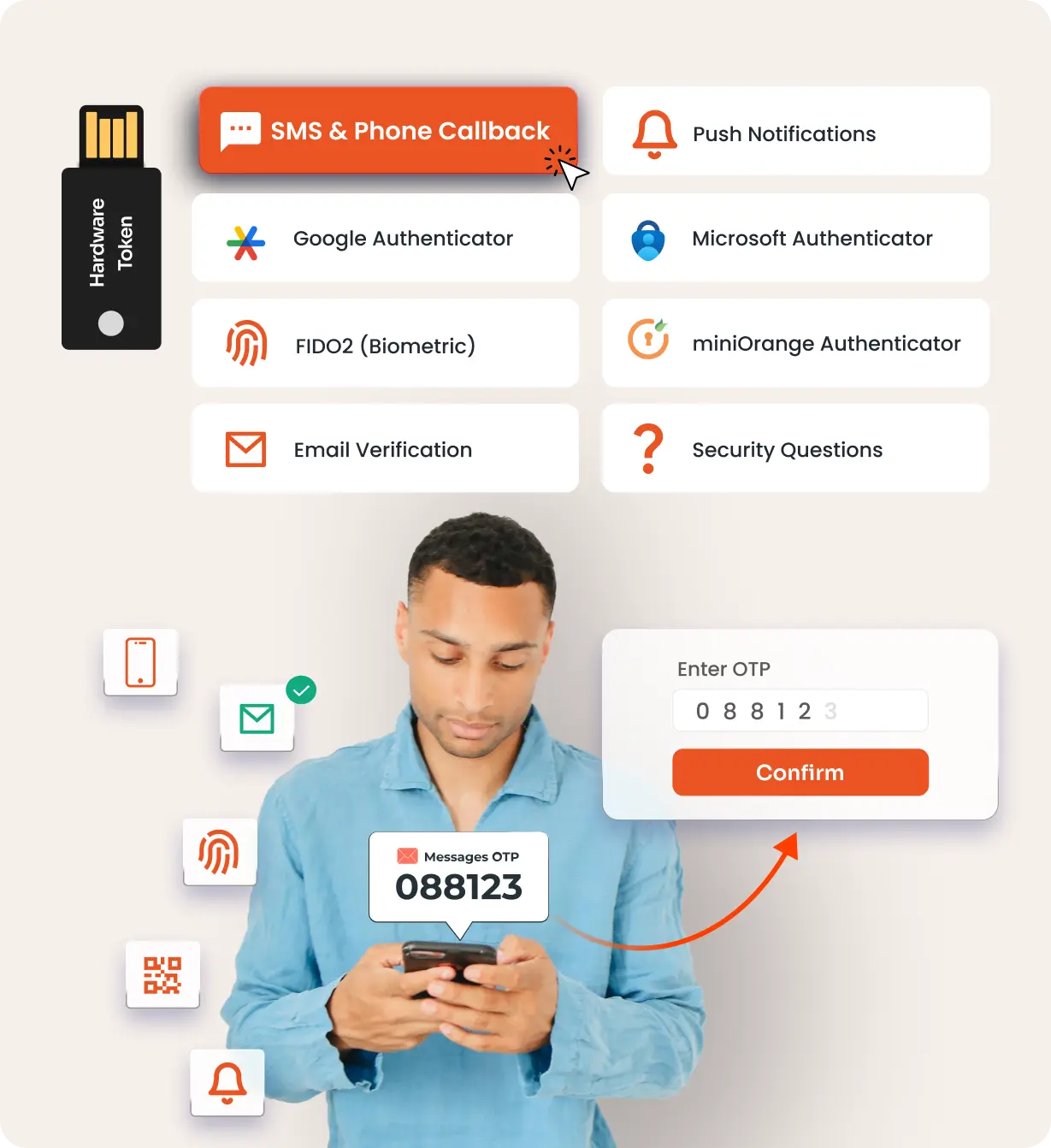
Receive a text on your mobile with the information required to validate yourself for the second factor.
Receive a push notification on the miniOrange or Microsoft Authenticator app and Approve or Deny a login attempt within the notification.
Use an authenticator app (miniOrange, Google, Microsoft, or Authy) for secure login via soft token (TOTP), push notification, or QR code.
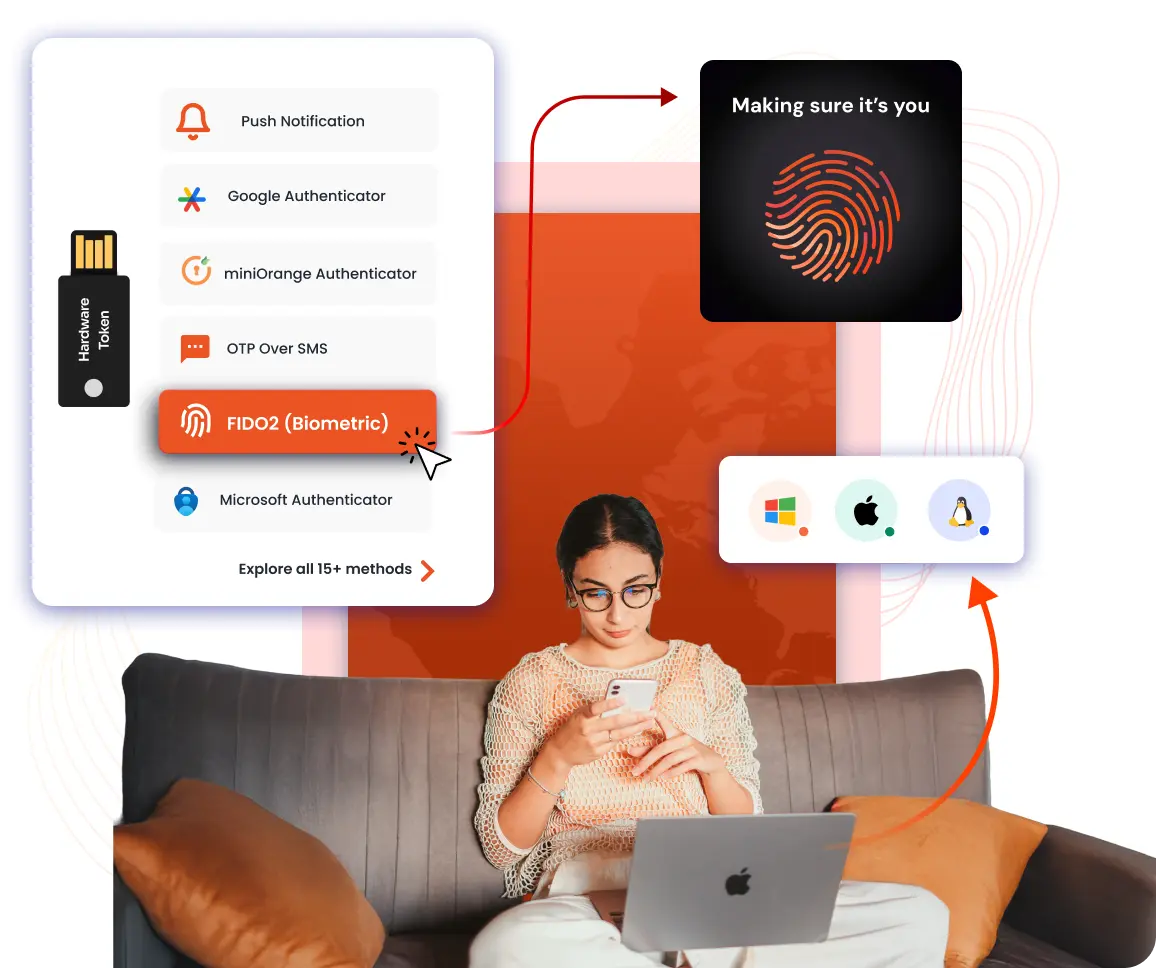
Use Biometric authentication methods like FIDO2 security keys, Windows Hello, Touch ID, Face ID, etc., to verify your identity.
MFA using login links and password keys on your registered email address.
Use a physical USB token (e.g. YubiKey) into your computer, which generated the required information to gain access.
Answer a few knowledge based security questions which are only known to you to authenticate yourself.
Select specific cells on a grid and create a unique pattern during setup; replicate this sequence to verify identity.

Affordable pricing options for large enterprises, government agencies, and SMBs.

Pricing is available for both on-premises and SaaS deployments.
Get a technical assessment of your Organization!
Need Help? We are right here!

