Need Help? We are right here!

We help you build, secure, and scale
Organizations secured
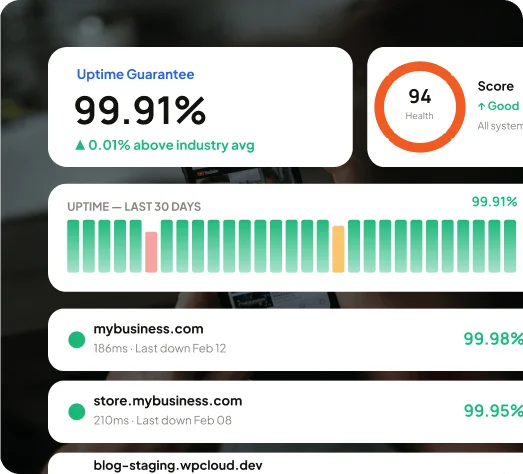
Uptime SLA
Automated security monitoring
These aren't edge cases. They're what developers hit every single day without a developer-friendly hosting.
Manual deploys = FTP uploads, zero version control, & no rollback when something breaks. Every deployment is a risk you're taking manually.
Our Web Hosting
Connect GitHub or GitLab, map branches to environments, and deploy automatically on push.
Fixed stack = Stuck on one PHP version. You end up working around the host's limitations instead of your project's requirements.
Our Web Hosting
Multi-runtime support across PHP (7.x–8.x). Pick what the project needs and switch versions without raising a support request.
Most shared hosting runs a basic, server-level WAF. This means limited rules, no customization. On top of that, SSL is usually manual & beyond that, protection is a paid feature.
Our Web Hosting
Get Cloudflare WAF. It’s the protection that blocks DDoS attacks, bot threats & malicious traffic before they reach you. SSL and malware scanning are also included in every plan.
There’s no staging, no CLI, no way to test before you push. Working in production with no visibility is the only option most shared hosts leave you with.
Our Web Hosting
Isolated staging environments with separate databases, full SSH access with key auth, WP-CLI pre-installed, and real-time PHP error logs.
This web hosting for developers gives you fast NVMestorage, multi-runtime flexibility, and a CDN that reports your actual site data.

Deliver assets from the closest edge node. Lower latency. Higher cache hit rates. No manual configuration required.

Multiple PHP (7.x–8.x) versions. Switch anytime without contacting support.

Object caching, page caching, and reverse proxy caching are available across all environments.

Traffic spikes don't take your application down. Cloud infrastructure scales vertically when demand climbs, and scales back when demand drops.
Most web hosting for developers adds security as an upgrade. miniOrange web hosting for developers treats it as a non-negotiable. Every environment, every plan—same baseline.

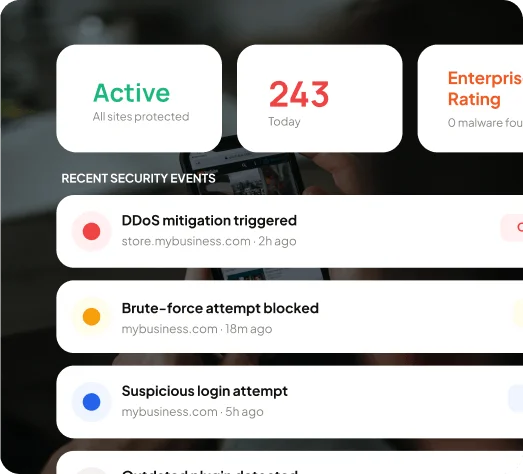
Blocks malicious traffic, injection attempts, and brute-force attacks at the infrastructure level. 243+ threats blocked per site on average, automatically, without configuration.

Provisioned and renewed automatically across dev, staging, and production. HTTPS is on from the start.

Firewall rules are scoped to your infrastructure. Other tenants on the platform have no overlap with your security perimeter.

Restrict SSH access, admin panels, and staging environments to specific IP addresses. Tighten access without writing your own firewall rules.

Each application runs in its own isolated environment. A misconfiguration or vulnerability in one app stays contained there.

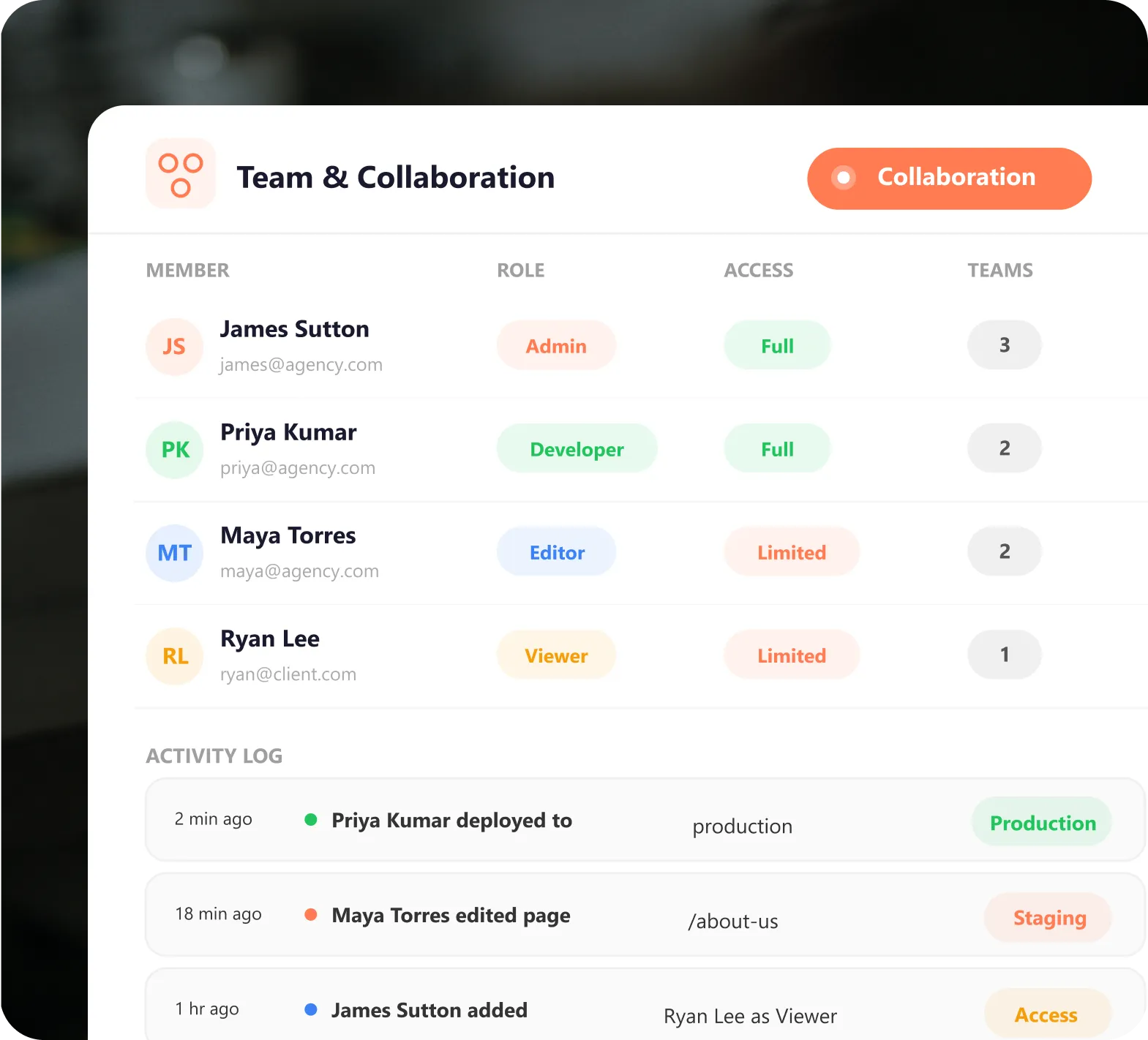
Single Sign-On and Multi-Factor Authentication are built in. Your team authenticates properly with no shared admin credentials, & no weak access points

The database is protected at the storage level, and access is scoped per user & per environment. There’s no shared access, & no cross-environment exposure.

Access logs, audit trails, and activity records are included across all environments. The logging layer is built-in, so you don't have to build it yourself.
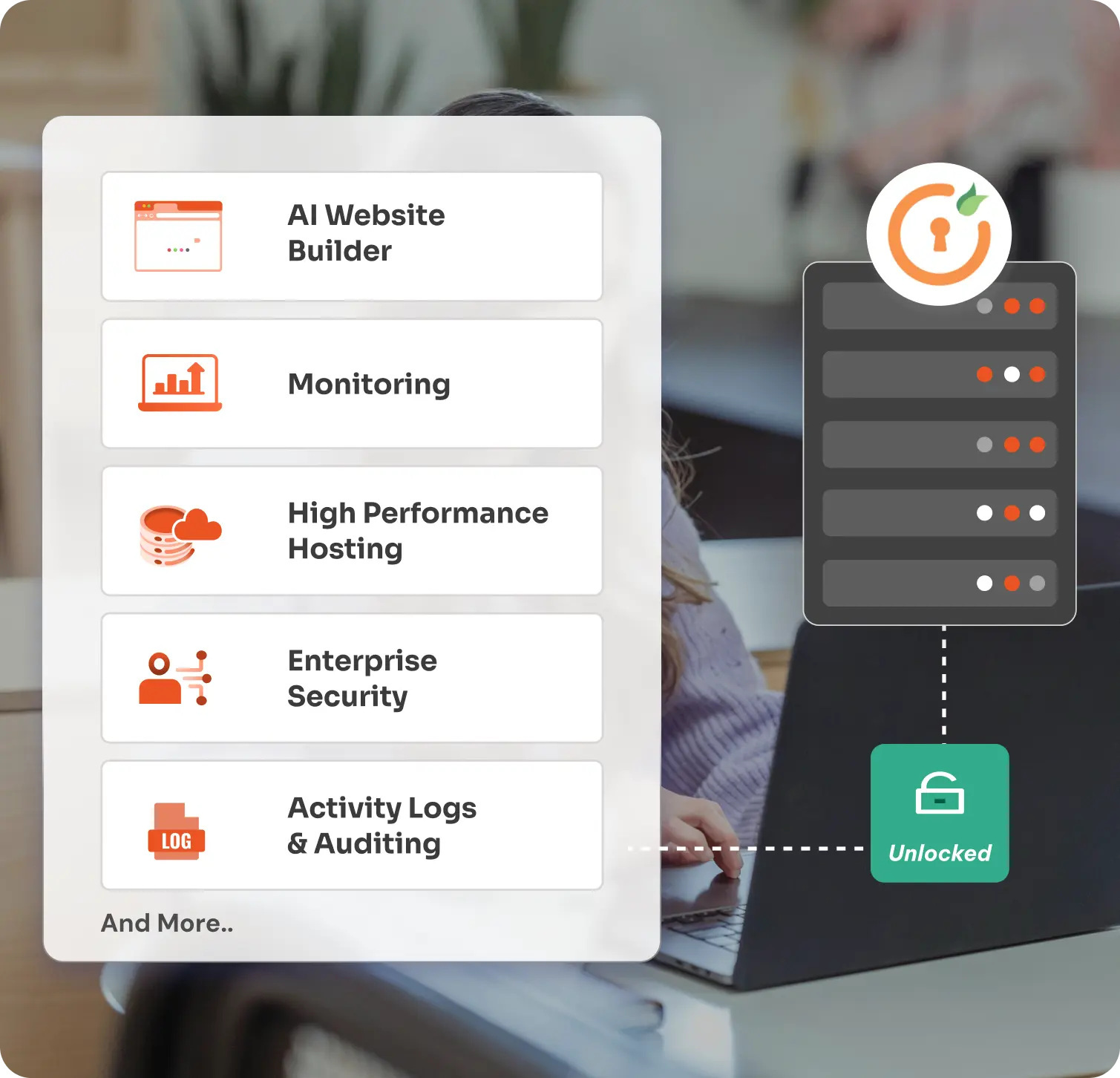
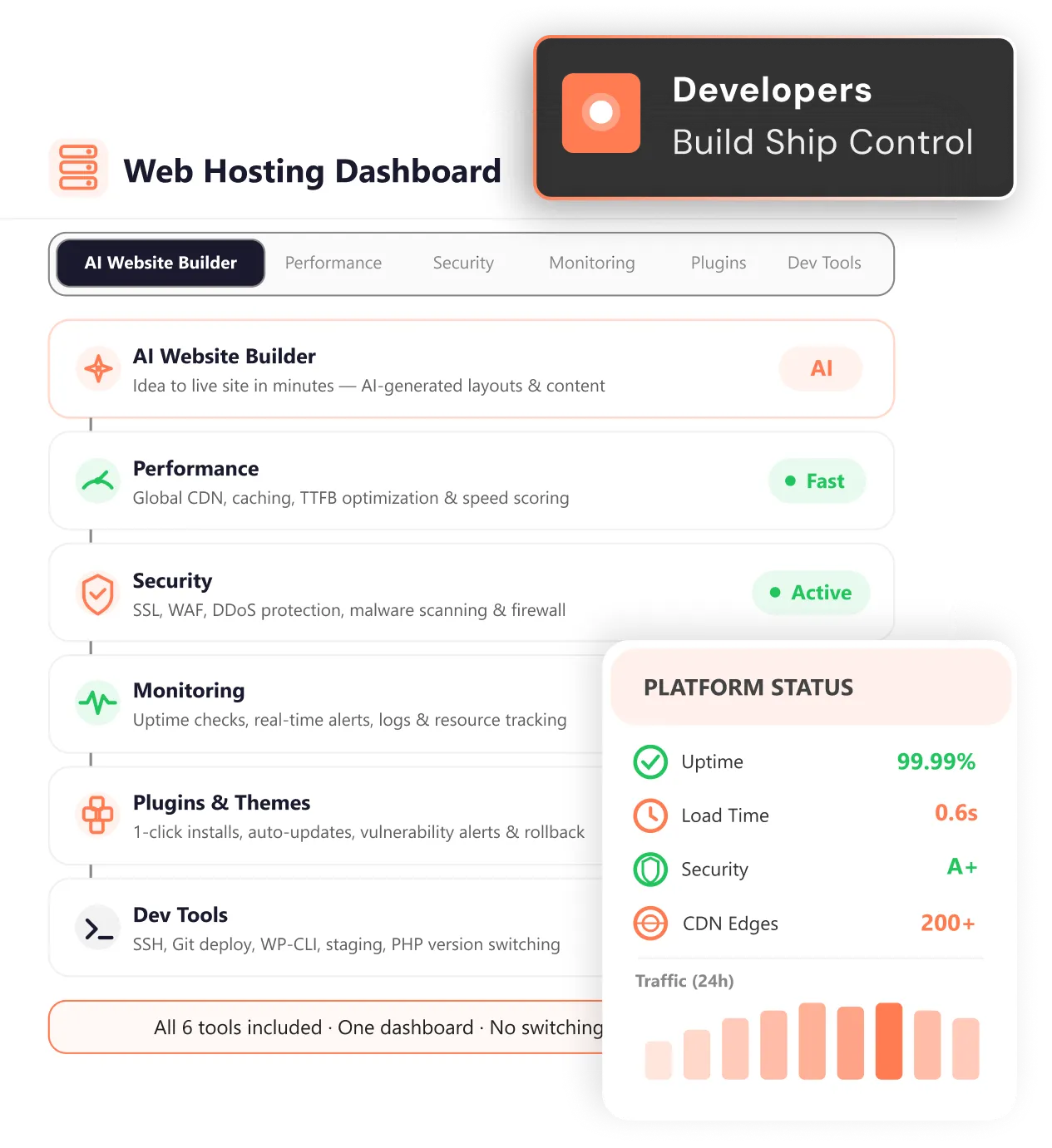
Everything on this page in one place, by category. Developer-specific web hosting, perfect for your control & expectation.
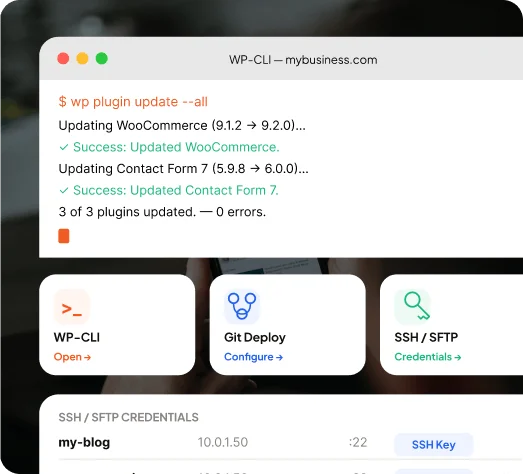
You get everything your workflow needs without asking for access. One panel to run commands from the browser, deploy from your repo, & manage files and databases.
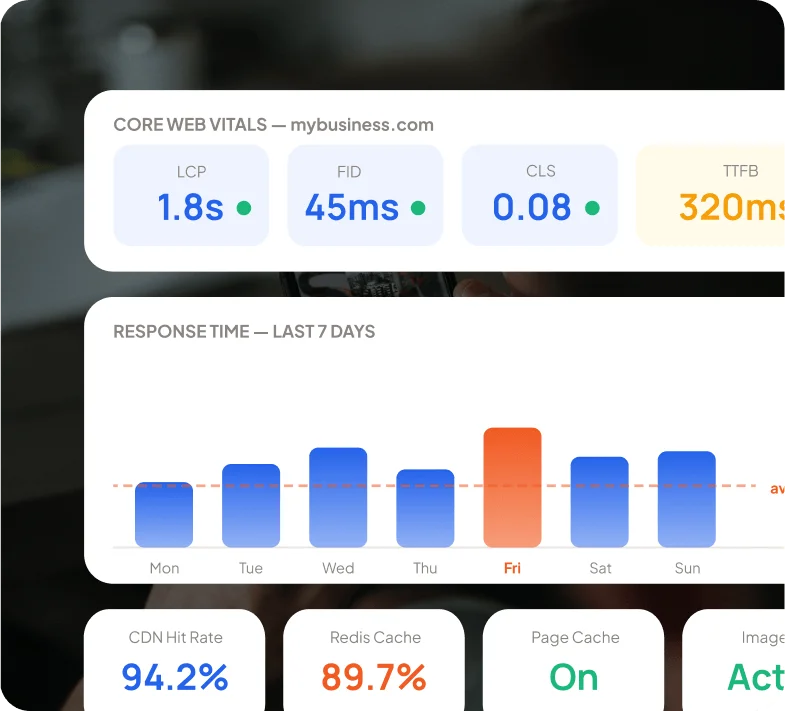
You get NVMe SSD, a global CDN, and three caching layers pre-configured. Your application works from day one, and you don't spend a day setting it up.
Start free, scale as you grow. No hidden fees, no surprises, no seat taxes.
We've spent 10+ years building security infrastructure for 30,000+ organisations. And the hosting platform is built on the same foundation.

WAF, malware scanning, DDoS protection, and real-time threat monitoring come with every plan. You shouldn't have to pay more to not get hacked.

SSH, Git, staging environments, WP-CLI—all available the moment you log in. No support ticket. No "please contact us to enable CLI access."

1 dashboard & 1 login for performance monitoring, security, deployments, team access, and server management. Stop context-switching between five tools to manage one project.

Core Web Vitals per site. CDN hit rates. Slow query profiler, uptime checks every minute (1,440) per day per site. Real data from your environment, not shared averages across thousands of tenants.
Get the clarity you need before you commit
The best web hosting for developers gives you full control over your stack. That means SSH access, Git-based deployments, multi-runtime support, staging environments, and security that's built in & not sold as an add-on.
Shared hosting pools resources across tenants—what your neighbors do affects your application's performance. Cloud hosting for developers gives you dedicated, scalable resources on your own isolated infrastructure.
Yes. miniOrange web hosting for developers supports PHP (7.x–8.x). The 99.9% uptime is guaranteed across all supported runtimes. You can also switch versions from the dashboard directly.
Look at what the platform includes by default, not what it charges extra for. The best web hosting for developers would have SSH, Git access, staging environments, runtime flexibility, and built-in security as standard. miniOrange website hosting for developers includes all of these as standard, across every plan.
Thank you for your response. We will get back to you soon.
Please enter your enterprise email-id.