
Introduction
Microsoft SharePoint - one of the most used platforms for storing, organizing, sharing, and accessing information across multiple devices. It is widely used by enterprises big and small; and across a range of industries be it Healthcare, Finance and Insurance, Government and more. And if there’s one CMS that shines in those industries, that’s Drupal.
So how about we bring SharePoint capabilities into Drupal? That’s exactly what we’ve achieved.
What is it?
With the miniOrange SharePoint Integration for Drupal, you can display the documents and content from SharePoint directly into your Drupal website.
You control what content is showcased, how it is put forth and who can access it. It also adds the ability to synchronize the articles, events, user details, and any other content that you can dream of, from SharePoint, OneDrive, as well as Office365 with the Drupal site.
But It’s not just a one way street - you can create SharePoint documents from Drupal. You can edit, create and of course view SharePoint content all within the comfort of your Drupal environment. Letting anyone create or edit SharePoint content will be disastrous for the organization - so to counter that, we’ve got Role based Permissions enabled by default. Only those with Roles you trust, would get that privilege to create and modify content.
How do you set it up?
The installation process is as straightforward as it can get - either composer based; or download and extract the zip file yourself.
Steps to Install Using Composer:
Pre-requisite - Composer is installed on the local machine, and the Drupal site is managed by the Composer.
- Go to the project page of the SharePoint Integration module (https://www.drupal.org/project/sharepoint_integration) and copy the Composer command under Releases, or copy the below command to download the latest version. composer require 'drupal/sharepoint_integration:^1.1'
- Open the command prompt window/ terminal in the Drupal site’s root directory and run the command.
- Sign in to the Drupal website as an administrator, then in the top administrative menu click Extend.
- Search for the SharePoint Integration module, enable the checkbox and click on the Install button at the bottom.
- Run the update script using - {Baseurl}/update.php
To set up the module using Drush, follow this guide.
What can it do?
Well, it injects SharePoint into Drupal. Plain and Simple.
But going down the rabbit hole, we find there are a lot of features that make your life easier when marrying Drupal and SharePoint.
With Public Document Access you can directly display available documents from Sharepoint within your Drupal website, even for anonymous users. If PDA is not your thing, then we’ve got Role-Based Folder Restriction, by the virtue of which only users with a certain role on the Drupal site will be able to access sensitive information stored in SharePoint.
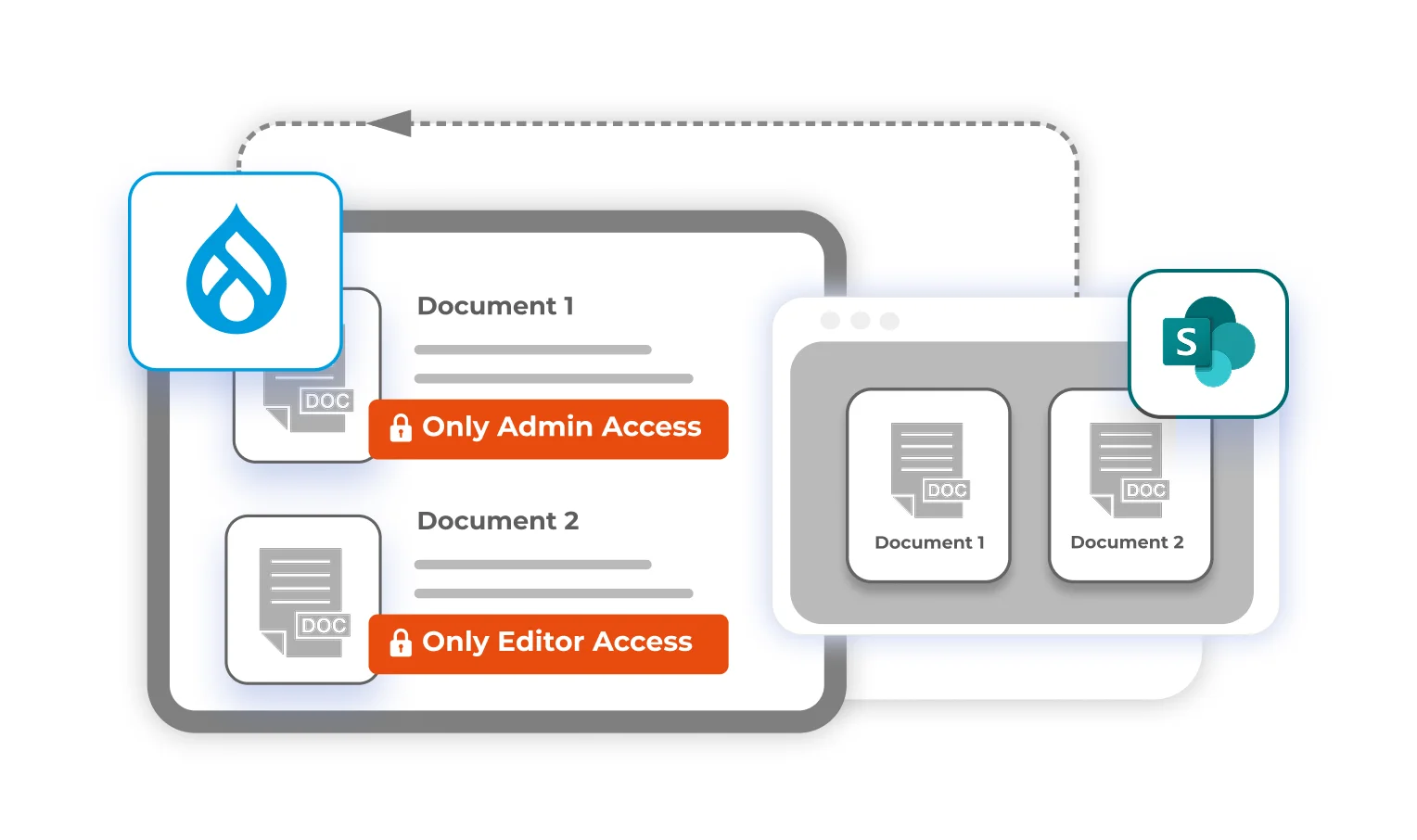
These Role Based Restrictions are applicable to Document Uploads as well. Only the chosen few would be able to upload documents from the Drupal site to the intended SharePoint directory. To maintain Real-time Content Sync, the module will periodically or constantly fetch the articles, events, and block data published from SharePoint and pull them into Drupal keeping the content dynamic and updated.
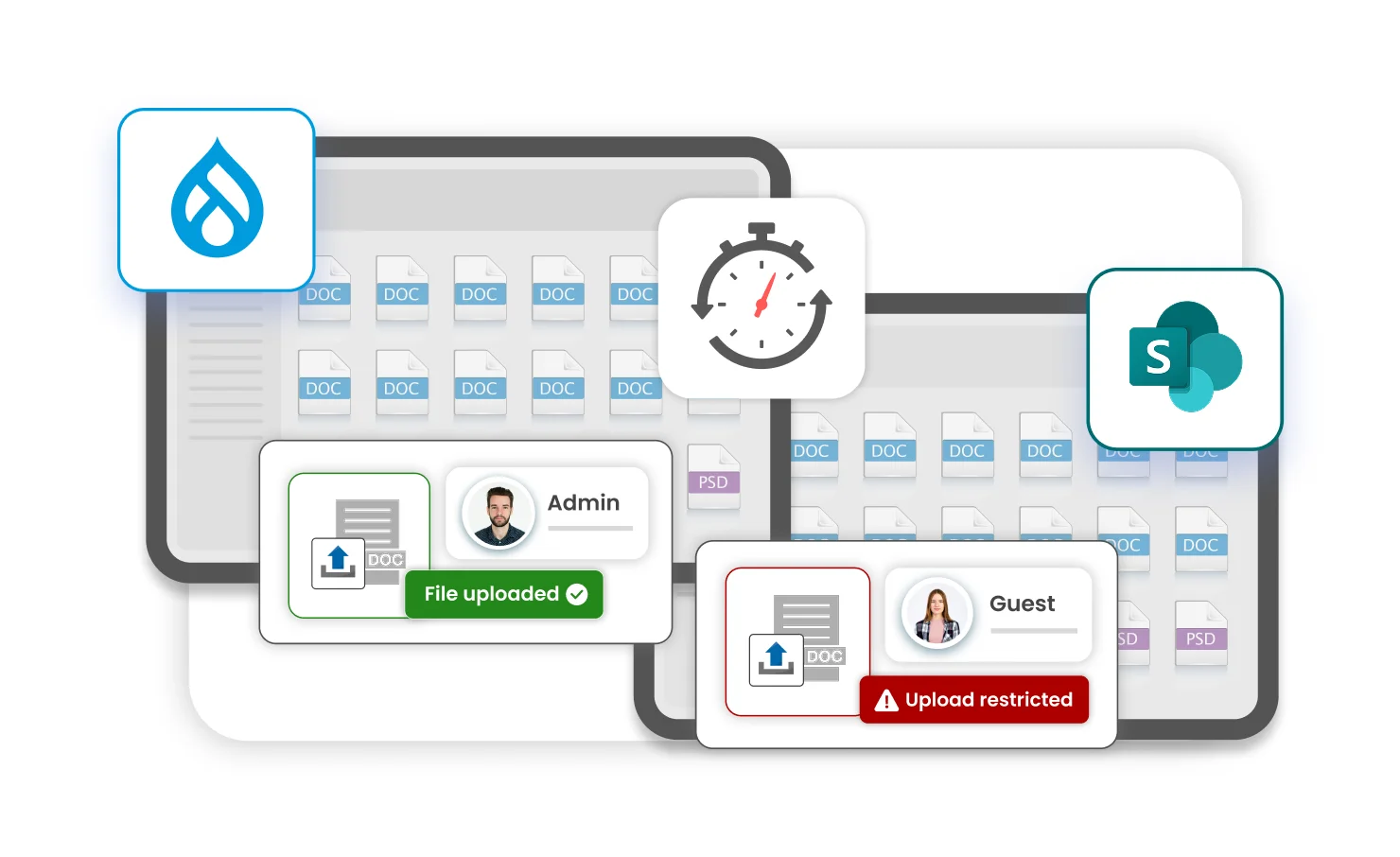
And the best part? There will not be a single copy of any SharePoint document stored within Drupal. No data leakage, No unwanted storage woes, and No unauthorized access. Everything is pulled from SharePoint as and when needed - without any functional overhead.
If you’re running a video library on SharePoint, Seamless Streaming can help you stream SharePoint videos directly within the Drupal site without exposing the download link.
And finally (maybe) it has Centralized Management that will give you the control over all your directories, files, and media across platforms like SharePoint, and OneDrive, thereby consolidating all power within Drupal.
The bottom line
SharePoint and Drupal are major players in the same ecosystem. And they get along with each other, but their relationship can be better - so we’re just out here playing matchmaker, with the Drupal SharePoint integration module. Articles, events, user details, videos, if it lives in SharePoint - it can continue to do so and still can be seen from and interacted with, all within the secure confines of your Drupal website.

Leave a Comment