
Whether you're building an NGO portal, an Educational Website, or a website for publishing content on multiple channels, such as kiosks and mobile apps, Drupal is your best bet for a CMS. Across all scenarios, one thing stays constant - your precious content and data stored on the backend is fetched or accessed via APIs.
These API endpoints must be protected.
This is where the API Authentication Module steps in. It provides a structured, reliable, and secure way to authenticate every request coming into your Drupal site, no matter where it originates.
What Is Drupal API Authentication?
Drupal API Authentication is the security layer that verifies every external request coming into your Drupal site, whether it's through core RESTful endpoints or JSON APIs. The authentication module checks who is making the call, which method they use to authenticate, then drupal decides whether they are allowed access, and how much they can do.
This ensures that only trusted clients can read or edit content through the RESTful or JSON API Endpoints.
What can the miniOrange API Authentication module do?
At its core, it's a warden checking all incoming traffic - making sure there’s no bad actors getting in and gaining access to things they are not supposed to. Drupal REST & JSON API Authentication module supports the following authentication methods:
- Basic Authentication: The most straightforward option - send a username and password with the request to verify who’s accessing the APIs.
- API Key Authentication: Each client gets a unique key, and they include that key with every API call. It’s quick to set up and works well for lightweight integrations.
- OAuth 2.0: Majorly used in systems involving third-party applications, wherein it’s needed to access the resources on behalf of a user, without requiring the user to disclose their credentials to the third party. While OAuth 2.0 is only an authorization protocol, it is often combined with OpenID Connect (OIDC) to achieve authentication.
- JWT Authentication: These JSON Web Tokens (JWTs) are generated by the server and signed using a secret key. These contain critical information around user identification and client IDs. This token is passed alongside the request - and if the signature matches, data access is allowed.
- Third party tokens: Often, if you already use providers like Okta, Google or Entra id, you’ll be issued access tokens as a part of the OAuth2.0/OIDC flow. The module can accept these tokens as well and use them to authenticate the origin of API requests.
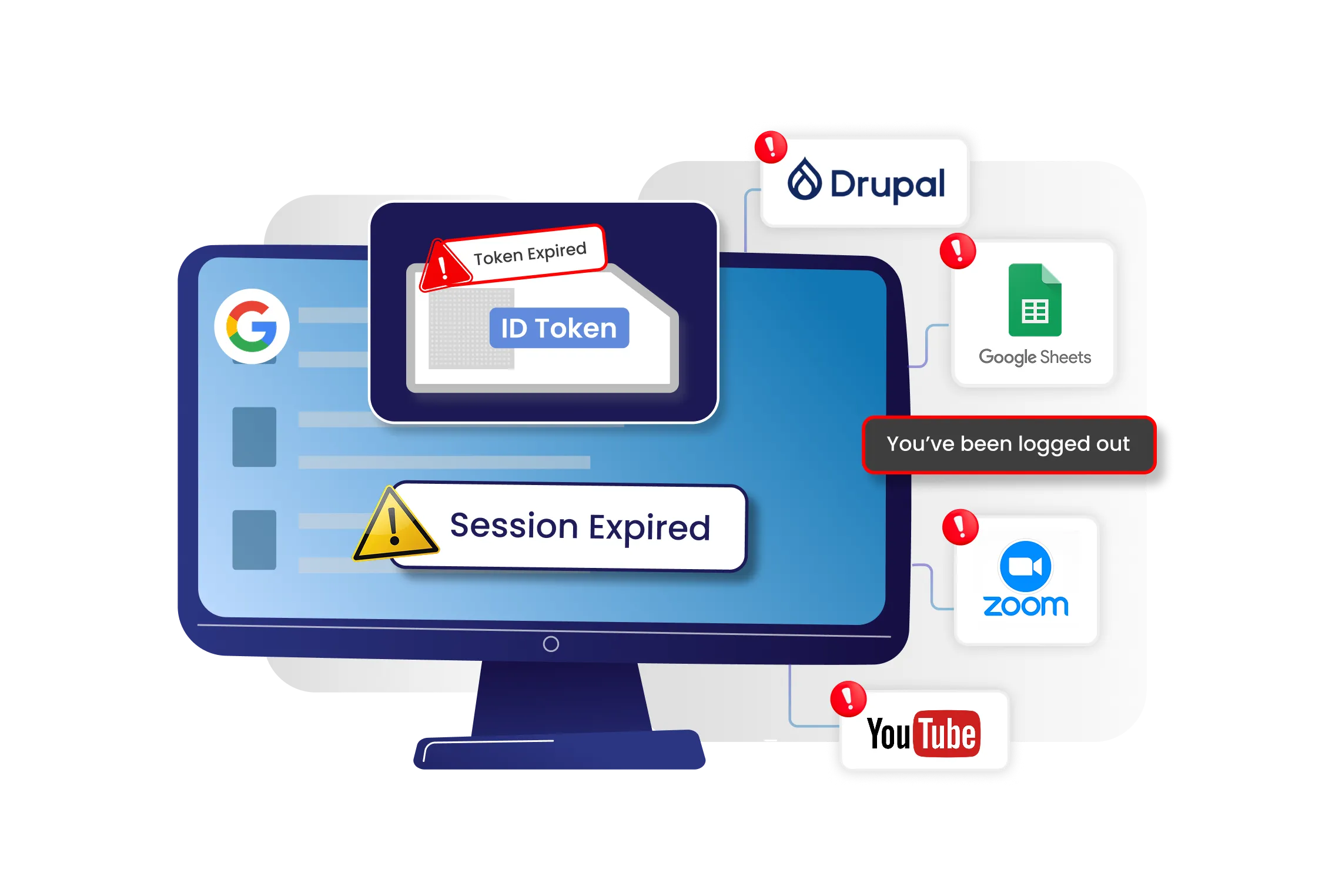
BTS Automations - The module can also take care of a few important things for you - We’re talking token expiry, rotation and invalidation. This ensures that there’s minimal risk and your external apps can stay connected securely over time; without manual intervention.
Complete Control - Beyond authentication, the module also gives you fine-grained control over how, where, and by whom your APIs can be accessed. You can define custom request headers, set your own token expiry durations, and create endpoint level restrictions for different clients.
Security can be tightened even further using IP based allow / deny rules or role-based access controls - ensuring that only the right systems, in the right context, can reach your Drupal APIs.
We’ve covered what the module can do. But a weapon or in this case - a shield - is useless unless you know how to wield it. So let’s talk about the hows, the wheres and the whys.
Why to use the API Authentication Module?
We’ve already talked about the different authentication methods, but let’s quickly summarise why a particular method should be used. API Key Authentication: a simple server-to-server integration or an internal tool, It’s quick to set up and straightforward to use.
JWT Authentication: when you want fast, stateless, and scalable authentication - especially for mobile apps, Single Page Applications (SPAs), and for decoupled configurations - more on this below. It involves a signed JWT token - And the best part? The module gives you 2 options for signing the JWT: either you can have it signed by your own externally generated key or you can let the module create the keys automatically during the setup. OAuth 2.0 Token Authentication: when you have an integration with a third-party, and you need it to access the system's resources, but do not want to expose the user credentials. Pair perfectly with OAuth / OIDC based SSO setups.
Each method has its strengths, and the module gives you the freedom to pick what aligns with your architecture, compliance req and level of security.
But the module goes beyond API Authentication.
- It can authenticate JSON APIs as well.
- You can use it to restrict access to custom written APIs
- Configure role based access control - The user's role would decide the level of access and permissions that you wish to grant to your REST APIs for the Drupal site.
- If you wish to whitelist / exclude a few APIs from authentication, you can do so.
- And if you wish to block requests from an IP address, that’s possible as well.
But, perhaps the best way to use the API Authentication module, is by leveraging one of the main reasons why Drupal is chosen as a Primary CMS.
Paying heed to the headless
One of the biggest strengths of having Drupal as your CMS is the ability to run Headless / Decoupled setups. In such setups, Drupal is the backend engine powering the content and authentication for multiple frontends - a mobile app, a react website etc. and that can quickly become messy and inconsistent. Every piece of content or user information is delivered through APIs - which means those APIs must be protected just as tightly as the main website.
This is where Headless SSO and API Authentication work together.
Users login just once through an IdP (Azure AD, Keycloak, Okta, or miniOrange) and receive a token that each frontend can use. But, even with SSO Drupal still needs to validate every API request - confirming the token, the user, and what they’re allowed to access.
Without API authentication, decoupled systems risk running exposing, open, unauthenticated, and easily misused endpoints.
API Authentication becomes the enforcement layer: it verifies the SSO token, ensures only trusted apps can call your APIs, and keep your data protected across channels - making it unified.
Conclusion
The Drupal Rest & JSON API Authentication module is built for modern architectures - headless, decoupled, multisite, and multi-channel. It strengthens your API security while giving you the flexibility to choose the right authentication method for every use case.
This module ensures every request is authenticated, every token is validated and your data stays protected.


Leave a Comment