
Introduction
Shopify has officially deprecated Legacy Customer Accounts as of February 2026, marking a major shift in how customer authentication works across Shopify stores. It has also been confirmed that a final sunset date will be announced later in 2026, after which legacy templates will be locked from editing and eventually removed.
For merchants who have built workflows around the legacy login system, this is a drastic change and raises an important question: how do you migrate to Shopify’s Customer Accounts without disrupting the login experience your customers already rely on?
This blog breaks down what Shopify’s deprecation of Legacy Customer Accounts means for merchants, why new stores can no longer rely on legacy authentication, and how businesses can plan their migration while preserving familiar login experiences with solutions like miniOrange.
What Does Shopify Legacy Account Deprecation Mean?
The deprecation of Legacy Customer Accounts is not just a minor platform update. It fundamentally changes how authentication works on Shopify.
Legacy accounts are no longer available for new stores: If you launch a Shopify store today, legacy accounts cannot be enabled. New stores can only use the Customer Accounts framework, which relies on passwordless authentication.
Stores that previously disabled legacy accounts cannot switch back: If a merchant migrated earlier or disabled legacy accounts, the option to revert is now permanently unavailable.
No new feature development: Shopify has confirmed that legacy customer accounts will no longer receive feature updates, meaning the functionality currently available is all that will remain.
No technical support: If a store experiences issues with legacy accounts, Shopify will no longer provide support or troubleshooting assistance.
To put it simply: Legacy Customer Accounts are now in maintenance mode until they are fully retired. There are no new improvements coming, which means merchants who start planning their transition early will have far greater control over how their login experience evolves.
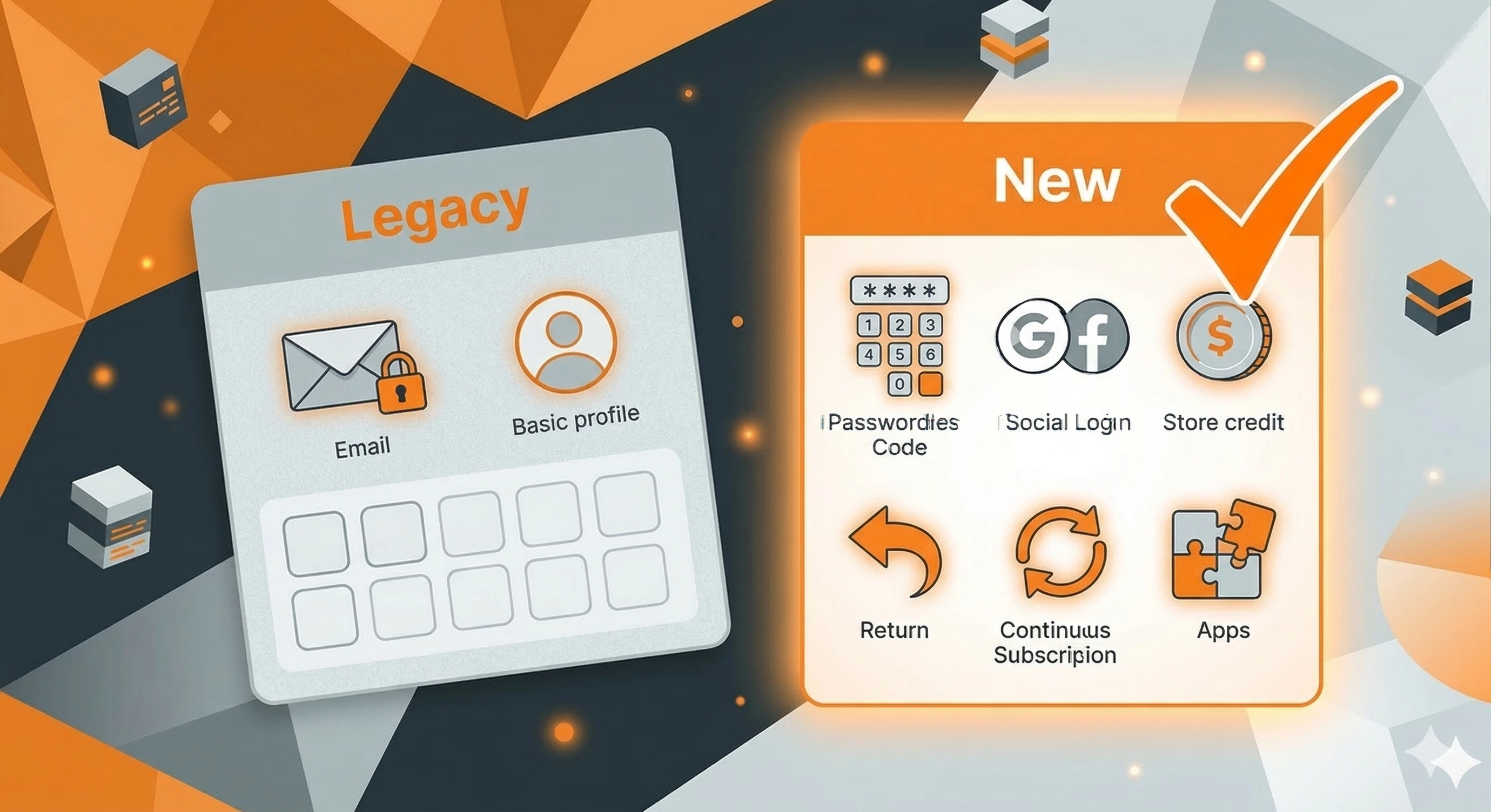
Key Pain Points Merchants Are Experiencing
For many Shopify merchants, especially those running B2B stores, the transition introduces several practical challenges.
Forced shift from email-password login to email OTP: Shopify Customer Accounts are built around passwordless login via a one-time passcode sent to the customer’s email. Merchants whose customers are accustomed to logging in via the traditional email-password route are now dealing with a fundamentally different experience, one that many legacy users find unfamiliar or inconvenient.
No branding or customization on login pages: Customer account pages are not part of your Shopify theme and cannot be edited using Liquid. This is a significant pain point for merchants who have invested in consistent brand experiences at every touchpoint.
Shared access becomes a problem: In B2B contexts, it's common for a company to operate with a single central email address across multiple teams or users in an organization. OTP-based login introduces significant friction in these scenarios, since someone always has to have access to the inbox, creating dependencies.
Not sure how to migrate? Book a consultation with our team.
Legacy Accounts vs Customer Accounts - A Comparison
Understanding the differences between the two systems helps clarify where the friction comes from, and where additional authentication layers can help.
| Feature | Legacy Customer Accounts | Shopify Customer Accounts | miniOrange Shopify Customer Login Solution |
|---|---|---|---|
| Sign-in Method | Email + password | Passwordless login via email OTP | Email/password, email OTP, phone OTP, enterprise SSO, social login |
| Custom Identity Provider | Multipass only | OAuth2.0 / OIDC providers | Multiple identity provider support using SAML, OAuth & OIDC |
| Customization / Branding | Liquid template editing | App extensions via visual editor | Customizable login UI as per store branding |
| Login Flexibility | Limited to email-password | Limited to email OTP | Multiple login options & combinations |
| Shared Access Usability | Easier with password login | OTP may create friction | Ideal for B2B workflows with shared access |
| Separate Login Flow (B2B/B2C) | Limited to B2C | No separate login flows | Fully configurable login flows for B2B/B2C customers |
This comparison highlights a key point: while Shopify Customer Accounts modernize authentication, they may not always support the diverse login requirements of ecommerce businesses, especially in B2B environments.
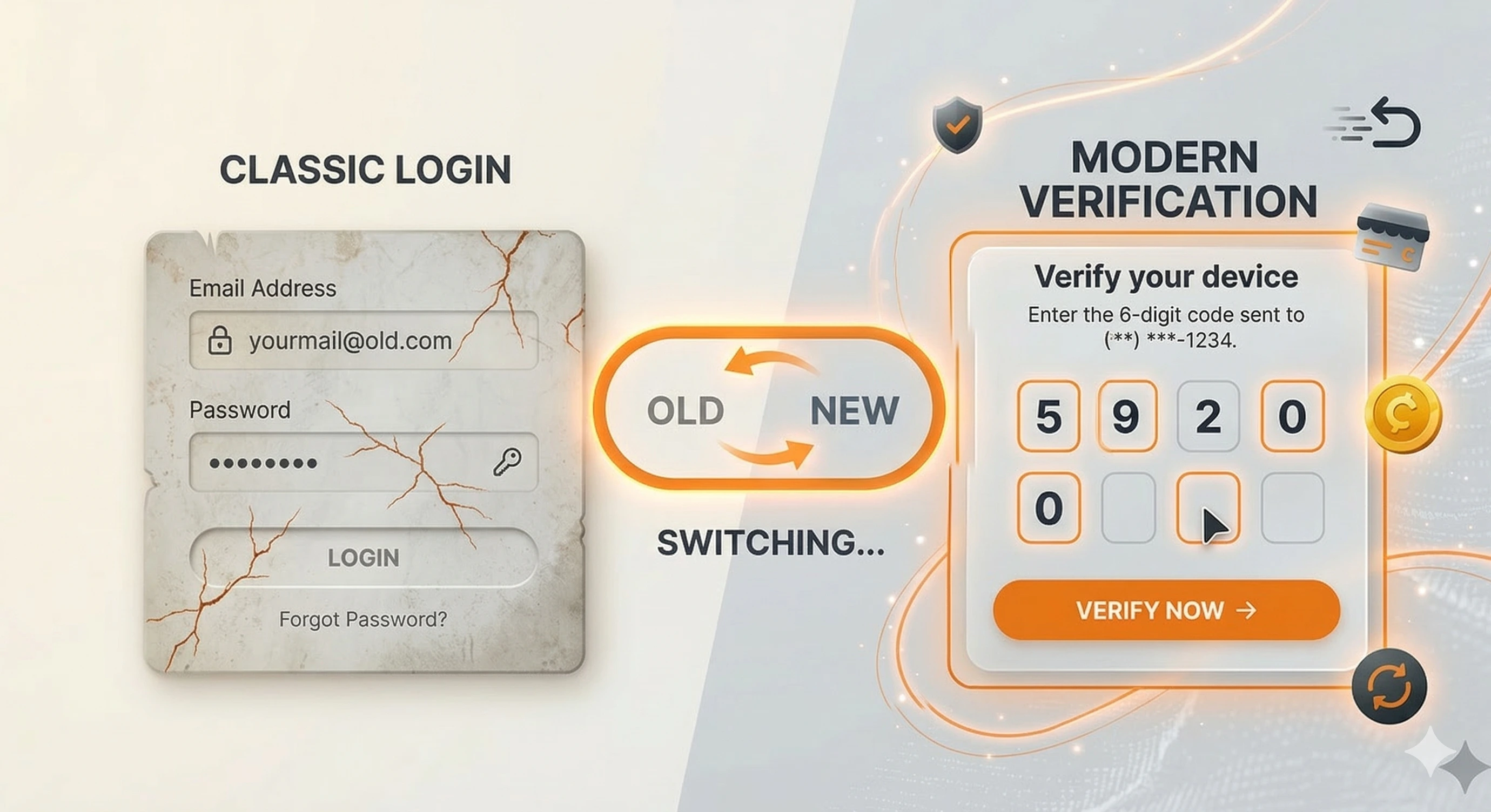
Recreating the Legacy Login Experience on Shopify Customer Accounts
Migrating to Shopify Customer Accounts doesn't have to mean accepting the default login flow as your final answer.
The authentication layer can be extended, so your store runs on the new customer accounts model while still offering the legacy login experience that your business and your customers are familiar with.
One solution designed specifically for this scenario is miniOrange’s Shopify B2B Customer Login solution. It extends the authentication capabilities of Shopify Customer Accounts and gives merchants the login flexibility that the native setup doesn't provide, without touching Shopify's core infrastructure.
Preserving Legacy Login Experience with miniOrange
miniOrange’s Shopify B2B Customer Login solution helps Shopify merchants maintain the familiarity of legacy login workflows while expanding authentication capabilities for modern ecommerce environments.
1. Preserving the Legacy Accounts Login Experience
Email and password login: One of the most common concerns during migration is losing the traditional login method customers are used to. The solution allows merchants to retain username and password login even after moving to Customer Accounts, ensuring existing users can continue accessing their accounts using familiar credentials.
Login page branding and customization: Merchants can also customize authentication pages to align with their storefront branding, maintaining consistency across the user experience. The solution offers greater control over the visual design of login and registration pages, so the entire login experience feels like part of their brand, not an afterthought.
2. Extending the Login Experience Beyond Legacy Capabilities
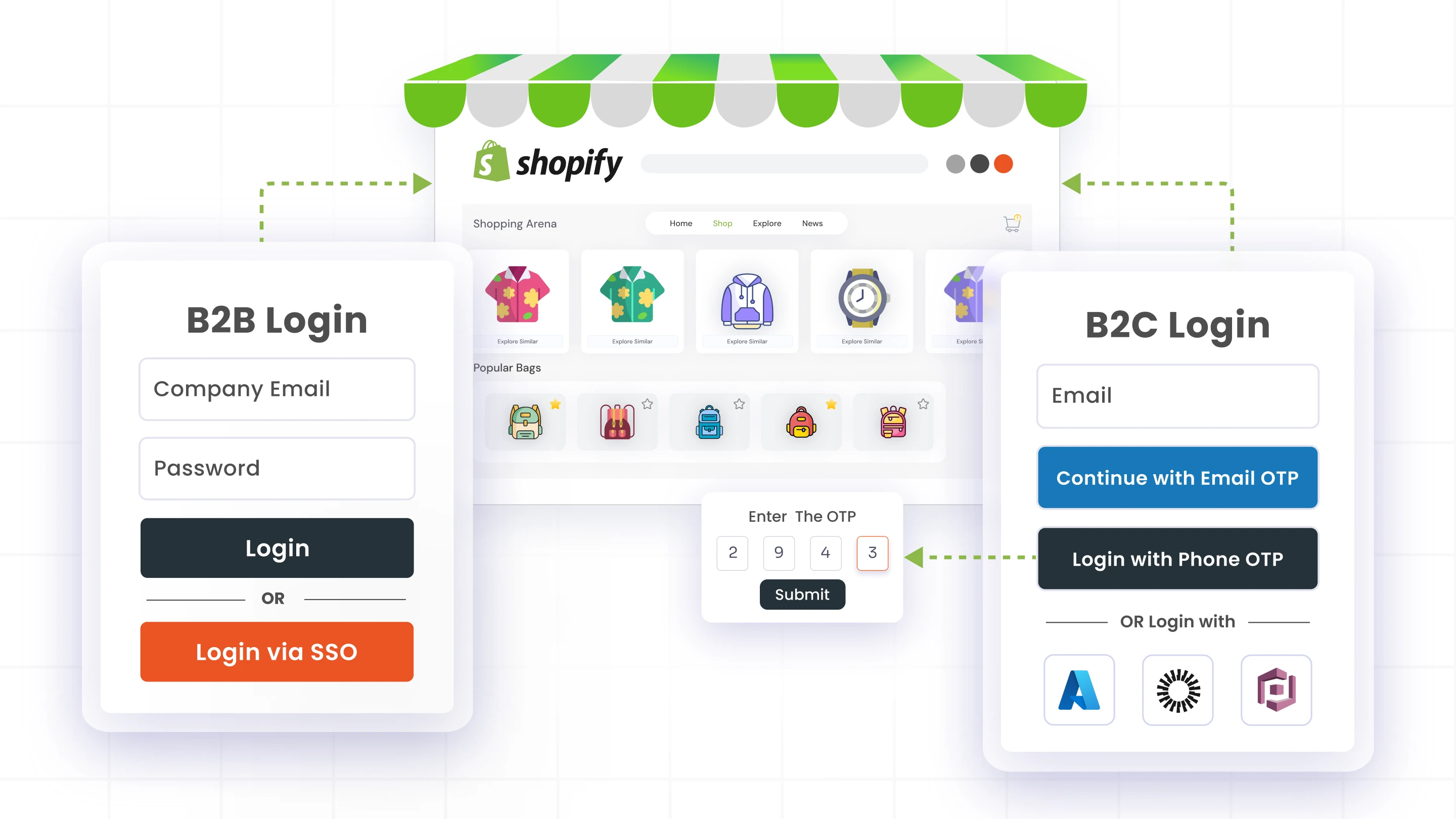
Flexible authentication options: In addition to email + password login, merchants can offer email OTP, phone OTP, social login, or Single Sign-On (SSO) using existing credentials from corporate identity providers. Customers get to choose what works for them.
Separate login flows for B2B and B2C: Stores can implement distinct authentication flows for different customer segments, either through dedicated login pages or a unified login page with multiple authentication paths. This is especially valuable for merchants catering to both wholesale and retail customers on the same storefront.
Headless and multi-store authentication: miniOrange also supports authentication for headless storefronts and multi-store setups, ensuring consistent access across web stores, mobile apps, and regional storefronts, even when the frontend is fully decoupled from Shopify's backend.
Frequently Asked Questions (FAQs)
When will Shopify Legacy Customer Accounts end?
Shopify deprecated Legacy Customer Accounts in February 2026 and confirmed that a final sunset date will be announced later in 2026. Once that happens, legacy templates will eventually be locked and removed. Merchants currently using them should begin planning their migration to Shopify Customer Accounts well before the final deadline.
Can I keep email and password login after migration?
Natively, Shopify Customer Accounts rely on passwordless login using email OTP. However, by implementing miniOrange’s Shopify Customer Login solution, merchants can retain the email-password login route, which is familiar to legacy customers, while operating on the Customer Accounts framework, alongside other login methods if needed.
What is the difference between Legacy and Customer Accounts?
The main difference lies in how authentication and customization work. Legacy Customer Accounts supported email and password login and Liquid-based customization, allowing merchants to control login page design directly within their theme. Shopify Customer Accounts, on the other hand, are built around passwordless authentication and platform-managed account pages, which cannot be edited using Liquid. So, while Customer Accounts introduces modern authentication standards, they also limit some of the flexibility merchants previously had with legacy accounts.
Is migration mandatory for existing stores?
Yes. Legacy Customer Accounts are now in maintenance mode with no future updates or support. Once Shopify announces the final sunset timeline, merchants will need to start planning their migration early to avoid rushed transitions and ensure their customer login experience remains smooth.
How does miniOrange help with the transition?
miniOrange extends the authentication experience in Shopify Customer Accounts by adding flexibility to the native login system. Merchants can retain the email-password login route that legacy customers are familiar with, and also add multiple authentication methods, including email/phone OTP, enterprise SSO, and social login. Merchants can also customize the look and feel of login pages to match their store branding, and create separate login flows for B2B and B2C customers while completing the required migration.
Final Thoughts
Shopify's move away from Legacy Customer Accounts is happening on a fixed timeline. Merchants who wait for the sunset announcement to start planning will have fewer options and less time to get it right.
The good news: the transition doesn't have to mean disrupting how your customers log in. With miniOrange’s Shopify B2B Customer Login solution, merchants can migrate to Customer Accounts on Shopify's terms, while keeping the login experience their customers are already familiar with, and unlocking capabilities that go beyond what their legacy setup offered.
Still using Shopify Legacy Customer Accounts? Connect with us to plan your migration and discuss authentication strategies that fit your store’s requirements.
Leave a Comment