
User management in Atlassian Cloud has become one of the biggest time sinks for admins. A majority of Jira and Confluence Cloud maintenance time is spent on onboarding, offboarding, and cleaning up inactive accounts. These delays lead to license waste and increased security exposure as ex-employees retain active credentials far longer than intended.
If you’re tired of manual user management eating into your budget and exposing your workspace to risks, then miniOrange’s Automated User Management app is the perfect solution designed for the Atlassian Cloud.
What Is Automated User Management?
Automated user management by miniOrange for Jira Cloud and Confluence Cloud simplify the entire user lifecycle starting from onboarding and role assignment all the way to timely offboarding.
With automated user management for Jira Cloud and Confluence Cloud, new employees and contractors instantly gain access when onboarded, returning staff get reactivated, and inactive users are flagged and removed according to the rules set up by admin.
The admin defines rules for cleaning up users, and the app executes them for managed and external users, thereby adapting to your organization’s user lifecycle requirements.
Key Features of Automated User Management for Atlassian Cloud
Here are the highlighted features offered by miniOrange's automated user management app for Atlassian Cloud.
1. Auto user & group management:
Automatically suspend or deactivate users based on last login, reducing the need for manual checks.
Efficiently handle assigning or removing users from groups, even for expansive teams, ensuring governance and up-to-date access.
2. License optimization:
Automatically remove inactive users from licensed groups in Jira, Jira Service Management, Confluence, and Bitbucket, based on their last activity.
This prevents wasted spend on dormant accounts and improves allocation of user licenses.
3. Data management via CSV:
Import and export users with full group membership data, for reporting, auditing, etc.
This makes complex updates manageable and repeatable, adding transparency to your administration process.
4. Automated email notifications:
Send timely reminders to users before scheduled suspension or deactivation, letting users act before losing access and improving transparency in lifecycle management.
5. Bulk activation and filtering:
Quickly activate a large group of users at once, supporting onboarding for new projects or teams.
Filter users by active/inactive status and by group to manage Cloud users effectively and easily locate accounts in need of attention.
6. Automated actions for long-invited users:
Easily suspend or remove users who have been invited but never logged in, optimizing test environments and trial setups for better compliance and control.
Why Automate User Management in Atlassian Cloud?
Manual user management in Jira Cloud or Confluence Cloud drains time and is prone to error. Onboarding a single user manually can take 15 to 30 minutes factoring in account creation, group assignment, role setup, and permission checks.
Multiply this across the monthly churn of new hires, seasonal staff, and department changes: admins regularly spend over 20 hours a month on repetitive user updates.
Common mistakes include forgetting to deactivate accounts, wrongly assigning roles, leaving ex-employees with access, and missing deadlines for compliance. These open up security vulnerabilities and licensing waste that automated user management prevents.
Automated user management for Jira Cloud and Confluence Cloud eliminates all those headaches. Rules run with 100% consistency, so admins never have to worry about missing critical steps or losing track of changes.
1. Improve Security and License Control
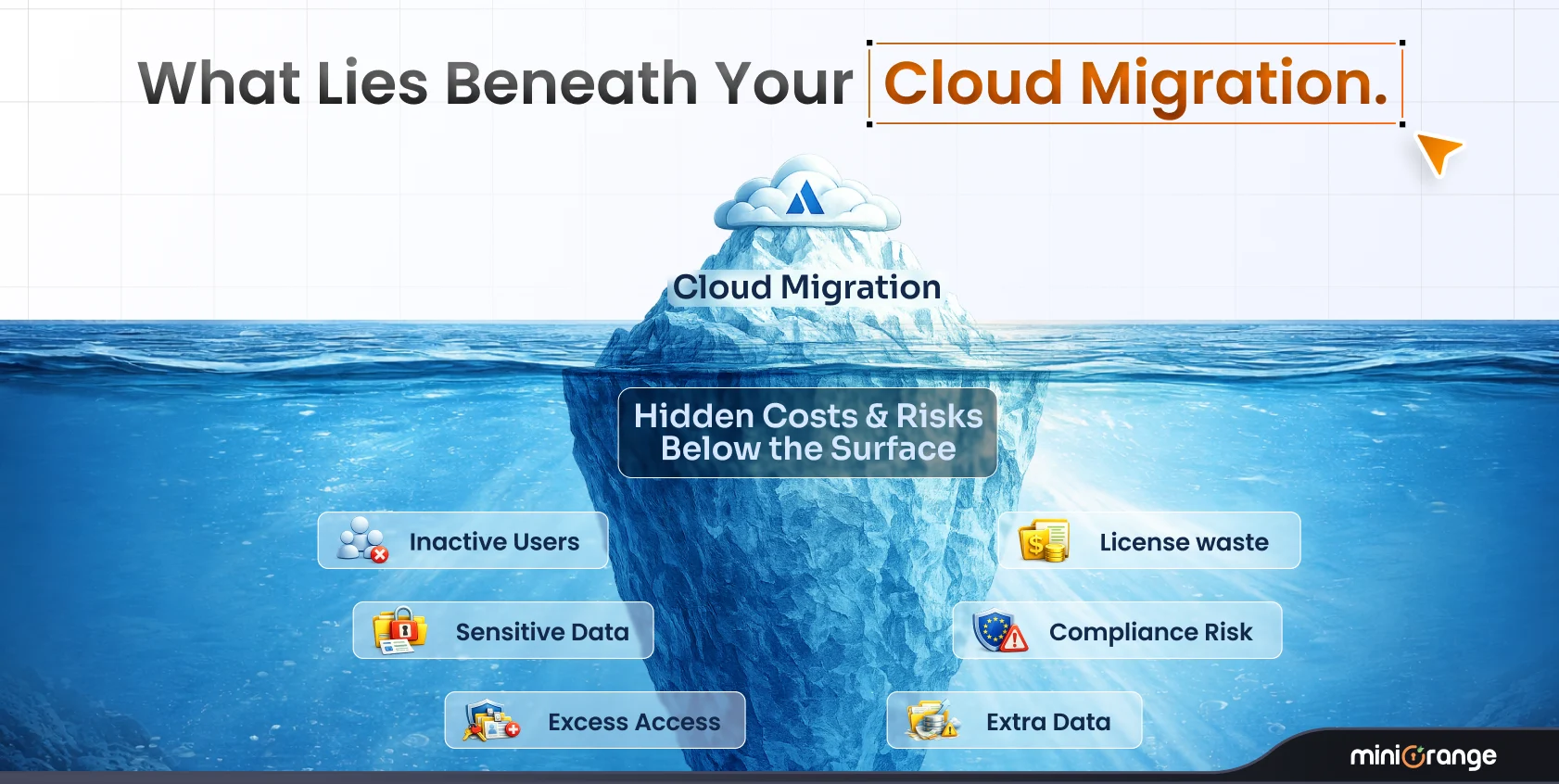
Every inactive account in your Atlassian Cloud environment creates risks such as increased security exposure and wasted licenses. Ex-employees with active credentials remain a prime target for attackers, increasing the likelihood of data breaches. Meanwhile, license costs accumulate unnecessarily when unused seats go unmanaged, draining budgets.
Automated deactivation for Jira Cloud and Confluence Cloud addresses these risks directly. The system identifies users who haven’t logged in for a defined period, sends automated warnings, and removes access if no action is taken. Each change is logged to provide administrators with full visibility and control, freeing up license seats and reducing security gaps.
2. Automate User Cleanup
In cloud user management, cleanup means identifying and removing accounts that are unnecessary, risky, or dormant. Automated cleanup typically covers:
- Deactivating users who haven’t logged in for 30, 60, or 90 days
- Removing users from licensed groups to free seats instantly
- Suspending never logged users
- Handling seasonal contractor access
This saves money and secures your environment.
3. Automating Reactivations
With features like auto-activation for returning users, contractors or seasonal staff gain instant access when rejoining, avoiding IT tickets and delays. Best practices include auditing existing users, whitelisting essential accounts, and gradually expanding automation, ensuring safety and precision.
4. Security and Audit Benefits
Dormant and orphaned accounts increase breach risks and compliance failures. miniOrange automated user management provides detailed logs of every actionprovisioning, deactivation, group changes, with timestamps and explanations. These are exported to CSV for audit purposes and integrated into compliance reporting.
Conclusion: Automate, Secure, Simplify
Manual user management is outdated and automation is the future for Jira Cloud and Confluence Cloud teams.
Free up admin time, reduce compliance risk, and control licensing costs with miniOrange’s automated user management solution.
Leave a Comment