
In 2025, more than 14,000 WordPress sites reported security vulnerabilities caused by weak passwords, outdated plugins, old themes, and configuration gaps that automated attacks detect far faster than most teams anticipate.
Attackers continuously scan the WordPress ecosystem, moving from site to site in search of small vulnerabilities that naturally emerge as websites grow. That’s why strong security plugins are essential: they help seal off these common entry points.
However, the WordPress plugin directory offers hundreds of security solutions, and only a few consistently meet real protection standards. To simplify the selection process, we evaluated performance, active installations, update history, customer reviews, security depth, and long-term reliability to identify the 12 best WordPress security plugins.
Why You Need a WordPress Security Plugin
A security plugin for WordPress protects far more than the pages visitors see. It reinforces the systems underneath: learning platforms, e-commerce workflows, membership areas, internal dashboards, and all the moving parts that rely on WordPress to function smoothly.
Several factors drive the need for stronger protection:
- Weak or reused passwords create opportunities for credential abuse
- Automated bots scan the web constantly, testing sites for overlooked weaknesses
- Zero-day flaws spread quickly, sometimes faster than teams can update
- Important file or log changes often go unnoticed during busy periods
- Many environments expect MFA, audit trails, and basic hardening as part of normal security
What WP security plugins contribute:
- Stronger login protection through secure SSO
- Safer user access with integrated 2FA
- Early alerts when themes, plugins, or core files change unexpectedly
- Filters that block harmful traffic before it escalates
- Activity logs that reveal patterns worth reviewing
- Hardening controls that reduce attack surfaces
- Tools that help restore safe configurations when something feels wrong
Together, these plugins strengthen daily security and reduce silent risks.
Top 12 WordPress Security Plugins for 2026
If you need a reliable all-in-one security plugin for WordPress, the list below gives a complete view of the strongest solutions available today.
1. WordPress SAML SSO plugin
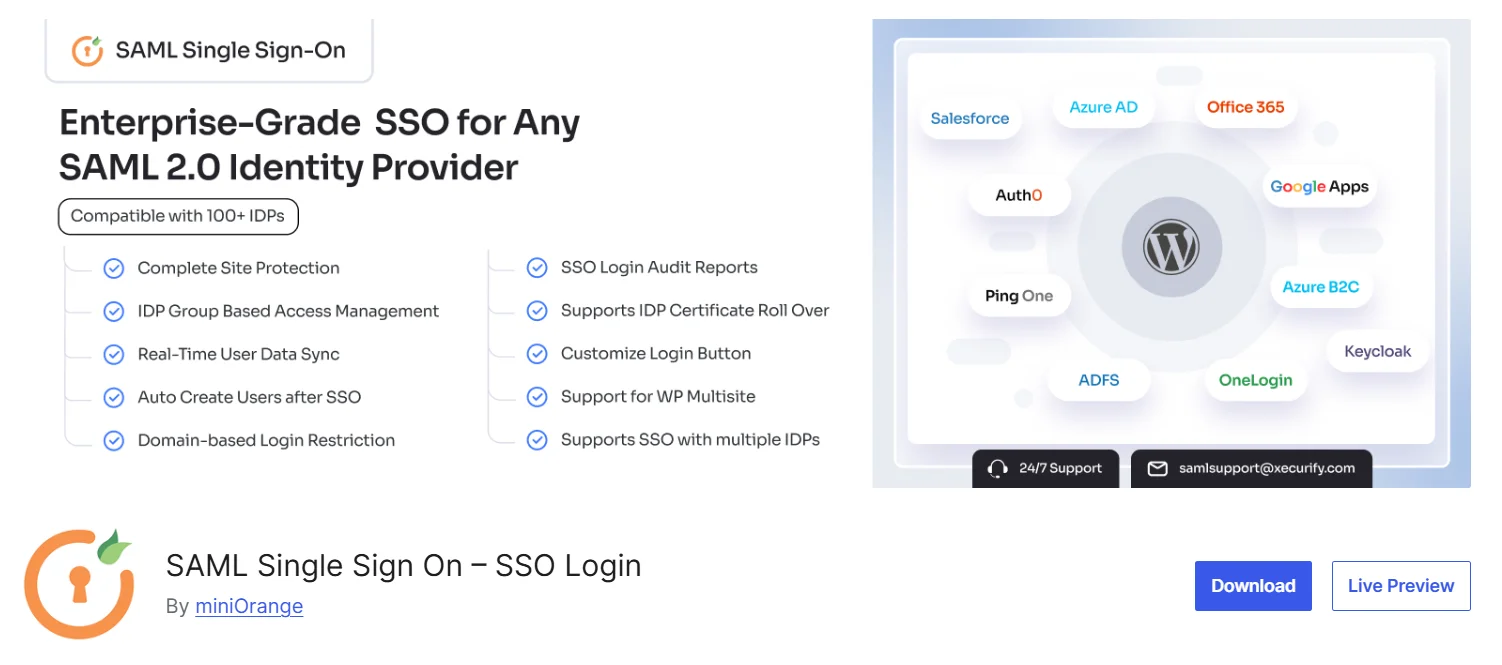
Developed by one of the leading cybersecurity firms, the miniOrange WordPress SAML SSO plugin is the best free security plugin for WordPress to enforce enterprise‑grade Single Sign‑On (SSO). The plugin configures WordPress as a SAML Service Provider (SP), so instead of authenticating with the default WordPress form, users are redirected to trusted Identity Providers (IDPs) like Microsoft Entra ID, Okta, Salesforce, and others. It eliminates weak, reused, or unmanaged credentials, which are frequent vectors for WordPress attacks.
Core Features
- SAML 2.0 authentication with 100+ identity providers (IDPs) to eliminate local passwords and reduce credential theft risks
- Single Sign-On (SSO) across all access points to block unauthorized entry points
- Just-in-time (JIT) and real-time user provisioning to prevent orphaned and stale user accounts
- Role and group mapping for consistent access control and least-privilege policies
- Page and Post Restriction to protect sensitive content and allow access only to authorized users
- Audit trails and compliance logging for monitoring and ISO 27001 readiness
Pros
- Rated 4.9 stars with over 10,000 active installations, showing strong user trust and reliability
- 24/7 customer support available via email and phone for timely issue resolution
- Supports GDPR, HIPAA, PCI DSS, and ISO 27001 with centralized user management, role‑based access control, and detailed login audit logs
- Regular feature updates based on customer feedback and evolving security and compliance requirements
- Flexible pricing options with a dedicated VIP plan for enterprises requiring advanced security controls and priority support
Cons
- Advanced security features such as Multiple IDP Support and Advanced Role Mapping are restricted to higher‑tier paid plans.
- The plugin’s rich feature set comes with a slightly steeper learning curve, especially for teams new to SSO, though documentation and support help ease adoption

2. Wordfence

Wordfence combines an application-level firewall with a purpose-built malware scanner designed specifically for WordPress. The firewall inspects traffic before WordPress loads, while its scanners compare core files, themes, and plugins against verified originals. Together, these defenses detect and block malicious requests, identify infected or altered files, and help site owners quickly remediate threats.
Core Features
- A web application firewall that blocks malicious requests before WordPress executes them
- Real-time malware signature updates supported by continuous threat research
- Brute-force protection with adjustable login attempt limits
- IP reputation blocking is powered by a large database of known malicious actors
- Country-based IP blocking and geolocation filtering
- Comprehensive security logs with extended retention periods
Pros
- Free version offers strong baseline protection for most small WordPress sites
- Large, active community helps resolve issues quickly
- Frequent research-driven updates keep the firewall and scanner current
- Light performance impact on the majority of hosting environments
- Hands-on assistance available for teams that prefer expert guidance
Cons
- Real-time firewall rules and advanced signatures require an upgrade
- Full scans can feel resource-heavy on low-tier shared hosting
3. miniOrange 2-Factor Authentication (2FA)
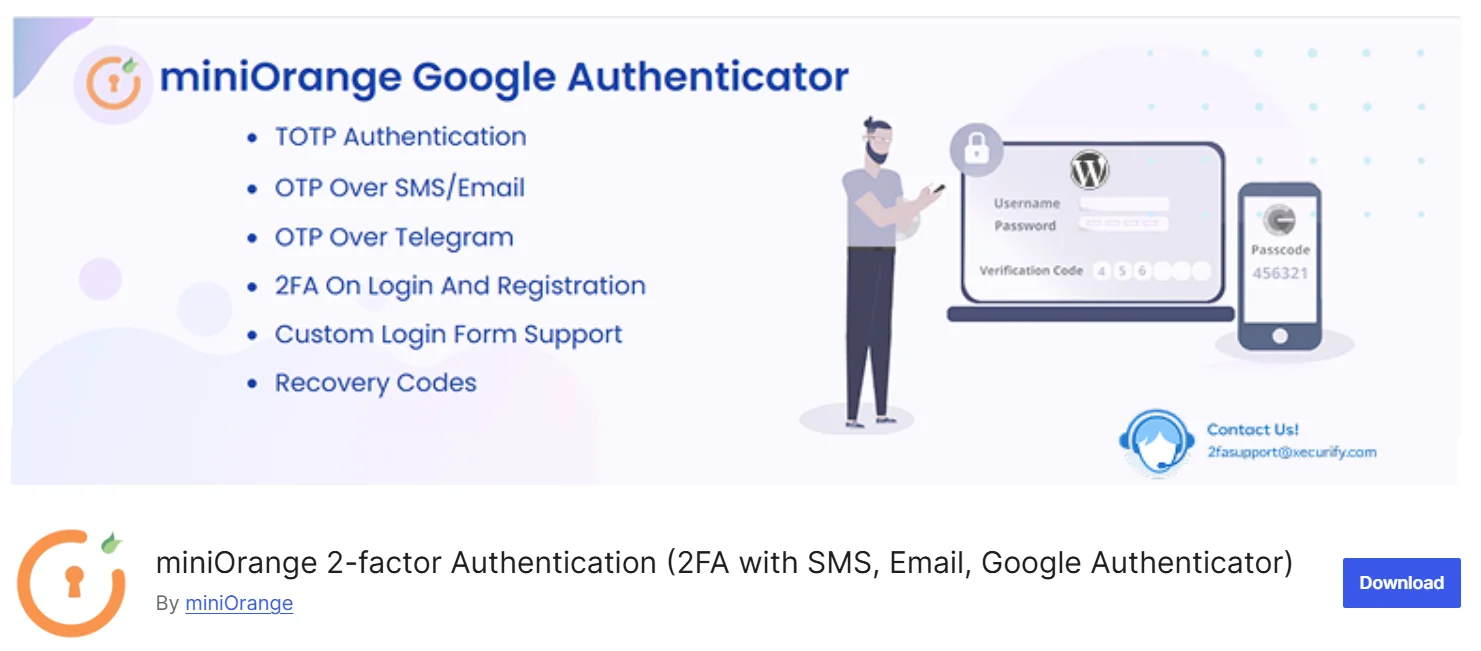
Another miniOrange plugin adds Two‑Factor Authentication (2FA) to WordPress logins. It requires a second verification step, such as an OTP, push approval, or security question to confirm identity beyond a password, and supports more than 15 authentication methods to block brute‑force attacks and significantly reduce the risk of account takeover.
Core Features
- Supports 15+ authentication methods, including OTP via SMS and email, security questions, and authenticator apps (Google, Microsoft, LastPass, Authy, FreeOTP)
- Mandatory 2FA enforcement for users when required
- Backup login methods for emergencies
- Risk-based authentication that skips 2FA for trusted devices
- Session restriction to limit session time and block multiple active sessions
- Password-less authentication using only 2FA
Pros
- Significantly increases login security and protects against credential theft
- Offers a robust free tier for small sites (up to 3 users)
- Easy to set up and highly customizable
- Integrates with numerous authentication apps
- Reduces reliance on a single strong password
Cons
- Features like unlimited users and detailed reporting come with the premium version
- The extra authentication step can be less convenient for certain users
4. Solid Security (formerly iThemes Security)
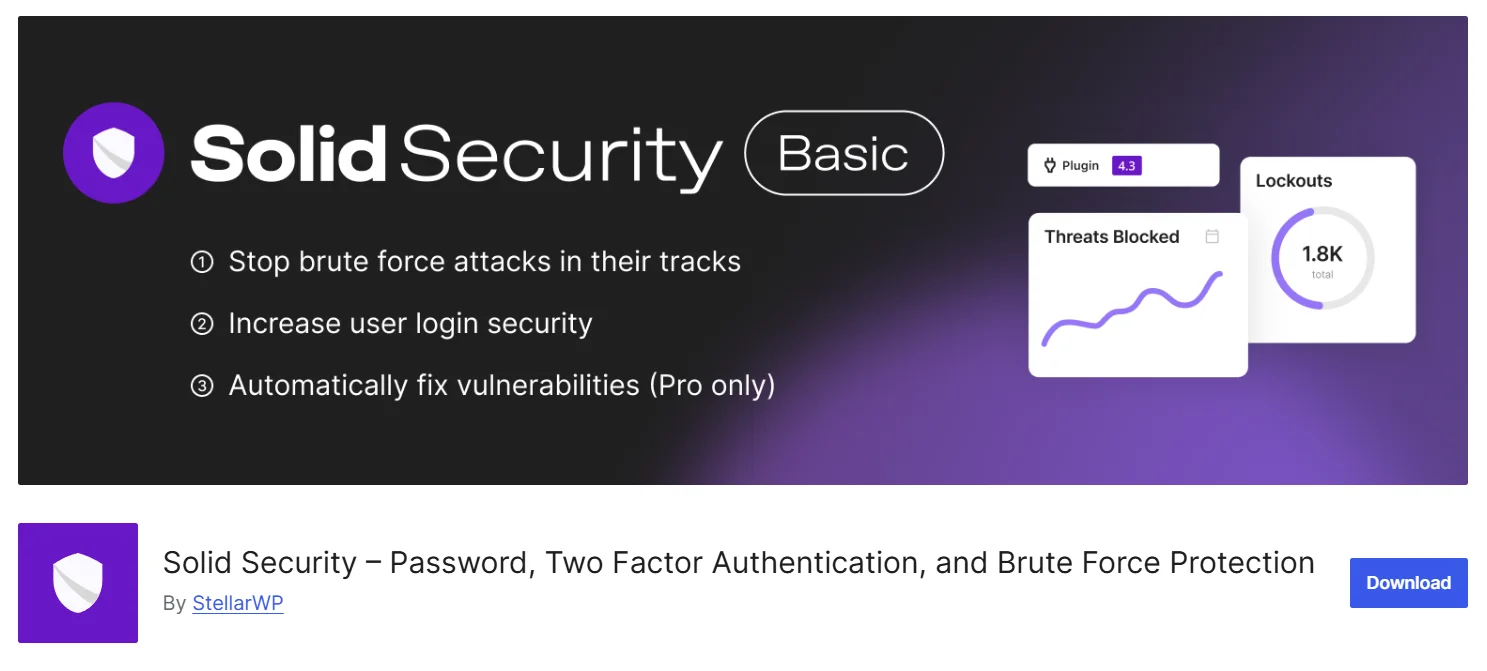
Solid Security Pro delivers login protection, file integrity monitoring, and vulnerability defenses through a clear, easy-to-configure interface. Its Patchstack integration enables virtual patching for vulnerable plugins and themes, blocking exploit traffic before developers release fixes. This free security plugin for WordPress connects smoothly with Solid Backups, which offers automated off-site backups and one-click restores, and with Solid Central, a centralized console for updates, security alerts, and multi-site management.
Core Features*
- Virtual vulnerability patching through Patchstack
- File integrity monitoring to detect unauthorized edits
- Adaptive brute-force protection and rate limiting
- Password policy enforcement for stronger credentials
- Two-factor authentication, including hardware key support
- User session monitoring with forced logout options
Pros
- Clear, intuitive interface suitable for all experience levels
- Virtual patching reduces exposure to zero-day vulnerabilities
- Integrates smoothly with the broader SolidWP suite
- Unified workflow, if paired with Solid Backups or Solid Central
- Reliable support and long-standing reputation
Cons
- Does not include built-in malware removal; cleanup must be performed manually or via a paid addon such as Solid Fix
- The large number of settings can overwhelm beginners and non-technical site administrators
5. WordPress Rest API Authentication
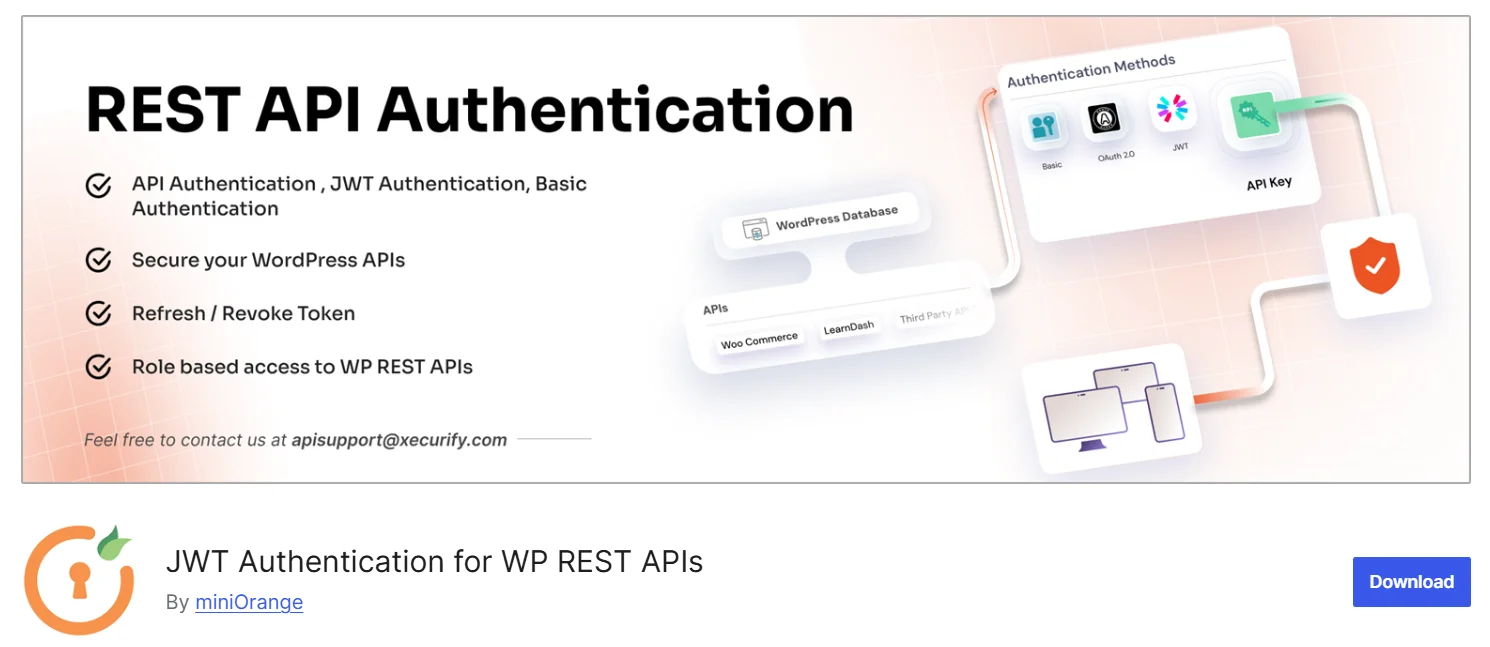
The miniOrange WordPress REST API Authentication plugin secures WordPress REST APIs by enforcing authentication and access controls on API requests. It helps prevent unauthorized access, data exposure, and API misuse by allowing only verified and approved clients to interact with WordPress REST endpoints.
Core Features
- Multiple REST API authentication methods, including API Key, Basic Authentication, OAuth 2.0, and JWT
- Role-based access control for REST APIs, restricting API access based on WordPress user roles and capabilities
- JWT signature verification and validation, with configurable signing algorithms
- Custom token expiration controls, allowing administrators to define token lifetimes
- API-level inclusion and exclusion controls, enabling selective public or protected REST endpoints
- Compatibility with third-party applications and integrations
Pros
- Widely adopted REST API security solution trusted by organizations to protect WordPress APIs
- Supports multiple authentication standards to meet diverse integration and security needs
- Helps organizations meet API security and compliance requirements through controlled access and auditability
- Regular updates to address evolving API security threats and customer requirements
- Dedicated technical support to assist with configuration and secure deployment
Cons
- Advanced features available only in paid plans
- Setup may require basic API security knowledge
6. Sucuri Security
Sucuri is a WordPress security solution that includes both a plugin and a cloud platform to protect sites from a wide range of threats. The plugin offers file integrity monitoring, basic malware scanning, security hardening recommendations, and email alerts for suspicious activity. The cloud platform adds a web application firewall to block DDoS attacks and known exploits, remote malware scanning, and blacklist monitoring across search engines.
Core Features
- Remote malware scanning via cloud servers
- Cloud-based web application firewall (WAF) blocking DDoS and exploits
- File integrity monitoring detects core file changes
- Blacklist monitoring across Google and other search engines
- Post-hack recovery tools and step-by-step remediation
Pros
- Cloud WAF eliminates server load from security processing
- Malware cleanup is included in premium plans
- Expert support available 24/7 after attacks
- Excellent for high-traffic sites prioritizing performance
- Seamless integration between the plugin and the cloud platform
Cons
- Full firewall benefits require upgrading beyond the free plugin
- Limited automated response capabilities in the free version
7. All‑In‑One Security (AIOS)
All‑In‑One Security (AIOS) is a popular security plugin for WordPress that enhances website protection across key areas, including login security, file integrity monitoring, firewall configuration, spam control, and activity logging. It categorizes features into basic, intermediate, and advanced levels, allowing users to apply protections based on their needs. AIOS also includes a security score that tracks activated measures and helps users monitor and improve their site's overall security posture.
Core Features
- Security Strength Meter that visually tracks overall protection based on activated features
- Detection of default "admin" usernames, enforcement of strong passwords, and user activity logging
- Login lockdown after failed attempts, IP blacklisting and whitelisting, session timeouts, and force logouts
- Database prefix modification and automated backup scheduling
- File change monitoring, permission checking, and prevention of PHP file editing from the dashboard
- .htaccess-based firewall rules to block XSS, malicious queries, and bad bot traffic
Pros
- All features are available in the free version without limitations
- Intuitive interface with security grading makes it accessible for non-technical users
- Strong hardening options against basic and intermediate threats
- Lightweight and efficient performance compared to resource-heavy plugins
- Regular updates and active support response for common issues
Cons
- Lacks one-click malware removal or a dedicated cleanup service
- Some setup steps may still feel complex for complete beginners
8. MalCare Security
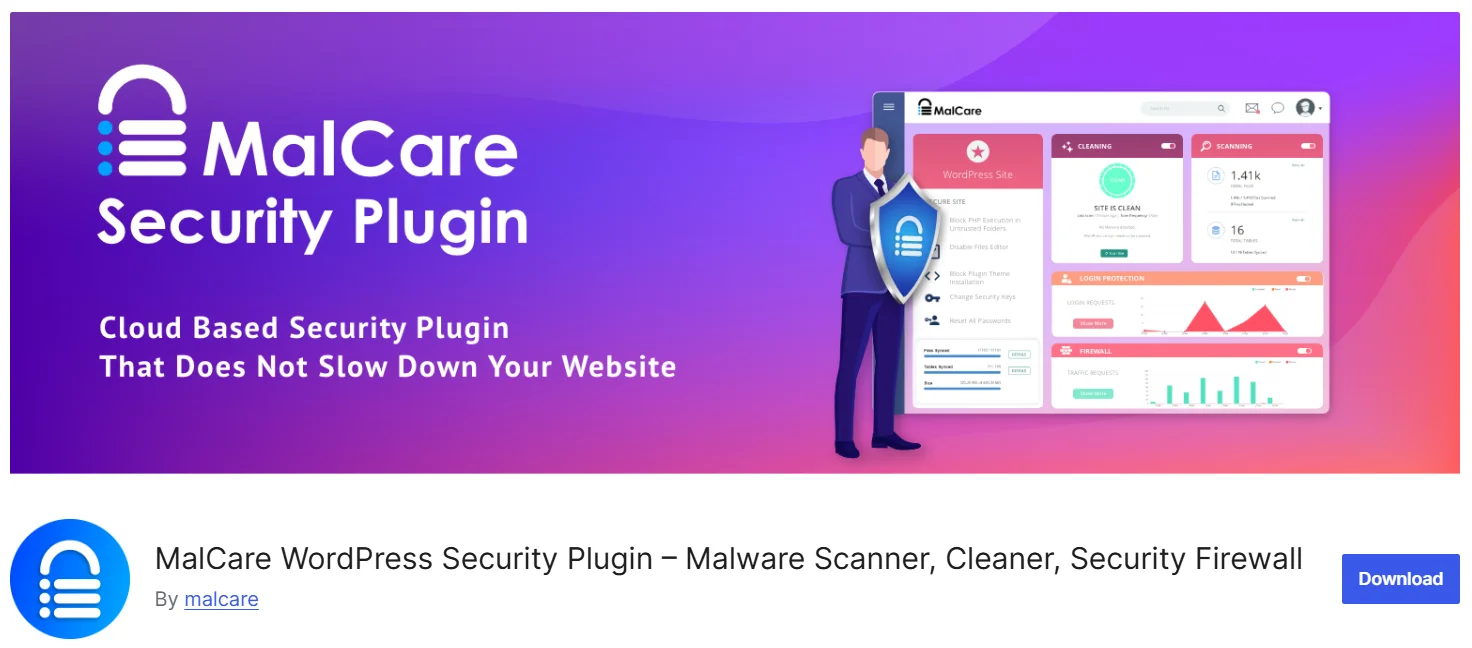
MalCare uses cloud-based infrastructure for malware scanning, which prevents server load on the hosting environment. Scans run externally, allowing deep and frequent checks without slowing the live website. It's a one-click malware removal tool that cleans infected files with precision and reduces the time typically required for recovery.
Core Features
- AI-powered malware detection with behavioral analysis
- Cloud-based scanning prevents server performance impact
- Automatic one-click malware removal and cleanup
- 7-layer firewall with OWASP rule protection
- Geo-blocking and bot detection capabilities
- Real-time IP blacklisting and reputation checking
Pros
- Offsite scanning eliminates server performance impact
- One-click malware removal is extremely user-friendly
- Free plan includes basic firewall and detection
- 24/7 priority support included in paid plans
- More affordable than enterprise alternatives
Cons
- The free plan doesn't include malware removal
- Requires a cloud service account and connectivity
9. Shield Security
Shield Security focuses on automation and low‑noise defenses, making it a reliable WP security plugin for teams that prefer security processes that run quietly in the background. The plugin minimizes unnecessary alerts and concentrates on blocking abusive traffic and suspicious behavior without interrupting normal site activity.
Core Features
- Advanced bot detection and silent blocking
- AI-powered malware scanning and file integrity monitoring
- Brute force protection with IP rate limiting
- Silent CAPTCHA bot protection
- Two-factor authentication with modern methods (biometric, hardware keys)
- Live traffic monitoring and real-time analytics
Pros
- Minimal alert noise keeps security visibility clean
- Excellent user reviews praising ease of use
- Automation reduces manual security management
- Comprehensive support from a dedicated team
- 30-day satisfaction guarantee included
Cons
- Advanced configuration has a learning curve
- Fewer ecosystem integrations than competitors
10. Jetpack Security
Jetpack Security (including Jetpack Protect) combines backups, malware scanning, vulnerability alerts, and brute‑force protection. Many WordPress sites already use Jetpack for performance or analytics, so enabling its security modules often requires no new accounts or plugins. WPScan powers its vulnerability scanning, bridging two strong WordPress security tools in a single dashboard.
Core Features
- Automated daily backups with one-click restore
- WPScan vulnerability database integration
- Spam filtering for comments and forms
- Brute force attack prevention
- Web Application Firewall (Premium)
- One-click malware cleanup (Premium)
Pros
- Comprehensive solution bundling backups with security
- The free Protect tier provides vulnerability scanning
- Excellent integration with existing Jetpack features
- Suitable for non-technical WordPress users
- Reliable backup recovery is crucial for disaster recovery
Cons
- Requires Jetpack account activation
- Premium pricing is higher than standalone security plugins
11. BulletProof Security
BulletProof Security is often listed among the top WordPress security plugins for administrators who want precise, server-level control. It uses .htaccess and php.ini rules to secure sites at the point where Apache and similar servers process requests, offering deeper protection than tools limited to WordPress-level checks.
Core Features
- Advanced .htaccess firewall rules at the server level
- Database backup integration and scheduling
- Login attempt monitoring and IP-based blocking
- Idle session timeout with customizable durations
- File quarantine for suspicious file isolation
- Admin user IP whitelisting
Pros
- Server-level protection is highly effective against attacks
- Technical depth appeals to experienced administrators
- Extensive .htaccess configuration flexibility
- The quarantine feature is useful for analysis
- Long track record in WordPress security
Cons
- Interface feels dated and technical
- Steep learning curve for beginners
12. CleanTalk Security
CleanTalk is best known for anti-spam, but its security plugin offers a surprisingly robust cloud-based security suite. It handles brute force protection and login security via the cloud, minimizing local server load. The plugin is a good choice for budget-conscious administrators who need set it and forget it protection that doesn't bloat the database.
Core Features
- Cloud-based brute force protection and login security
- Two-factor authentication with authenticator app support
- Custom login URL hides default wp-login.php
- IP-based and country-level firewall blocking
- Real-time traffic monitoring with visitor analytics
- Malware scanning with automatic cleanup capability
Pros
- Cloud processing eliminates server performance impact
- Lightweight plugin suitable for shared hosting
- Two-factor authentication is available even on the free tier
- Regular security updates twice monthly
- Minimal resource consumption
Cons
- Requires external cloud service connectivity
- Limited support for advanced configurations
Quick Comparison of the Top 12 WordPress Security Plugins
| Plugin | Key Features | Pricing | Pros | Cons |
|---|---|---|---|---|
| miniOrange SAML SSO | Enterprise SSO, SCIM, audit logs, multiprovider support | Free + Paid | Enterprise-ready, 50+ addons, strong support | Advanced features require a paid plan |
| miniOrange 2FA | 15+ 2FA methods, passwordless, risk-based authentication | Free + Paid | Improves login security, easy setup | Unlimited users on premium |
| Wordfence | Firewall, malware scanner, and IP blocking | Free + Paid | Strong research and updates | Resource-heavy on shared hosting |
| Solid Security | Virtual patching, 2FA, file monitoring | Free + Paid | Intuitive, integrates with SolidWP | No built-in malware removal |
| miniOrange WordPress REST API Authentication | API Key, JWT, OAuth 2.0, role-based REST API access | Free + Paid | Secures REST APIs, flexible authentication methods | Advanced API controls require paid plans |
| Sucuri | Cloud WAF, malware cleanup, blacklist monitoring | Free + Paid | Great for high-traffic sites | Firewall requires a premium |
| AIOS | Firewall, login security, file checks | Free | All features free | No one-click malware cleanup |
| MalCare | Cloud scanning, one-click cleanup | Free + Paid | No performance impact | Cleanup requires a paid plan |
| Shield Security | Bot blocking, AI scanning | Free + Paid | Low-noise, automated | Learning curve for advanced users |
| Jetpack Security | Backups, scanning, WAF | Free + Paid | Great for non-technical users | Higher pricing |
| BulletProof Security | Server rules, quarantine | Paid | Very powerful for technical admins | Outdated interface |
| CleanTalk Security | Cloud firewall, malware scanning | Free + Paid | Lightweight and efficient | Limited advanced features |
How to Choose the Best WordPress Security Plugin
Selecting the best WordPress security plugin depends on understanding what a site actually needs and the risks it faces. Different setups require different levels of protection, so the right choice aligns with the site's structure, data sensitivity, and user activity.
Assess the Site’s Security Needs
Determine how much protection the site requires. A simple blog may function well with basic safeguards, while ecommerce, LMS, and membership platforms handling sensitive data require stronger, real-time security and premium features.
Review Vulnerability Monitoring Capabilities
Check whether the plugin flags known weaknesses in WordPress core, themes, and plugins. Strong monitoring helps detect outdated or risky components before they turn into active threats.
Verify Update Frequency and Support Quality
Confirm that the plugin receives consistent updates and active maintenance. Reliable support, clear documentation, and steady development activity strengthen long-term security.
Measure Ease of Configuration
Consider how quickly the tool can be set up. Some plugins offer guided onboarding and one-click rules, while others require deeper manual configuration based on administrative skills.
Check Reputation and Reliability Signals
Look for high install counts, favorable reviews, visible development history, and an active user base. These indicators reflect consistent performance and long-term trust.
Compare Free and Premium Value
Weigh the difference between free and paid tiers. Free versions often cover basics, while premium plans add real-time updates, virtual patching, malware cleanup, and advanced login protection needed for higher-risk environments.
Conclusion
As cybersecurity threats continue to evolve, WordPress sites remain frequent targets because they rely on many elements, like plugins, themes, and user accounts, that can become entry points. Reliable security plugins provide steady protection and help the site adjust to new risks as they appear.
In this guide, we have highlighted twelve verified plugins from WordPress.org that you can trust and install directly. Each one has been tested to support stronger security in practical ways. You can now choose the tools that fit your needs and keep your WordPress site better protected for what lies ahead.
Frequently Asked Questions
1. What security plugins do I need for WordPress?
Most WordPress sites require a balanced mix of authentication protection, threat detection, and configuration hardening. An SSO or 2FA plugin, a malware scanner, and a hardening tool provide a stable layered defense that lowers risks and improves operational visibility.
2. Is a security plugin necessary for WordPress?
A security plugin is necessary because WordPress does not include comprehensive protection by default. It adds scanning, alerting, login controls, and hardening capabilities that prevent unauthorized access and identify issues before they escalate into damaging incidents.
3. What is the best free WordPress security plugin?
The best free WordPress security plugin is miniOrange WordPress SAML SSO, which improves authentication by removing password vulnerabilities and connecting logins to trusted Identity Providers (IDPs). It outperforms many WordPress security tools by offering stronger control without affecting site performance.
4. What WordPress security tools should be used together?
Many WordPress sites stay secure when using a few tools that complement each other. Strong options include an SSO plugin to remove password problems, a 2FA plugin for added verification, a malware scanner to catch threats early, and a firewall to filter harmful traffic before it reaches the site.
5. How to make WordPress more secure?
A WordPress site stays protected when updates are handled on time, a firewall filters suspicious traffic, and only trusted plugins are used. Checking activity logs, removing unused tools, and keeping dependable backups also help prevent small issues from turning into larger problems.

Leave a Comment