


Ecommerce customers these days expect flexibility when it comes to logging into your Shopify store. Whether it's traditional email-password, social logins, or the default email OTP-based login system for Shopify Plus Customer Accounts, businesses need to offer login experiences that align with user preferences.
This blog explores the limitations of Shopify’s default login flow and how to implement advanced Shopify customer login methods using miniOrange’s secure and customizable Customer Accounts Login solution.
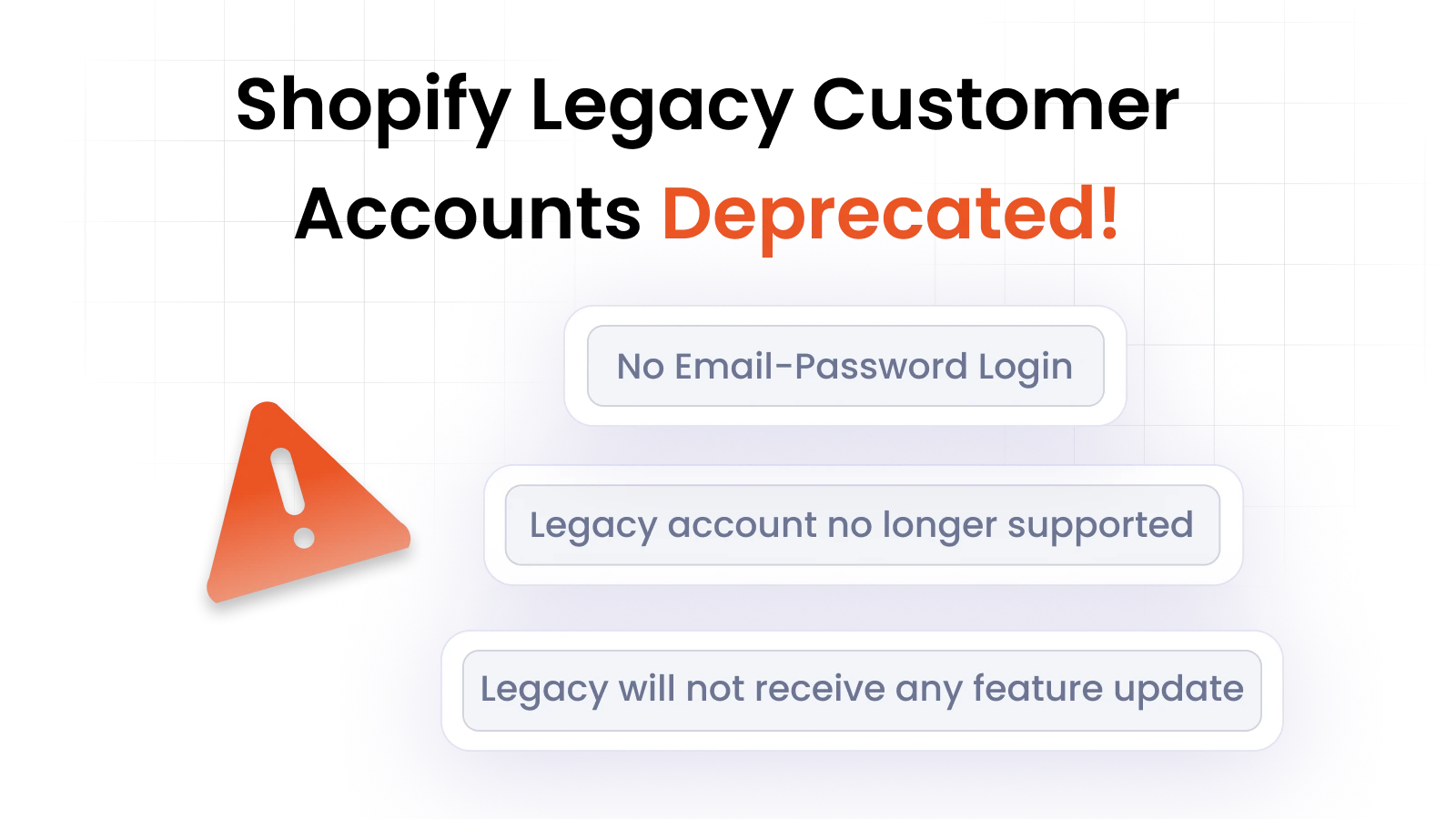
Note: Shopify has recently deprecated Legacy Accounts. To retain your existing email-password login or create flexible login experiences while transitioning to Shopify Customer Accounts, follow our step-by-step migration guide.
Adapting to the Shopify Customer Accounts Login Flow
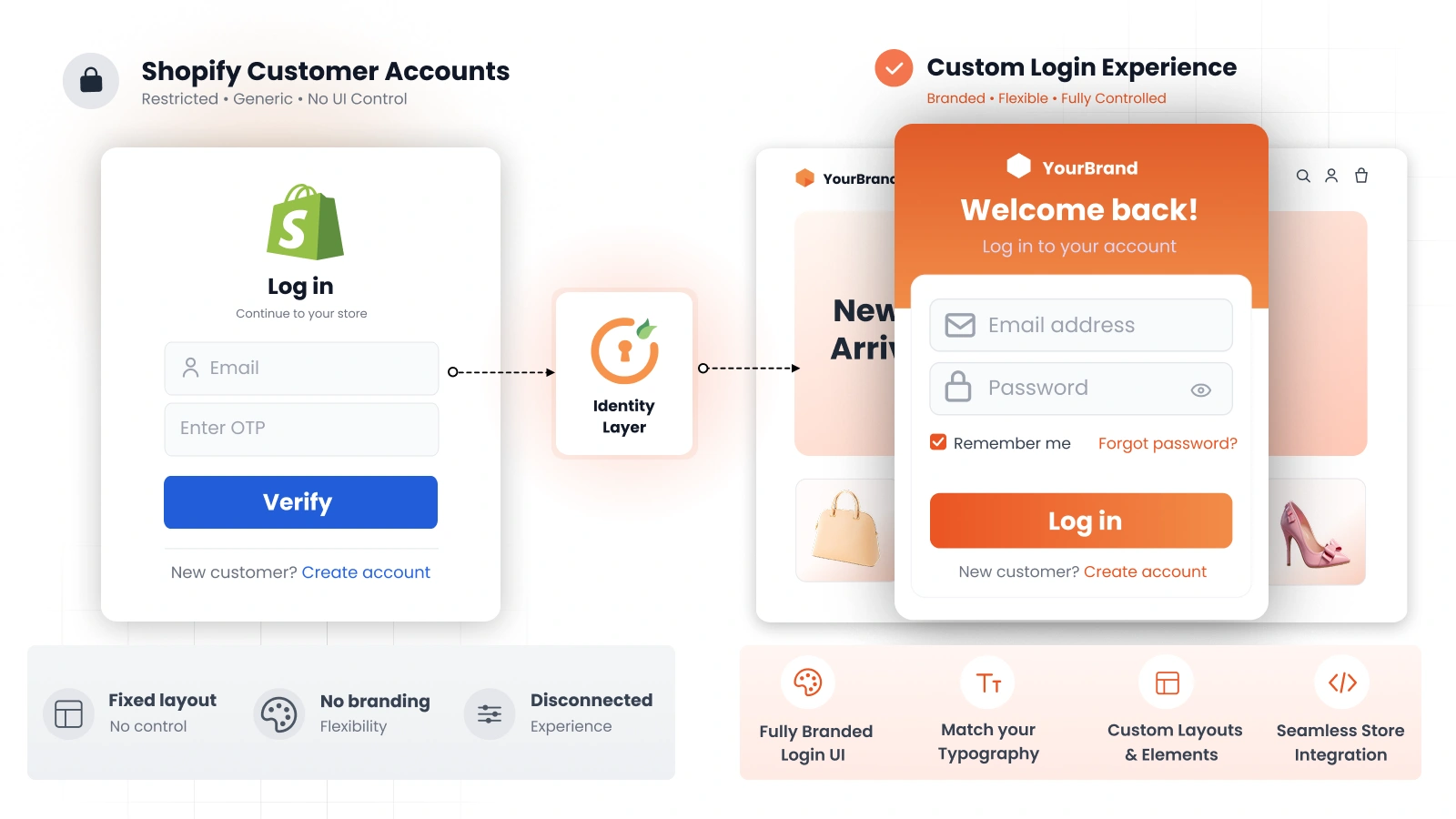
With Shopify continuing to invest efforts in Customer Accounts, merchants are increasingly relying on the platform’s capabilities to serve both new and existing customers. Shopify’s default login flow currently involves email OTP verification, removing the traditional email-password login system many users are familiar with.
Why Are Shopify Merchants Looking for Flexible Login Solutions?
While this streamlined login works well for newer users, many merchants are seeking flexible login options because the default email OTP approach introduces several challenges.
- Enterprise customers often need the ability to log into a Shopify store using email-password, especially if they are used to traditional email-password login from older platforms.
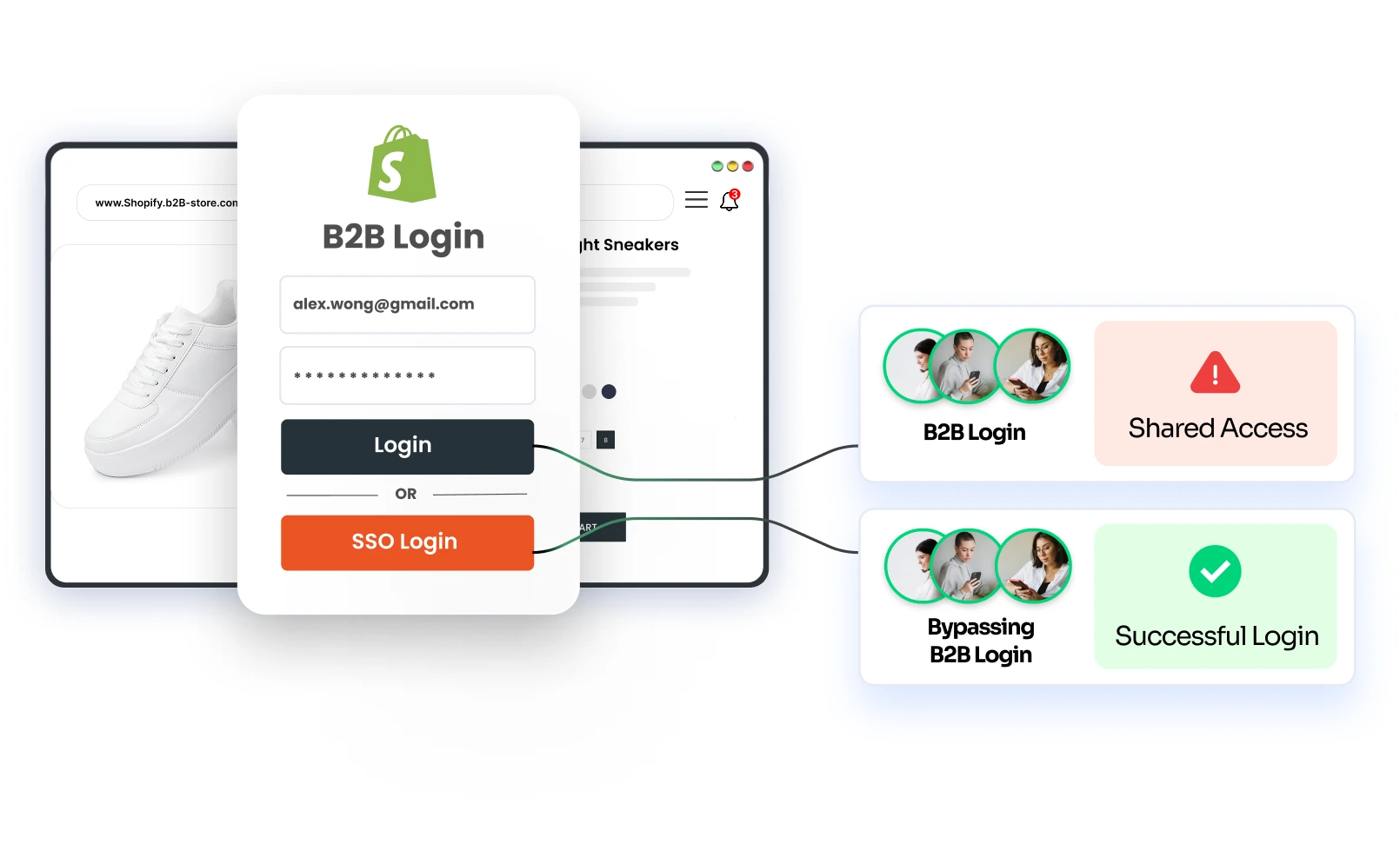
- Shared accounts within organizations can complicate OTP-only flows, as multiple users may need access to the same account, and may need to constantly request verification codes.
- Additionally, the current Customer Accounts setup provides only one login option, limiting flexibility for merchants who want to maintain consistent branding, customize login experiences, or offer multiple authentication paths.
Here’s what most Shopify merchants are now looking for:
- The ability to enable username-password login for customers who are familiar with traditional email-password authentication
- The option to enable phone OTP for Shopify Customer Accounts login, offering an alternative to email-only verification
- A way to enable social login for Shopify customer accounts, providing convenience to a diverse set of users
- SSO login for employees using their existing IDP credentials, ensuring secure and scalable access for customers
- Flexible login method selection for Shopify store customers, letting them pick the method that suits them best
This evolution reflects a broader shift in expectations. Just like product personalization, authentication needs to be personalized too.
Enabling Custom Authentication for Customers on Shopify
miniOrange addresses the limitations of Shopify’s default login model with a flexible, future-ready solution - Customer Accounts Login. It empowers merchants to provide custom authentication for customers on Shopify, ensuring each user logs in through a method that’s secure, seamless, and tailored to their needs.
How Does miniOrange Support Multiple Login Methods for Shopify Customers?
Merchants can configure multiple login combinations using the Customer Accounts login solution. Here are a few examples of what’s possible:
- Support for multiple social login providers combined with Shopify’s default email OTP
- Traditional email-password login paired with SSO using an external Identity Provider (IDP)
- Phone OTP login enabled alongside standard email OTP login
- Passwordless email OTP login offered together with username-password login
- Multiple authentication options offered alongside Shop app login
To give you a clearer picture, here’s a side-by-side comparison of Shopify’s default login flow vs. miniOrange SSO:
| Feature/Limitation | Shopify Customer Accounts Login | miniOrange SSO |
|---|---|---|
| Login Method | Email-based OTP | SSO using existing credentials from identity provider or social platforms |
| Shared Email Access | Every login requires OTP verification for the same email | Supports shared email accounts without repeated OTP logins |
| Login Redundancy | Repetitive login across multiple platforms; no auto-login | Supports auto-login using corporate credentials; integrates with internal IAM systems |
| Access Control / Authorization | Cannot restrict access by tags, domains, or custom user attributes | Supports restricting access based on roles, customer tags, domains, or other user attributes, more precise control over store access |
| Two-Factor Authentication (2FA) | Relies only on email OTP | Supports 2FA and advanced authentication flows (phone OTP, social login, SSO, etc.) |
| Post-Login Redirect | Fixed default page; cannot customize destination | Redirect users to specific pages after login (product page, orders, collections) |
| Large Teams Scalability | Limited due to OTP coordination | Handles multiple users, shared accounts, and teams |
| Use Case Fit | Suitable for small teams or simple setups | Suitable for large teams & enterprises, high-security industries, and complex workflows |
| SSO Support | Limited to Plus stores, basic email mapping | Support for Plus/nonPlus along with advanced features - complete store protection with SSO, single logout functionality, post-login redirection, advanced profile mapping |
| Social Login Support | Offers social login for Shopify Customer Accounts with basic email mapping functionality and limited customization options. | Supports social login to Shopify stores using multiple platforms including complete profile mapping, customizable login page, redirection to specific pages after login, efficient session management, and store protection via enforced SSO |
If you’d like more context on Shopify’s email OTP limitations, we’ve covered it in detail here.
Whether you're looking to combine multiple authentication options on a single login page, simplify migration of existing users to Shopify, or replace the OTP-based flow with something more scalable, Customer Accounts Login provides a flexible way to manage authentication while maintaining compatibility with Shopify’s infrastructure.
In short, if your Shopify store requires custom login methods for different customer types, miniOrange’s Customer Accounts Login is the solution to make it happen—securely, efficiently, and at scale.
What Are the Advantages of Supporting Multiple Login Methods for Shopify Customer Accounts?
Offering flexible authentication for Shopify Customer Accounts is more than a convenience; it’s a strategic necessity for brands operating across diverse markets and customer segments.
- Improve login flow for customers, especially for those accustomed to email-password or social login
- Preserve customer loyalty by providing familiar and flexible login experiences
- Seamlessly support multiple authentication methods for Shopify Customer Accounts, from OTP to password and social logins
By supporting advanced login methods through the Shopify Customer Accounts Login solution, miniOrange helps merchants create smoother, more scalable login experiences catering to diverse customer preferences and authentication requirements.
Frequently Asked Questions (FAQs)
Can I enable social login on Shopify Customer Accounts?
Yes, you can enable social login for Shopify Customer Accounts using a dedicated solution like miniOrange, allowing customers to authenticate via multiple platforms like Google, Facebook, Apple, and more. This helps provide a faster and more familiar login experience while giving merchants greater control over the authentication journey.
How to assign different login methods to different customer types in Shopify?
miniOrange makes flexible login method selection for Shopify stores possible. Whether you need custom authentication for customers or want to support email-password logins for legacy clients, you can assign the right method based on the user type from a centralized system.
Is it possible to use SSO instead of Shopify’s default login flow for Customer Accounts login?
Yes. miniOrange helps you replace the standard Shopify login flow with social login or SSO, allowing businesses to offer secure, scalable login experiences. This is especially useful if you're looking to overcome the limitations of Shopify Customer Accounts login and eliminate friction in the login process.
How can I customize the customer login experience in Shopify?
You can customize your Shopify login experience using the Customer Accounts Login solution by miniOrange. The app supports multiple authentication methods for Shopify, including login using credentials from social platforms or existing identity providers, helping to avoid common pitfalls with default Shopify login flows. You can also configure different authentication options (email-password, email/phone OTP, social login) in combination with Shopify's Shop app login, for a more seamless experience.
How do I allow customers to log in with SSO credentials from another store?
You can create a connected ecosystem where your users log into a Shopify store using a password or SSO credentials from an existing identity provider (IDP) or Shopify store. This solution provides greater flexibility in how Shopify customers authenticate and makes it easy to unify access across platforms.
Is it possible to configure SSO for legacy accounts on Shopify Plus/non-Plus stores?
Yes. Shopify SSO can be configured for both Shopify Plus and non-Plus stores, with support for legacy accounts. Whether you’re managing a Shopify Plus store or handling customer authentication on a non-Plus plan, the solution ensures flexible login method selection for Shopify store users. This allows you to unify and simplify login across different store types without being limited by your plan.
Conclusion
Rigid login policies no longer cut it in a world where personalization is the norm. Whether you want to support multiple authentication methods for Shopify, bring in social login options, or allow email-password login for more traditional-inclined clients, miniOrange gives you the solution to do it—without disrupting your current Shopify setup.
Ready to explore multiple login options for Shopify Customer Accounts? Get in touch with us today!
Leave a Comment