Hello there!
Need Help? We are right here!

Need Help? We are right here!
Search Results:
×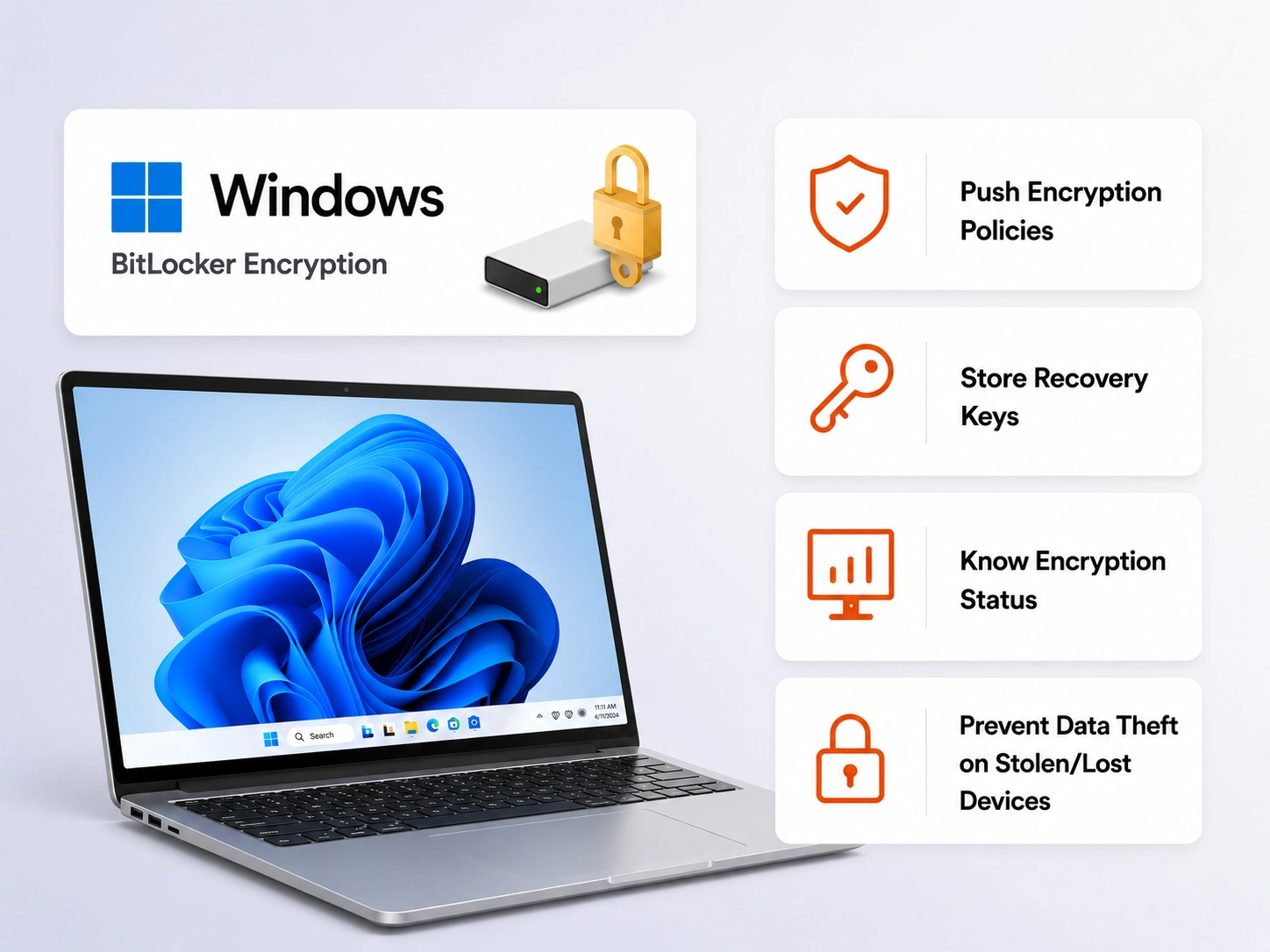
BitLocker is built into Windows. But enabling and managing it on one device is not the same as managing it across hundreds of devices.

When a device locks out, IT teams must locate recovery keys. Without centralized management, keys are often stored inconsistently, creating security risks and delays.

Without centralized enforcement, encryption settings can vary from device to device. Some endpoints may use weaker configurations or remain unencrypted altogether.

Which devices are encrypted, pending encryption, or out of policy? Without a centralized management system, getting accurate visibility is difficult.

Deploying and enforcing encryption policies across remote devices requires centralized management. Native BitLocker alone doesn't scale for distributed workforces.
miniOrange UEM acts as a centralized administration layer over BitLocker. It gives your IT team control to enable, enforce, monitor, and manage disk encryption across all Windows devices in your organization.

Choose between TPM-only authentication or TPM + PIN, including support for passwords and USB startup keys. Apply the appropriate authentication policy to different device groups.

Recovery keys are automatically backed up when BitLocker is enabled. Retrieval, rotation, and revocation are restricted to authorized administrators for improved security.

Apply separate encryption policies to operating system drives, fixed data drives, and removable drives. Configure each independently or enforce encryption across all drive types.

Organize devices into groups and deploy tailored encryption policies to each. Apply stricter controls to high-risk devices while maintaining standard configurations elsewhere.

Validate device readiness before enabling encryption. miniOrange UEM identifies missing requirements and configuration issues to prevent deployment failures.

Monitor encryption status across all managed Windows devices from a single dashboard. Instantly identify compliant, non-compliant, and pending devices.
BitLocker managed through a UEM solution helps organizations satisfy compliance requirements under PCI DSS, HIPAA, ISO 27001, and similar security frameworks.
Cyber insurers often require proof of endpoint encryption for coverage eligibility and claims processing. Centralized BitLocker management provides documented, verifiable evidence.
Push encryption policies, monitor status, manage settings, and retrieve recovery keys remotely without requiring physical access or manual intervention on each device.
A lost laptop without encryption can become a data breach. With BitLocker enforced, data remains unreadable and protected from unauthorized access.
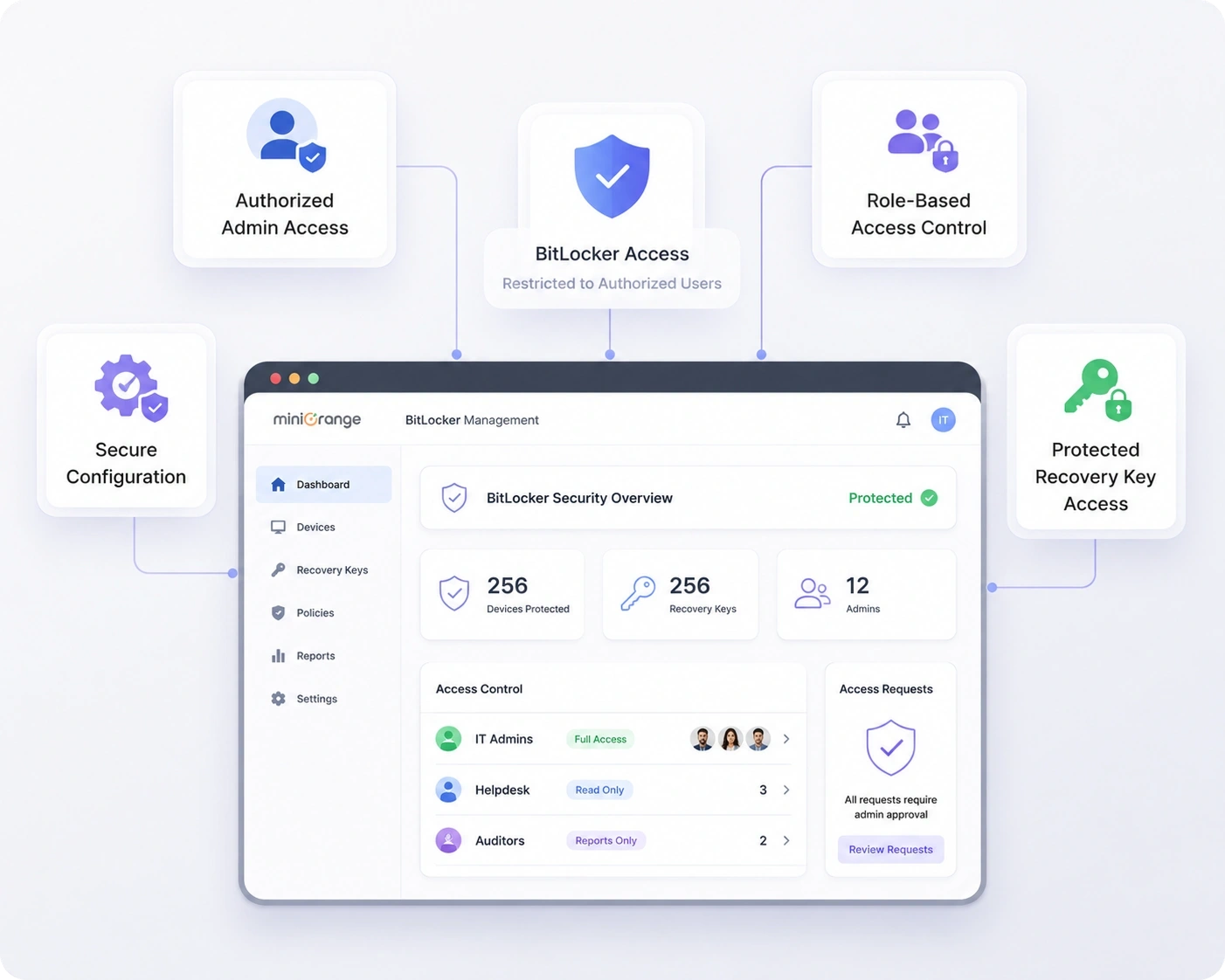
BitLocker encryption is only as strong as the controls around it. miniOrange helps organizations securely manage BitLocker by defining who within your IT team can view, configure, or retrieve BitLocker settings. And with Role-based access controls (RBAC), admins receive only the permissions they need.
So, with the BitLocker Management solution, management access remains just as secure as the encryption itself.
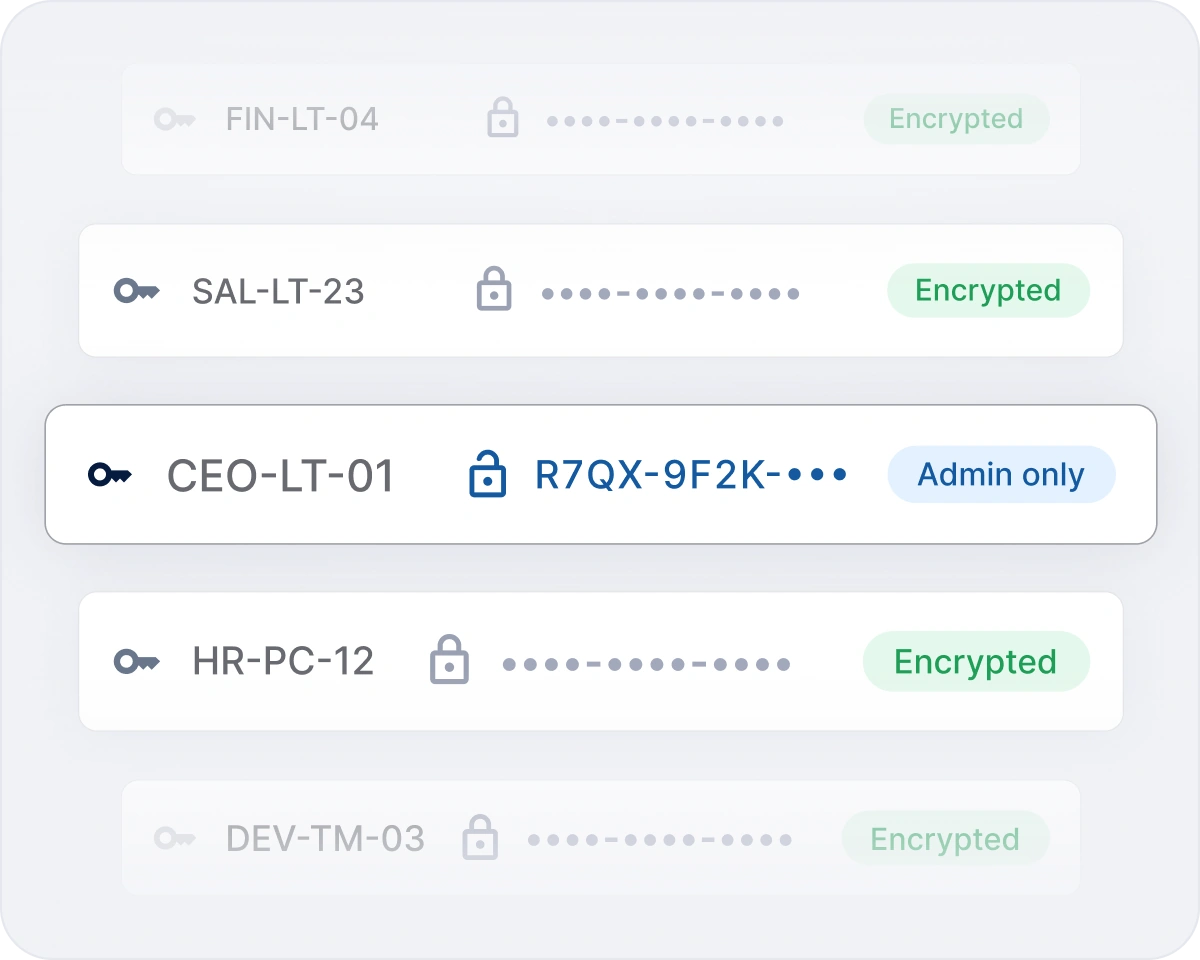
Protect BitLocker recovery passwords with miniOrange BitLocker Recovery Management. Securely collect, encrypt, and escrow recovery credentials while preventing plaintext exposure.
With role-based access controls, authorized IT administrators can safely retrieve recovery passwords when needed. Automated collection, secure storage, controlled access, and audit visibility help organizations simplify BitLocker recovery while maintaining strong security and compliance.
Get the clarity you need before you commit.

