Step 1: Set Up Oracle Cloud as OAuth Provider
Follow the steps below to configure Oracle Identity Cloud Service (IDCS) as an OAuth Provider.
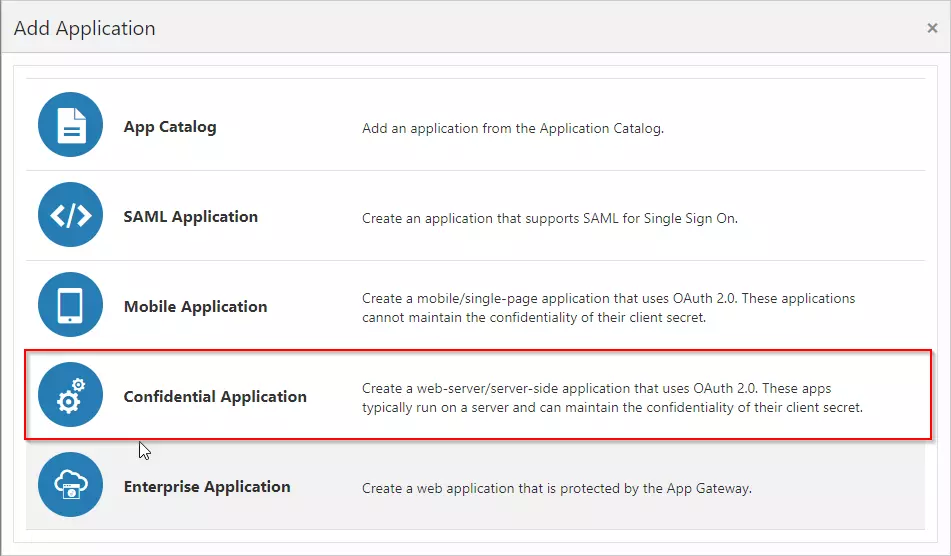
- Access the Oracle Identity Cloud Service administration console, select Applications, and then click Add.
- Click on Confidential Application.
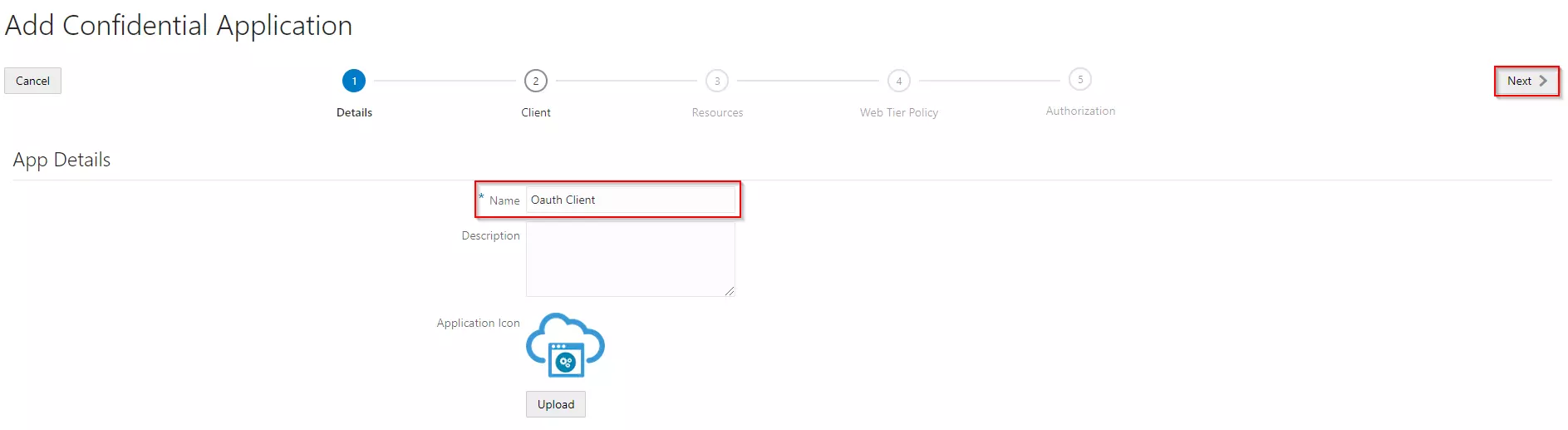
- Enter the name of your Application and select Display in My Apps option under Display Settings section. And then click on the Next button.
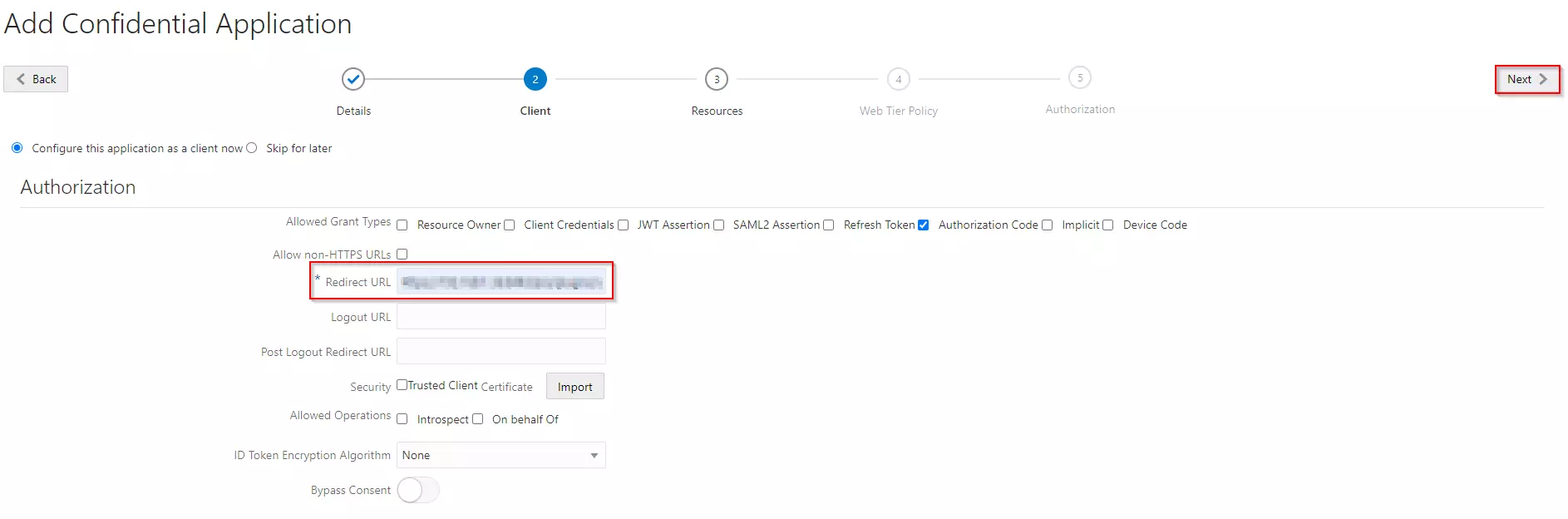
- Enable Configure this application as a Oauth Client now. Select Authorization Code and as your Allowed Grant type.
- In the Redirect URL enter the Callback URL from the plugin.
- You can select scope as per your requirement and click on Next button.
- Under Expose APIs to Other Applications section, enable skip for later option and click on the Next button.
- Under Web Tier Policy section, enable skip for later option and click on the Next button.
- Enable Enforce Grants as Authorization checkbox, if you want only users to the access application which you granted acccess to it and click on the Finish button.
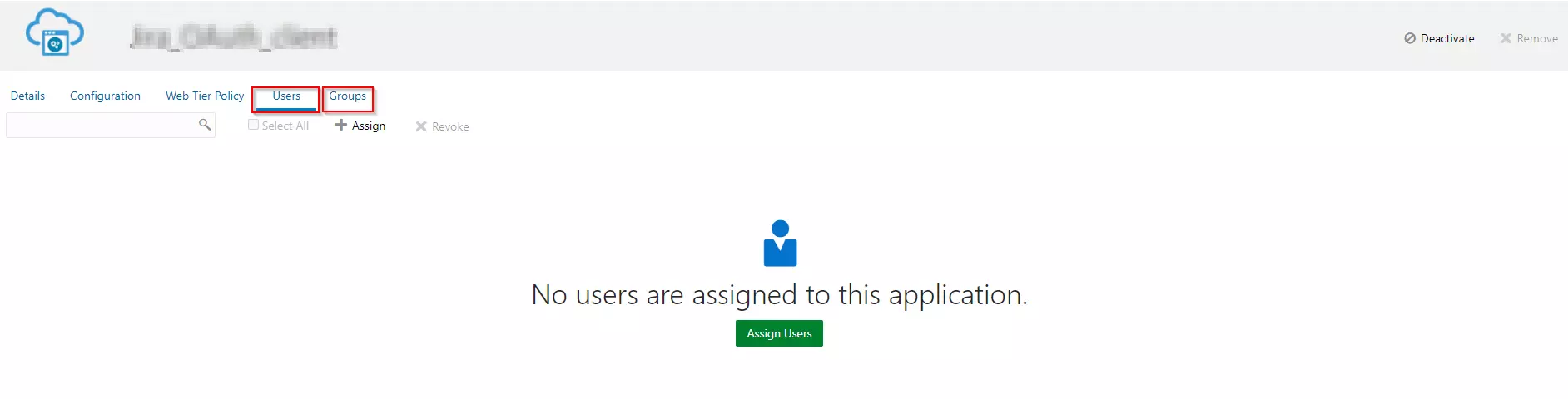
- Assign the users/groups to your application by clicking on the Users / Groups tab respectively.
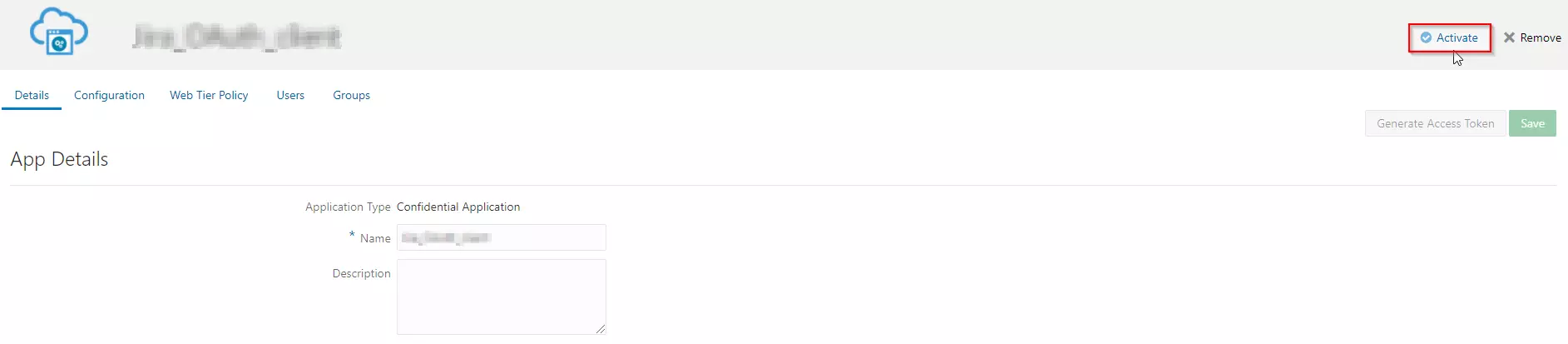
- Activate the application, once it gets created.