Data Loss Prevention for Confluence & Jira – Secure PII with miniOrange
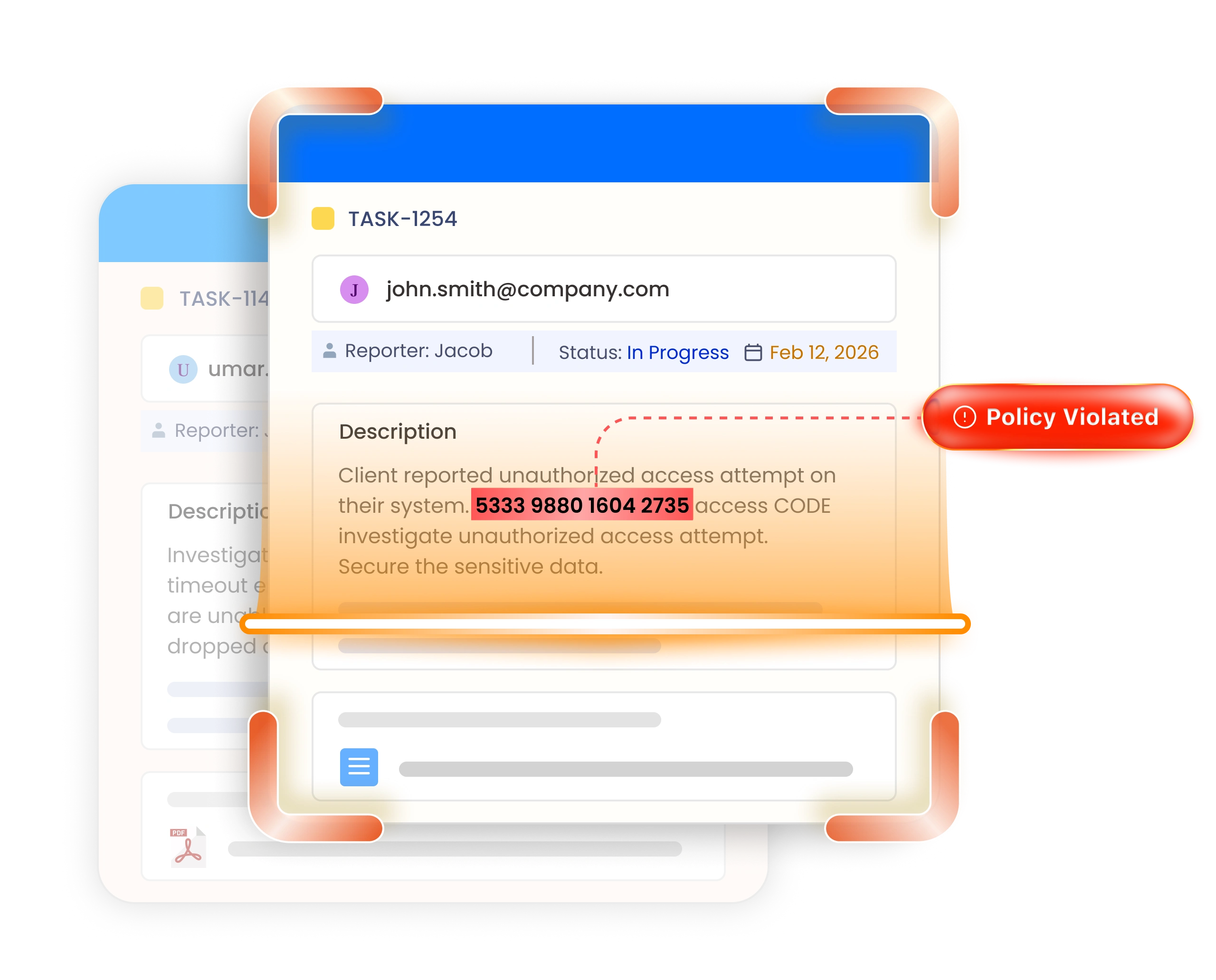
Find exposed personal data across your Atlassian Cloud instance with miniOrange DLP - PII Scanner for Jira and Confluence. Scan pages, issues, and attachments on demand or as content is published, then review every match and redact, mask, remove, or encrypt it, all without your content leaving Atlassian.
Trusted By 3000+ Customers Across Cloud & Data Center


Why Atlassian Guard & Native Tools Are Not Enough?
Atlassian Guard Premium is live, but it functions as a highly limited, paid, per-user add-on. It cannot completely encrypt/decrypt that data and also doesn’t feature out-of-the-box compliance policies.
This makes miniOrange DLP for Jira and Confluence Cloud the definitive Atlassian Guard Premium alternative. It fills in the gaps by allowing you to instantly redact, encrypt/decrypt, and remove sensitive data. It provides ready-to-use compliance policy and custom regex rules. If any sensitive data is being published, you get alerted in real time.
Why Teams Choose This Solution
Automated PII detection and redaction for Jira & Confluence Cloud.
35%
Less Admin Overhead
20+
Selectable PII Types
100%
Audit Trail
Key Benefits of miniOrange’s PII Scanner for Sensitive Data
-
Scans Jira/Confluence Content & Attachments
Scans Confluence page content and Jira issue summaries, descriptions, and attachments like PDF, Word, TXT, etc., so sensitive data hidden in uploaded files is caught just like inline content.
-
Full Audit & Redaction Logs
Every detection event and remediation action is recorded in the audit log and can be exported as CSV, providing your compliance and security teams with an evidence trail for internal reviews and audits.
-
Your Content Never Leaves Atlassian
As it runs on Atlassian, all scanning and remediation runs entirely within your own instance. miniOrange never takes data out of your Atlassian environment or stores it.
-
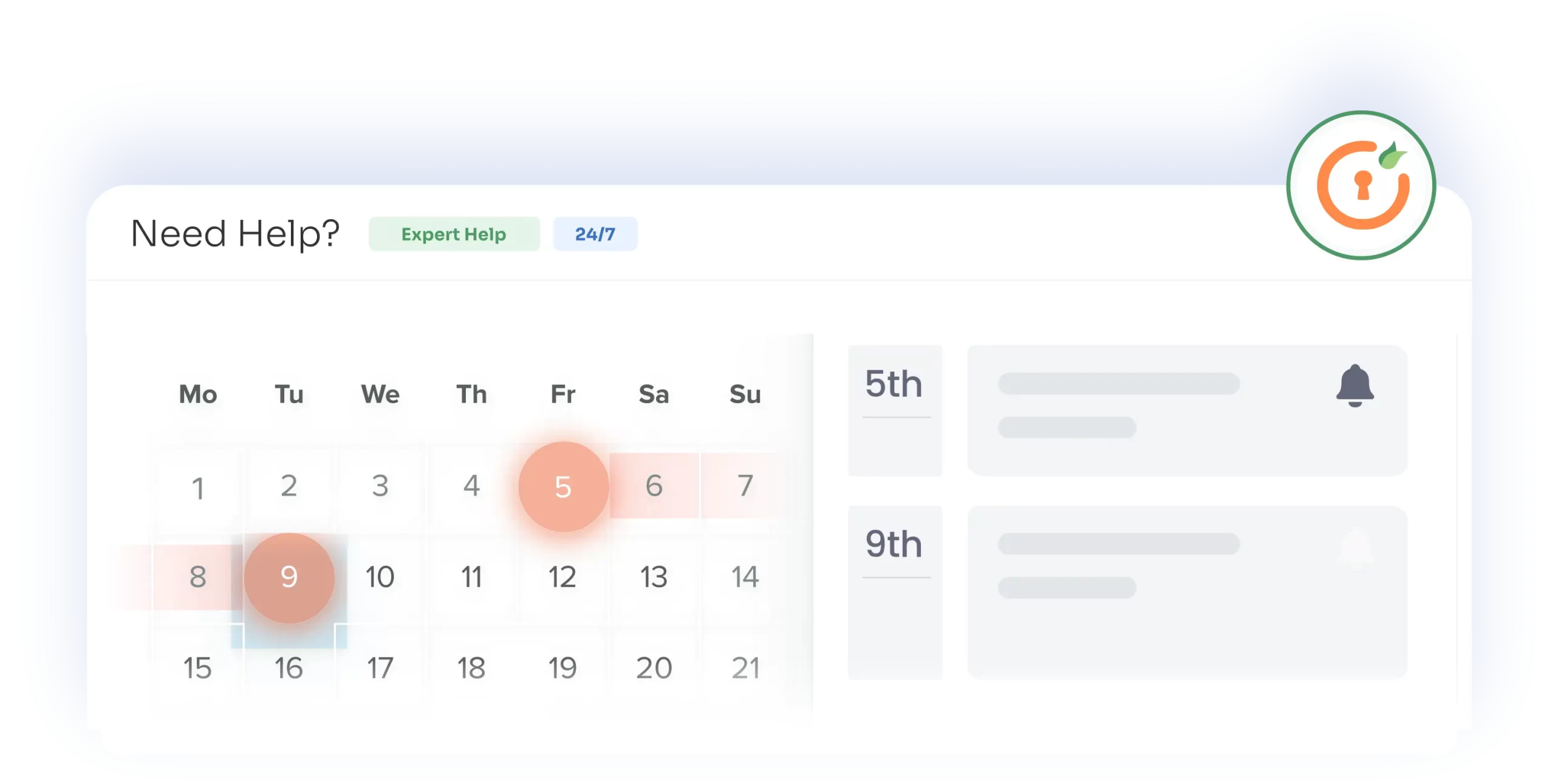
24/7 Support at No Extra Cost
Get hands-on implementation help from the miniOrange team around the clock, from first install through policy configuration, included with every plan.
-
Encrypt Sensitive Content Without Removal
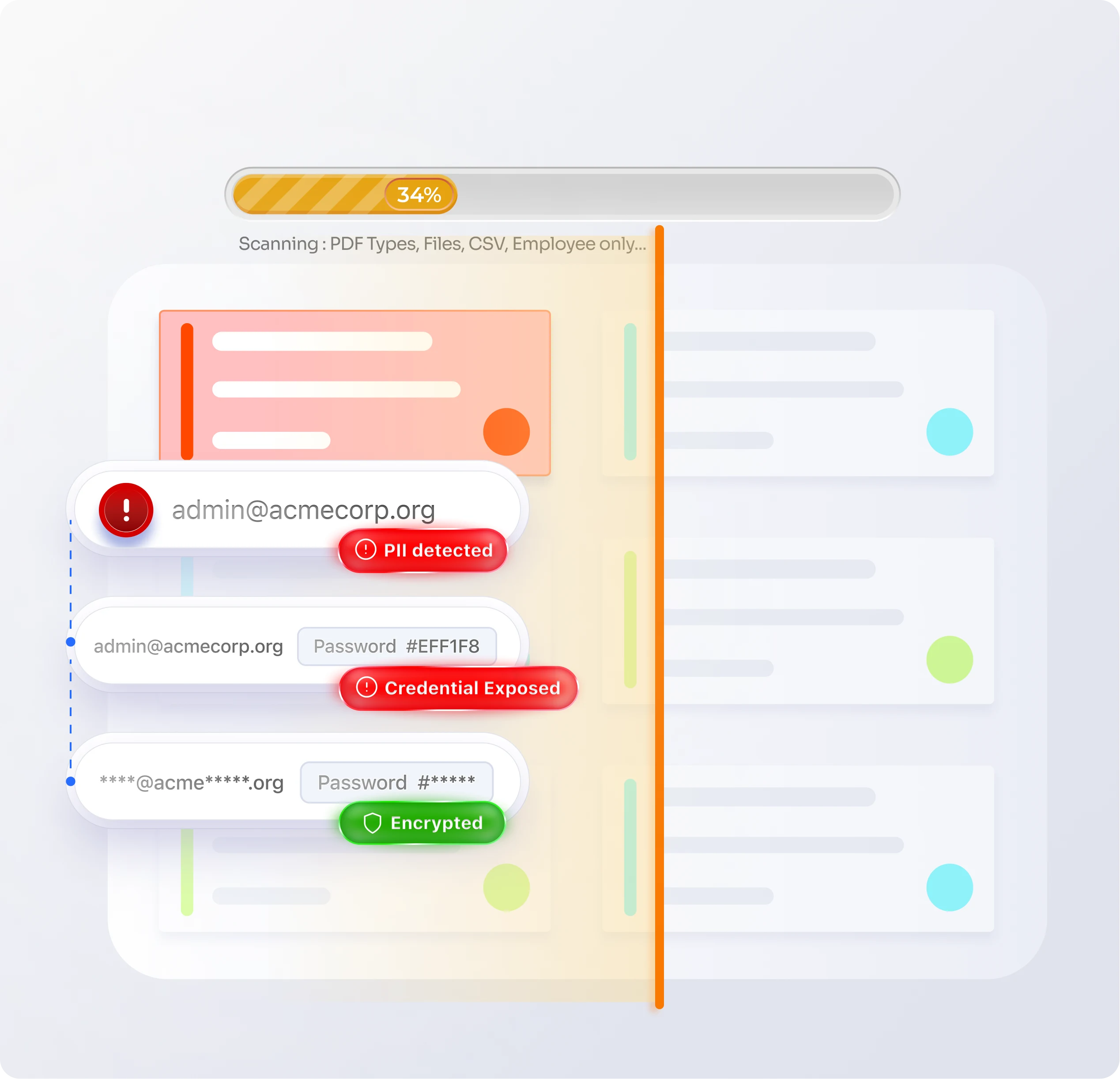
When redaction or deletion is not appropriate, encrypt sensitive data in place. Authorized users can decrypt protected content on demand, and both encryption and decryption actions are logged.
DLP & PII Scanner Features for Atlassian Cloud
Enterprise-grade security features to ensure your Jira and Confluence is always compliance-ready.

Real-Time and On-Demand PII Detection
Switch on real-time scanning to check pages and issues as they are created and updated, or run an on-demand scan across a chosen space or a project.

One-Click Remediation: Redact, Mask, Remove or Encrypt
Review detections on one screen, select the matches you want to act on, and apply your remediation in bulk; nothing is changed until an admin approves it.

Custom Regex Builder for Sensitive Data
Build and deploy custom regex rules to detect proprietary formats, internal IDs, API keys, or any industry-specific pattern the built-in library does not cover.
Flexible Policy Engine
Group detection rules into policies, scope them to the spaces or projects that matter, and set the review action your team applies when a match is found.

Real-Time Detection with Drill-Through
Content is scanned as it is published, and every match appears on your violation dashboard with a link straight through to the page or issue it came from.

Centralized Dashboard
Logs every detection and remediation action in a central dashboard and audit log, exportable as CSV for your compliance evidence pack.

Comprehensive Feature Comparison
Why Choose miniOrange DLP Over Native Atlassian Tools




How DLP Protection Works
Here’s how the Data Loss Prevention & PII Scanner for Jira & Confluence works.
Configure Rules
Create detection rules using built-in or custom sensitive data types to identify the information you want to protect.
Create DLP Policies
Define policies by selecting the detection rules, scoping them to spaces or projects, and choosing the remediation your reviewers apply: redact, mask, remove, or encrypt.
Scan Text & Attachments
Scan text in Jira issues and Confluence pages in real time as they are published or through on-demand scans across spaces and projects. Scan PDF, Word, and text attachments through on-demand scans for sensitive data.
Review & Remediate
Review the detected sensitive data, then perform remediation actions such as redaction and encryption.
Here’s what our awesome customers say

The solution is fantastic and incredibly easy to configure! I’m also extremely impressed with the support & the assistance provided has been outstanding and truly appreciated. The team is knowledgeable, approachable, and clearly committed to delivering an excellent user experience.
Reach Tech Support
miniOrange's support team deserves special mention. Their prompt and knowledgeable assistance has been invaluable, from initial setup to ongoing maintenance. Whether through email or live chat, their support representatives have always provided clear and effective solutions. Additionally, the documentation provided is thorough and easy to follow, which greatly facilitated the integration process.
James Hunt
We recently installed this plugin for our Jira and found the solution to be very straight-forward and efficient. The support team has been extremely helpful in setting it up and answering all subsequent questions in operating the plugin. Highly recommended!
Maria Grudinina
Frequently Asked Questions
Everything you need to know about support, licensing, and deployment
 Product Features & Functionality
Security, Compliance & Support