Automated User Management for Jira & Confluence Cloud
Find inactive users across Jira, JSM, Confluence and Bitbucket Cloud, preview the full cleanup in Safe Mode before anything runs, and remove them from licensed groups on a schedule so the seat is genuinely released and the reduction reaches your Atlassian invoice.
TRUSTED BY 3000+ CUSTOMERS ACROSS Cloud & Data Center


Why Teams Choose miniOrange
All-in-one automated user management for Jira, JSM & Confluence.
35%
Average Cost Reduction
3X
Admin Time Saved
24x7
Developer Support
How Automated User Management Protects Your Licences and Your Instance
-
Cleanup that keeps running on its own
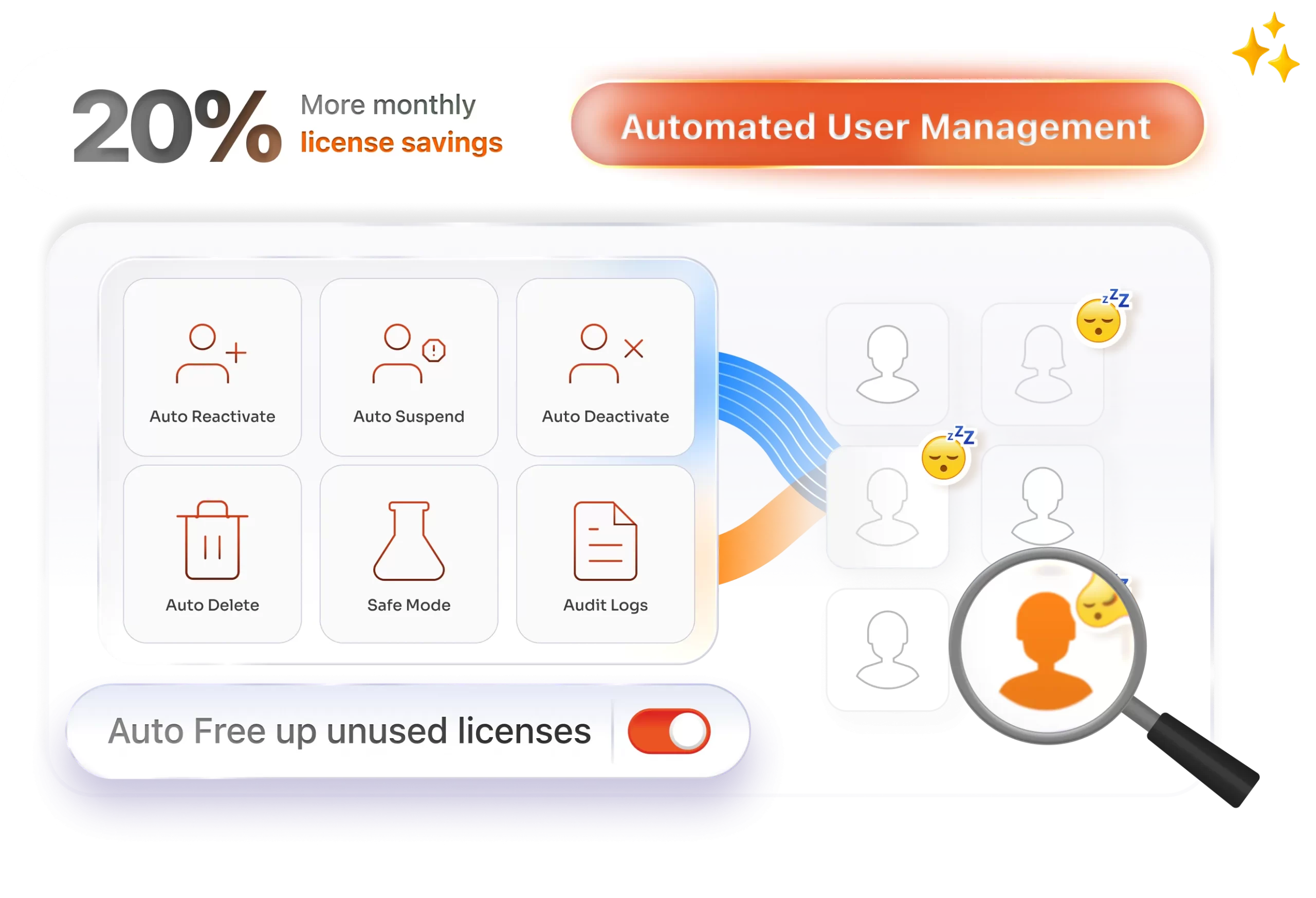
Set the threshold once, commonly 30, 60, or 90 days, and choose the action per rule: deactivate, suspend, or remove product access. Rules run daily, weekly, or monthly without anyone opening the admin screen again.
-
Nothing is applied until you've seen the list
Safe Mode simulates the entire rule and returns the complete list of affected users, changing nothing. Adjust thresholds or exclusions, re-run the preview as often as you need, and switch to Live Mode only when the result looks right.
-
Protected groups are never touched
Admins, C-level accounts, and service accounts go on an exclusion list. Excluded users are skipped by every scheduled run and every bulk operation, regardless of how long it's been since they logged in.
-
The saving reaches the invoice, not just a report
Reclaimed users leave the licensed group as part of the cleanup, so the seat is fully released and available to reassign. The reduction shows up on your next Atlassian bill.
-
Every run is logged, and any run can be reversed
Timestamps, the rule that triggered the action, and the users affected are all recorded and exportable. If a scheduled cleanup didn't run the way you expected, rollback restores those users to their previous state and group memberships.
User Management Features for Atlassian Cloud

Inactivity detection and advanced search
Filter by last login date, activity status, group membership, email, or name to build the exact list you want to act on. Accounts invited months ago that never opened Jira appear in the same view.

Smart Scheduler with Safe Mode and Live Mode
Build no-code rules that run daily, weekly, or monthly. Preview in Safe Mode, then switch to Live Mode when the affected-user list matches what you intended.

Domain-based targeting
Apply different rules to your own domain versus outside domains, so you can auto-suspend contractor accounts on a shorter threshold while employee accounts stay untouched.

Bulk user and group operations
Activate, deactivate, delete, or regroup thousands of users in one operation using filters or a CSV file. Group assignments update during import, keeping large onboarding rounds to a single upload.

Email warnings before removal
Send users notice before access is deactivated, using templates you can edit for tone, timing and content. Anyone still using the account has a window to log in and stay active.

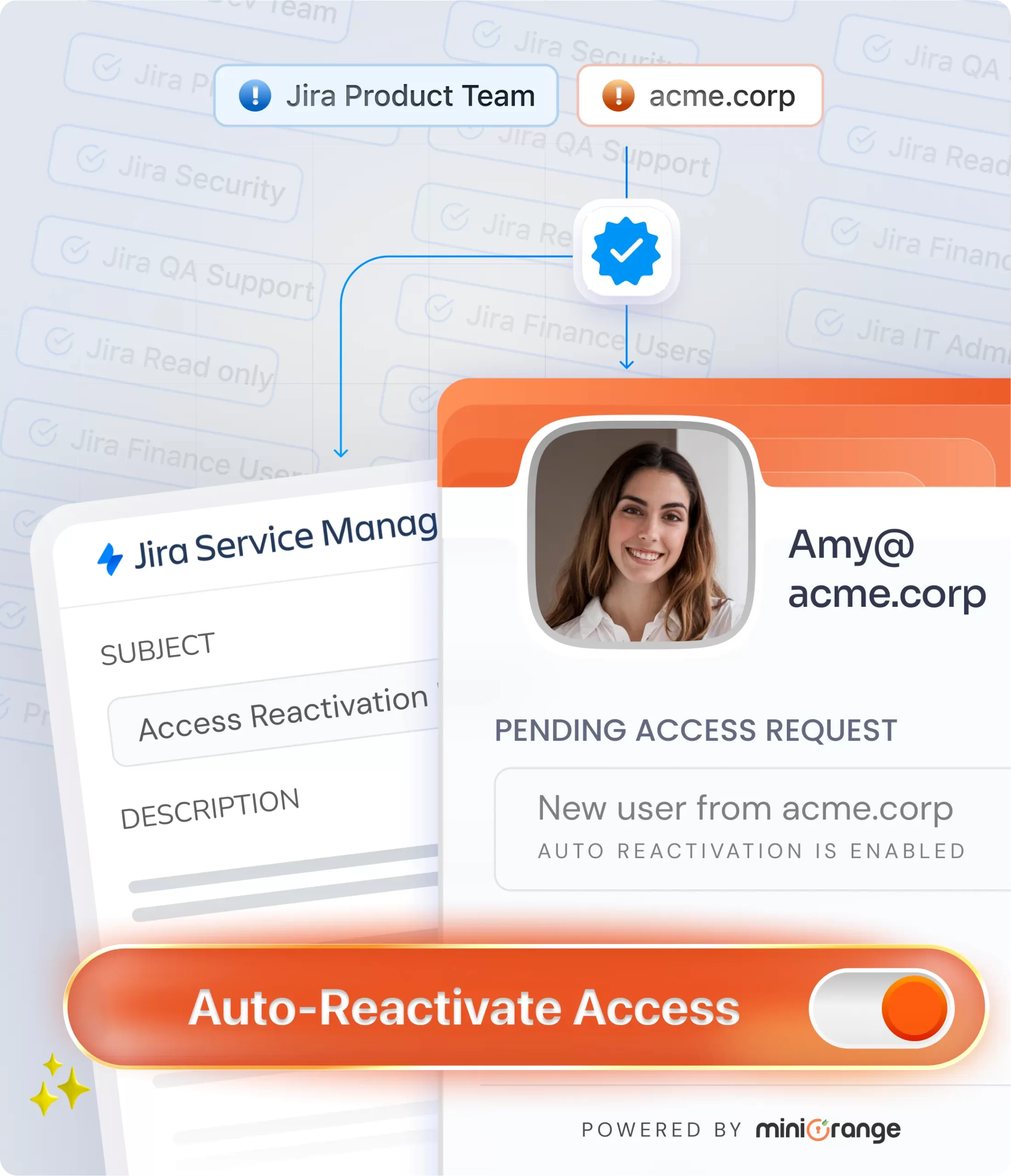
Auto-reactivate returning users
Restore access automatically based on email domain or group membership rules as defined in the app. Users can also request access through JSM portal, Slack, email, or Microsoft Teams, and access is restored automatically based on the configured rules.
How It Works: Automated Cleanup in 4 Steps
Setup takes minutes, and the schedule handles every cleanup after that.
Install
Search "Automated User Management" on the Atlassian Marketplace and install it on your Cloud site. No scripts to write or maintain.
Authorise
Approve the admin token. It's stored in Atlassian Forge storage on Atlassian's own infrastructure, where miniOrange cannot view or access it.
Define inactive
Pick the threshold that matches your policy, commonly 30, 60, or 90 days, then narrow by group, domain, or activity status. Add your admin and service-account groups to the exclusion list.
Preview & Automate
Run the rule in Safe Mode and review the complete list of affected users. Adjust, set the schedule, turn on advance email notifications, and switch to Live Mode.

Comprehensive Feature Comparison
Why Teams Choose miniOrange Automated User Management Over Native Atlassian Tools




Globally trusted by 3000+
premium clients and counting!






Here’s what our awesome customers say
View All Reviews

We recently migrated all our employees from Jira Server to Jira Cloud, and this tool was a game-changer! It quickly helped us separate our non-Jira users, streamlining the entire process. The automated user management and auto-deactivation features saved us a lot of time and effort. Highly recommend it for anyone looking to simplify their Jira user management!
LaTonya A. Pearson
This application is great for managing user licensing. It allows us to reclaim licenses for users that have not logged in recently in order to stay within our license limit. Developer is very helpful and responsive. Developer is actively adding new features based on feedback.
Ron Erlandson
What truly sets this plugin apart is the excellent support team - they are quick to respond, highly knowledgeable, and always ready to help with any questions or issues.
Oskar-Ruben Järvemaa
Frequently Asked Questions
Everything you need to know about support, licensing, and deployment
 Contact us
 Setup & Functionality
Licences, Safety & Data