

Reading Time : 6 minutes
In Part 1 of this series, we covered the hidden costs of migrating without cleanup, user bloat inflating your Cloud license bill, and sensitive data creating compliance exposure the moment it leaves your firewall. If you haven't read it yet, start there for the full picture of what's at stake financially and operationally.
This post picks up where that one left off. You know cleanup matters. Now the question is practical: how does sensitive data end up in your instance in the first place, and what can you actually do to find and fix it before migration day?
Why Sensitive Data Ends Up in Jira and Confluence
The answer is simple: these are the tools where work actually happens, and people prioritize speed over data classification.
- After a production outage at 2 AM, the engineer pastes the full error log, complete with database connection strings, directly into the Jira ticket.
- A customer payment issue, the support agent copies the card number into a comment so a colleague on the next shift can follow up.
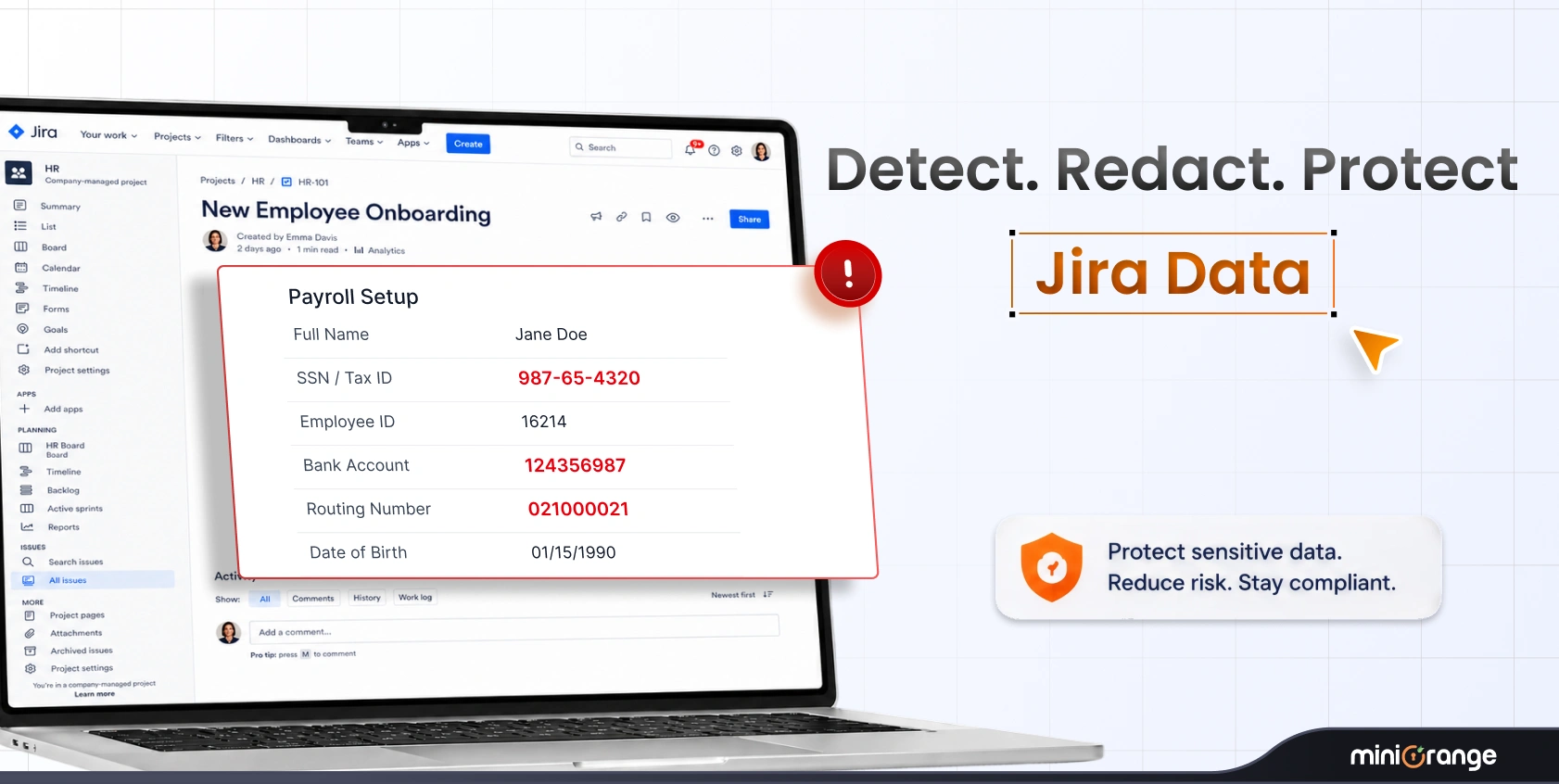
- An HR onboarding doc in Confluence, employee tax IDs and bank account details end up on the page because that's where the process lives.
None of this is malicious. It's practical. But it creates a serious compliance problem that compounds quietly over time.
- Under GDPR, organizations are required to know where personal data lives, limit its retention, and be able to demonstrate control over it, at any time, not just during audits.
- Under HIPAA, protected health information must be stored and accessed under strict controls, with full audit trails.
- PCI-DSS mandates that cardholder data be isolated, encrypted, and never stored in systems that aren't explicitly scoped and certified for it.
- And under India's DPDP Act, organizations handling Indian residents' personal data face similar obligations around purpose limitation and data minimization.
After years of operation, your Atlassian instance quietly becomes an unintentional repository of data that carries real regulatory risk:
| Data Category | Examples |
|---|---|
| Personally Identifiable Information (PII) | National IDs, Social Security numbers, passport numbers, dates of birth |
| Financial Data | Credit card numbers, bank account details, salary information, invoices |
| Authentication Credentials | API keys, database passwords, AWS access keys, OAuth tokens, SSH keys |
| Protected Health Information (PHI) | Medical record numbers, diagnosis codes, health insurance details |
Why Native Search Can't Solve This
The instinct most teams have is to search for it, type "password" or "SSN" into Jira's search bar and see what comes up. But Jira and Confluence search is built for keyword matching, not pattern detection.
Here's what that means in practice:
- No pattern recognition, You can search for the word "password," but you can't search for a string that looks like a password. You can't write a regex to find AWS keys (AKIA + 16 alphanumeric characters) or Social Security numbers in their standard format.
- No attachment scanning, A spreadsheet with 10,000 customer records attached to a ticket is completely invisible to native search.
- No history scanning, If someone pasted a credential into a description and later deleted it, the search won't find it, but it still exists in the issue history, fully intact and fully migrateable.
What the Right Solution Looks Like
Finding sensitive data at scale across a mature Atlassian environment requires purpose-built tooling. The right tool needs to do three things well:
Discover Comprehensively
Regex-based pattern scanning across all content types, descriptions, comments, custom fields, attachments, and critically, version histories and changelogs.
Ability to scope scans to specific Jira projects or Confluence spaces, so you can prioritize high-risk areas first:
- Customer support queues
- HR spaces
- DevOps projects
- Finance-related Confluence spaces
Remediate Precisely
Not every finding warrants the same response. The tool should support multiple remediation actions and execute them in bulk:
| Scenario | Recommended Action |
|---|---|
| Credit card number in a live support ticket | Redact, replace with placeholder, permanently remove original |
| Old API key in an archived project | Encrypt, protect while preserving authorized access |
| Salary figure in an HR page | Anonymize, remove identifying linkage |
| Outdated credentials in a decommissioned project | Delete, erase entirely |
Document Everything
Under GDPR, HIPAA, PCI-DSS, and India's DPDP Act, regulators don't just want to know that you fixed the problem. They want the paper trail proving you did, what was found, where, when it was remediated, by whom, and what action was taken.
How miniOrange's DLP Scanner Addresses This
The miniOrange Data Scanner and Migration Assistant was built specifically for this pre-migration use case. It runs directly on your Jira and Confluence Data Center instance, right where your data lives today.
Discovery
- Advanced, customizable regex rules across all content types
- Scans page histories and comment threads that surface-level tools miss entirely
- Target specific spaces or projects, start with highest-risk areas and expand from there
Remediation
- Encrypt, redact, or delete from a single interface, no manual item-by-item work
- Bulk actions across hundreds of flagged items at once
- Centralized security dashboard to track findings and visualize risks across your instance
User & License Cleanup
- Centralized dashboard to identify dormant, inactive, and duplicate accounts
- Bulk deactivation to eliminate unnecessary Cloud licensing costs before migration
Audit-Ready Reporting
- Every action, scan results, remediation decisions, user deactivations, is logged
- Exportable reports for compliance documentation and stakeholder approvals
- 24/7 dedicated support for regex configuration, encryption setup, and customization
Conclusion: Clean Before You Move
The Data Center end-of-life timeline is fixed. March 2029 is a hard cutoff, no extensions, no exceptions.
Sensitive data accumulated over years of normal use doesn't clean itself up, and native tools can't find it at scale. The earlier you scan, remediate, and document, the less pressure you face as the deadline approaches, and the cleaner your Cloud environment starts.
Frequently Asked Questions
1. Can I just search for "password" or "SSN" in Jira to find sensitive data?
Keyword search will catch some instances, but misses the vast majority. People rarely label sensitive data with helpful keywords. Pattern-based regex scanning is the only reliable method at scale.
2. What about data in attachments?
This depends on your scanning tool. Basic scanners only analyze text fields. More comprehensive tools like the miniOrange DLP Scanner can scan attachment types such as DOCX, TXT, and PDF files for sensitive patterns.
3. How do I handle sensitive data in page history and issue changelogs?
You need a tool that scans version history, identifies versions containing sensitive data, and can encrypt or delete historical versions in bulk. Manual review simply cannot cover this at scale.
4. What's the difference between redaction, encryption, and deletion?
Redaction replaces sensitive text with placeholders and permanently removes the original. Encryption protects data while allowing authorized access. Deletion erases content entirely. Each affects data retention, auditing, and continuity differently.

Leave a Comment