

On March 28, 2029, at 23:59 PST, all Atlassian Data Center (DC) subscriptions and their associated marketplace apps will expire. Atlassian is planning an ESP pool of 1,000 customers who'll receive extended DC licenses till 2032. This list will be announced in the coming months. For all other businesses, there are nearly three years left to plan and execute a migration to Atlassian Cloud.
While the move offers better scalability and flexibility, it also raises valid security concerns, given that Atlassian itself faced a cyberattack recently. And that is a valid concern to have.
In this guide, we'll address it and explain how you can ensure security in your Atlassian Cloud ecosystem.
Why Atlassian Cloud Migration Requires a New Security Posture
Let's start by understanding what you're getting into by migrating from DC to the cloud. You aren't just migrating your data and accounts. You're migrating your entire security posture.
What is Atlassian Guard, and Is It Sufficient for Enterprise Security?
Atlassian Guard helps organizations secure Jira, Confluence, and other Atlassian Cloud apps through centralized authentication, access control, and data protection capabilities.
The reason this matters is that on Atlassian Cloud, your security no longer depends on your internal infrastructure alone. Users access Atlassian apps from different locations, devices, and networks every day. Identity becomes the new security perimeter.
Your Security Perimeter Is No Longer Your Office Network
Before: Atlassian Data Center
- Security tied to internal infrastructure
- VPN-based access
- On-prem authentication systems
- Limited external access
- Manual user management
After: Atlassian Cloud
- Users log in from anywhere
- Multiple devices and networks
- More third-party integrations
- Increased external collaboration
A single compromised account can become an entry point for attackers into your infrastructure.
However, Atlassian Guard alone is not always enough for organizations. With the rising frequency of cyberattacks, you need:
- Adaptive MFA based on user risk and device posture
- Granular session controls
- IP-based access restrictions
- Backup authentication methods during IdP outages
- Advanced audit and compliance reporting
- Secure access for external users and contractors
That's where miniOrange apps come in to add deeper identity protection and access management capabilities.
Secure Your Atlassian Cloud Ecosystem With miniOrange Apps
miniOrange helps you secure access to Jira, Confluence, Bitbucket, and other Atlassian apps while keeping the user experience simple and seamless.
Step 1: Secure Cloud Access with SSO and SCIM User Provisioning
You have employees joining and leaving your team constantly. You also have contractors and external users who need temporary access to your Atlassian ecosystem. Managing access manually quickly becomes overwhelming for IT teams.
miniOrange solves this by combining Single Sign-On (SSO) and SCIM-based user provisioning into one streamlined identity and access management solution.
With SSO, users log in once using their existing corporate credentials and securely access all Atlassian apps without repeated sign-ins or password resets. You can enforce centralized authentication policies across the organization.
At the same time, SCIM provisioning automates the entire user lifecycle.
You simply create a user account in your Active Directory or IdP when a new employee joins. miniOrange automatically provides Atlassian access, groups, and permissions. When someone changes roles, group memberships update automatically. And when an employee leaves the organization, miniOrange automatically revokes access without relying on manual intervention.
This means you can:
- Eliminate orphaned accounts and stale permissions
- Reduce the risk of unauthorized access
- Simplify onboarding and offboarding workflows
- Maintain accurate user and group synchronization
- Reduce administrative overhead for IT teams
- Improve compliance and audit readiness
miniOrange supports multiple Identity Providers (IdP) so you can authenticate users from different directories. This helps when you have employees accessing from one IdP and external contractors from another.
Step 2: Enforce Multi-Factor Authentication (MFA) and Adaptive Access
Passwords are the first layer of security. They should never be the only ones.
Even with SSO in place, compromised credentials remain one of the most common ways attackers can enter your ecosystem. Just one compromised account can expose the data in all your cloud apps in minutes.
To address this, you need another layer on top of SSO, which is Multi-Factor Authentication (MFA).
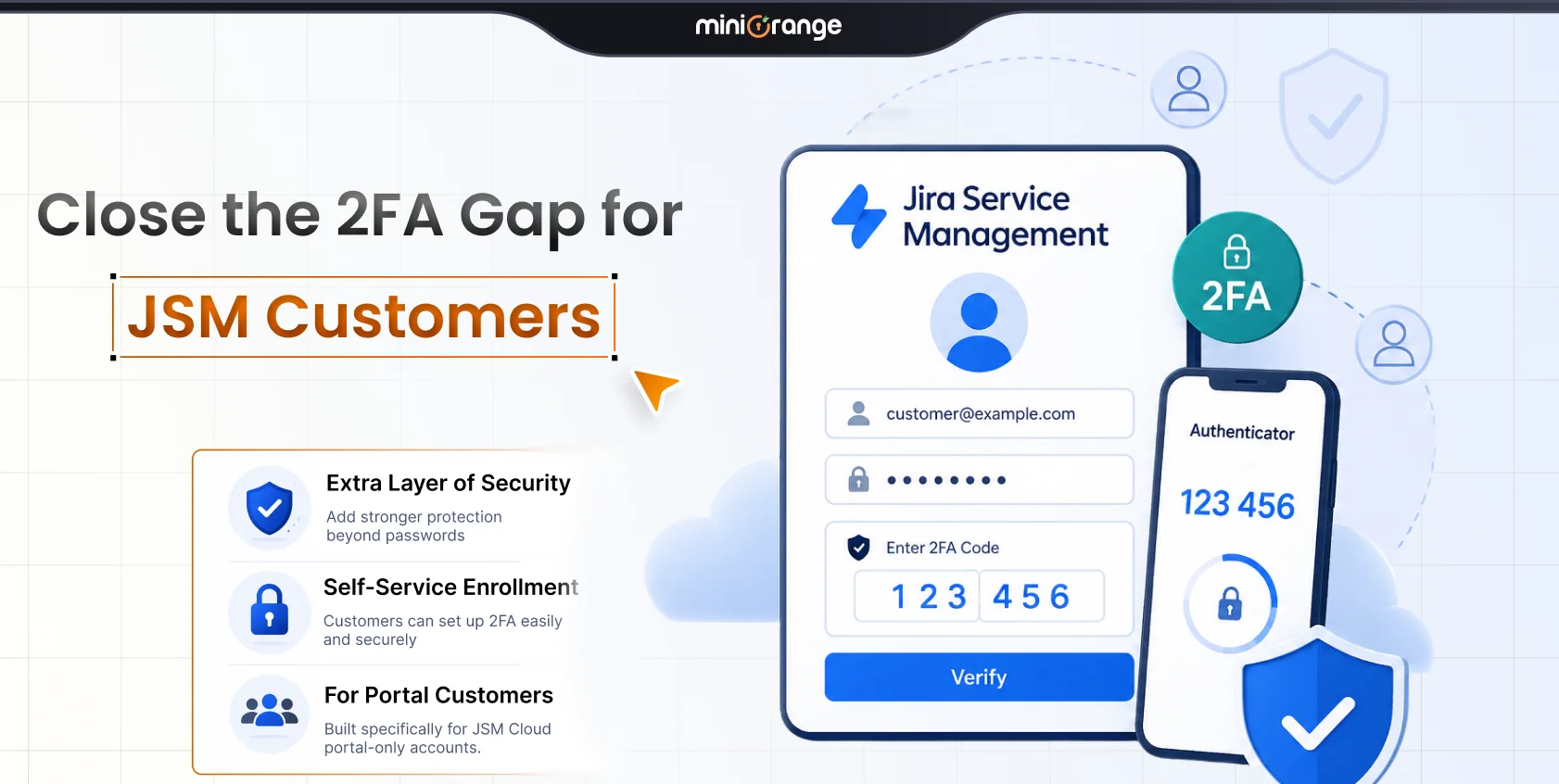
miniOrange MFA adds another verification step during login. It ensures that only authorized users can access your Atlassian apps, even if passwords are compromised.
We understand you might have different security requirements. We support 15+ authentication methods so you can choose what fits best.
Organizations can choose from:
- Authenticator apps like Google Authenticator, Microsoft Authenticator, Authy, and Duo
- Hardware tokens such as YubiKey and WebAuthn (FIDO2)
- OTP verification through email or SMS
- Duo Push notifications
- Security questions and backup codes for recovery scenarios
Constant MFA prompts can create friction for employees. That's why with miniOrange, you get granular control over how MFA is enforced across the organization.
For example, you can:
- Require MFA only for specific users or groups
- Restrict login attempts from suspicious IP addresses
- Allow trusted devices to bypass repeated verification
- Protect against brute-force login attempts
- Apply different MFA methods for different user groups
- Skip MFA for users already verified through trusted SSO flows
You can apply security controls intelligently to maintain a smooth login experience.
What Secure Login Looks Like
- User opens Jira or Confluence
- miniOrange SSO redirects user to trusted Identity Provider
- User logs into the IdP
- Receives an MFA prompt on their phone
- User approves the login request from their phone
- User securely accesses Atlassian apps
Benefits:
- Fewer password resets
- Faster logins
- Centralized access control
- Reduced account compromise risk
Step 3: Prevent Security Risks with Automated User Management
One major security risk to your Atlassian environment isn't external. It's inactive user accounts that still have access to your data.
As organizations grow, it becomes increasingly difficult to manually manage user accounts. Even a single error, like not revoking access once an employee leaves, can risk compromising your security.
Even when inactive accounts are never exploited, they still create unnecessary security exposure and licensing costs.
miniOrange Automated User Management helps you clean up Atlassian environments without any repetitive admin work. It automates user lifecycle actions based on activity, status, groups, or custom rules. You don't have to review users one by one.
For example, you can:
- Automatically deactivate inactive users after a defined period
- Remove users from licensed groups to reclaim unused licenses
- Bulk activate, deactivate, or restore users in a few clicks
- Exclude admins and critical groups from automated cleanup rules
- Send email notifications before removing access
- Automatically restore access when users return or raise a request
This becomes especially valuable during and after cloud migration, where you bring over years of inactive accounts. miniOrange organizes things for your new home.
The platform also gives you better visibility into access with detailed audit logs.
Step 4: Stop Data Loss Using a Real-Time Jira and Confluence DLP PII Scanner
Employees often share sensitive information like API keys, credentials, and customer data inside Jira tickets and Confluence pages without realizing the security impact.
That's where the need for Data Loss Prevention (DLP) controls arises.
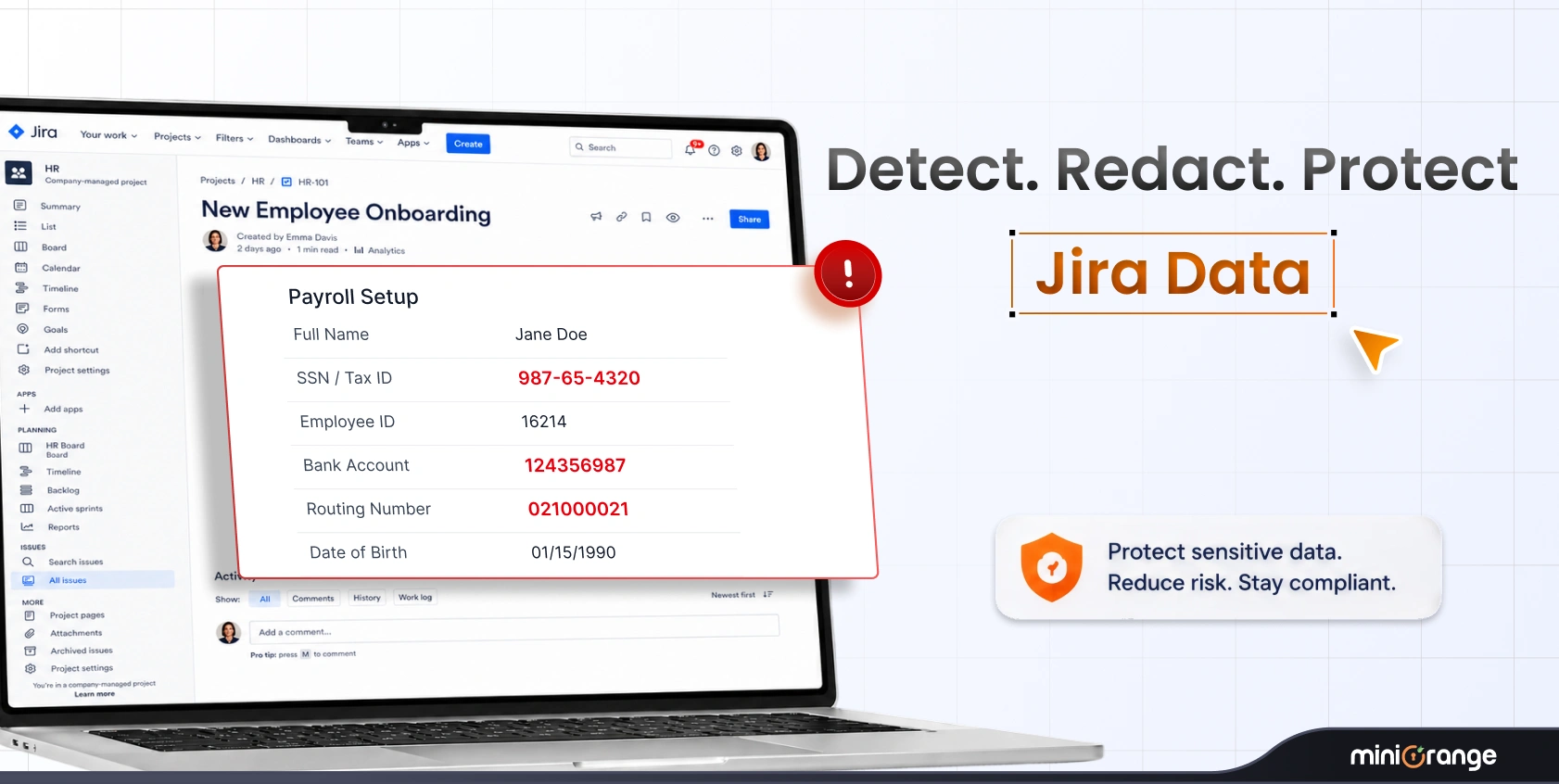
miniOrange Data - PII Scanner helps you automatically detect, monitor, and remediate sensitive data exposure across Jira and Confluence before it gets in the wrong hands. It continuously scans Jira and Confluence environments in real-time to detect over 80 types of sensitive information.
This includes:
- Personally Identifiable Information (PII)
- Protected Health Information (PHI)
- Credit card and payment data
- API keys and access tokens
- Passwords and credentials
- Internal identifiers and custom data patterns
Once sensitive data is detected, miniOrange can automatically trigger remediation actions based on your security policies.
For example, you can:
- Redact sensitive information automatically
- Delete exposed content
- Encrypt sensitive issue data
- Trigger alerts for security teams
- Apply custom regex rules for organization-specific data formats
All of this happens instantly, eliminating the exposure window.
You can track everything on a centralized dashboard with detailed reporting on the violations.
Most importantly, miniOrange Data - PII Scanner is built on Atlassian Forge, which means scanning and remediation happen entirely within Atlassian infrastructure. Your Jira and Confluence content does not leave the Atlassian environment during the process.
Step 5: Enable Secure External Sharing Without Extra Licenses For Jira Confluence
Most organizations need to share Jira data with external stakeholders, contractors, clients, or vendors. They need visibility into Jira tickets, project updates, support requests, or shared workflows. But giving them a full license is expensive and often unnecessary.
You can share screenshots or emails. But that is risky from a security perspective.
miniOrange Secure Share was built for such instances. You can collaborate securely with external stakeholders without compromising your security.
Instead of creating full Jira accounts, you can generate secure share links that provide controlled access to specific Jira issues, projects, boards, or filters.
The external stakeholders can:
- View shared Jira issues without requiring a Jira license
- Add comments and attachments when permitted
- Stay updated on issue changes through notifications
- Collaborate directly within controlled workflows
You have complete control over what gets shared and for how long. You can:
- Password-protect shared links
- Set expiration dates for external access
- Restrict which projects or issues can be shared
- Control whether attachments, comments, or child issues are visible
- Instantly deactivate shared links when access is no longer needed
- Apply default sharing permissions across projects
You also save on licensing costs by allowing external stakeholders to participate in workflows without consuming paid Jira licenses.
At the same time, detailed access logs and centralized link management help you monitor external sharing activity.
Step 6: Protect App Integrations with Enhanced API Authentication
Your Jira, Confluence, and Bitbucket connect with external applications, automation scripts, CI/CD pipelines, monitoring systems, internal tools, and third-party services through APIs. Each of these integrations can introduce security risks if API access isn't managed properly.
miniOrange Enhanced API Authentication helps you secure these integrations. You can authenticate API requests using secure methods like OAuth/OIDC and API tokens.
You gain greater control over who can access APIs and what they can do. For example, you can:
- Restrict API access based on users, groups, or IP addresses
- Control which APIs and methods are accessible
- Generate and revoke API tokens centrally
- Apply rate limiting to reduce abuse and overload risks
- Enable read-only access for sensitive integrations
- Secure integrations inside SSO-enabled environments
Instead of giving external tools broad, unrestricted access, miniOrange helps enforce tighter access controls. The platform also supports integration with multiple OAuth and OpenID Connect providers.
Secure Your Entire Atlassian Ecosystem
| Security Challenge | miniOrange Solution |
|---|---|
| Password-based attacks | SSO + MFA |
| Manual onboarding/offboarding | SCIM Provisioning |
| Orphaned user accounts | Automated User Management |
| Sensitive data exposure | DLP & PII Scanner |
| Unsafe external collaboration | Secure Share |
| Unsecured APIs | Enhanced API Authentication |
Conclusion
Cloud migration changes the way you operate, and identity becomes the center of your security.
That means security cannot be treated as an afterthought once migration is complete. It needs to be built into your Atlassian Cloud environment from day one.
Atlassian Guard gives you a strong security foundation. But modern cloud environments often require deeper access control, stronger identity protection, and complete visibility to stay secure.
That's exactly where miniOrange helps.
From SSO, SCIM provisioning, and MFA to automated user management, DLP protection, secure external collaboration, and enhanced API authentication, miniOrange helps organizations strengthen every layer of their Atlassian Cloud security posture.
As 2029 approaches, the organizations that prepare early will have the advantage. Not just in completing migration successfully, but also in building a resilient Atlassian ecosystem for the years ahead.
FAQs
When will Atlassian Data Center support end?
Atlassian Data Center subscriptions and their associated Marketplace apps will expire on March 28, 2029, at 23:59 PST. Atlassian plans to offer extended support licenses to a limited group of customers until 2032.
Why is Atlassian Cloud migration a security risk?
When you move to Atlassian Cloud, your security model changes completely. Users access Jira, Confluence, and other apps from multiple devices, locations, and networks. This increases the importance of identity security, access control, API protection, and data governance.
Is Atlassian Guard enough for enterprise security?
For many organizations, Atlassian Guard provides a strong foundation. However, enterprises often require additional controls such as adaptive MFA, automated user management, advanced API authentication, DLP policies, secure external sharing, and granular access restrictions.
Can miniOrange detect sensitive data in Jira attachments?
Yes. miniOrange DLP can scan Jira and Confluence attachments, including PDFs and documents for sensitive data exposure in real time.
Does miniOrange support multiple Identity Providers?
Yes. miniOrange supports multiple Identity Providers, including Okta, Entra ID, Google Workspace, ADFS, Auth0, Keycloak, OneLogin, Ping Identity, and other SAML/OAuth/OIDC providers.
Leave a Comment