

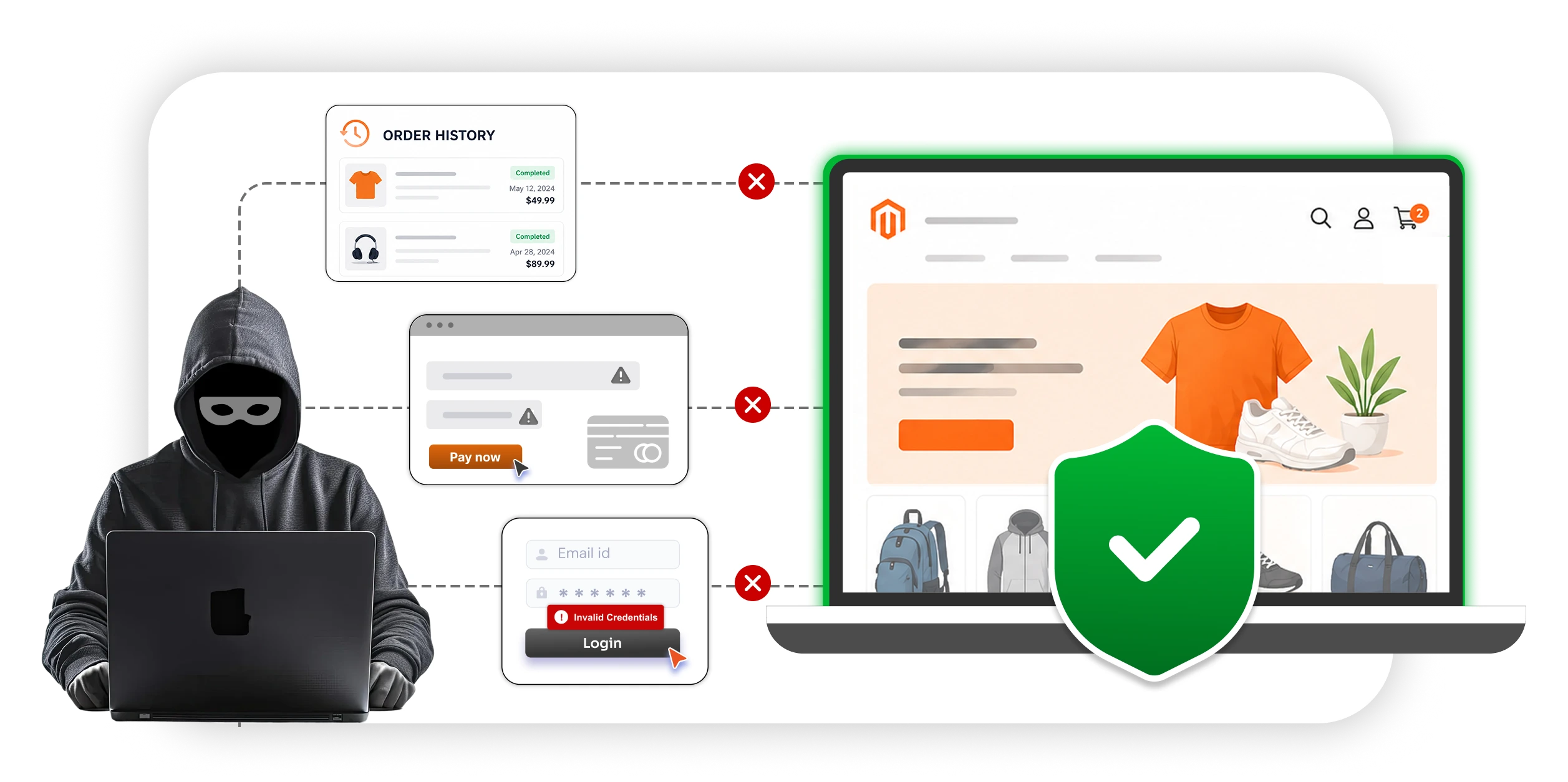
Your Magento storefront is the part of the store your customers actually touch: the home page, category pages, product pages, cart, account area, and checkout. It is where the shopping happens, and it is also where the majority of customer-facing attacks land: credential stuffing on the login page, card skimming on checkout, bot traffic draining inventory, fake account creation, and session hijacking.
Securing the storefront is different from securing the admin panel. The admin is a small, controlled surface with a known list of users. The storefront is a large, anonymous surface that any human or bot on the internet can reach. That changes what “security” looks like: you cannot lock the door, because the door is supposed to be open. Instead, you have to make sure the right people get through, the wrong ones get stopped, and nothing follows the right people in.
The Attacks That Target Storefronts Specifically
Most Magento security guides focus on the admin panel and platform patching, which are both important. But a patched store with a hardened admin can still be dangerous for customers if the storefront itself is not protected.
The storefront is where a few specific problems show up:
- Credit card data flows through checkout, which makes it the favorite target for skimming, especially Magecart attacks.
- Customer accounts hold personal data, order history, and stored payment methods, which makes them valuable enough to be worth credential-stuffing at scale.
- Public endpoints are reachable by anyone, which makes them the default target for bots, scrapers, and automated fraud.
- Third-party scripts run on every page, which means a compromised pixel or analytics tag can silently attack every customer who visits.
If the admin is the vault, the storefront is the lobby. Both need security, but the controls you apply are different.
1. Secure the Customer’s Connection
Enforce HTTPS and HSTS
In Stores → Configuration → General → Web, set the following to Yes:
- Use Secure URLs on Storefront
- Use Secure URLs in Admin
- Upgrade Insecure Requests
Confirm that a product page loads every asset over HTTPS. One HTTP asset downgrades trust for the whole page.
Enable HSTS at your web server or CDN with a one-year minimum max-age. Once a browser sees the header, it refuses to downgrade, even if an attacker on the network tries.
Harden Session Cookies
A session cookie is effectively a password for the length of the session. Configure storefront cookies with:
HttpOnly, to block JavaScript accessSecure, to allow HTTPS-only transmissionSameSite=LaxorSameSite=Strict- A sensible lifetime, with
3600seconds being typical for the storefront
Use Modern TLS
Use TLS 1.2 minimum and TLS 1.3 preferred. Disable TLS 1.0 and TLS 1.1 because they are no longer PCI-compliant.
Run Qualys SSL Labs quarterly to catch configuration drift:
https://www.ssllabs.com/ssltest
2. Protect Every Public Form
CAPTCHA on Every Public Form
Enable reCAPTCHA v3 on:
- Login
- Registration
- Forgot password
- Contact forms
- Reviews
- Newsletter signup
- Coupon application
reCAPTCHA v3 scores behavior silently and only challenges suspicious traffic. Counterintuitively, CAPTCHA usually raises conversion because it removes the bot load that was inflating abandonment numbers.
Rate-Limit the Endpoints Attackers Hit Most
On top of CAPTCHA, apply strict rate limits to the URLs in every attacker’s playbook:
| Endpoint | Common abuse pattern |
|---|---|
/customer/account/loginPost |
Credential stuffing |
/customer/account/createpost |
Fake account creation |
/customer/account/forgotpasswordpost |
Reset abuse and account enumeration |
/checkout/* |
Card testing |
/rest/V1/carts/* and /graphql |
Storefront API abuse |
| Gift card balance-check endpoints | Enumeration targets |
Most modern CDN-WAFs, including Cloudflare, Sucuri, Akamai, and AWS WAF, ship managed bot rules that cover this out of the box.
Defeat Account Enumeration
Return the same message whether an email exists or not.
Correct message:
If an account matches this email, we’ve sent a reset link.
Avoid messages like:
No such user.
The same rule applies to login errors. Use “invalid email or password”, never “wrong password.”
3. Protect Customer Accounts
Password Policy
Use a practical password policy:
- Minimum 12 characters; 14 is better.
- Length beats complexity.
- Block breached passwords using the Have I Been Pwned list.
- Do not force password rotation because it leads to weaker passwords, not stronger ones.
- Let Magento use its default Argon2id hash. Do not override it.
Offer Two-Factor Authentication to Customers
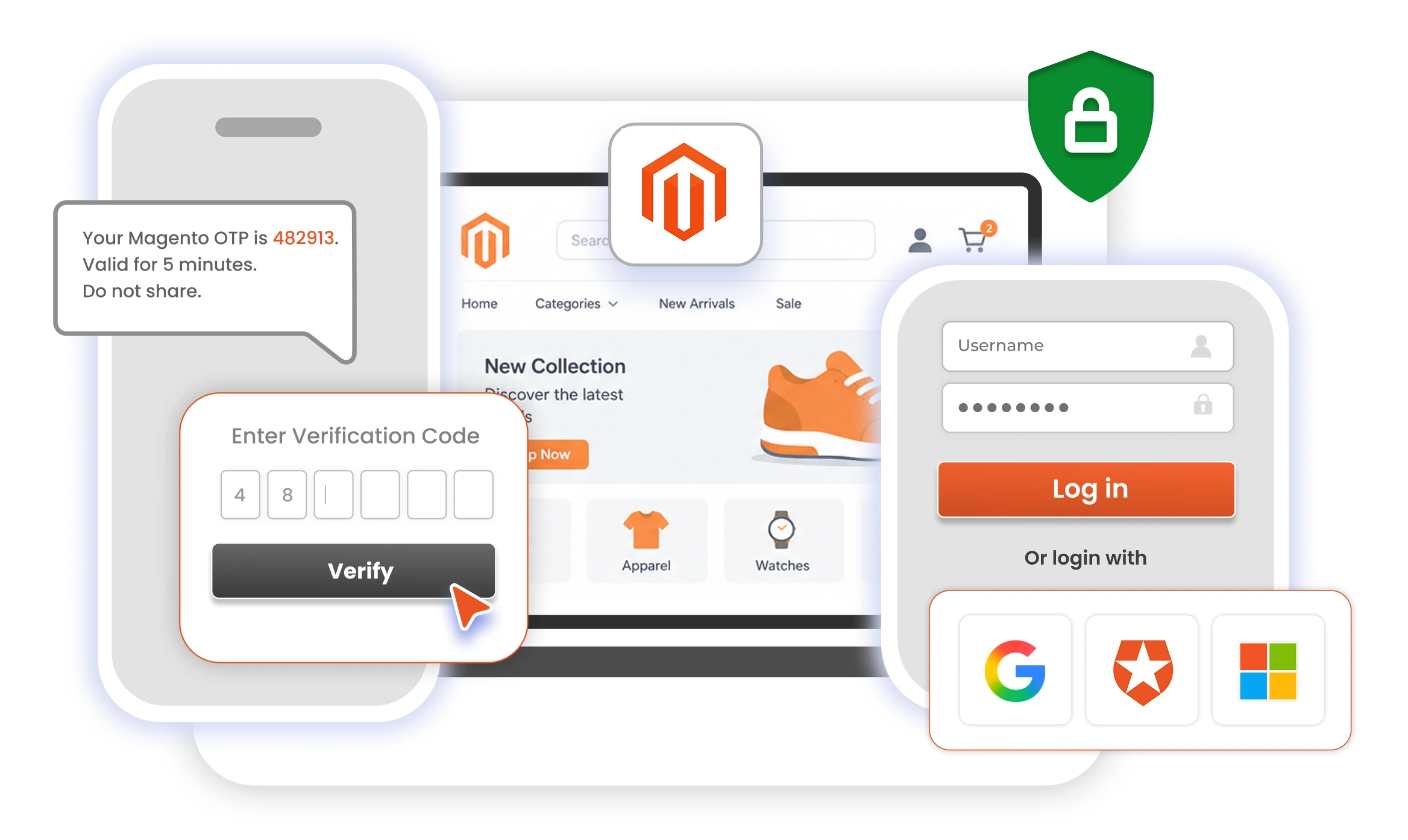
2FA is the single most effective control against credential stuffing. Even if you cannot mandate it, offer it in account settings and push it to high-value accounts, including repeat buyers, B2B users, and customers with stored payment methods.
TOTP apps are the right default, including:
- Google Authenticator
- Authy
- 1Password
Magento’s native 2FA module covers Google Authenticator, Duo, Authy, and U2F on the admin side, but it does not extend to customer-facing storefront logins.
Stores that want 2FA on the storefront, or that need a wider factor set, typically add an extension like Magento Two-Factor Authentication. It can support:
- Email or SMS OTP
- Push notifications
- Security questions
- Hardware tokens
- Role-based policies
- Backup methods to reduce lockout tickets
- IP-based and time-based conditional rules
It layers onto the native module rather than replacing it, and customer-facing enforcement is the part most stores actually need.
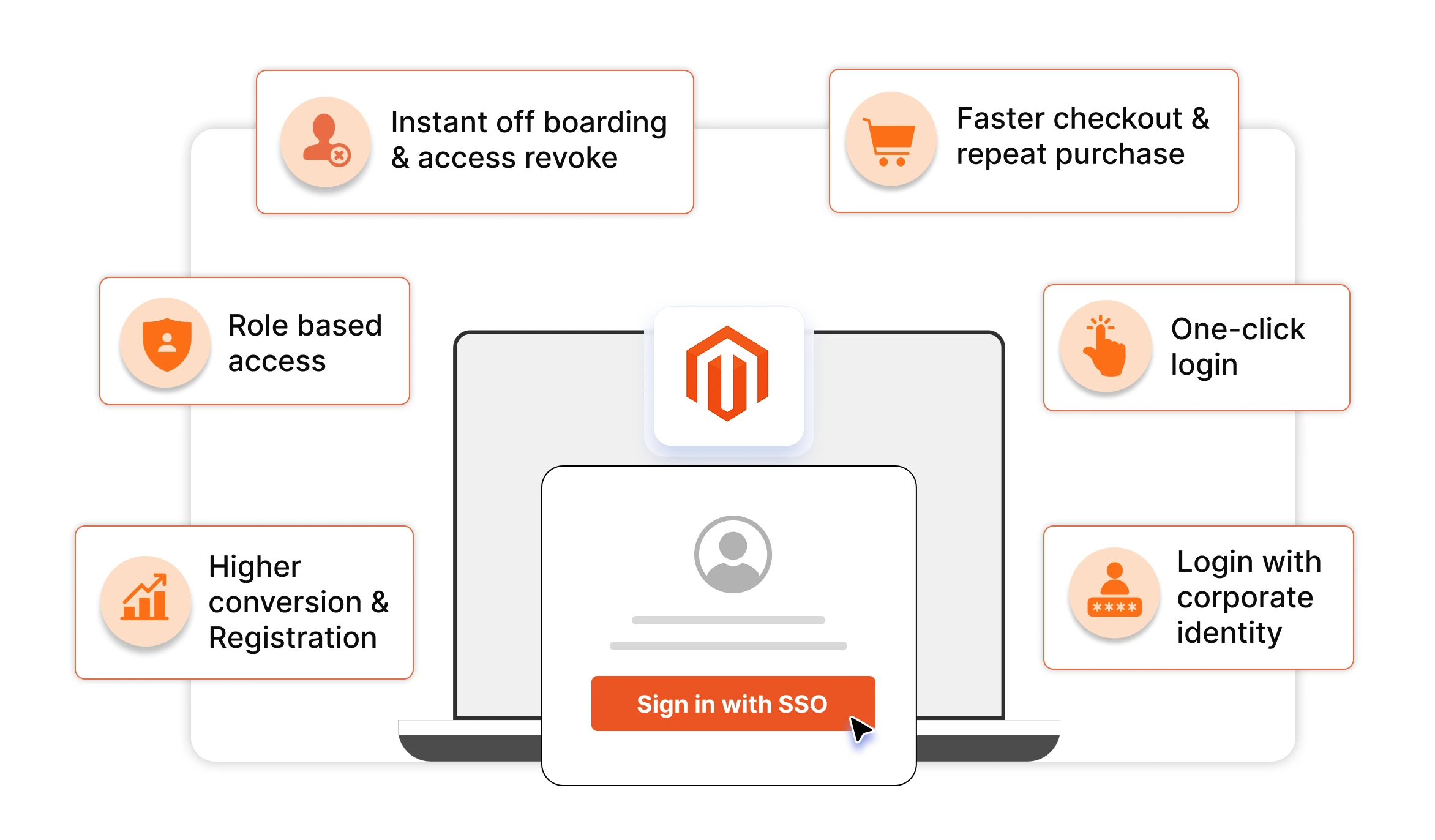
SSO for B2B and Multi-Site Stores
For B2B, multi-brand, and multi-store setups, letting customers sign in with an identity they already trust is a security upgrade, not just a convenience.
Supported identity options may include:
- Corporate identity providers
- Microsoft
- Apple
Authentication inherits the provider’s MFA, phishing detection, and device binding. For B2B specifically, provisioning and deprovisioning happen centrally, so when an employee leaves, access is revoked as part of corporate offboarding.
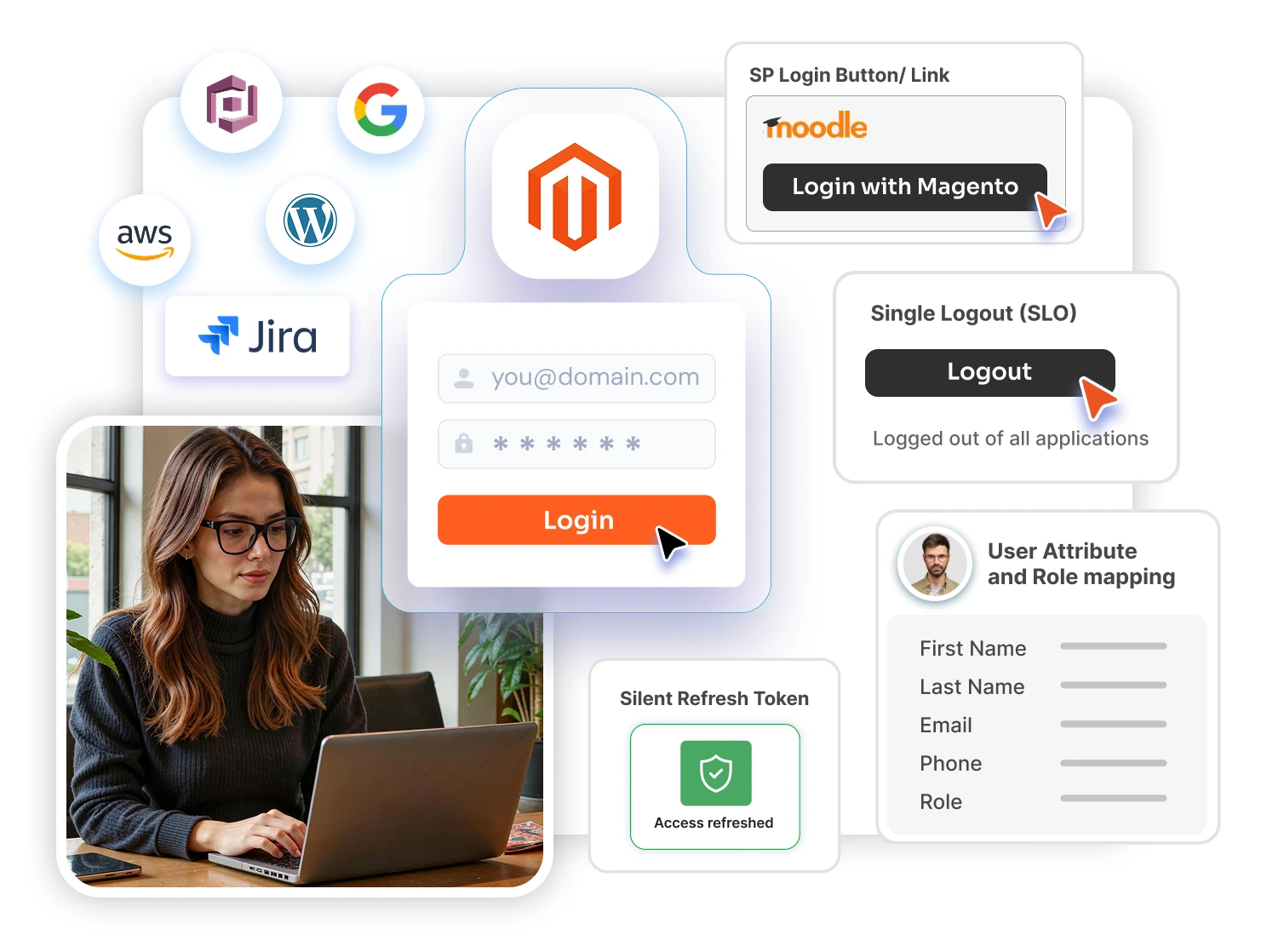
For enterprise Magento deployments with multiple regional storefronts, language-based sites, or organization-level access structures, B2B SSO for Magento Multi-Site is a common choice. It supports:
- IdP-initiated OAuth 2.0 / OpenID Connect flows
- SP-initiated OAuth 2.0 / OpenID Connect flows
- Company-level attribute and organization mapping
- Automatic user provisioning
- Scaling to new storefronts without reconfiguring the authentication framework for each one
The same authentication policy applies consistently across every store in the network.
4. Secure the Checkout
The checkout is where a skimmer’s compromise becomes money lost. Three controls do most of the work:
Use hosted or tokenized payment fields.
Examples include Stripe Elements, Adyen Drop-in, and Braintree Hosted Fields. If the card number never touches your server, a skimmer cannot steal it. This can also drop you from PCI SAQ D to SAQ A.
Deploy a strict Content Security Policy.
Start in report-only mode for 2 to 4 weeks, build an allowlist from real traffic, then enforce. A strict CSP blocks an injected skimmer even after compromise.
Monitor payment-page scripts for changes.
This is required by PCI DSS 4.0 Requirements 6.4.3 and 11.6.1. Keep a written inventory of every legitimate script on /checkout/*, use SRI hashes where vendors support them, and alert on any unexpected change.
Useful monitoring options include:
- Jscrambler
- Sucuri
- Feroot
- An internal script-integrity monitor
Then minimize. Every pixel, chat widget, and A/B test on checkout is a potential vector. Ask whether each one really needs to run there, or whether it can run earlier in the funnel.
5. Defend Against Bots and Automated Attacks
Deploy a Bot Management Layer
Most CDN-WAFs ship managed bot rules. Enable them and watch specifically for:
- Inventory scrapers
- Cart-locking bots on high-demand items
- Catalog and price scrapers
- Card-testing bots running small orders against stolen cards
Block Brute-Force Attacks at Login and Password Reset
CAPTCHA stops unsophisticated bots. Progressive lockouts, graduated delays, and smart alerting stop the ones that get past it.
Track failures separately by:
- Account
- IP address
Distributed credential stuffing often hides in the per-account view.
Magento’s native admin lockout settings in Stores → Configuration → Advanced → Admin → Security cover the backend well, but they do not extend to customer login or password reset.
Stores that want those controls on customer-facing forms typically add Magento Brute Force Protection which can provide:
- Progressive delays after failed attempts
- reCAPTCHA on risky actions
- Real-time email alerts on suspicious activity
- One-click unblock from the admin
- Storefront login and password-reset protection
Velocity Monitoring for Fraud Patterns
Fraud shows up as patterns, not single events. Alert on:
- Orders per IP per hour
- Orders per shipping address per day
- Payment failures per card
- Failed logins per account
- New-account creation rate
Your payment processor’s fraud tools can see cross-merchant patterns you cannot. Enable tools such as:
- Stripe Radar
- Adyen RevenueProtect
- Signifyd
6. Protect Customer Sessions
After CVE-2025-54236, also known as SessionReaper, session hygiene is no longer optional.
Use these three controls:
Rotate session IDs on privilege change.
Issue a new ID on login, checkout, and any payment-method change. This defeats session fixation.
Bind sessions to device signals where possible.
If the fingerprint or IP range shifts mid-session, re-authenticate before sensitive actions.
Keep lifetimes short.
A hijacked cookie is worth less when it expires sooner. Balance this against conversion and aim for the shortest lifetime you can defend.
Rotate the default Magento frontend cookie name every few months. It is a small friction for your team and a meaningful obstacle for automated scanners fingerprinting Magento stores.
7. Consent, Privacy, and Compliance
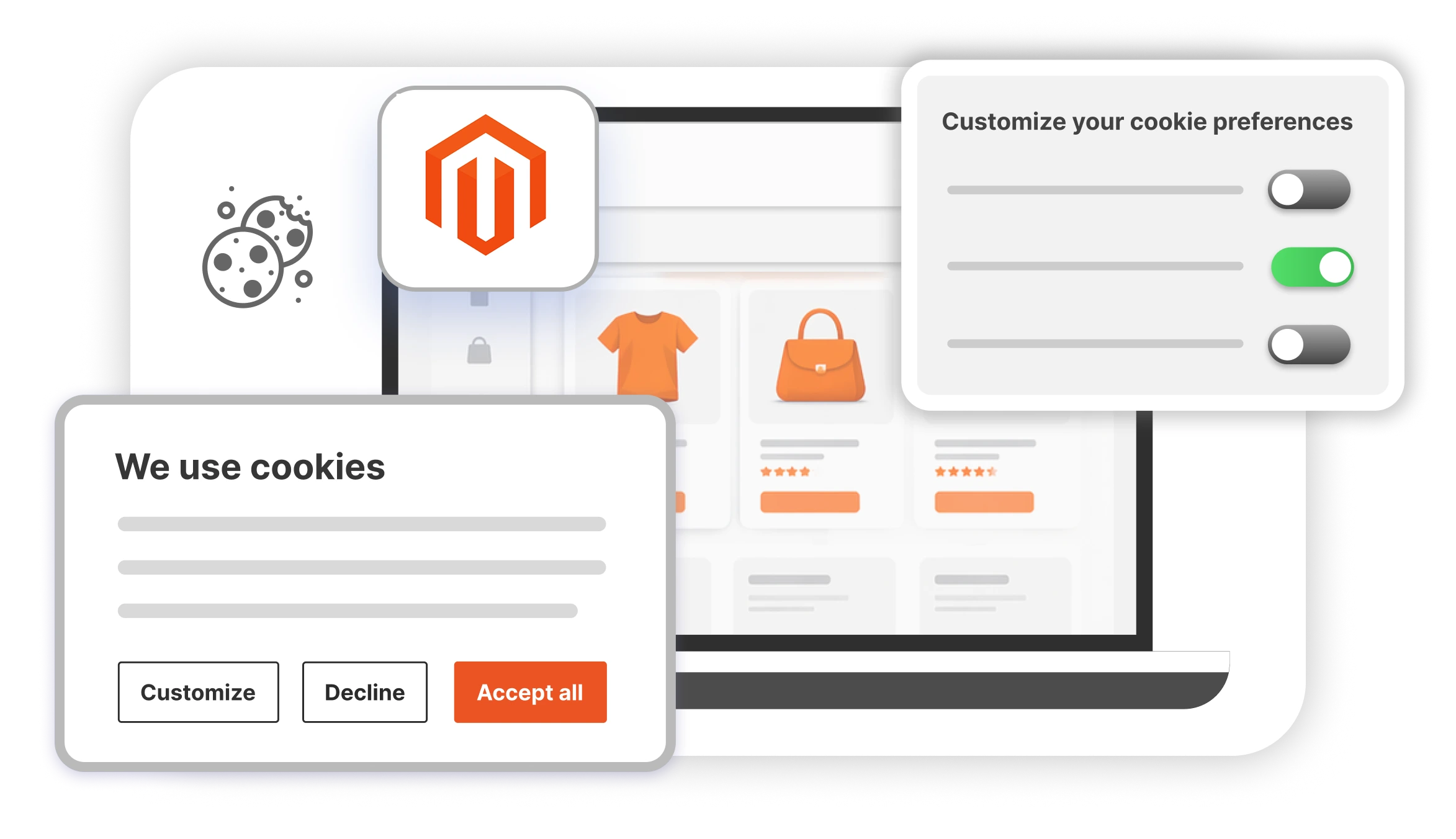
Under GDPR, UK GDPR, CCPA, and India’s DPDP Act, tracking cookies require explicit opt-in before they fire.
A banner that loads analytics and marketing pixels by default is a liability. Your analytics, marketing, and A/B testing scripts must stay blocked until the customer consents.
Verify Consent Gating
To verify that consent gating works:
- Open a private browser window.
- Decline consent.
- Open the network tab.
- Confirm that blocked scripts did not load.
Most stores fail this test on the first try. Charming, in the way preventable compliance failures usually are.
Generic consent banners handle the UI but often leave the hardest part to you: knowing which third-party scripts are actually on your store and blocking the right ones.
Stores that want a consent manager built natively for Magento typically use one that can:
- Auto-detect every script running on the store
- Categorize scripts as Necessary, Analytics, Marketing, or Functional
- Block non-essential scripts until the customer consents
- Manage requirements for GDPR, CCPA, ePrivacy, and the DPDP Act
miniOrange Magento Privacy & Compliance Manager handles this from a single configuration and also shows exactly what is tracking on your store.
Minimize What You Collect
The best protection against a storefront data breach is not having the data in the first place.
Review every:
- Form field
- Analytics event
- Session-recording tool
If it is not earning its place, remove it.
8. Monitor and Plan for Incidents
Watch for These Specific Signals
Monitor for:
- New or unexpected scripts on payment pages, which are the clearest single indicator of skimmer injection.
- Outbound requests from checkout to unfamiliar domains, which may indicate skimmer exfiltration.
- Spikes in 5xx errors on checkout, which often indicate an injection that broke something.
- Clustered chargeback notifications from your payment processor, which may reveal the window of compromise.
- Google Safe Browsing warnings on your storefront, which means you are already in incident mode.
Use Free External Scanners
Register with Adobe’s Magento Security Scan Tool and schedule weekly scans:
https://account.magento.com
Run MageReport by Sansec alongside it:
https://www.magereport.com
The two disagree often enough to be worth running in parallel.
Storefront Hardening Checklist
In order of priority, each step delivers real risk reduction on its own:
- Enforce HTTPS everywhere, enable HSTS, and harden cookies with
HttpOnly,Secure, andSameSite. - Enable reCAPTCHA v3 on every public form.
- Rate-limit authentication, checkout, and API endpoints at the CDN or inside Magento.
- Migrate to hosted or tokenized payment fields.
- Deploy a CSP, first in report-only mode, then in enforcement mode.
- Inventory and monitor every script on
/checkout/*. - Offer 2FA to customers and enforce it on high-value accounts.
- Evaluate SSO for B2B or multi-site scenarios.
- Add brute-force protection on customer login and password reset.
- Set up velocity alerts for orders, logins, and payment failures.
- Configure compliant cookie consent and minimize data collection.
- Schedule weekly external scans and enable script-change alerting.
- Write and rehearse the storefront incident response plan.
Final Thought
Storefronts that get compromised in 2026 are not usually defending against novel zero-days. They are the ones with a forgotten third-party pixel on checkout, a reCAPTCHA setting that was never enabled, a CSP stuck permanently in report-only mode, or a cookie banner that was never tested.
Storefront security is maintenance work. Done consistently, it keeps the bad days rare.
Leave a Comment