

Almost every Magento security advisory ends the same way. "A new CVE has been disclosed. Patch immediately." It's good advice. It's also only half the job.
The reality in 2026 is uncomfortable. Automated exploitation usually kicks in within 24 to 72 hours of a vulnerability going public. Most stores take weeks to patch. Do the math, and you'll see what actually happens: by the time the patch finally goes live, the attacker has already been in and out. The patch closes the door, but it doesn't tell you whether someone's still hiding in the basement.
The numbers behind this are sobering. After SessionReaper (CVE-2025-54236), Sansec estimated that roughly 16–18% of all Magento stores had one or more backdoors injected before they ever applied the fix. A lot of those stores are technically "patched" today and still compromised. The patch shut the original window. It didn't touch the foothold the attacker had already established.
This blog covers what comes next. Once the patch is in, what should you actually be checking? What do you rotate, what do you scan, and what do you lock down so the same thing doesn't happen with the next CVE? Because applying the patch is where vulnerability response starts, not where it ends.
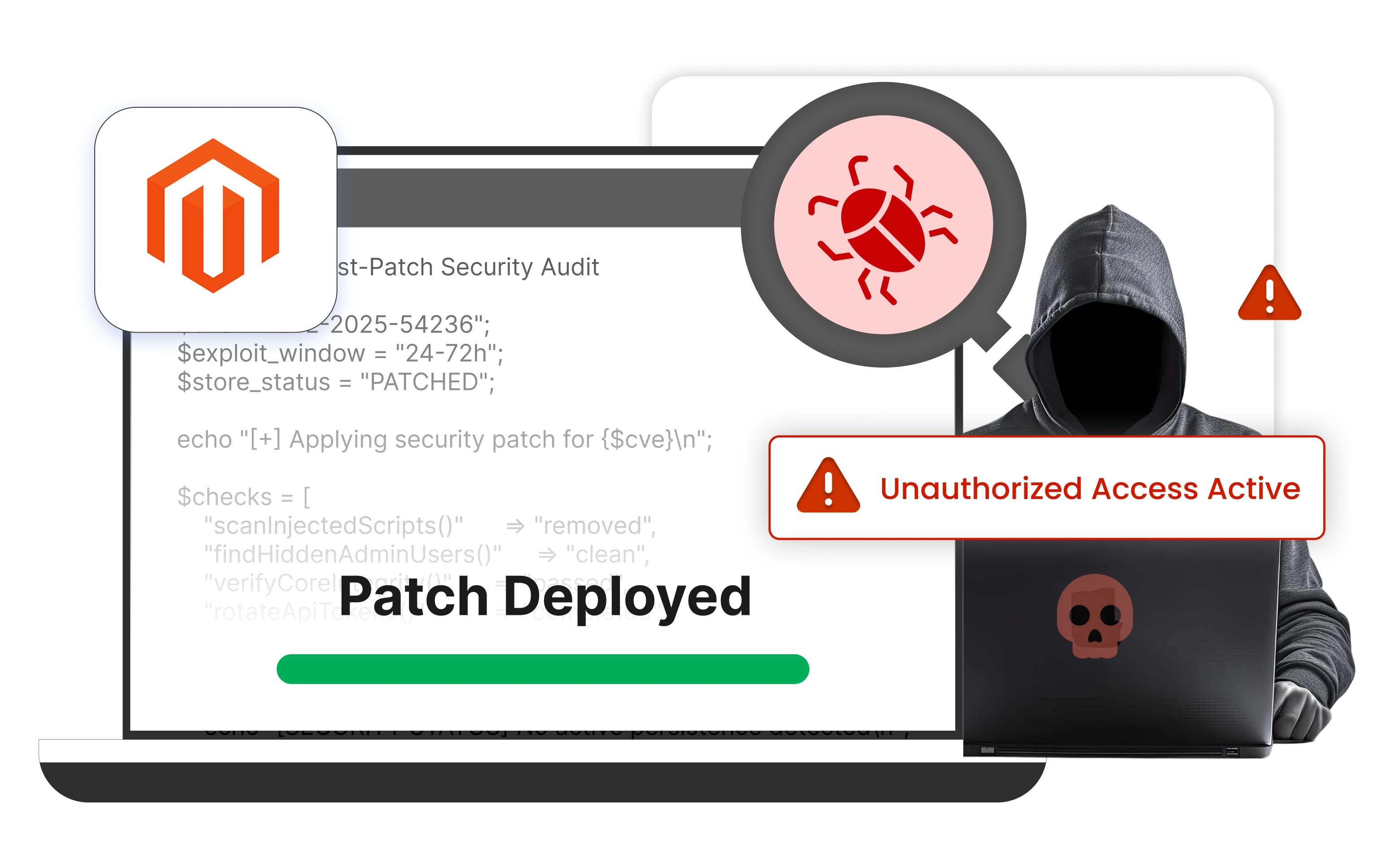
Why Patching Alone Leaves You Exposed
Modern attacks against Magento follow a fairly predictable pattern. A CVE drops, Adobe ships the patch, and within hours researchers (and attackers) reverse-engineer it. A proof-of-concept lands publicly within a day or two. Within three or four days, the exploit gets folded into automated scanning kits, which then sweep the entire internet looking for anything still vulnerable. By the time most teams have finished their staging tests and deployed the fix, that window has been wide open for over a week.
This is why the vulnerability window isn't really "patch delay." It's the gap between disclosure and verified clean. Most teams only focus on the first part.
Once an attacker gets remote code execution or admin access through a Magento CVE, they don't just look around and leave. The standard playbook usually includes some combination of the following: a PHP web shell dropped somewhere writable like pub/media/customer_address/, a new admin user with credentials that look just legitimate enough not to stand out, the encryption key copied out of app/etc/env.php (which is the real prize, since it lets them decrypt your data even after you patch), Magecart skimming JavaScript wired into checkout via the cms_block, cms_page, or layout tables, and any long-lived integration token they can find quietly stolen for future use.
None of that gets removed by the patch. The patch only closes the way they got in.
Six Things to Do After Every Major Magento Security Patch
If you've just patched, or you patched late on SessionReaper, PolyShell, or one of the recent APSB26-XX bulletins, this is the checklist worth running before you call it done.
1. Audit Every Admin User Account
The first place to look is your admin user list. New admin accounts created during the suspected window, role escalations on existing accounts (someone who was a Content Editor on Monday and an Administrator by Wednesday), password changes the user themselves didn't make, or API keys generated out of nowhere — all of these are common signs that something happened before you patched.
Adobe Commerce has native admin action logging built in, and it's worth turning on if it isn't already (Stores → Configuration → Advanced → Admin → Admin Actions Logging). For Magento Open Source, or for teams that want richer per-user audit trails and proper search, the Magento Admin Logs & Activity Monitor fills that gap.
2. Rotate Keys and Tokens
This is the step most stores skip, and it's often the difference between a closed breach and one that quietly continues.
The encryption key in app/etc/env.php is the big one. If that leaked while the attacker was inside, they can keep decrypting your stored payment info and credentials forever, no matter how patched the store is now. So rotate it. Then regenerate every Magento Integration token. Rotate any third-party API credentials your store touches — payment gateways, ERPs, shipping carriers. And invalidate every active admin and customer session, just to flush anything that might still be valid.
It's tedious work. It also undoes most of what an attacker would have stolen.
3. Scan for Indicators of Compromise
What you're looking for here is "stuff that shouldn't be there." That means unexpected files in pub/media/customer_address/, pub/media/, var/, or app/code/. Core files that don't match the official release hashes. Suspicious rows in cms_block, cms_page, core_config_data, or design_config_grid_flat (all common places skimmers like to hide). PHP files with obfuscated payloads — long base64 strings, eval() calls, anything that looks deliberately unreadable. And cron jobs or scheduled tasks you don't remember setting up.
Adobe's free Magento Security Scan Tool (available through account.magento.com) catches some of this. Sansec eComscan is what most professional incident responders reach for when they need to go deeper. And a file integrity monitor like OSSEC or Wazuh, baselined against a clean install, will tell you the moment anything changes from this point on.
4. Review Auth and Session Logs
Beyond admin action logs, dig into your web server access logs and authentication events. Look for admin logins from IPs or countries that don't match your team. Watch for bursts of POST requests against admin or REST endpoints. Look for the classic credential-stuffing signature, which is a string of failed logins followed by one that succeeded. And note any sessions that were active during the window you suspect.
And going forward: keep at least 90 days of logs. You can't investigate what you didn't record.
5. Lock the Door Behind You
Even if you missed an IOC somewhere, you can make stolen credentials worthless from here on. Three controls do most of the heavy lifting:
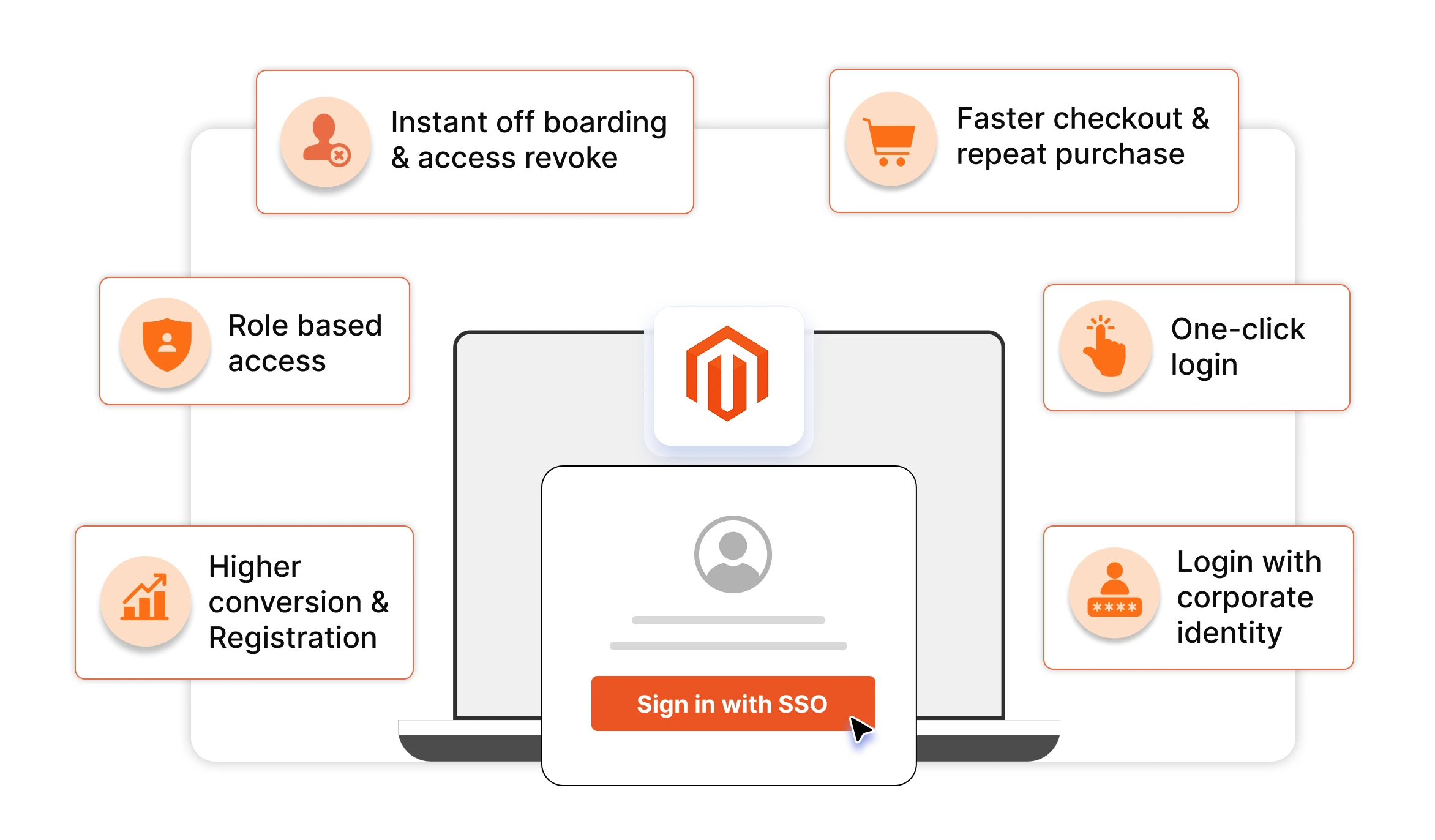
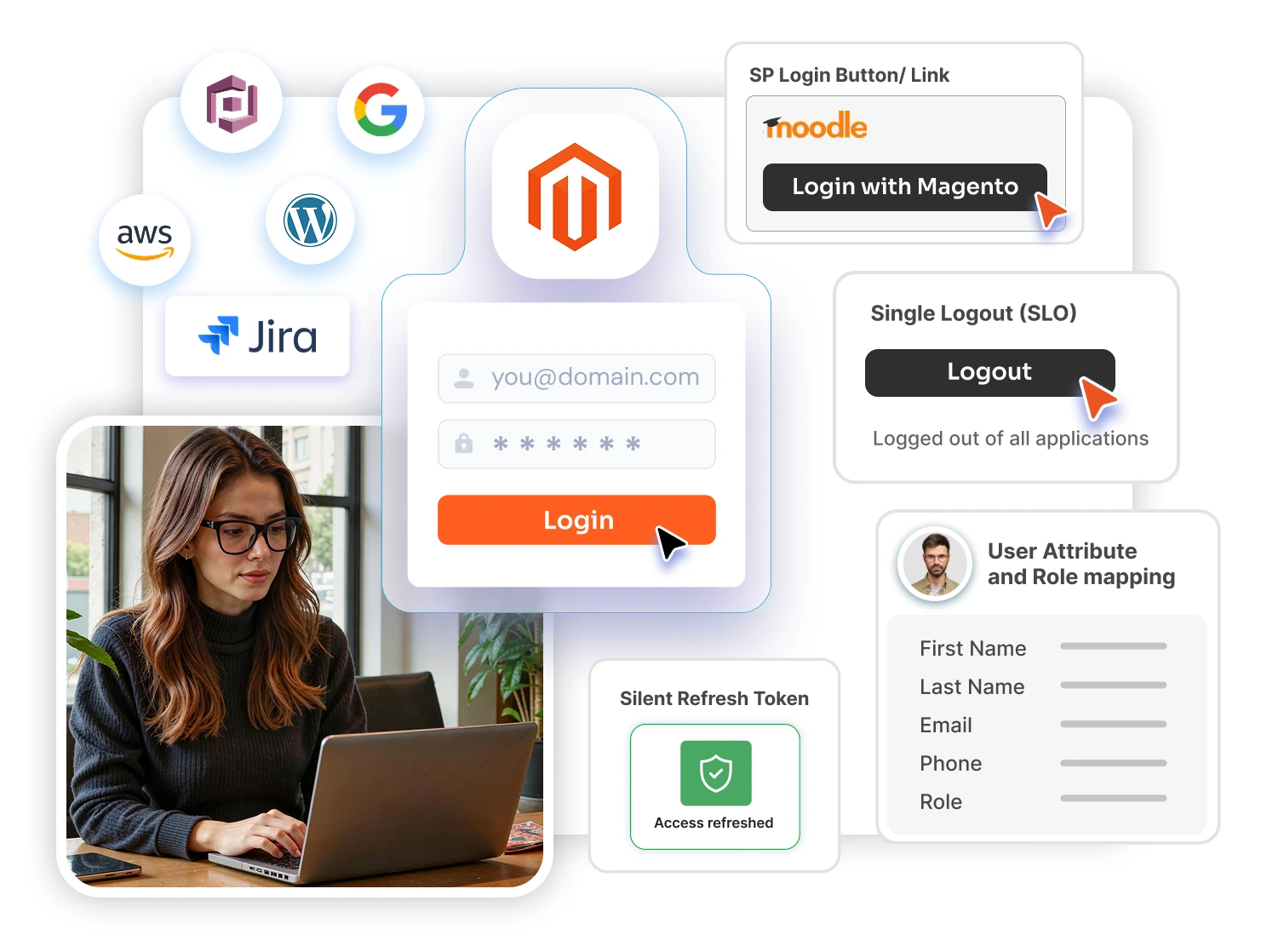
Move admin login to SSO. If your store uses SSO for admin login through an IdP like Azure AD or Okta, you've already eliminated most of this category of risk. Federated authentication means admin sessions are issued and revoked by the IdP, not by Magento — so a leaked credential is only as dangerous as the IdP allows it to be. Stores still on local Magento admin accounts can dramatically simplify post-breach response by moving to SSO with the Magento SSO extension.
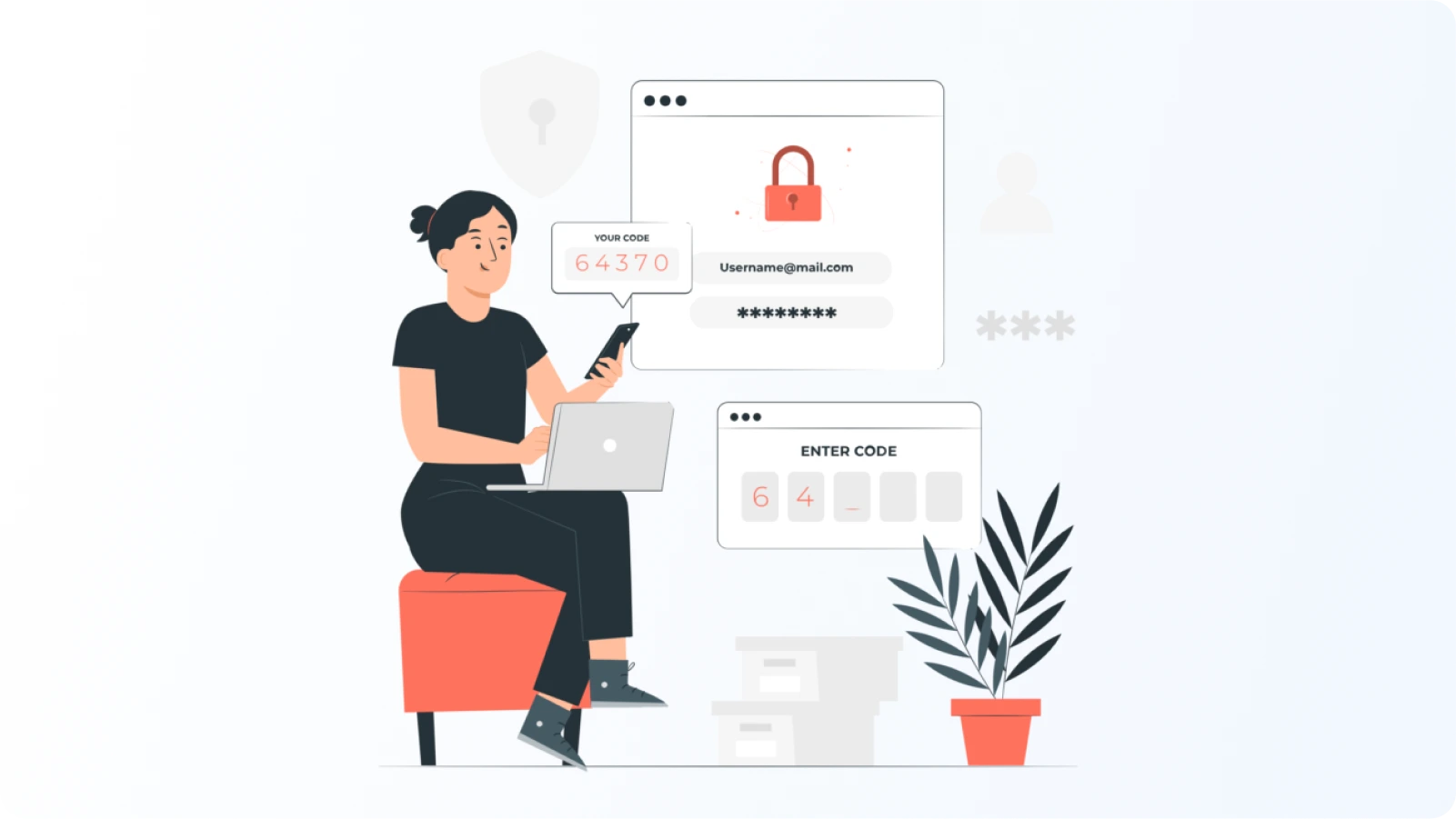
Enforce 2FA on every admin account. No exceptions, no "we'll do it later for that one contractor." Magento ships with a native 2FA module that handles the basics. For stores that need more — OTP over email or SMS, push notifications, hardware tokens, role-based 2FA policies, IP conditions, or 2FA on the customer-facing storefront — the Magento 2FA extends what's natively available.
Restrict admin access by IP. Even with valid credentials, an attacker can't reach a /admin endpoint that only answers to your office VPN. For setups that need more than a static allowlist (country-level rules, per-endpoint rate limiting, CAPTCHA challenges instead of hard blocks), the Magento IP Restriction handles all of that from inside the Magento admin.
6. Set Up Detection Before the Next One Drops
The hardest thing about vulnerability response is knowing when something's gone wrong in the first place. So while you're already doing this work, take five minutes to confirm a few things are in place: admin action logging is on and forwarding somewhere centralized; file integrity monitoring is running and baselined; your WAF and CDN telemetry is actually being looked at; alerts are configured for new admin accounts, payment config changes, and unusual API traffic; and you have a written patching SLA (something like "critical CVEs within 72 hours") that you're actually tracking against.
When the next SessionReaper-class CVE drops — and there will be one — you want your response measured in hours, not weeks. And you want to know within minutes if exploitation succeeded.
Your Post-Patch Checklist
After every major Magento security update, run this list:
- Patch deployed and verified across all environments
- Admin user list audited, nothing unexplained
- Encryption key rotated, integration tokens regenerated
- File integrity scan clean
- DB tables (
cms_block,cms_page,core_config_data) checked - Admin and auth logs reviewed for the suspected window
- SSO, 2FA, IP restrictions, and brute-force protection confirmed active
- Monitoring and alerts confirmed running
Most of these take fifteen minutes each once your process is in place. The discipline of actually doing them is what separates "patched" from "actually secure."
Leave a Comment