

Jira is rarely used by just one type of user.
Primarily, teams use Jira Cloud for project management. At the same time, support teams work inside Jira Service Management (JSM), while internal employees and external users such as customers, vendors, and partners may access the JSM portal.
They are all accessing the same Atlassian ecosystem, but they do not necessarily log in the same way.
This is where organizations can run into a problem.
The Problem: One Atlassian Environment, Different Login Experiences
Suppose you have already connected Jira Cloud to your Identity Provider (IdP) using SAML. Since Atlassian does not support OAuth/OpenID Connect (OIDC) protocols by default, you bridged this gap using the miniOrange OAuth/OpenID SSO app. This setup allows your employees to log in seamlessly using their primary company account.
The flow will look like this:
User → Identity Provider → Jira Cloud
But then an external customer opens the Jira Service Management customer portal.
They may be asked to use another login method.
Now you have two different authentication flows:
- Employees and Jira users authenticate through the corporate IdP.
- JSM portal customers may still depend on a separate account or login process.
Technically, the applications may be connected. From the user's perspective, however, authentication is still fragmented.
And this will become more noticeable as your organization grows.
Why Your SSO Strategy Needs to Extend to JSM
This is an important distinction.
Atlassian does offer a portal SSO, but it's SAML-only and capped at one IdP per site. This becomes a bottleneck for organizations that need broader flexibility. Because Atlassian lacks native OAuth/OIDC support, you are forced into a rigid authentication setup that may not accommodate all your portal users effectively.
Furthermore, Jira users and JSM portal customers are not always the same type of user.
Consider a support organization.
The support agent is an internal, licensed user who maintains comprehensive Atlassian user profiles with full operational access to the Jira back-end for managing workflows.
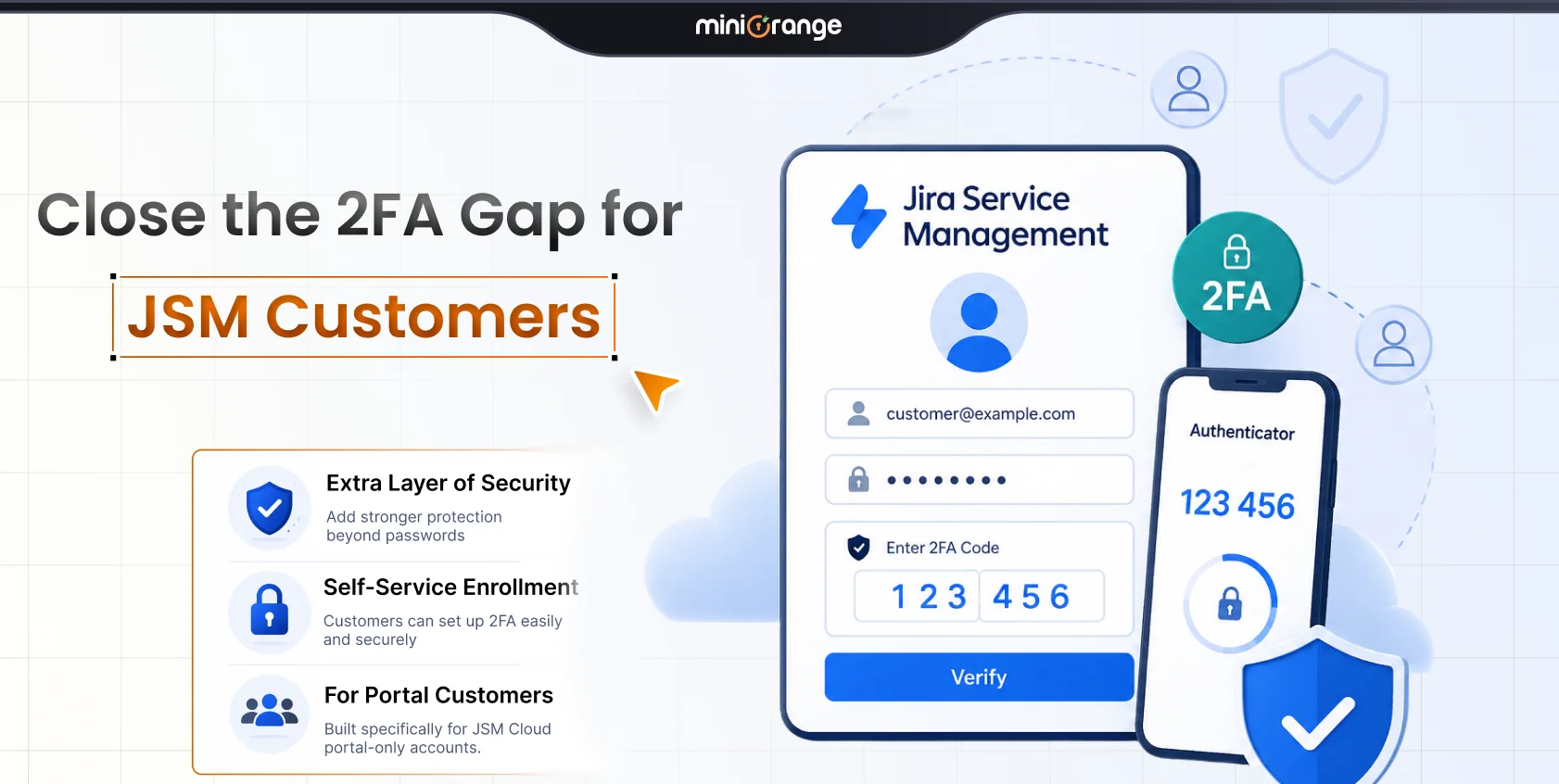
The customer, on the other hand, is typically an unlicensed user who may only visit the customer portal to:
- Raise a support request
- Report an issue
- Check ticket status
- Communicate with the support team
The authentication requirements for these two users are different.
That is why, when you use Jira together with JSM, you should think about both sides of the login experience.
- Jira SSO: Primarily protects and simplifies access for users working inside Jira and related Atlassian applications.
- JSM Customer SSO: Extends the SSO experience to customers accessing Jira Service Management.
Together, they help you avoid leaving one part of your Atlassian environment on a completely different authentication flow.
The Agitation: Multiple Login Methods Create More Than Just Inconvenience
Having different authentication flows across Jira and JSM may initially seem like a small issue. Over time, it can create several problems.
1. More Passwords for Users
If users need separate credentials for different Atlassian services, they have more passwords to remember. This also means they are more likely to forget them and request your team for resets.
2. More Work for IT Teams
Every additional authentication flow becomes something administrators need to manage.
IT teams may have to spend a lot of valuable time on:
- Password reset requests
- Account creation
- Login-related support tickets
- User access changes
- Different authentication policies
Unifying JSM and Jira Cloud SSO helps move authentication back to your existing identity system instead of requiring another set of credentials.
3. An Inconsistent Security Experience
Suppose your employees accessing Jira authenticate using Microsoft Entra ID, Okta, Keycloak, AWS Cognito, or custom OAuth/OIDC providers.
But your customers accessing the JSM portal use a different login mechanism.
You now have different authentication experiences depending on where someone enters your Atlassian environment.
This is not ideal for security teams trying to standardize identity.
4. External Users Make the Situation More Complicated
External users may need access to the service portal without needing the same level of access as a normal Jira user. They may have different access requirements from your Jira users, so their authentication flow may need to be handled differently.
The Solution: Bring OAuth SSO Across the Jira Experience
A better approach is to connect your Atlassian applications with your existing IdP through OAuth 2.0 or OpenID Connect (OIDC).
Instead of creating another password, users can authenticate using an identity they already have.
For example:
- Employee → Entra ID → Jira
- Developer → Okta → Jira
- Partner → Identity Provider → Jira/Confluence
- Customer → Identity Provider → JSM Portal
You get a much more consistent authentication experience.
The miniOrange OAuth/OpenID SSO app for Jira and Confluence Cloud lets Jira, Confluence, and the JSM portal work with OAuth/OIDC providers like Keycloak or Cognito, even though Atlassian itself only supports SAML. It also supports multiple identity providers, which Guard on its own doesn't offer on the Standard plan.
You can integrate providers such as:
- Microsoft Entra ID
- Okta
- Keycloak
- AWS Cognito
- Custom/In-House OAuth/OIDC-compatible IdPs
Users authenticate with the IdP, and the resulting identity information is used to provide access to the Atlassian application.
A Practical Use Case: JSM SSO for Thousands of Employees
An academic teaching hospital is migrating Jira Service Management to the cloud. They have 400 Jira Service Management agent licenses, but around 4,000 employees also need access to the JSM portal to create and track their own tickets.
The 4,000 employees are internal, managed users, not JSM agents. They do not need agent access. Just a convenient way to access the portal with their existing identities.
The hospital uses Keycloak as its OAuth/OIDC Identity Provider and wants employees to use their existing AD accounts for authentication.
With the miniOrange OAuth/OpenID SSO app, the hospital can integrate JSM Cloud with Keycloak and provide SSO for its employee portal users.
Employee → Keycloak → miniOrange → JSM Portal
This allows the hospital to extend SSO to its employees while keeping JSM agent access separate for its 400 service-desk users.
Side-by-Side Comparison: Standard vs. Unified SSO
Consider a software company using:
- Jira Cloud for development
- Confluence Cloud for documentation
- Jira Service Management for customer support
- Microsoft Entra ID as its IdP
Without a consistent SSO strategy, the experience could look like this:
| User Group | Authentication Path |
|---|---|
| Developers | Entra ID → Jira |
| Documentation Teams | Entra ID → Confluence |
| Support Agents | Entra ID → Jira Service Management |
| Customers | Separate JSM username/password → JSM Portal |
The first three groups have centralized authentication.
The fourth does not.
Now let’s extend SSO to the JSM portal:
| User Group | Authentication Path |
|---|---|
| Developers | Entra ID → Jira |
| Documentation Teams | Entra ID → Confluence |
| Support Agents | Entra ID → JSM |
| Customers | Entra ID → JSM Portal |
This gives each user group a defined authentication path based on how they access Atlassian.
Why Centralized Identity Matters as You Scale
Managing logins manually works fine when you have 20 users. Once you scale to hundreds or thousands of staff members, partners, and portal clients, manual account management simply cannot keep up.
OAuth/OIDC SSO can help you manage identities centrally.
Instead of asking:
"What password does this user have for Jira?"
IT teams can focus on:
"Should this identity be allowed to access Jira?"
That is an important difference.
Authentication is handled by the IdP, while the Atlassian environment can focus on providing the appropriate application experience.
One Login Experience Across Jira and Confluence
The miniOrange OAuth/OpenID SSO app for the Atlassian Cloud ecosystem can help you connect your Atlassian applications to your existing OAuth/OIDC identity infrastructure.
This can be particularly useful if your teams already authenticate through a central IdP.
Instead of maintaining separate login experiences across business applications, you can bring Jira and JSM into the same identity ecosystem with miniOrange Atlassian SSO.
Benefits of Using OAuth SSO Across Jira and JSM
When authentication is connected to an existing IdP, organizations can gain several practical benefits.
1. Token-Based Access
The application receives an access token with defined permissions rather than directly handling the user's credentials.
2. Granular Authorization
You can define what resources or actions a token is authorized to access instead of treating access as an all-or-nothing decision.
3. No Direct Password Sharing
The user's password is entered at the IdP rather than shared with the Atlassian application. The integration receives a limited-access access token.
4. Broad IdP Compatibility
OAuth/OIDC is an established standards-based approach supported by many modern IdPs, giving you flexibility to connect to Microsoft Entra ID, Okta, Keycloak, and AWS Cognito.
5. Fewer Passwords to Remember
Users can authenticate using accounts they already use instead of remembering another password. This also drops the number of password-related support tickets for IT teams.
6. Better User Experience
Users are redirected through a familiar login experience instead of encountering different credentials for every Atlassian application.
7. Easier Access for Distributed Teams
Employees, customers, partners, and contractors can access the appropriate Atlassian service through their configured identity system.
8. Consistent Atlassian Access
Jira, Confluence, and Jira Service Management no longer need to feel like completely separate authentication environments.
Jira and JSM SSO Should Work Together
The important question is not simply:
"Do we have SSO enabled for Jira?"
A better question is:
"Do all the people accessing our Atlassian environment have the right SSO experience?"
If Jira users can sign in through OAuth SSO but JSM customers still rely on a separate authentication method, part of the identity experience remains fragmented.
Using OAuth/OIDC SSO across Jira and Confluence, while also providing the appropriate SSO experience for Jira Service Management customers, helps close that gap.
The goal is simple:
One identity experience where possible, fewer passwords to manage, and secure access for every type of Atlassian user.
If you are already using an OAuth/OIDC IdP, the miniOrange OAuth/OpenID SSO solution for Jira and Confluence Cloud, together with SSO capabilities for JSM customers, provides a practical way to bring that experience across the Atlassian ecosystem.
Leave a Comment