
Every year, you will come across a bunch of articles forecasting the extinction of private data centers. And every year, enterprise security leaders prove them wrong. For them, the unique advantages offered by on-premises data centers are non-negotiable.
An on-premises PAM solution gives you more sovereignty over your primary identity security posture. It can also fit environments where connectivity or your existing systems limit cloud adoption.
Some organizations might have strict requirements for where the data is stored. Some might have legacy systems or restricted networks that need stricter control.
Let’s look into why many organizations deliberately retain self-hosted access security and how to tell if it aligns with your risk management framework.
What is On-Premises Privileged Access Management
On-premises Privileged Access Management (PAM) is identity security software deployed directly on infrastructure managed by your organization, such as your private data center or a dedicated private cloud environment.
It discovers, vaults, rotates, and audits privileged credentials across servers, databases, network devices, hypervisors, and legacy applications.
Instead of relying entirely on a vendor-hosted infrastructure, you use the PAM platform within your environment. You get greater control over deployment, configuration, access policies, and data.
Why Organizations Still Choose On-Premises PAM in 2026
Cloud-hosted PAM offers several advantages. The biggest one is that you do not have to manage the infrastructure.
However, many security architects intentionally keep their privilege perimeter within their own network boundaries. Here are six core reasons:
1. Greater Control Over Infrastructure and Operations
It is your infrastructure, and you get to decide where the platform runs and how you configure its environment. You never face unplanned vendor maintenance windows during mission-critical sprints, and your team maintains complete authority over local network routing and compute allocation.
2. Data Residency, Sovereignty, and Internal Security Requirements
Certain regulations often prohibit storing sensitive administrative keys in multi-tenant environments. Or you might have internal policies that restrict storing certain information within specific geographic or organizational boundaries.
This is possible with an on-premises PAM. It keeps password vaults, encryption keys, and session audit logs physically confined within your geographic borders and private perimeter.
3. Reduced Exposure to External Dependencies
If the third-party cloud vendor faces any issues, it will hamper your operations. Centralized cloud vendors remain massive targets for global threat actors.
You are free from such issues when you host the PAM platform internally. Except for software updates, IdPs, and integrations.
4. Support for Restricted or Air-Gapped Environments
Some organizations deliberately isolate critical systems from the public internet. For instance, national security sites, industrial plants, and utility control grids.
An on-premises PAM operates entirely offline without outbound API requirements.
5. Integration With Legacy Infrastructure and Operational Technology
If you rely on mainframe databases and Operational Technology (OT) that do not support cloud-native identity protocols, an on-premises PAM can help you establish privileged access controls closer to these systems. You will not have to change your existing infrastructure.
6. Predictable Operational Governance and Resilience
You retain access to database clusters, configuration states, and local disaster recovery targets with an on-premises system. You can also design availability and recovery measures around your own infrastructure requirements.
Is On-Premises PAM Always the Better Choice?
No. An on-premises PAM solution may be a better fit when:
- You have strict data residency, sovereignty, or internal hosting requirements.
- Your critical systems operate in restricted or isolated networks.
- You need greater control over deployment, configuration, maintenance, and recovery.
- Your existing infrastructure makes cloud migration difficult or impractical.
- You have the IT resources to maintain the PAM platform and its supporting infrastructure.
However, absolute control also means absolute responsibility.
It is up to your IT team to manage the infrastructure workload, from supplying the hardware to executing backups manually.
That is why modern teams evaluate both PAM tools for cloud and on-premises environments.
When Cloud-Hosted PAM May Be a Better Fit
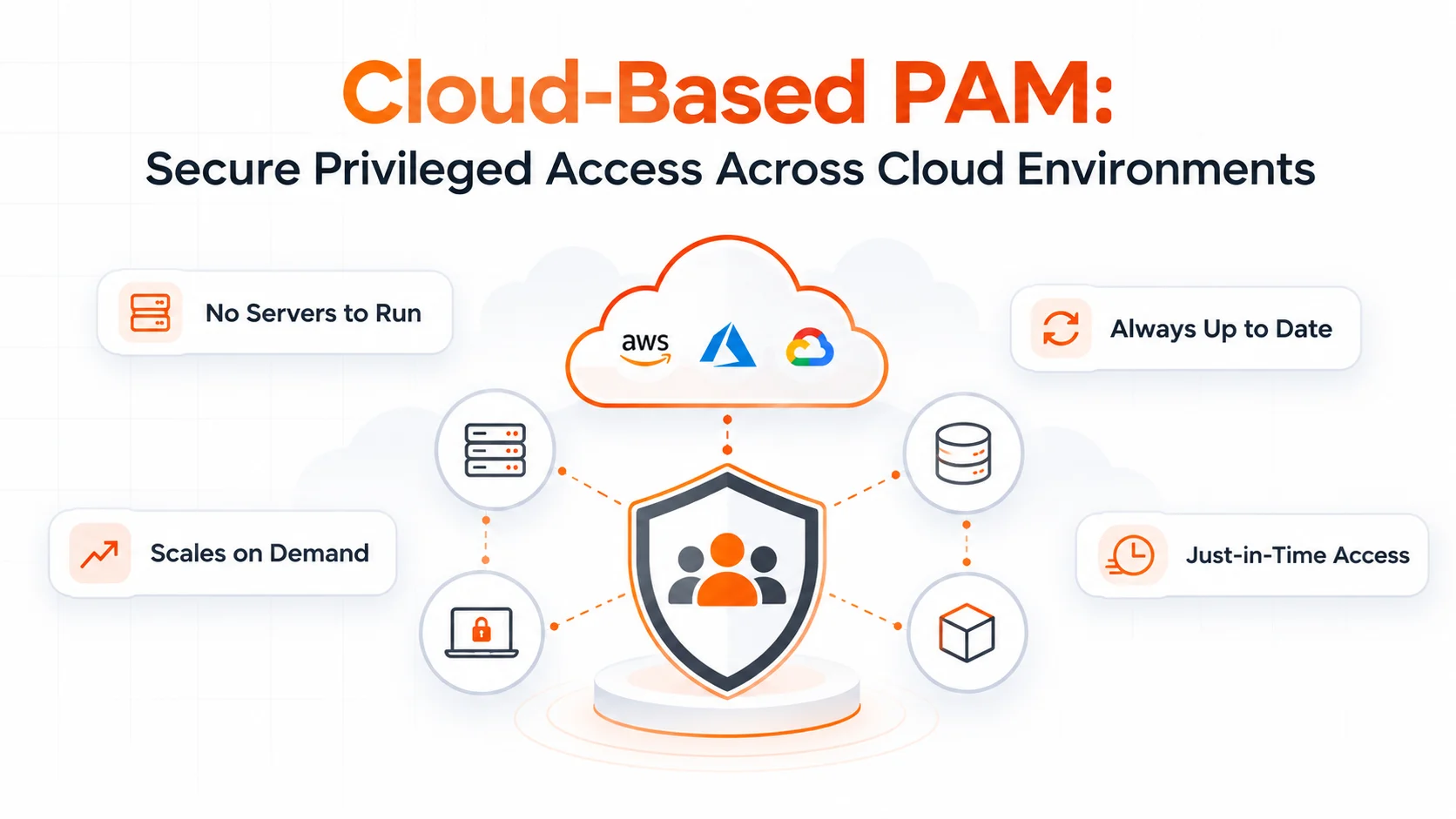
A Cloud-hosted PAM removes the responsibility of maintaining infrastructure. If your team prioritizes rapid onboarding, automated updates, fast provisioning, and capacity scaling without buying servers, a SaaS delivery model offers distinct advantages.
The choice comes down to your operational priorities. Do you need greater control over the hosting environment, or would you rather place more of that responsibility with a service provider?
Read our complete guide to Cloud-Based PAM to evaluate features, management trade-offs, and deployment timelines.
miniOrange PAM for Your On-Premises Deployment Requirements
If on-premises control matches your security goals, you do not need to accept months of complex configuration or heavy maintenance overhead. miniOrange delivers an enterprise-ready, containerized on-premises PAM solution designed for rapid setup and complete architectural control.
We offer indispensable features such as:
- Agentless Architecture: Broker access to servers, databases, and network switches without installing proprietary software agents on target machines.
- Enterprise Password Vaulting: Centralize privileged accounts with AES-256 encryption and automated password and SSH key rotation.
- Just-In-Time (JIT) Access: Eliminate standing privileges by granting temporary, task-scoped elevated permissions that automatically expire upon completion.
- Real-Time Session Monitoring & Recording: Supervise active RDP, SSH, and database sessions with live audit playback and instant termination controls for unauthorized commands.
- Endpoint Privilege Management (EPM): Enforce least privilege across corporate workstations without disrupting user workflows or granting permanent local administrative rights.
- Privileged Account Discovery: Scan local networks to uncover unmanaged admin accounts, legacy credentials, and service accounts.
- 6,000+ Pre-Built Integrations: Connect seamlessly across directories (Active Directory, LDAP), IT helpdesks, SIEM systems, and enterprise tools.
For hardware guidelines, environment prerequisites, and step-by-step setup instructions, read the technical documentation:
FAQs
Is on-premises PAM more secure than cloud PAM?
Not necessarily. On-premises PAM gives you greater direct control over hosting and infrastructure, but your team must also maintain and secure that environment. Cloud-hosted PAM may shift some infrastructure responsibilities to the provider. The stronger option depends on the solution's security controls, configuration, operational practices, and your organization's requirements.
Can an on-premises PAM tool manage cloud infrastructure?
Yes, provided the PAM solution supports the relevant cloud resources and access methods and has the required connectivity and permissions. An on-premises PAM platform can manage supported privileged access to cloud infrastructure without being hosted in the cloud itself. Verify compatibility with your specific cloud services and access workflows before deployment.
What should I look for in on-premises PAM solution reviews?
Look beyond overall ratings and feature lists. Evaluate credential vaulting, password rotation, access controls, just-in-time access, session monitoring, audit capabilities, integration compatibility, deployment complexity, and ongoing maintenance requirements. Pay particular attention to reviews from organizations with infrastructure and security requirements similar to yours. Confirm important claims through product documentation and a hands-on evaluation.
What infrastructure is needed for on-premises PAM?
Requirements vary by product and deployment architecture. You may need a compatible server or virtual machine, sufficient CPU, memory, and storage, a supported operating system or container environment, and the network access required for your target systems. You should also plan for backups, monitoring, updates, and recovery. Review the vendor's current installation guide for exact requirements before provisioning your environment.
About the Technical Expert

PAM Engineering Lead
Pradeep is a Senior Software Engineer at miniOrange, bringing over 7 years of experience in designing and securing enterprise access infrastructures. He leads the architecture and implementation of miniOrange’s Privileged Access Management solutions that help organizations enforce least-privilege controls, secure critical systems, and reduce identity-based risk across cloud and on-prem environments. He works closely with security and IT teams to build scalable privilege governance frameworks aligned with compliance and operational requirements. His expertise spans PAM architecture, secure system design, and identity-first security engineering for modern enterprises.
About the Author

Senior Content Writer
Chinmay has extensive experience in writing thought leadership and marketing content for B2B IT companies. He specializes in cybersecurity, AI, ERP, CRM, and custom software development, creating content that not just informs, but sells.
Leave a Comment