
When evaluating PAM, your hosting model matters just as much as your feature checklist. Do you prioritize complete control over your infrastructure or ease of deployment and scalability?
A cloud-based Privileged Access Management (PAM) solution provides the latter, as it does not depend on traditional, infrastructure-heavy deployment models. It secures your high-risk accounts at the speed your cloud infrastructure grows.
Here is why modern teams prioritize cloud-native access control and how to tell if it matches your architecture.
What is a Cloud-Based PAM Solution?
A cloud-based Privileged Access Management (PAM) solution helps you secure, control, and monitor privileged access to critical systems through a cloud-hosted deployment model.
It manages access for privileged users and other identities that require elevated permissions. These identities may include IT administrators, developers, contractors, service accounts, and automated workloads.
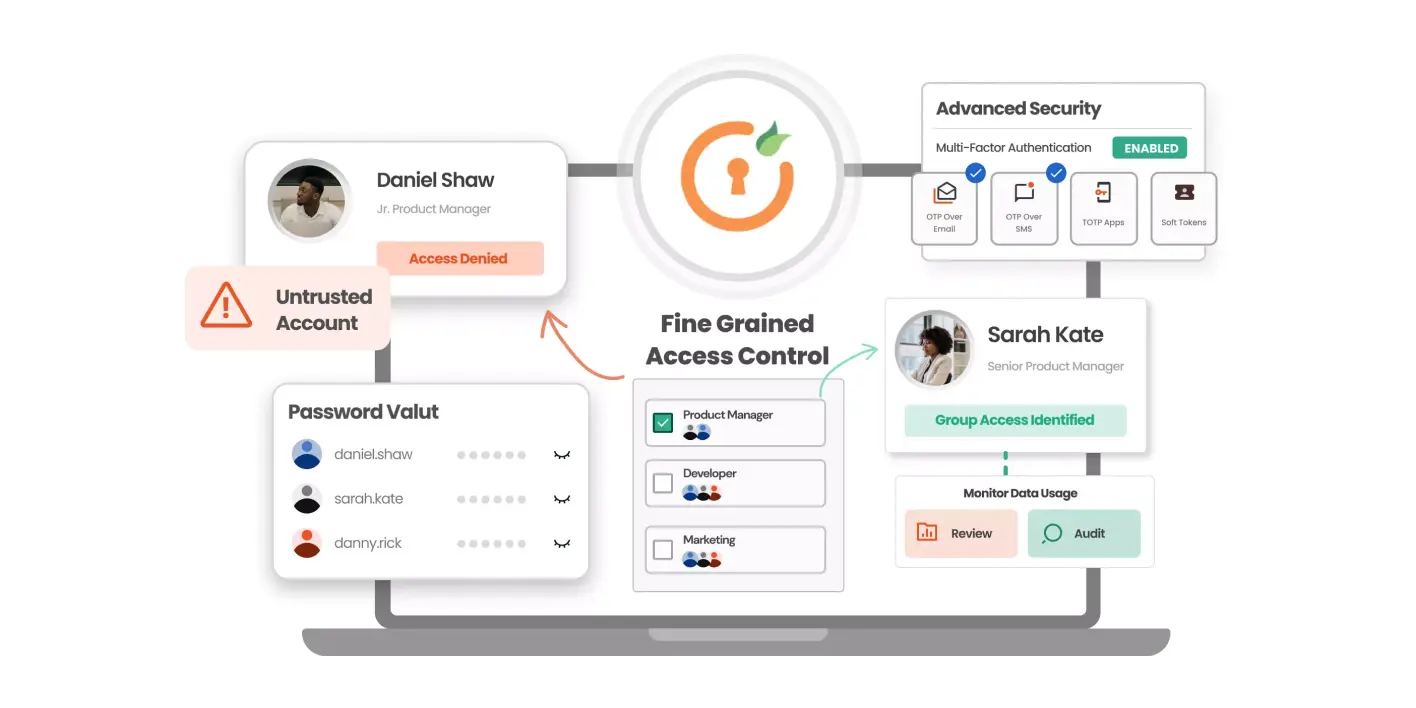
PAM helps you control how these identities access sensitive resources with capabilities such as credential vaulting, password rotation, Just-in-Time (JIT) access, session monitoring, and audit trails.
Why Do Organizations Choose a Cloud-Based PAM Solution?
An on-premises PAM solution gives you total control over your platform, but the responsibility of maintaining it is on you. A cloud-based PAM solution takes that unnecessary operational overhead off your shoulders and scales alongside your organization.
Here are five reasons to consider cloud-based PAM:
1. Reduced Infrastructure and Maintenance Overhead
You do not have to buy servers, size storage arrays, or maintain database clusters. The provider handles the infrastructure responsibilities included in its service model. Your team focuses on defining access policies rather than fixing server issues.
2. Scalability for Growing Cloud Environments
A cloud-based PAM solution scales as you add workloads or onboard administrators. You can increase capacity without purchasing additional hardware. You almost never hit hardware walls or run out of compute capacity.
3. Centralized Privileged Access Across Environments
Cloud delivery allows you to manage access across multi-cloud footprints (AWS, Azure, GCP) alongside legacy on-premises servers from a single, unified pane of glass. Look for a solution that fits your actual environment, whether you use one cloud provider, multiple cloud providers, or a hybrid approach.
4. Faster Deployment and Access to Updates
You can get started with a cloud-based PAM solution in days rather than months because it requires little infrastructure setup. New features, security patches, and connector updates roll out automatically without scheduled downtime.
5. Support for Distributed and Cloud-Native Operations
Remote engineers, third-party contractors, and automated CI/CD runners can access protected resources securely from anywhere without backhauling traffic through a corporate VPN. You can ensure security with real-time session monitoring and credential rotation.
What Features Do Cloud-Native Companies Need in PAM?
Modern cloud architectures move too fast for static passwords and invasive software agents. When evaluating PAM for cloud-native environments, prioritize these six capabilities.
1. Just-in-Time Privileged Access
Permanent standing access creates unnecessary risk. A compromised account with standing privileges can give an attacker access to sensitive resources long after the original task ends.
The Just-in-Time (JIT) privileged access feature provisions temporary elevated access only when an approved task requires it. You can limit access to specific resources and a defined period. It revokes the access when the approved period expires.
For example, a developer may need elevated access to investigate a production issue. JIT access lets you grant the required permissions for that task instead of giving broad admin access.
2. Agentless Access
Installing agents across every endpoint device requires a lot of operational work and can be quite difficult to manage. It can create challenges during rollout when your team manages different operating systems and resource types.
Cloud-native PAM must be completely agentless, brokering zero-trust SSH, RDP, and database connections directly at the network level. This can simplify onboarding and reduce endpoint maintenance.
3. Credential Vaulting and Automated Rotation
Your administrative passwords and SSH private keys must stay encrypted using AES-256. The platform must automatically rotate secrets on schedule or immediately after each use. So, even if credentials are compromised, they will be rendered useless immediately.
Look for support for the credential types your environment actually uses, including privileged passwords and SSH credentials.
4. Privileged Session Monitoring and Auditing
You need visibility to ensure accountability. Look for real-time session streaming, video playback, and keystroke logging for remote sessions. You should be able to flag suspicious commands and terminate risky connections instantly.
Before choosing a solution, check which protocols it can monitor. Do not assume that every PAM platform records every type of cloud API call or automated workload activity in the same way.
5. Integration with Cloud-Native Infrastructure and DevOps Workflows
Find a cloud-based PAM solution that works with the systems you already have. That includes identity providers, CI/CD pipelines, container orchestration platforms, and developer tooling.
Depending on your stack, assess support for:
- Cloud providers: AWS, Microsoft Azure, and Google Cloud Platform (GCP).
- Container infrastructure: Kubernetes clusters and their associated administrative access.
- Identity systems: Identity providers that establish which users can authenticate.
- Security and service management: SIEM platforms, help desk systems, and relevant audit workflows.
- Development and automation: CI/CD pipelines, infrastructure-as-code processes, and automated provisioning workflows.
6. Human and Non-Human Identity Security
Non-human identities, such as service accounts, API keys, machine identities, automated workloads, and AI agents, may need access to sensitive resources. Your PAM platform should account for them.
Look for ways to control privileged credentials, limit permissions, rotate supported secrets, and monitor relevant access activity.
Benefits of Cloud-Based PAM for Cloud-First Organizations
Migrating to the best cloud-based privileged access management (PAM) platforms gives your business distinct structural advantages:
Less Infrastructure to Maintain
A provider-managed service can reduce the need to provision and maintain dedicated PAM infrastructure. Your team can spend less time on hosting tasks, subject to the provider's responsibilities and the limits of the service model.
Flexible Scaling
As you add privileged users and resources, you can adapt capacity to your changing requirements. Cloud infrastructure is built for sudden surges in user headcount, machine workloads, or branch expansions.
Simplified Maintenance
The service provider handles routine updates, platform hardening, and infrastructure uptime, reducing administrative drag.
Centralized Access Management
A PAM solution can help you apply consistent privileged access policies across supported cloud and hybrid resources. This gives your team a clearer view of access without requiring identical infrastructure everywhere.
Support for Distributed Administration
Your IT and platform teams can access supported systems from different locations under established security controls. You can maintain oversight of privileged sessions without requiring every administrator to work from the same office or network.
Who Should Consider Cloud-Based PAM?
Cloud-based PAM is worth evaluating if privileged access has become difficult to manage as your infrastructure expands.
- Cloud-First Businesses: If your core applications already reside in public clouds, securing them with an on-premises access box introduces unnecessary latency and complexity.
- DevOps and Platform Engineering Teams: Engineering teams that treat infrastructure as code need automated, agentless, and API-driven access controls that keep pace with sprint cycles.
- Organizations with Lean IT Teams: Security teams that want enterprise-grade controls without spending half their week patching underlying operating systems and backing up local databases.
- Enterprises with Hybrid Environments: Companies that run workloads in the cloud while retaining legacy systems in-house but want a single access management layer for both.
When On-Premise PAM May Be a Better Fit
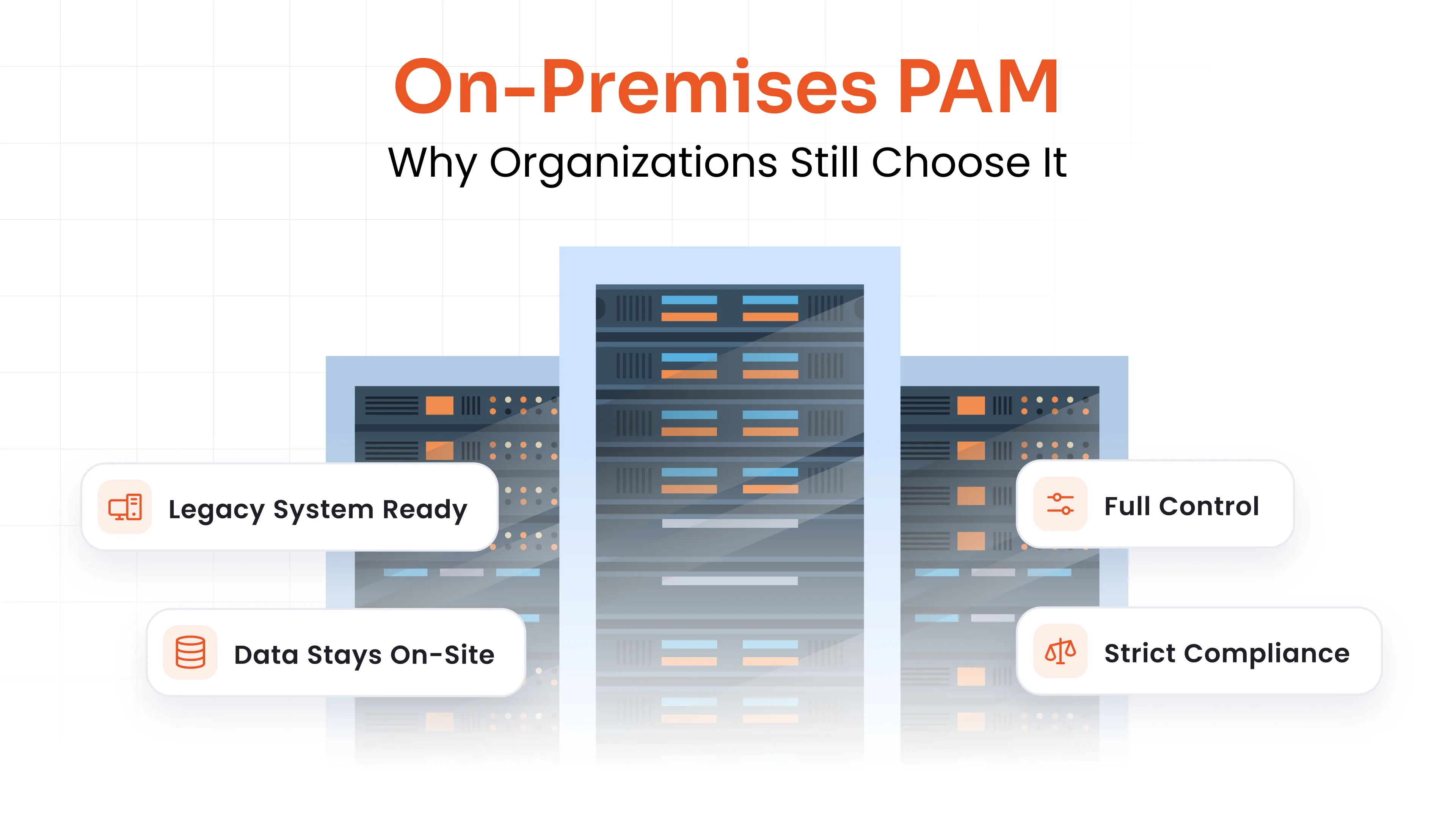
While the cloud offers flexibility and scalability, some organizations might need absolute control over their infrastructure. Examples include government organizations, national security sites, and industrial plants.
An on-premises PAM is the gold standard if you operate strictly air-gapped industrial controls, run classified government networks, or answer to strict data residency regulations that forbid hosting identity keys in external clouds.
Read our complete guide on Why Do Organizations Still Choose On-Premises PAM?
miniOrange: Your Cloud-First PAM Platform
When you evaluate which PAM platforms support cloud-native infrastructure, you need a solution that deploys quickly without requiring extensive agent software.
miniOrange PAM supports deployment in cloud environments, on-premises infrastructure, and hybrid environments. Its core capabilities include:
- 100% Agentless Deployment: Secure and audit access to Linux, Windows, network switches, and cloud instances without installing fragile software agents.
- Just-in-Time (JIT) Privileged Access: Grant time-bound, task-scoped administrative access and automatically revoke permissions when the access period ends.
- Automated Password Vaulting & Key Rotation: Store SSH keys, database credentials, and service account tokens in an AES-256 encrypted vault with automated rotation.
- Real-Time Session Monitoring & Keystroke Auditing: Supervise high-risk SSH, RDP, and database sessions in real time, with video playback and session-termination controls for unauthorized activity.
- Non-Human Identity & AI Agent Governance: Discover hidden service accounts, govern automation bots, and issue ephemeral secrets to API workloads.
- Endpoint Privilege Management (EPM): Eliminate local administrative rights across developer endpoints while selectively elevating authorized applications.
- Broad Ecosystem Compatibility: Integrate with Active Directory, LDAP, major cloud providers, and more than 6,000 enterprise applications.
Evaluate miniOrange PAM and determine whether its deployment options and access controls fit your cloud-first security requirements.
FAQs
What makes a cloud-based PAM solution different from legacy PAM?
Legacy PAM relies on proprietary agents, on-premises virtual machines, and static password vaults that take months to deploy. Cloud-based PAM is delivered via modern cloud infrastructure, runs agentless, and prioritizes Just-In-Time dynamic access over permanent standing privileges.
How does cloud PAM protect non-human identities like CI/CD pipelines and APIs?
Cloud PAM discovers unmanaged service accounts, API keys, and machine tokens across your environments. It replaces hardcoded static secrets with ephemeral, short-lived credentials generated on demand and revoked immediately after execution.
Does using cloud-based PAM create a single point of failure for our infrastructure?
Reputable cloud PAM providers like miniOrange build on high-availability cloud architecture with automated regional failovers, redundant encrypted storage, and rigorous SLAs. Furthermore, session isolation ensures that even during temporary network interruptions, existing systems continue operating without data corruption.
What Features Do Cloud-Native Companies Need in PAM?
Prioritize just-in-time access, credential vaulting and rotation, agentless access to supported resources, privileged session monitoring, audit trails, cloud platform integrations, and controls for non-human identities. Choose features that address your specific infrastructure and operational risks.
About the Technical Expert

PAM Engineering Lead
Pradeep is a Senior Software Engineer at miniOrange, bringing over 7 years of experience in designing and securing enterprise access infrastructures. He leads the architecture and implementation of miniOrange’s Privileged Access Management solutions that help organizations enforce least-privilege controls, secure critical systems, and reduce identity-based risk across cloud and on-prem environments. He works closely with security and IT teams to build scalable privilege governance frameworks aligned with compliance and operational requirements. His expertise spans PAM architecture, secure system design, and identity-first security engineering for modern enterprises.
About the Author

Senior Content Writer
Chinmay has extensive experience in writing thought leadership and marketing content for B2B IT companies. He specializes in cybersecurity, AI, ERP, CRM, and custom software development, creating content that not just informs, but sells.
Leave a Comment