
In 2026, cyberattacks are constant and highly coordinated. Every day, there are 300 million fraudulent sign-in attempts targeting cloud services. That number reflects the scale of automated attacks happening right now across the cloud.
If your organization uses Atlassian Cloud apps like Jira, Confluence, or Jira Service Management, you rely on the cloud. Your critical data, like customer info, source code, sprint data, or documentation, is stored there.
That makes your Atlassian instance a high-value target.
Even a single compromised account can expose all of your data. And attackers just need to log into one of your accounts to make that happen.
This is why identity has become the primary attack surface. And this is exactly where Multi-Factor Authentication (MFA) makes a difference.
Why Passwords Alone Are No Longer Sufficient
Passwords are the first line of defense, but on their own, they aren’t enough. Here’s the problem:
Password Reuse
Did you know that almost 73% of passwords are duplicates? People reuse passwords across multiple platforms because it’s easier to remember.
Attackers benefit from this behavior. They just need one password to tap into multiple apps by credential stuffing at scale.
That’s why 80%of data breaches are caused by weak or stolen passwords.
Attacks Have Become More Advanced
With AI, attackers now use automation to run millions of login attempts at once. Passwords alone cannot defend against this level of scale.
If your Atlassian Cloud instance relies only on passwords, you are trusting the weakest link in your security chain.
What is MFA and How It Works
MFA is a simple concept with a powerful impact. It requires users to verify their identity using more than one factor. These factors fall into three categories:
- Something you know: Password, PIN, etc.
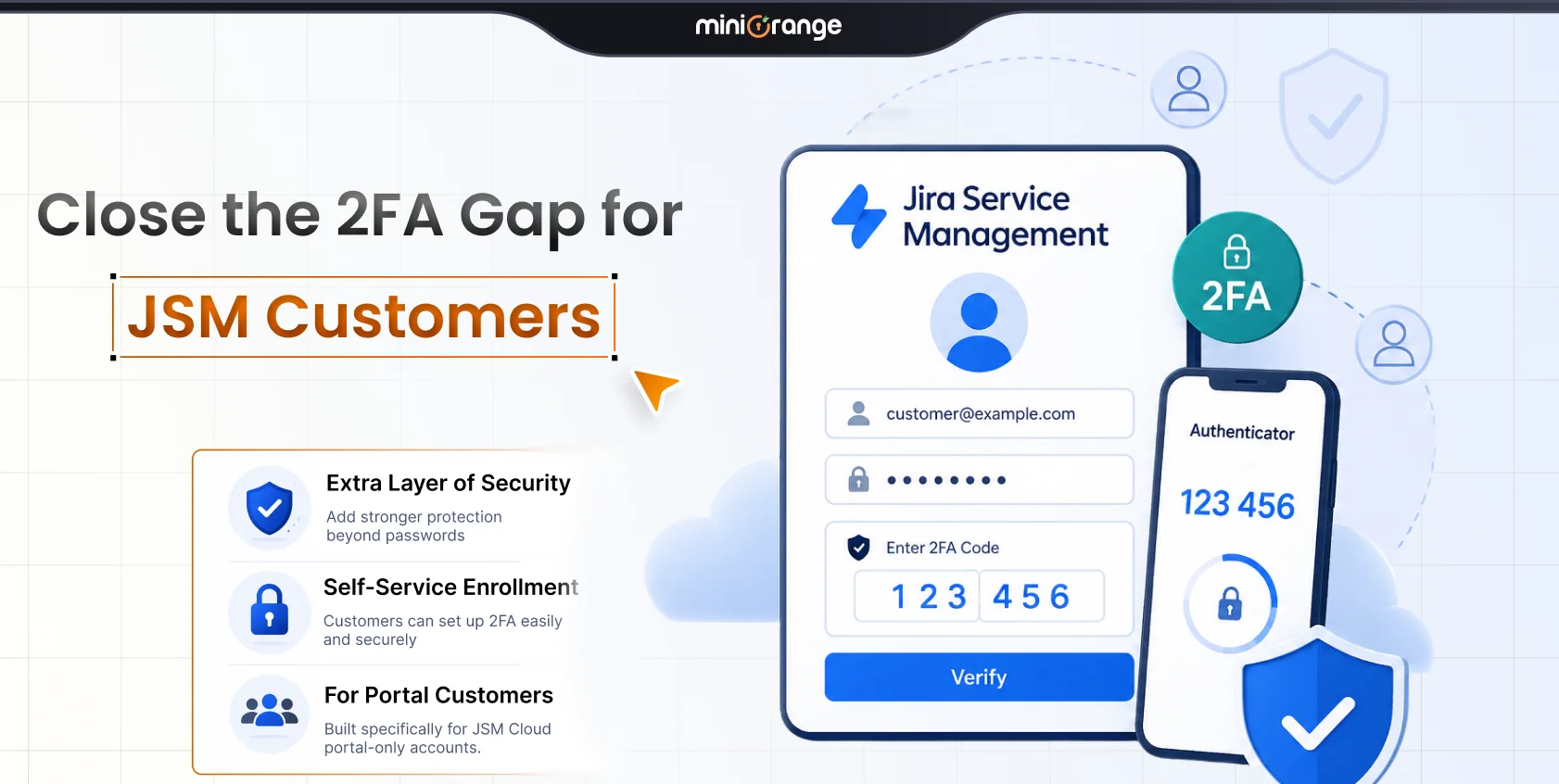
- Something you have: A smartphone, security key, or OTP token
- Something you are: Biometrics like Touch ID or Face ID
MFA combines at least two of these factors.
How MFA Works in Practice
- A user attempts to log into any Service Provider (SP).
- They enter their username and password.
- The system prompts for a second factor to confirm identity.
- The user receives a one-time passcode (OTP) via email.
- The user enters the correct OTP.
Only then does access get granted.
MFA in Atlassian Cloud
Atlassian follows modern Zero Trust security principles, which assume two things:
- No user or device is trusted by default
- Every access request must be verified
MFA is central to this model. It ensures identity verification does not stop at passwords.
Even if an attacker steals a password, they still cannot log in without the second factor. This small change stops most attacks.
You can implement MFA for your Atlassian Cloud products by subscribing to Atlassian Guard. There are two primary ways to achieve this:
- You can enable MFA directly within Atlassian Guard for your managed accounts.
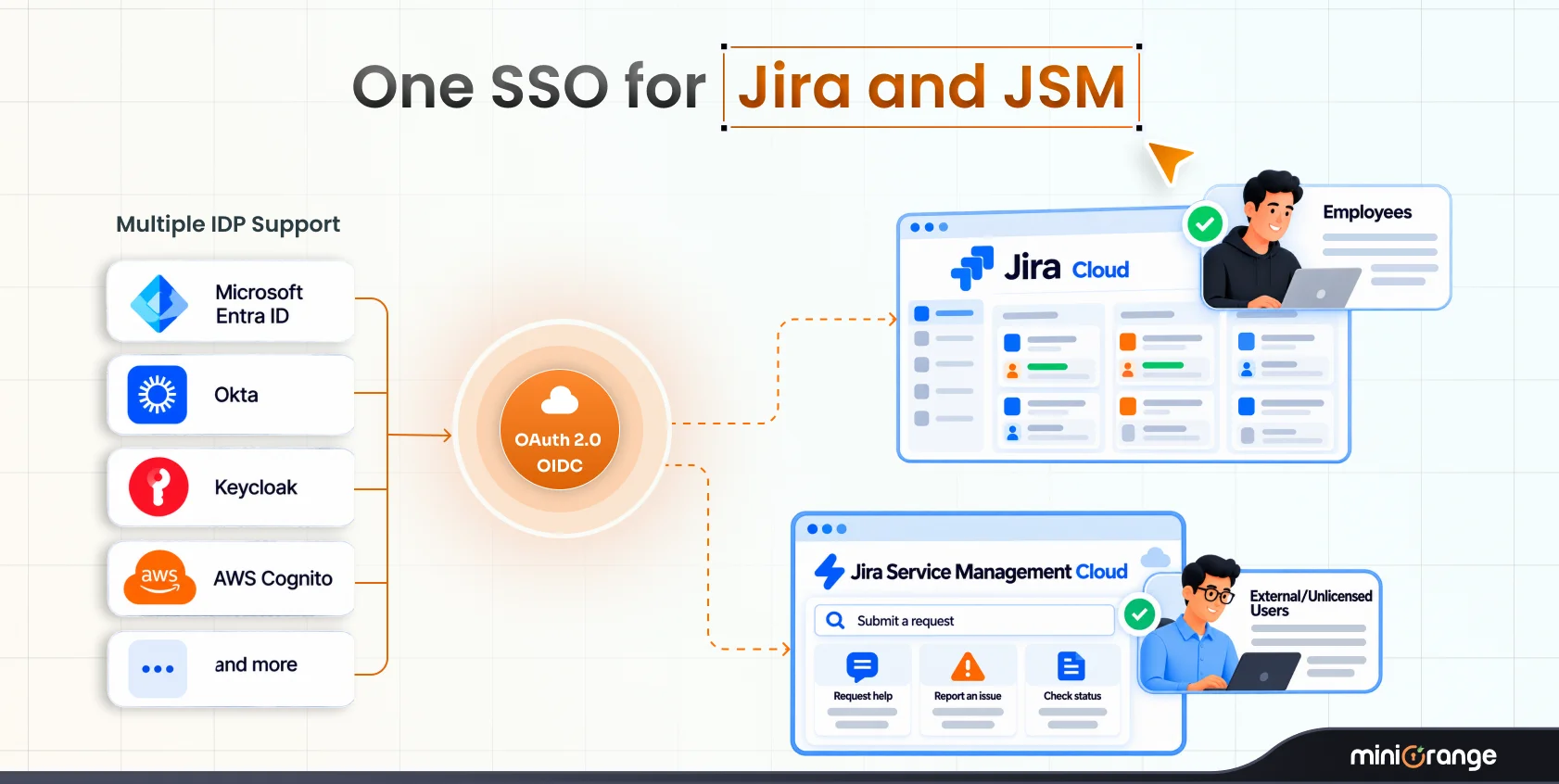
- You can configure Single Sign-On (SSO) to connect your Identity Provider (IdP). When using SSO, you can enforce MFA at the IdP level, ensuring that users must pass your organization's security checks before accessing Atlassian apps.
The Proven Effectiveness of MFA
MFA can block over 99.9% of account compromise attacks. It can also prevent 99.9% of bulk-based account takeover attacks. These figures come from large-scale studies across cloud environments.
Attackers rely on automation at scale. MFA counters that by enabling real-time interaction for login. Just having the password is no longer enough.
Atlassian strongly recommends enabling MFA as a first step in securing your environment.
Risk-Based MFA: The Smart Approach
Constant MFA prompts can increase friction. That’s where Risk-Based MFA or Adaptive MFA comes in. MFA is activated when there’s a specific trigger, such as the following:
New Device
Attackers aren’t going to log in from the organization’s devices. They use their own rigs, often scripted through virtual machines. However, a new device can also mean an employee logging in from their personal device. This triggers MFA to ensure only the right person gets in.
Different IP Address
Adaptive MFA monitors if a login is coming from a known malicious IP, a public proxy, or a Tor exit node. If it does, MFA is triggered.
New Geographic Location
If there’s a login attempt from a location far from your usual operating regions, MFA is triggered to check whether it’s from an employee on travel or an attacker.
Unusual Login Time
Most employees log in during their working hours. If someone attempts to log in late at night or over the weekend, the system triggers MFA.
Real-World Attacks MFA Prevents
To understand the value of MFA, you must understand the attacks it prevents.
Credential Stuffing
Attackers take lists of leaked usernames and passwords from other breaches and stuff them into your Atlassian Cloud login page using bots. MFA makes these stolen credentials worthless.
Phishing Attacks
An attacker sends you an email to log in to an Atlassian Cloud instance that looks genuine. You enter your password on their fake site. If you have MFA, the hacker still can't access your real account because they can't replicate your MFA token.
Brute-Force Attacks
Black hats use bots to try thousands of password combinations each second. Even if they eventually guess your password, they can't bypass the MFA prompt that follows.
Automated Bot Attacks
Countless bots are roaming on the internet, looking for open ports and simple login forms. MFA is an automated defense against an automated threat.
Best Practices for MFA Deployment
Follow these practices for a smooth MFA rollout:
Combine MFA With SSO : SSO and MFA go hand in hand. SSO provides the convenience and centralization, while MFA ensures security.
Use Conditional Access : Frequent MFA prompts can fatigue users. Risk-based MFA can reduce the burden.
Offer Multiple Factors : Give users a choice between an app, a hardware key, or biometrics. This is key to delivering a frictionless MFA experience.
Implement Passwordless Logins : Black hats can bypass low-strength authentication methods, such as SMS, to some extent. Passwordless options like biometric authentication offer a stronger alternative.
Why Choose miniOrange’s MFA App for Atlassian Cloud?
miniOrange provides a flexible MFA solution that’s built for Atlassian Cloud environments from the ground up. You can set it up in minutes and access features such as:
- 15+ Authentication Methods: From OTP over email and SMS to hardware tokens and biometrics, you choose what works for your team.
- Adaptive Authentication: Use the risk-based triggers we discussed to provide both security and usability.
- Top Rated 2FA Solution: We’re trusted by customers across the globe. We provide 24/7 support to ensure uncompromised security for you.
- Free Trial: We offer a 30-day free trial. Implement MFA for your Atlassian Cloud instance today.
Get in touch with our team for any questions or setup assistance.
Conclusion
Attackers focus on identities because they are easier to exploit than systems. Passwords alone cannot protect your Atlassian Cloud instance.
MFA provides a simple and highly effective defense. The statistics are clear: passwords are failing, but MFA works. It blocks 99.9% of attacks.
If your Atlassian environment holds critical data, and it does, you cannot afford to rely on passwords alone.
Don’t just enable MFA. Enforce it! Make it part of your security baseline.
Frequently Asked Questions
1. Is MFA mandatory for Atlassian Cloud?
It is not mandatory by default, but Atlassian strongly recommends enabling it. You can enforce it using Atlassian Guard.
2. How do I enforce MFA in Atlassian Cloud?
You can enforce it through Atlassian Guard or your identity provider using SSO and conditional access policies.
3. Can MFA be bypassed?
No system is 100% secure, but MFA increases the cost of an attack so much that most attackers won't bother. It makes you a hard target.
4. Does Atlassian charge extra for MFA?
Basic MFA is available through Atlassian Guard, which does come with a subscription. For a more cost-optimized alternative and advanced features like custom risk-based policies and diverse authentication methods, a third-party provider like miniOrange is the best path.
About the Author

Senior Content Writer
Chinmay has extensive experience in writing thought leadership and marketing content for B2B IT companies. He specializes in cybersecurity, AI, ERP, CRM, and custom software development, creating content that not just informs, but sells.
Leave a Comment