

Think about everything a new hire needs on day one: an email account, Wi-Fi access, a VPN profile, permissions for the shared drive, and logins for a handful of internal tools. Multiply that by every employee, contractor, and app the company has ever added, and the result is dozens of disconnected credential stores that IT has to create, update, and eventually revoke.
That sprawl gets expensive fast. Every extra directory is another password policy to enforce, another place a departed employee's access can quietly linger, and another support ticket waiting to happen. Security and compliance teams feel it too. It's hard to prove who has access to what when the answer lives in fifteen different systems.
This is exactly the problem centralized directories were built to solve: Active Directory, cloud IAM platforms, and modern identity providers all trace back to it. Underneath nearly all of them, doing the real work of checking whether a user exists and what they're allowed to access, sits a protocol that's stayed important for the same reason. It's called LDAP, and it has been the backbone of enterprise authentication for three decades.
What is LDAP? Meaning, Definition, and Why It Matters
LDAP full form is Lightweight Directory Access Protocol. It's an open, vendor-neutral protocol that applications use to look up, verify, and update information stored in a directory server.
In simpler terms: it's the shared language a login page, email client, or VPN gateway uses to ask a directory whether a username and password exist, and what that person is allowed to do.
LDAP doesn't store data itself; it just defines how clients and directory servers exchange it, usually usernames, passwords, group memberships, and pointers to shared resources like folders and printers.
LDAP wasn't designed from scratch. In 1993, researchers at the University of Michigan proposed it as a lighter alternative to X.500/DAP, a directory standard so heavy it required the full OSI networking stack, which made it impractical for ordinary desktops and the fast-growing internet. LDAP ran over TCP/IP instead, and LDAPv3, standardized in 1997, is still the version in use today. When Microsoft built LDAP into Active Directory with Windows 2000, it went from an academic project to a default expectation of enterprise IT.
That same design also simplifies directory access. Instead of every application building its own connection logic for a proprietary store, any LDAP-aware client can query any LDAP-speaking directory the same way. That's why it remains the standard way to connect Linux, macOS, and Unix systems to a shared directory, and it's still what many legacy applications, VPNs, and email systems rely on for authentication. Even organizations that have moved most workloads to the cloud tend to keep it in place, since ripping out a working directory rarely is worth the risk.
Why it matters:
- Centralized identity management: one directory, one source of truth
- Faster authentication: directory lookups are optimized for speed
- Reduced administrative effort: provision or deprovision a user once, not app by app
- Improved security: fewer scattered credential stores, smaller attack surface
- Consistent user management: the same permissions apply everywhere the directory is trusted
- Foundation for enterprise IAM: most IAM and IGA platforms still bind back to an LDAP-speaking directory somewhere.

How LDAP Works
Every LDAP authentication request follows the same basic flow:
1. The user enters credentials into an application's login screen.
2. The application sends a "bind" request to the LDAP server to start the session.
3. The server receives the request and prepares to validate it.
4. It checks the submitted username and password against the stored entry.
5. A directory lookup retrieves the user's attributes, such as group memberships and permissions.
6. An authentication response goes back to the application, confirming success or failure.
7. The user is granted or denied access, and the session proceeds or closes.
This exchange usually takes a fraction of a second, which is why LDAP directories can serve thousands of authentication requests without becoming a bottleneck.
LDAP Architecture Explained
A small set of components make up an LDAP deployment:
- LDAP Client: the app or device requesting information, such as a login portal, email client, VPN, or admin tool
- LDAP Server (Directory System Agent): the software storing directory data and responding to requests (Active Directory, OpenLDAP, 389 Directory Server)
- Directory Information Tree (DIT): the hierarchical structure organizing every entry, from a root down through organizational units to individual records, similar to a folder tree
- Entries: individual records in the DIT, such as a user, group, or device
- Attributes: name-value pairs describing an entry, like cn (common name) or mail
- Distinguished Name (DN): an entry's unique address in the tree, e.g. cn=jane.doe,ou=Sales,dc=miniorange,dc=com
- Object Classes: templates defining which attributes an entry must or may have
- Schema: the overall rulebook defining every object class and attribute type the directory allows
A simple Directory Information Tree diagram (Root > dc=miniorange,dc=com > ou=Sales / ou=Engineering > individual entries) would work well here to anchor the hierarchy visually.
Together, these pieces let a client send a precisely targeted query, such as "find everyone in Sales named Jane and return their email address," and get back exactly the data it asked for.
Key Benefits of LDAP SSO
- Enhanced security: one set of credentials instead of many scattered passwords
- Improved user experience: access multiple apps without repeated logins
- Simplified administration: manage access and permissions from a single directory
- Scalability: easily extends as an organization grows
LDAP Authentication and Active Directory: What's the Difference?
LDAP and Active Directory (AD) are often mentioned together, but they aren't the same thing. LDAP is a protocol; Active Directory is Microsoft's directory service, and it uses LDAP to store and retrieve user information. LDAP is the language; Active Directory is one popular place that speaks it. OpenLDAP, 389 Directory Server, and Oracle Internet Directory all speak the same protocol over entirely different, often non-Windows, backends. That's why a company can have Linux servers, Mac laptops, and a SaaS app all authenticating against the same AD instance purely through LDAP.
When Should You Use LDAP or Active Directory?
- Choose LDAP if you need a standardized protocol connecting applications across different directory services, especially in mixed Linux, macOS, or non-Microsoft environments.
- Choose Active Directory if your organization runs primarily on Windows and needs centralized user, device, and policy management, not just directory lookups.
- Many enterprises use both together, since AD relies on LDAP for the directory queries and workflows that let everything else (printers, apps, non-Windows machines) talk to it.
LDAP vs SAML vs OAuth vs OpenID Connect
LDAP is often discussed alongside SAML, OAuth 2.0, and OpenID Connect (OIDC), but they solve different problems and usually work together rather than against each other. LDAP typically sits at the back, holding the actual directory, while SAML or OIDC handle the front-end handshake with modern web and mobile apps.
| Feature | LDAP | SAML | OAuth 2.0 | OpenID Connect |
|---|---|---|---|---|
| Primary Purpose | Directory access & authentication | Federated web SSO | Delegated authorization | Authentication + authorization |
| Stores User Directory | Yes | No | No | No |
| Enables SSO | Limited (on-prem, via directory binds) | Yes | No | Yes |
| Best For | Enterprise & on-prem directories | Enterprise web apps | API & third-party app access | Modern web/mobile apps, CIAM |
| Token Format | Directory queries / bind responses | XML assertions | Access tokens (bearer) | ID tokens (JWT) |
| Common Use Cases | Active Directory, OpenLDAP, legacy apps | Enterprise SSO to SaaS apps | "Login with X" style API access | Modern SSO, customer identity |
How miniOrange Helps Modernize LDAP Authentication
An LDAP or Active Directory investment doesn't have to be the reason a cloud migration stalls. Most enterprises still have years of identity data sitting in an LDAP-based directory. The problem is that modern SaaS applications rarely speak LDAP natively; they expect SAML, OAuth, or OIDC instead.
miniOrange bridges that gap without asking you to rip out your existing directory. Keep your current LDAP or AD setup as the single source of truth while extending it with:
- Single Sign-On (SSO) Software: authenticate once against your existing directory, reach both on-prem and cloud apps
- Multi-Factor Authentication (MFA): layered on top of LDAP binds, no changes to the underlying directory
- Automated user provisioning: cloud app accounts stay synced with the LDAP directory as entries are added or removed
- Centralized, adaptive access management: across on-prem and cloud resources from a single console
The directory infrastructure you already trust keeps working, while your users get modern SSO and MFA on top of it. [Connect your LDAP or Active Directory to miniOrange SSO]
FAQs
What is an LDAP server?
An LDAP server, also called a Directory System Agent (DSA), is the software that stores directory data and responds to client requests, including searches, comparisons, and bind (authentication) requests.
What is LDAP used for?
LDAP is used anywhere an application needs fast, reliable access to directory-style data: authenticating credentials, powering single sign-on, retrieving contact details, etc. It's especially common in Linux, macOS, and mixed-OS environments.
What exactly does LDAP do in AD?
LDAP is the protocol AD speaks for directory queries, the layer that lets client apps read and write data, even from non-Windows systems. AD itself handles storage, replication, and Windows-only features like Group Policy.
How does SSO connect to LDAP?
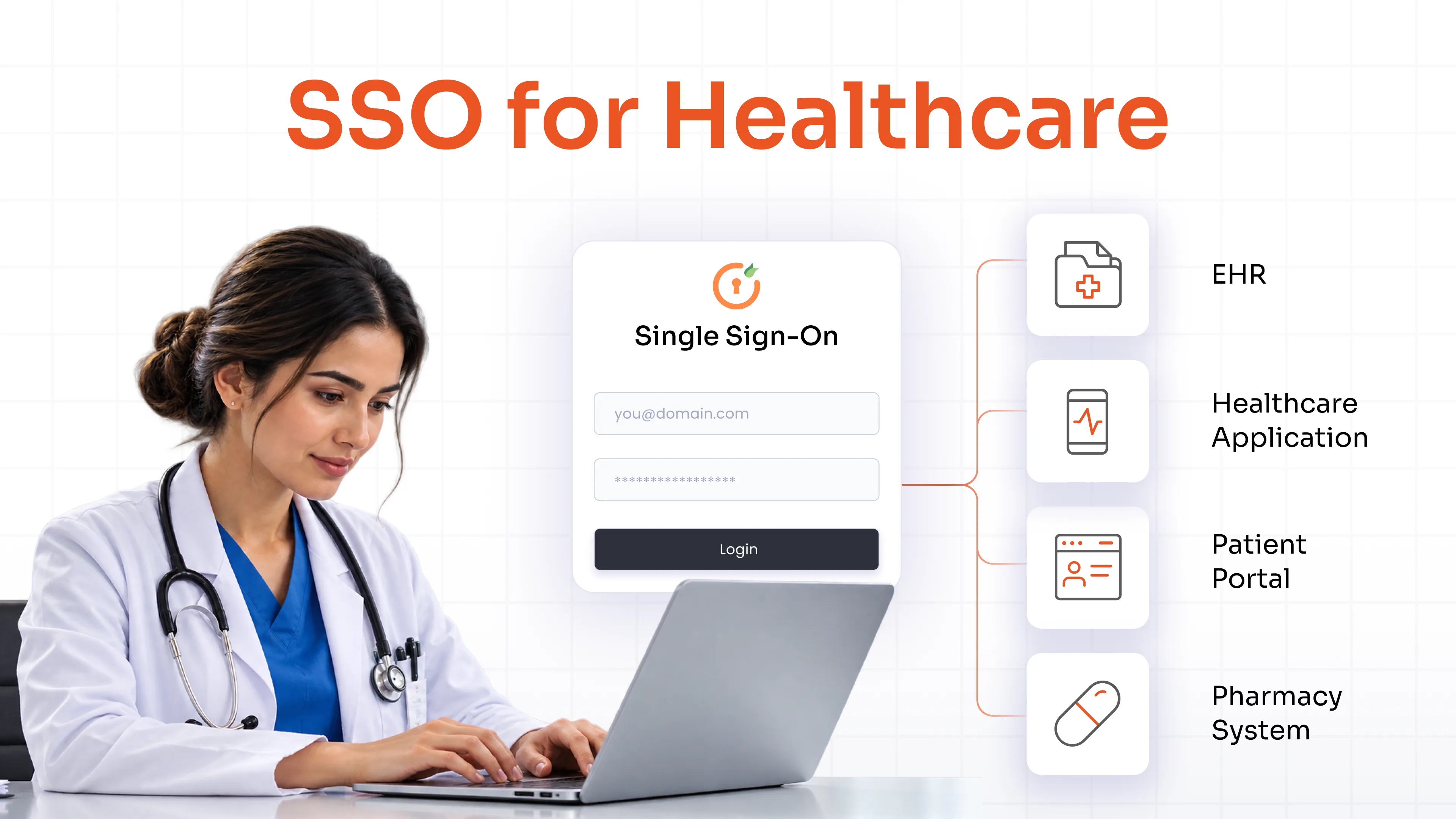
In LDAP-based SSO, a user authenticates once, and the SSO layer performs an LDAP bind with those credentials. Success starts a session, or in hybrid setups, gets translated into a SAML assertion or OAuth/OIDC token that modern cloud apps can accept.
What port does LDAP use?
LDAP uses TCP port 389 by default, or 636 for encrypted LDAPS. Active Directory Global Catalog queries use ports 3268 and 3269 instead.
Leave a Comment