3,000+ customers trust miniOrange to secure their Atlassian data


Secure External Sharing for Jira & Confluence (Cloud & DC)
Share the right content with the right people without adding licenses and compromising security.

Secure Share for Jira External Users
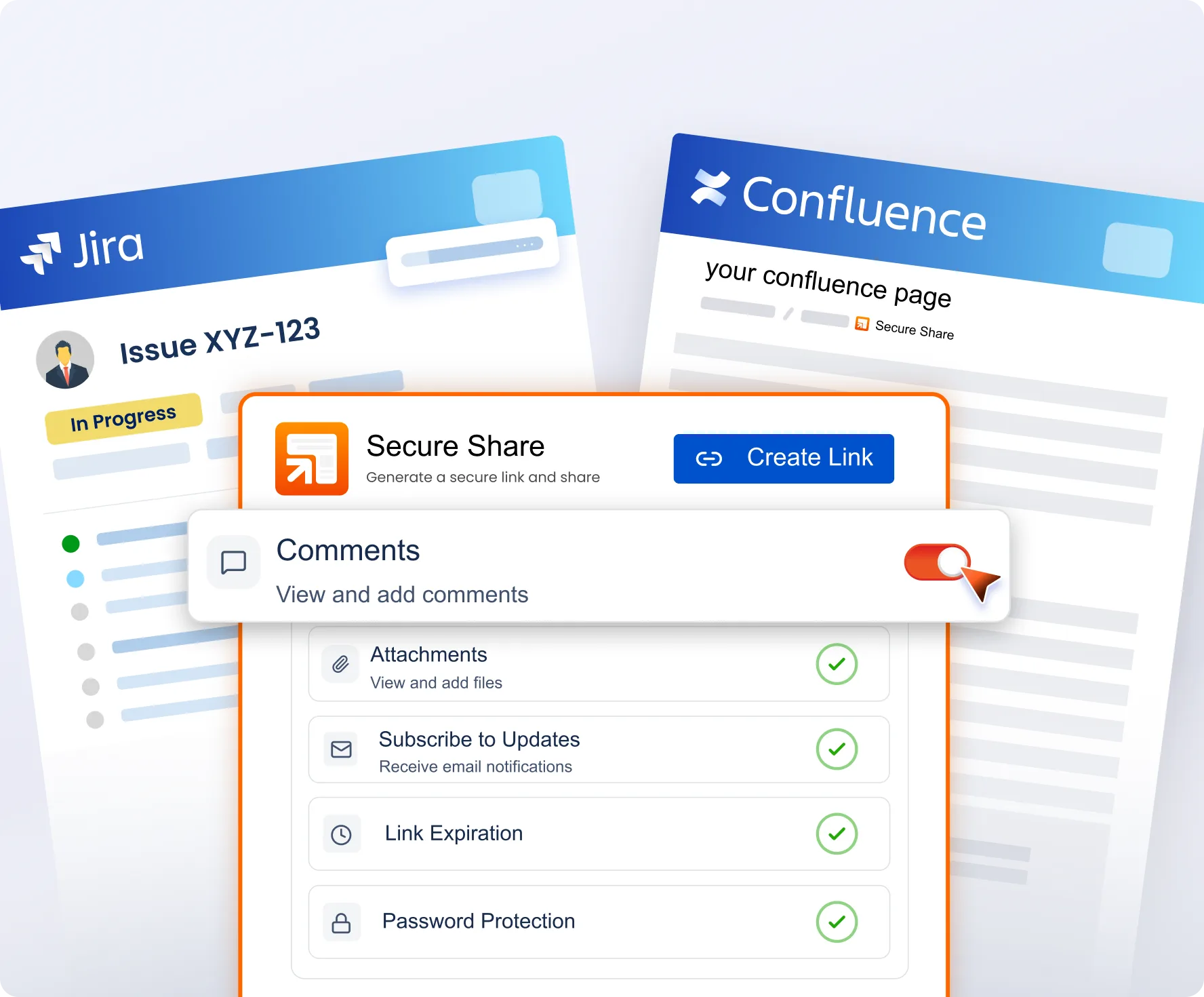
Share Jira issues, entire projects, boards, and JQL-filtered views with any external user, without extra Jira account required. Let partners and clients view tickets, add comments, and attach files through a secure link, with full control over what they can see and do.

Secure Share for Confluence External Users
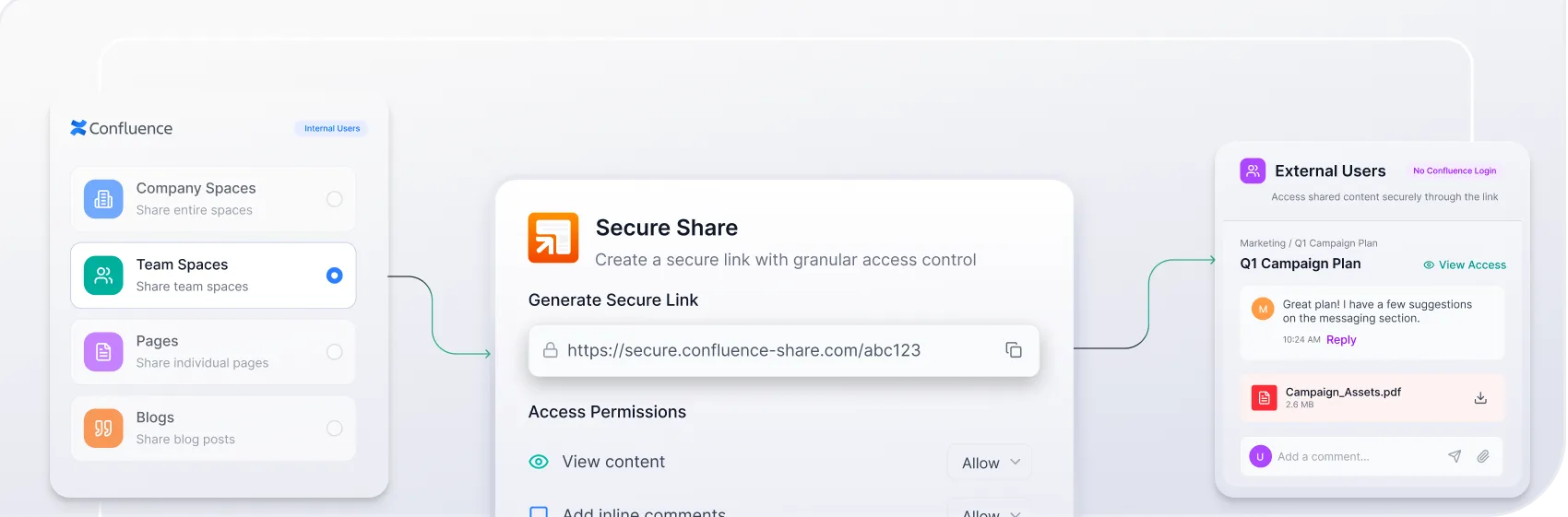
Share Confluence pages and entire spaces with external stakeholders through links that don't require a Confluence login. Support inline comments and attachments for real collaboration, while maintaining full control over shared content through granular permissions and expiry settings.
Why Teams Choose miniOrange
40%
Admin Overhead Reduction
100%
Control Over Who Sees What
24x7
Expert Support
Secure, Flexible External Sharing for Jira
-
Share Issues, Projects, Boards & Filters Without a Jira Account
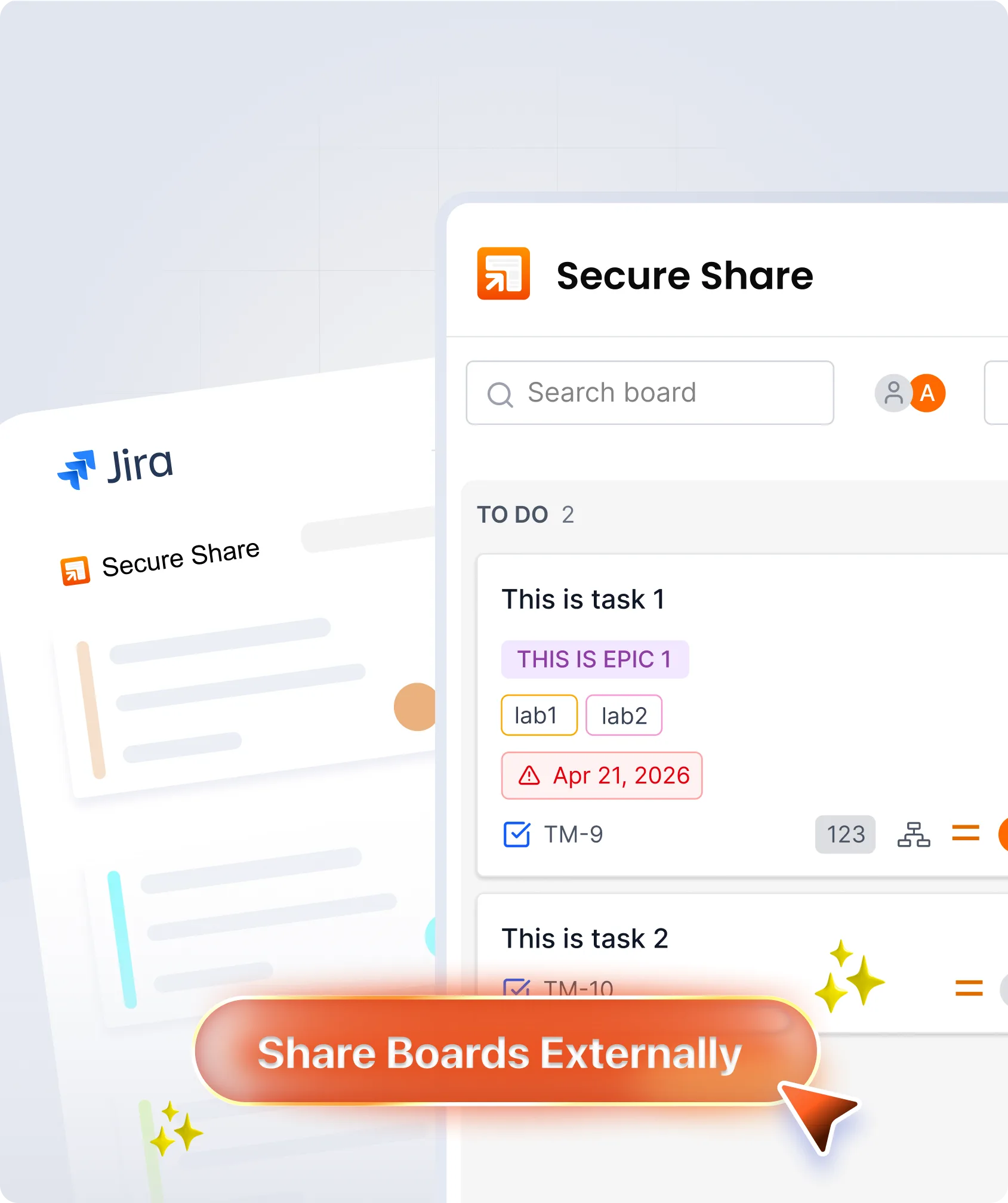
Generate secure shareable links for individual issues, full projects, boards, and JQL-filtered views. External users open them directly in a browser, no license required.
-
Let External Users Comment & Update Status
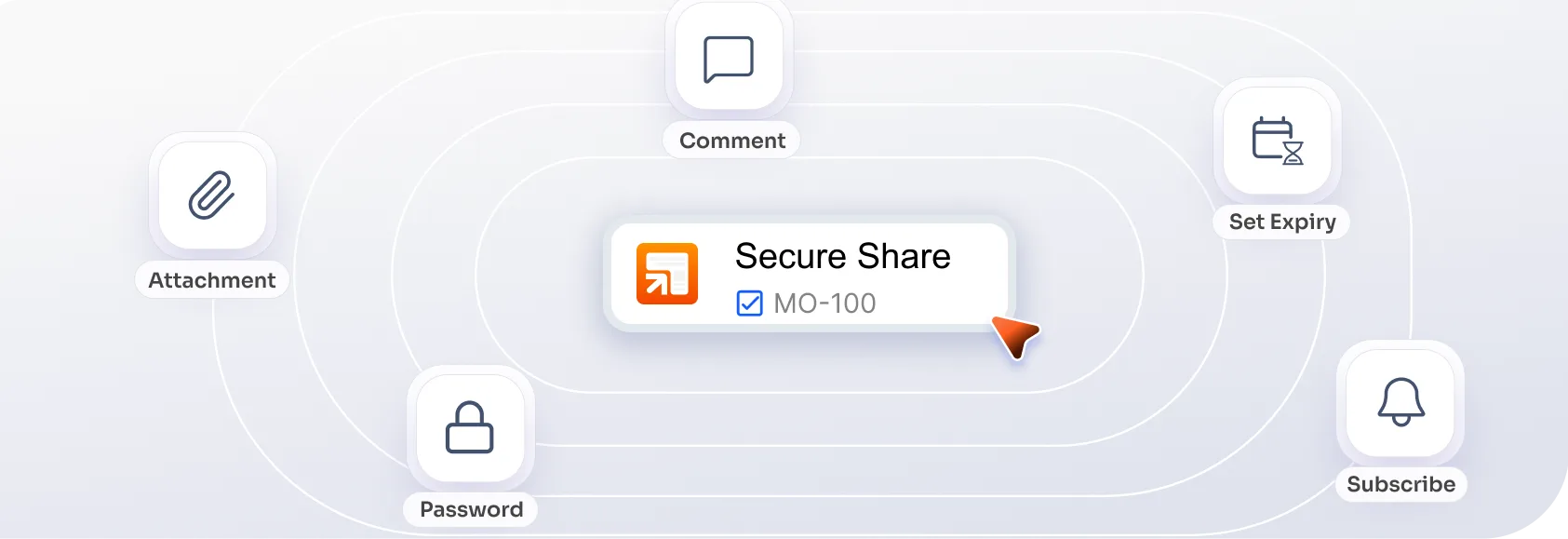
Grant external collaborators permission to view issues, add comments, and upload attachments, and update issue status securely. Set these permissions per project or per link, so every share is scoped to exactly what's needed.
-
Password Protection & Expiry Dates
Add a password to every shared link and set an expiry date so access is automatically revoked when a project ends. Links are auto-deleted seven days after expiry with no manual cleanup.
-
SSO Enforcement & IP-Based Restrictions
Require external users to authenticate via Single Sign-On before accessing a shared link. Restrict access to trusted IP ranges for an additional layer of protection on sensitive projects.
-
Centralised Link Management & Custom Branding
View, manage, and bulk-delete all shared links from one admin page. Apply a custom domain, header, footer, and favicon so every shared link reflects your organisation's brand.
Secure, Flexible External Sharing for Confluence
-
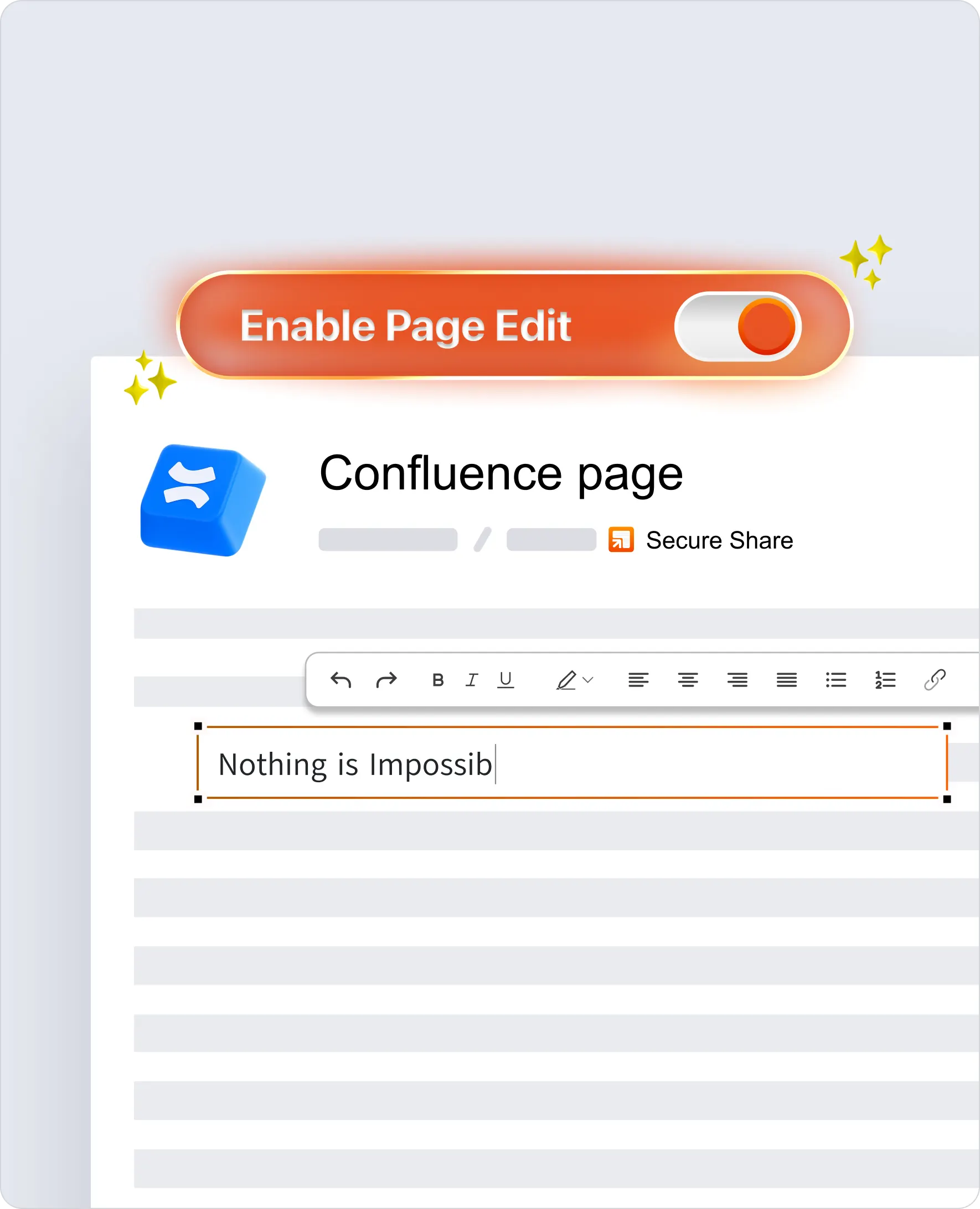
Share Pages & Spaces with Anyone, No Confluence Account Needed
Create access links for individual pages or entire spaces and send them to any external user. Recipients access the content in a browser without needing a Confluence account or license.
-
Inline Comments & Attachments for Real-Time Collaboration
Allow external users to leave inline comments and attach files directly on shared pages, keeping feedback in context without disrupting internal workflows or requiring additional seats.
-
Password Protection, Expiry & One-Click Deactivation
Protect shared links with a password (custom or auto-generated), set a validity window, and deactivate access instantly when it's no longer needed. Links auto-delete seven days after expiry.
-
SSO Enforcement & IdP Group-Based Access
Enforce SSO on shared Confluence links and gate access by Identity Provider group, so only the right people from the right organisation can open a shared page.
-
IP Restrictions & Granular Permission Controls
Restrict shared page access to trusted IP ranges and define exactly what external users can do: view, comment, add attachments, or a combination, per space or per link.
How Teams Share Jira & Confluence with External Users
See how enterprises share Atlassian content securely and cost-effectively.







Swarovski used miniOrange Secure Share for Confluence to securely extend access to documentation for unlicensed users worldwide, reducing licensing costs, improving knowledge distribution, and maintaining real-time, branded content sharing.
Read customer storyHere’s what our awesome customers say

I love this app. I was able to flawlessly share a connected set of pages with external users (or with myself in incognito mode in my test case). Over and above the sharing, I was able to fully brand the pages to ensure consistency with our other documentation.
Kelvin Hill
The support from the miniOrange team during the free trial was exceptional. Their representative took the time to understand my use case, provided tailored solutions, and even incorporated some of my feedback into their product backlog. I'd highly recommend them to anyone looking for a proactive and responsive partner with a strong suite of tools. Thanks again, miniOrange!
Vighnesh Segar
We have been using miniOrange for a long time and are absolutely satisfied with it. It meets our requirements and expectations. When we noticed errors, support was able to help us a lot and find and develop a solution for us. Awesome!
Alexander Naumann
Frequently Asked Questions
 Contact us
 External Access & Licensing
 Security & Access Control
unauthorised people?