
What is Adobe Commerce + AEM login integration (SSO)?
Adobe Commerce + AEM login integration is a single sign-on (SSO) setup that connects the login systems of two Adobe products so that one account works across both. Instead of maintaining separate credentials for the Adobe Commerce storefront/admin and for Adobe Experience Manager, users sign in once and gain authenticated access to the other application automatically.
In this AEM integration, Adobe Commerce (Magento) is configured as the identity provider (IdP) the system that verifies who the user is and Adobe Experience Manager is configured as the service provider (SP) the application that trusts that verification and grants access. When a user requests AEM, AEM hands the authentication request to Adobe Commerce, Adobe Commerce confirms the user's identity, and AEM logs them in based on that confirmation.
This is the same SSO model used across enterprise software, applied to two Adobe platforms that frequently run side by side: Adobe Commerce powers the storefront and commerce data, while AEM manages content, digital assets, and experience delivery.
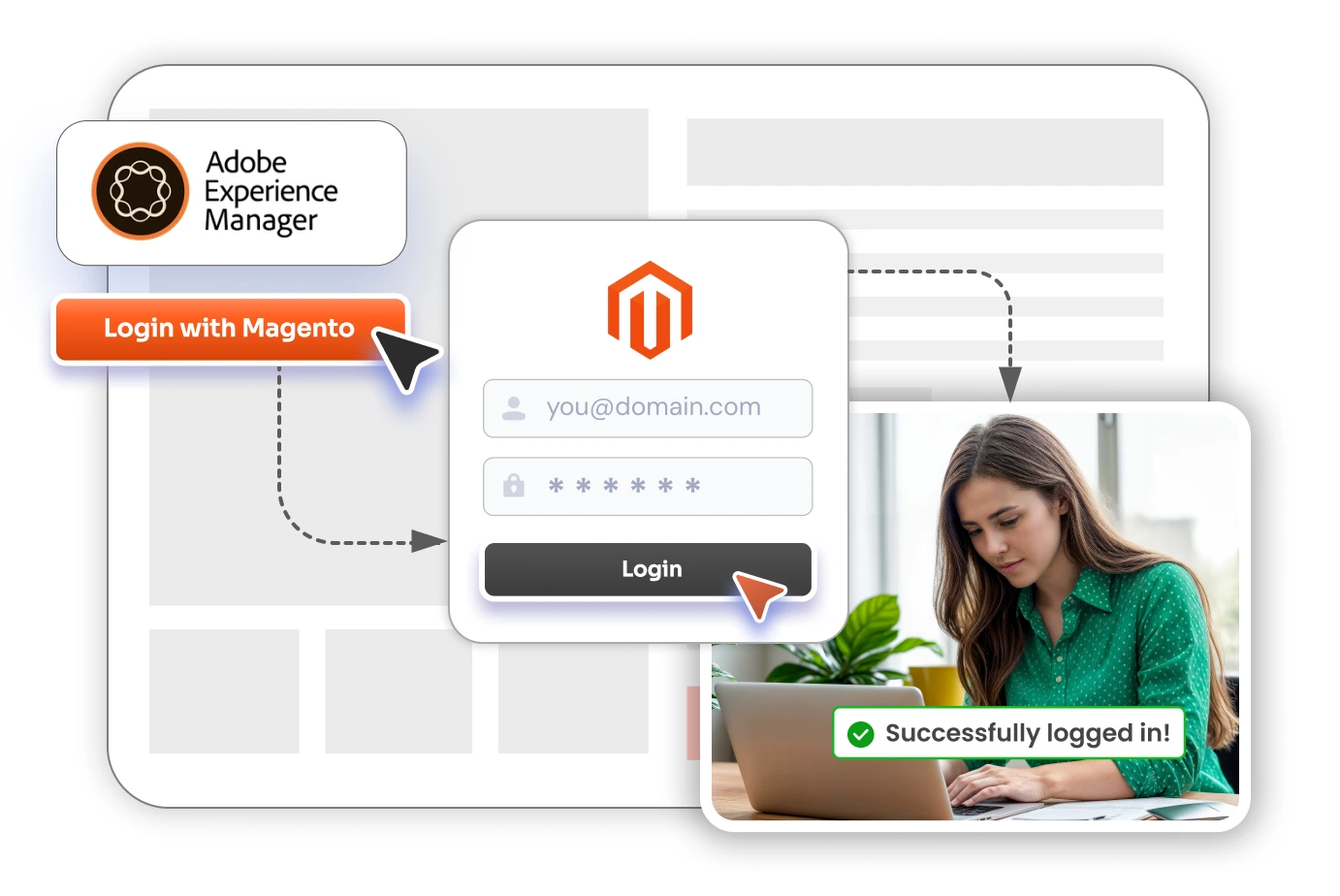
How does Adobe Commerce + AEM SSO work?
SSO between Adobe Commerce and AEM follows a standard identity federation flow. Here is what happens behind the scenes with SAML 2.0 (the most common protocol for AEM):
- A user tries to access a protected AEM page or the AEM author/publish instance.
- AEM (the service provider) generates an authentication request and redirects the user to Adobe Commerce (the identity provider).
- Adobe Commerce checks whether the user already has an active Magento session. If not, the user logs in with their Adobe Commerce credentials.
- Adobe Commerce builds a signed SAML assertion containing the user's identity and selected attributes (email, name, role/group) and sends it back to AEM.
- AEM validates the assertion against the trusted IdP certificate, creates a session, maps the user to the correct AEM group, and grants access.
The same federation pattern applies if you use OAuth 2.0 / OpenID Connect instead of SAML Adobe Commerce issues a token that AEM validates and a silent refresh-token flow can keep the AEM session alive in the background so users are not repeatedly prompted to re-authenticate.
Why integrate Adobe Commerce login with AEM?
Connecting the two logins removes friction and closes security gaps that come from managing identities separately. The main reasons merchants and enterprises integrate Adobe Commerce login with AEM are:
- One set of credentials. Users (customers, content authors, marketers, admins) sign in once with their Adobe Commerce account and reach AEM without a second password.
- Fewer passwords, fewer resets. Eliminating a separate AEM login reduces forgotten-password resets and the support tickets they generate.
- Centralized identity control. Adobe Commerce becomes the single source of truth for who can access what, so onboarding and offboarding happen in one place.
- Automatic role and access mapping. A user's Adobe Commerce role or customer group can map to the correct AEM group, so the right access level follows them automatically.
- Stronger security posture. Centralized authentication, signed assertions, and single logout reduce the attack surface compared with multiple standalone logins.
- Better experience for connected journeys. When a storefront (Adobe Commerce) and content/experience layer (AEM) work together, a unified login keeps the user journey seamless.
What do you need before you start?
Before configuring Adobe Commerce + AEM SSO, make sure you have:
- An Adobe Commerce or Magento Open Source 2.x instance you control, with admin access.
- The miniOrange Magento Identity Provider (IdP) extension installed on that instance (this is what makes Adobe Commerce act as an IdP).
- An Adobe Experience Manager instance (author and/or publish) with administrative access to the OSGi/Web Console configuration.
- The protocol you intend to use decided in advance SAML 2.0 is the most common for AEM, with OAuth 2.0 / OpenID Connect as alternatives.
- HTTPS enabled on both endpoints, since SSO assertions and tokens are exchanged over TLS.
How to set up Adobe Commerce as the Identity Provider for AEM (step by step)
The setup has two halves: configure Adobe Commerce as the IdP, then configure AEM as the SP, and finally exchange metadata between them. The high-level walkthrough below uses SAML 2.0.
Step 1 — Configure Adobe Commerce (Magento) as the Identity Provider
- Install and open the miniOrange Magento Identity Provider (IdP) extension in the Adobe Commerce Admin.
- Add a new Service Provider entry for AEM. You will provide AEM's details here: the SP Entity ID and the Assertion Consumer Service (ACS) URL (for AEM this is typically the
/saml_loginendpoint on your AEM host). - Configure attribute mapping — select which Magento attributes (email, first name, last name, customer group, or admin role) are sent in the SAML assertion to AEM.
- Configure role/group mapping so an Adobe Commerce role or customer group maps to the appropriate AEM user group.
- Save the configuration and open the extension's IdP metadata. Note the IdP Entity ID, the SSO login URL, and download the X.509 signing certificate — AEM needs these in the next step.
Step 2 — Configure Adobe Experience Manager (AEM) as the Service Provider
- Sign in to AEM and open the Web Console / OSGi configuration (Configuration Manager).
- Locate the Adobe Granite SAML 2.0 Authentication Handler (
com.adobe.granite.auth.saml.SamlAuthenticationHandler). - Enter the values from Adobe Commerce: the IdP URL (the SSO login URL), the IdP Entity ID, and the Service Provider Entity ID you assigned to AEM.
- Import the Adobe Commerce X.509 signing certificate into the AEM trust store and reference its alias so AEM can validate the signed assertions.
- Set the paths the handler should protect, the default redirect, and enable Create/Update user and Add to group options so AEM provisions users and assigns groups from the incoming assertion attributes.
- Save the configuration to activate the handler.
Step 3 — Map attributes and test the connection
- Confirm the attribute names sent by Adobe Commerce match what the AEM handler expects (for example, the assertion attribute used as the AEM user ID and the attribute used for group assignment).
- Open a protected AEM URL in a fresh browser session. You should be redirected to the Adobe Commerce login.
- Sign in with an Adobe Commerce account. You should be redirected back into AEM, logged in, and placed in the mapped group.
- Verify single logout: logging out of one application should end the session in the other.
Per-protocol and per-screen setup guides (SAML, OAuth, and OpenID Connect) are available in the miniOrange Magento IdP documentation, and the integration can be validated in a sandbox before going live.
Which protocols does the integration support?
The miniOrange Magento Identity Provider extension supports the standards AEM and other applications rely on, so you are not locked into one method:
- SAML 2.0 — the most widely used protocol for AEM authentication handlers.
- OAuth 2.0 — token-based authorization for modern app integrations.
- OpenID Connect (OIDC) — an identity layer on top of OAuth 2.0.
- JWT — JSON Web Token-based authentication for lightweight or headless scenarios.
Because it speaks all four, the same Adobe Commerce IdP can serve AEM and dozens of other SSO-compliant applications at the same time.
Key features of the miniOrange Magento IdP for AEM SSO
- Adobe Commerce as a full identity provider — turns your existing Magento logins into the trusted authentication source for AEM and other apps.
- Multiple service providers — connect AEM alongside other tools (LMS, CRM, analytics, support desk, in-house and custom apps) from one Adobe Commerce IdP.
- Attribute mapping — pass email, name, role, and custom attributes from Adobe Commerce into AEM.
- Role and group mapping — automatically place users in the correct AEM group based on their Adobe Commerce role or customer group.
- Single logout (SLO) — one logout ends the session across Adobe Commerce and AEM together.
- Silent refresh-token flow — keeps sessions alive in the background so users are not interrupted mid-task.
- SP-initiated login button/link — add a one-click login entry point so users can launch AEM straight from Adobe Commerce.
- Customization — tailor the login flow, and request custom functionality where a specific workflow is needed.
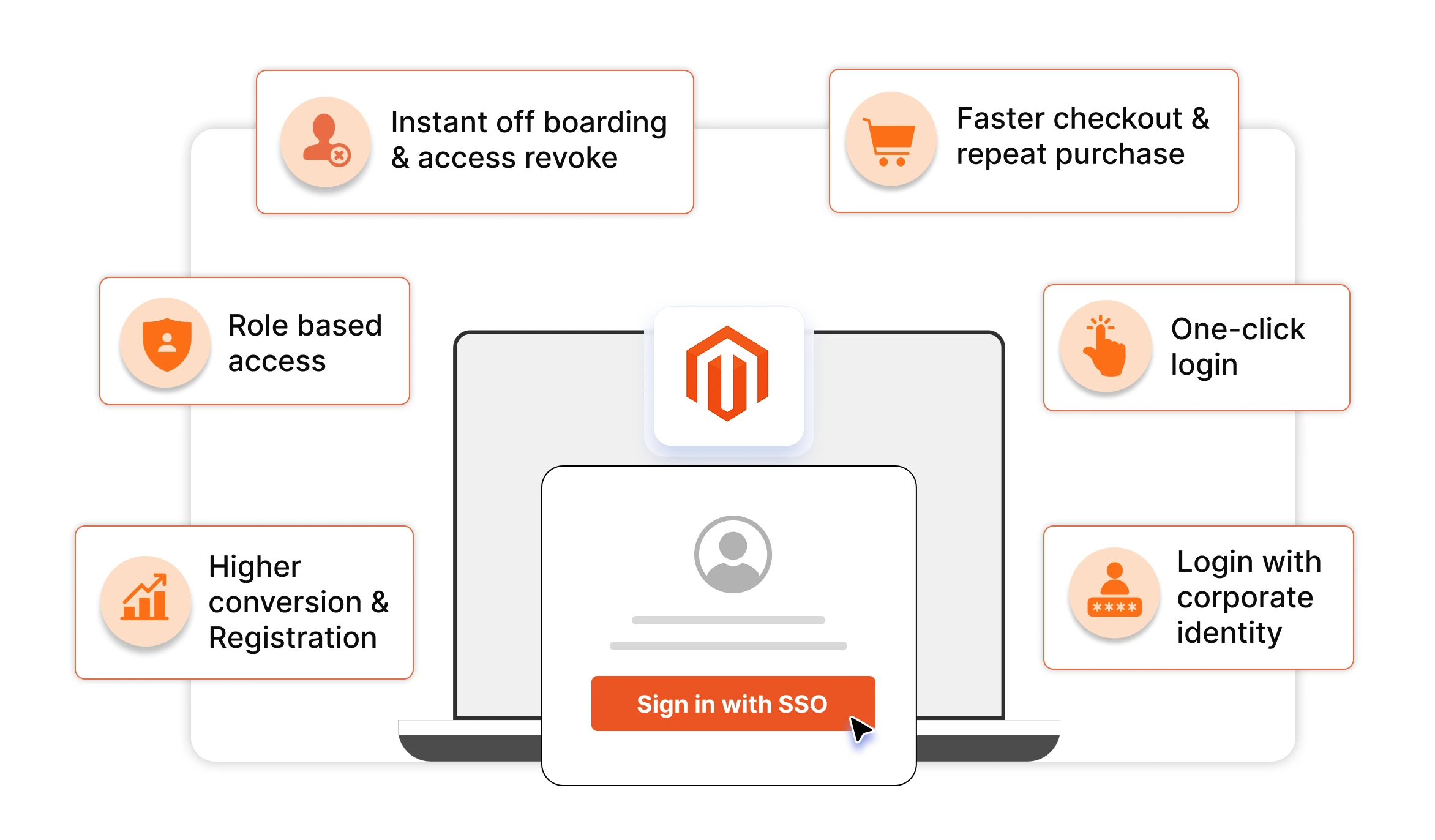
Benefits of Adobe Commerce–AEM SSO
- One login for two Adobe platforms — users move between the commerce layer and the experience/content layer without a second sign-in.
- Lower support load — fewer separate passwords means fewer resets and fewer help-desk tickets.
- Faster, safer onboarding and offboarding — granting or revoking access in Adobe Commerce immediately governs AEM access.
- Consistent access control — role and group mapping ensures users land in AEM with exactly the permissions they should have.
- Reduced credential risk — centralized authentication with signed assertions and single logout shrinks the attack surface.
- Scales to your whole stack — the same Adobe Commerce IdP can secure AEM and many other SSO-compliant applications.
- Data stays under your control — with the on-premise miniOrange extension, user identity data is not stored or transferred on miniOrange servers; it remains within your own environment.
With SSO vs. without SSO: Adobe Commerce and AEM logins compared
| Capability | Without SSO (separate logins) | With Adobe Commerce → AEM SSO (miniOrange IdP) |
|---|---|---|
| Number of logins users manage | Two (Adobe Commerce + AEM) | One (Adobe Commerce credentials) |
| Passwords to remember/reset | Multiple | Single |
| Access provisioning | Managed separately in each system | Centralized in Adobe Commerce, mapped to AEM |
| Role/group assignment in AEM | Manual | Automatic via attribute/role mapping |
| Logout coverage | Per application | Single logout across both |
| Onboarding/offboarding effort | Duplicated per system | Done once in Adobe Commerce |
| Supported protocols | N/A | SAML 2.0, OAuth 2.0, OIDC, JWT |
| Extending to other apps | New integration each time | Same IdP serves many service providers |
Frequently asked questions (FAQs)
Can users log in to AEM with their Adobe Commerce (Magento) credentials?
Yes. By configuring Adobe Commerce as the identity provider and AEM as the service provider, users sign in with their Adobe Commerce credentials and are automatically authenticated into Adobe Experience Manager — no separate AEM password is needed.
Which protocol should I use for Adobe Commerce + AEM SSO?
SAML 2.0 is the most common choice because AEM ships with a SAML authentication handler. OAuth 2.0 and OpenID Connect are also supported by the miniOrange Magento IdP extension and can be used where a token-based flow is preferred.
Is Adobe Commerce the identity provider or the service provider in this setup?
In this integration, Adobe Commerce is the identity provider (IdP) that authenticates users, and AEM is the service provider (SP) that trusts the authentication. The miniOrange Magento Identity Provider extension is what enables Adobe Commerce to act as the IdP.
How are user roles and attributes passed from Adobe Commerce to AEM?
Through attribute and role/group mapping. The extension includes selected Magento attributes (such as email, name, and customer group or admin role) in the SAML assertion or token, and AEM maps those values to the corresponding AEM user and group.
Does the integration support single logout between Adobe Commerce and AEM?
Yes. Single logout (SLO) is supported, so signing out of one application ends the session in the other rather than leaving a second session open.
Will I have to create AEM accounts manually for every user?
No. AEM's authentication handler can be configured to create or update users and assign them to groups automatically based on the attributes received from Adobe Commerce, removing the need to provision each AEM account by hand.
Can the same Adobe Commerce IdP connect to applications other than AEM?
Yes. Because Adobe Commerce becomes a standards-based identity provider, the same setup can serve many SSO-compliant service providers at once — for example an LMS, CRM, analytics dashboard, support desk, or in-house and custom applications — in addition to AEM.
Does Adobe Commerce + AEM SSO work with Adobe Commerce Cloud and Magento Open Source?
Yes. The miniOrange Magento Identity Provider extension works with Adobe Commerce (on-premise and Cloud) and Magento Open Source 2.x, and integrates with AEM regardless of which edition powers your storefront.
Where is user identity data stored in this integration?
With the on-premise miniOrange extension, identity data is not stored or transferred on miniOrange servers. Authentication happens within your own Adobe Commerce environment, which helps with data-control and compliance requirements.
Conclusion
Adobe Commerce and Adobe Experience Manager are often deployed together — one running the storefront, the other powering content and experience — yet they typically ship with separate logins. Integrating them with single sign-on closes that gap: Adobe Commerce becomes the identity provider, AEM trusts it as the service provider, and users move between the two with a single set of credentials.
The miniOrange Magento Identity Provider (IdP) extension makes this practical, with SAML 2.0, OAuth 2.0, OpenID Connect, and JWT support, automatic attribute and role mapping, single logout, a silent refresh-token flow, and the ability to extend the same Adobe Commerce IdP to many other applications. Because it runs on-premise, your identity data stays within your own environment.
Next steps: explore the miniOrange Magento Identity Provider extension, try it in a free sandbox, and reach out to magentosupport@xecurify.com for setup help, AEM-specific configuration, or custom requirements.
About the Author

Senior Business Analyst
Raj specializes in Identity and Access Management and security solutions for e-commerce, with a focus on Magento, Adobe Commerce, and other platforms where customer data and revenue intersect. He writes about SSO, Two-Factor Authentication, consent and compliance, admin hardening, and the operational practices that separate stores that stay safe from the ones that make headlines. His goal is simple: turn dense security topics into decisions store owners can actually act on.

Leave a Comment