
In the modern workplace, people expect to move across devices and applications without thinking about passwords every five minutes. At the same time, your security team is trying to protect data across company laptops, personal phones, and everything in between. That tension is exactly where Single Sign-On (SSO) shines, especially when you factor in managed vs unmanaged devices and Mobile Device Management (MDM).
Handled well, SSO can give you a consistent, secure, and user-friendly access experience across device types. Handled poorly, it can either frustrate users or expose you to unnecessary risk.
This blog walks through how SSO behaves on managed and unmanaged devices, how conditional access and MDM fit in, and how to design a practical decision framework from an SSO perspective.
What is SSO and Why Does it Matter for Your Business?
Single sign-on, or SSO, is an authentication method that lets users log in once and then access multiple applications without re-entering credentials for each one.
For a B2B environment, that means:
- Fewer password prompts and reduced password fatigue.
- Lower helpdesk volume for password resets.
- Centralized control over who can access what.
When you implement SSO login with an Identity Provider (IdP), you essentially create a hub for user authentication, policy enforcement, and monitoring. SSO becomes the front door for all your critical tools: CRM, HR systems, collaboration apps, and internal portals.
Single Sign-On (SSO) works on both managed and unmanaged (BYOD) devices, but organizations typically pair it with conditional access, MDM signals, and MFA to either step up authentication or deny access when a device is not managed.
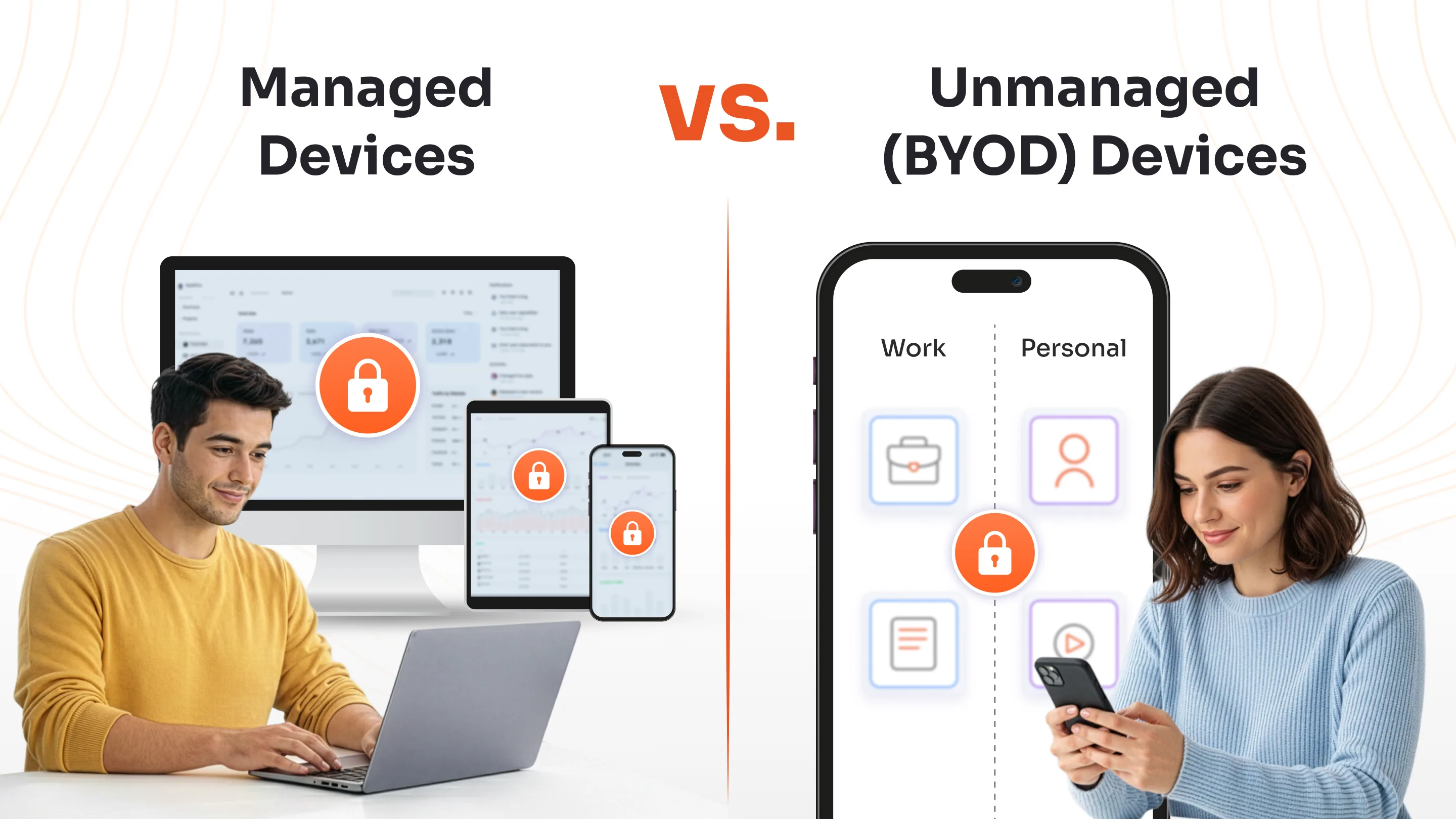
Managed vs. Unmanaged Devices: What’s the Real Difference?
Before you implement SSO, you need a clear understanding of managed and unmanaged devices.
1. Managed Devices
Managed devices are company-owned endpoints enrolled in Mobile Device Management (MDM) or Unified Endpoint Management (UEM) platforms.
The IT team has full visibility and control of these devices, allowing admins to enforce security policies, push app and OS updates, monitor compliance, track user activities and devices, and remotely manage issues.
2. Unmanaged or BYOD Devices
Unmanaged devices, also known as Bring Your Own Device (BYOD), are personally owned and not enrolled in any corporate management system. These are the smartphones, laptops, or tablets that employees bring from home.
While they enable flexibility and productivity, they lack direct oversight from the IT team. They’re used in hybrid or remote work environments.
Managed vs. Unmanaged Devices: Key Differences in SSO Integration
The key differences in the SSO integration are as follows:
1. Authentication Flow: How Managed and Unmanaged SSO Work?
- Managed Devices: When a user logs in from a managed device, SSO often happens seamlessly. Because the device is enrolled in MDM/UEM and already has pre-installed certificates or compliance settings, the IdP recognizes it as a trusted endpoint.
- Unmanaged Devices: In contrast, when a user attempts SSO single sign-on from an unmanaged or personal device, the system cannot rely on device trust signals from MDM. To compensate, it raises the authentication bar. This usually involves Multi-Factor Authentication (MFA) each time the user logs in. The additional verification ensures that even if credentials are compromised, unauthorized users are still blocked.
Example: An employee using a company-issued laptop enrolled in MDM may log in automatically via SSO authentication, while someone accessing from a personal tablet must confirm their identity through MFA every session.
2. Conditional Access in SSO: Managed vs.Unmanaged Devices
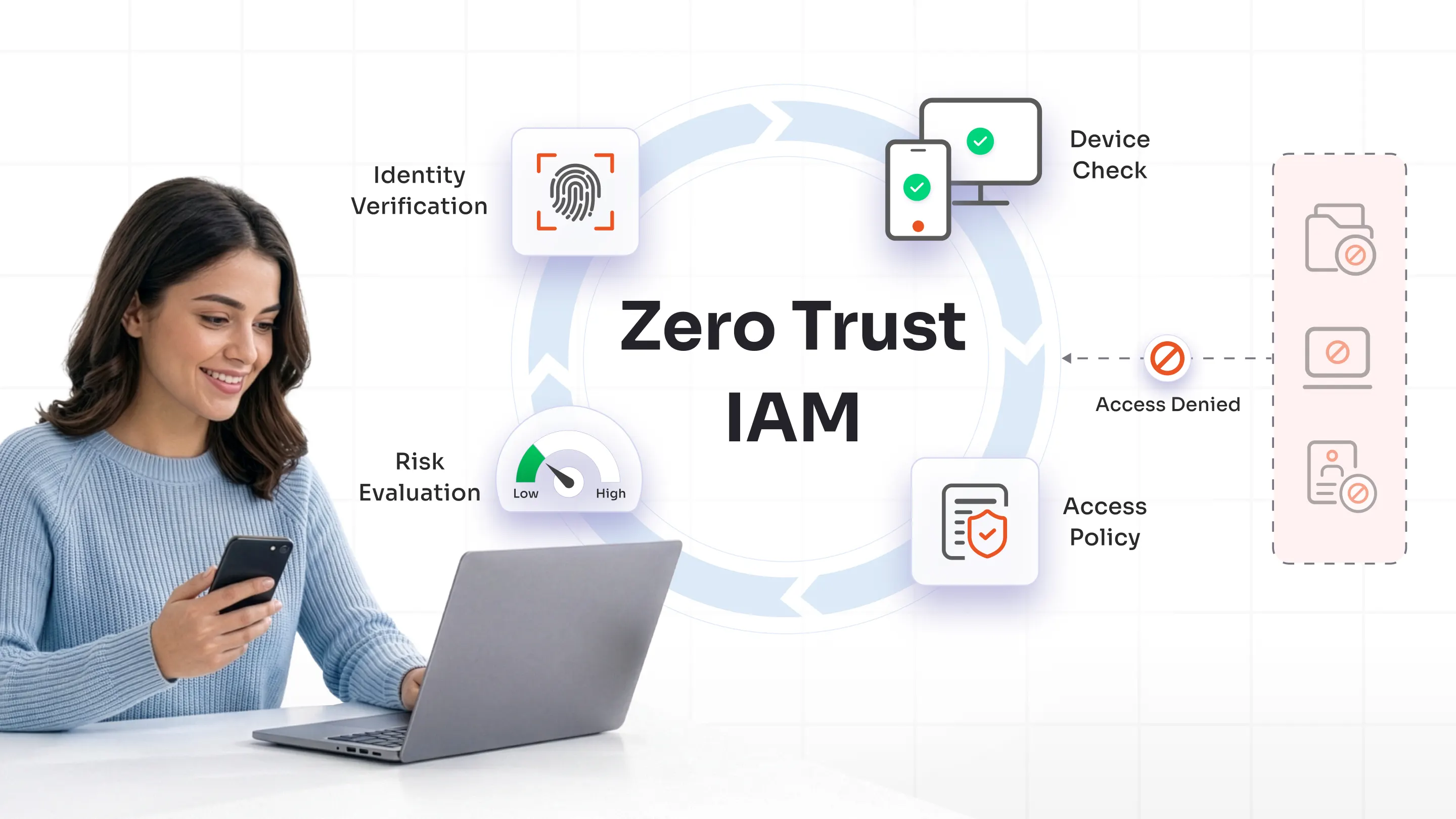
Conditional access is a security approach where access to apps or data is granted, challenged, or blocked based on specific conditions instead of just a username and password.
For example:
- If a user signs in from a trusted, compliant device on the corporate network, allow access with normal SSO.
- If the same user signs in from an unknown device or unusual location, require MFA.
- If a user tries to access a highly sensitive app from an unmanaged device, block access entirely.
Typical signals used in conditional access include:
- Who the user is (role, group, privileges)
- Which application or resource are users trying to reach?
- Device state (managed vs unmanaged, compliant vs non-compliant)
- Location, network, and sign-in risk level
Conditional access is usually part of an organization’s identity and access management strategy and is a core building block of Zero Trust, because it continuously evaluates context and risk instead of trusting any login by default.
3. Security Controls Tied to SSO
When enterprises deploy SSO integration, they should align it with endpoint and identity security controls. The trustworthiness and posture of the device significantly influence how safely SSO tokens can be issued and reused.
On Managed Devices
- Certificate-based Authentication: Managed devices often receive digital certificates via MDM/UEM that the IdP can use to validate device identity and enable more seamless SSO.
- Device Posture Checks: UEM platforms continuously report posture signals such as OS version, patch level, disk encryption, and threat status, which can be evaluated in access policies.
- Token Security: Sessions and tokens are bound to known compliant devices, reducing the risk of token reuse or replay on rogue endpoints.
On Unmanaged Devices
- MFA Enforcement: Because unmanaged devices lack device-level trust, access relies more heavily on user-centric factors such as passwords, tokens, and biometrics, often with mandatory MFA.
- Session Time Limits: IT may shorten session lifetimes and revoke tokens more aggressively after inactivity or risk events.
- Restricted Access: High-value apps or data paths can be blocked entirely from unmanaged endpoints, or only exposed through tightly controlled, app-specific experiences.
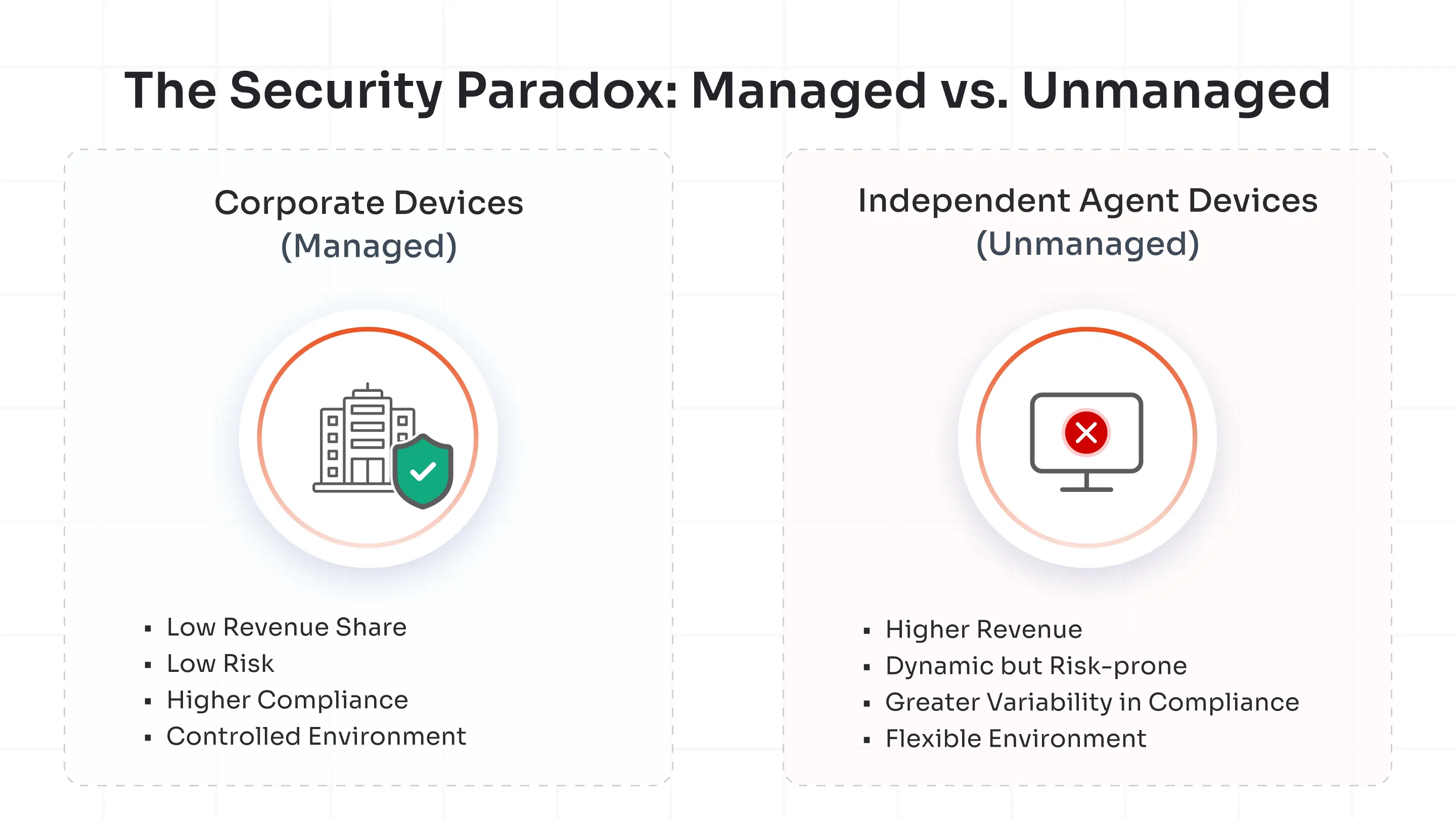
Secure Device Access with Enterprise-Grade miniOrange SSO Solution
Selecting among the best SSO providers can make or break your identity strategy. miniOrange excels in integrating conditional access, adaptive policies, and device trust.
miniOrange understands SSO authentication and ensures a consistent security posture without complicating user journeys.
To know more, connect with an expert for a demo session or sign up for a 30-day free trial.
FAQs
Do we need different SSO providers for managed and unmanaged devices?
Typically no. One enterprise-grade SSO platform can handle both, as long as it integrates with your MDM/UEM stack and supports granular conditional access policies.
What are the SSO best practices across device types?
Top best practices include prioritizing MFA for unmanaged devices, integrating SSO with MDM/UEM from the start, and keeping consistent audit trails.
Leave a Comment