

A VPN creates an encrypted path between remote users and your corporate resources, which adds a layer of security. But it does have loopholes. An attacker can still steal a user’s VPN username and password. You need strong identity verification at the VPN login.
Two-factor authentication (2FA) for VPN adds another verification step after the password. So, even if attackers get hold of passwords, they still must prove their identity with a second factor, such as an authenticator app, hardware token, push notification, or biometric method.
In this guide, you'll learn how to secure VPN access with MFA, why VPNs need stronger authentication, which 2FA methods you can use, and how to implement MFA without creating unnecessary friction for remote users.
Why Is VPN Access Vulnerable Without MFA?
Your VPN can protect data in transit and provide controlled remote connectivity. However, the security of the connection itself depends on verification.
If it’s secured only by a password, an attacker who obtains valid credentials may be able to authenticate as that user. There are multiple ways this can happen:
Stolen or Phished VPN Credentials
Attackers can trick users into entering their credentials on fake login pages or capture passwords through other forms of credential theft. Once they have valid credentials, they may be able to connect to the VPN as a legitimate user.
Credential Stuffing and Password Reuse
Users tend to reuse passwords across services. If one of those passwords is exposed elsewhere, attackers may try the same credentials against your VPN.
Credential stuffing automates this process at scale. MFA for VPN gives the attacker another barrier to overcome.
Unauthorized Remote Access
A successful VPN login can provide access to your systems that are not directly exposed to the internet. You therefore need more than a valid password to establish trust in the person requesting access.
Compromised Remote Devices
Remote users may connect from different networks and devices. If a device is compromised, relying only on stored or entered credentials can increase the risk of unauthorized access.
Access to Sensitive Internal Resources
The impact of a compromised VPN account depends on what that account can reach. Once an attacker gets through the VPN, they may be able to access sensitive resources available to the compromised user.
How Does 2FA Secure VPN Access?
A two-factor authentication (2FA) solution adds a secondary verification step to the login sequence. Instead of granting access right away after a password check, the system asks for additional proof.
A typical 2FA flow looks like this:
Username + Password → VPN Authentication → Second-Factor Challenge → Verification → VPN Access
Understanding how MFA secures VPN access comes down to separating login factors into distinct categories:
- First Factor (Something You Know): A standard password or PIN.
- Second Factor (Something You Have or Are): An authenticator app, hardware token, push notification, or biometric authentication.
When you implement two-factor authentication for VPN connections, stolen passwords become useless on their own. An attacker cannot log in without physical access to the user's secondary factor.
Keep in mind that total protection depends on the specific authentication factor you choose. SMS-based method and some OTP-based methods, for example, can be targeted through phishing attacks, SIM-swapping attack, or other attacks. Stronger methods such as FIDO2/WebAuthn provide greater resistance to phishing.
What Are the Benefits of Using 2FA for VPN Access?
Adding multi-factor authentication for VPN logins is like upgrading your security. You get more control over how users access remote resources.
1. Protects Against Compromised Credentials
With 2FA/MFA for VPN enabled, an attacker cannot log in using the credentials alone. They have to pass through the second layer of authentication.
2. Reduces Unauthorized Remote Access
2FA/MFA for VPN places another hurdle before a user can access resources through the VPN. Instead of trusting the password alone, you require the user to provide additional evidence of their identity. This is particularly important when employees access corporate systems from outside the office.
3. Strengthens Protection Against Phishing and Credential Attacks
2FA stops credential stuffing and brute-force bots from guessing logins. However, traditional OTP methods remain vulnerable to advanced phishing. You need phishing-resistant methods such as FIDO2 and WebAuthn.
4. Improves Visibility Into VPN Authentication
Authentication logs give you visibility into successful and failed access attempts, which helps you investigate unusual login activity.
5. Supports Security and Compliance Requirements
MFA is an important access-control measure across many security programs and regulated environments. It can help support strict access-control mandates for standards like PCI-DSS, HIPAA, NIST, and ISO 27001.
Which 2FA Methods Can You Use for VPN Authentication?
Choosing the best MFA for VPN access depends on your security requirements and user environment. Not all factors offer equal security.
| Authentication Method | How It Works | VPN Consideration |
|---|---|---|
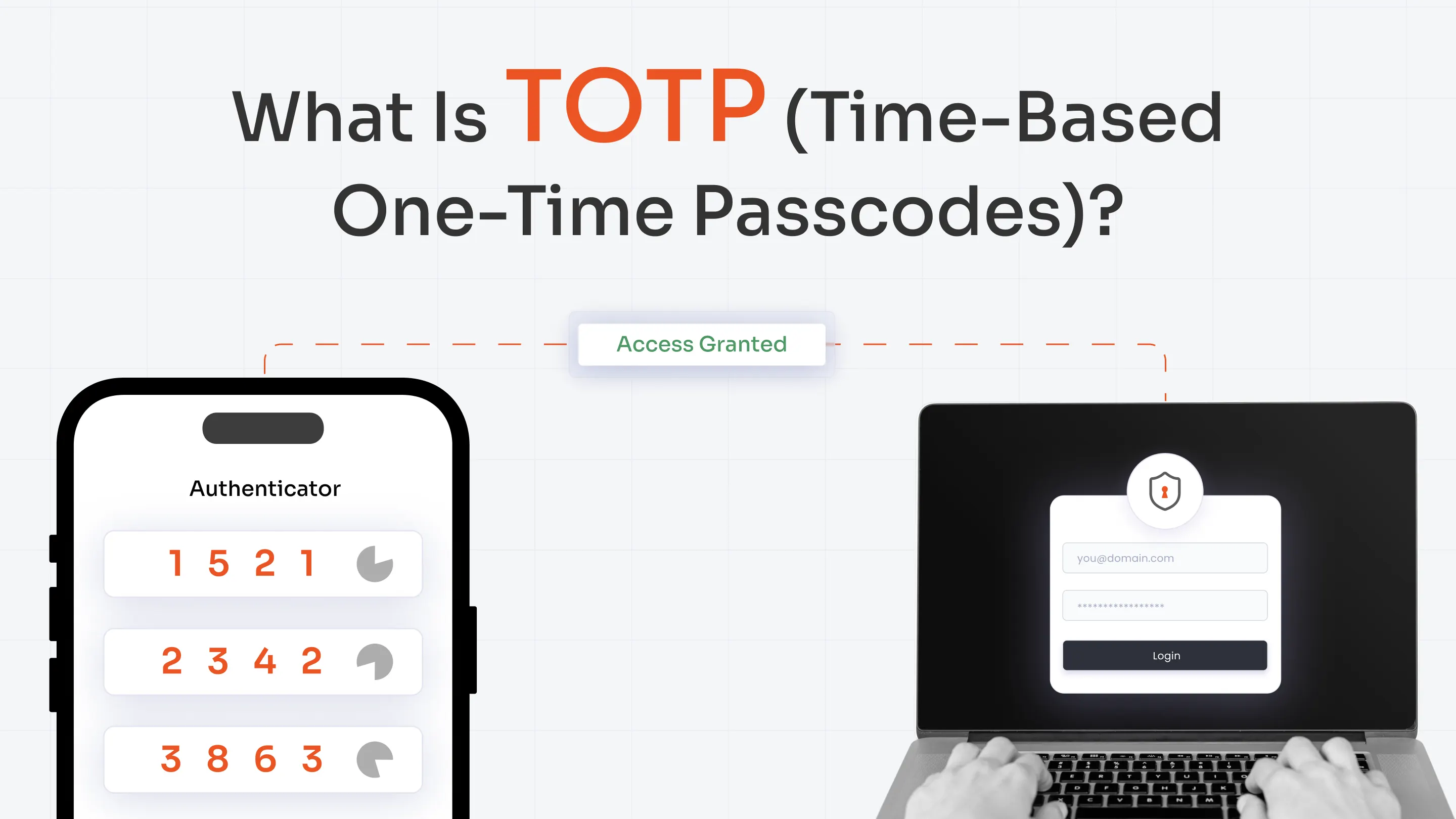
| TOTP (Time-Based OTP) | Generates a 6-digit code via an authenticator app. | Widely supported and easy to deploy. |
| Push Authentication | Sends an interactive approval request to a mobile app. | Fast and convenient for remote employees. |
| SMS OTP | Delivers a single-use code via text message. | Simple to adopt, but susceptible to SIM swapping and interception. |
| Email OTP | Sends a passcode directly to the user's inbox. | Useful as a backup or for select environments. |
| Hardware Tokens | Physical keyfobs generate time-sensitive passcodes. | Ideal for users without managed mobile devices. |
| Security Keys / FIDO2 | Hardware keys perform cryptographic challenge-response checks. | Provides maximum resistance against phishing attacks. |
| Biometrics | Verifies identity via fingerprint or facial recognition. | Delivers a frictionless experience on supported devices. |
How to Implement MFA for VPN Access
You need to plan the rollout around your users, VPN infrastructure, authentication methods, and access requirements.
Use this five-step approach.
1. Identify VPN Users and Access Requirements
Map out user groups, privileged accounts, and the specific applications accessible through your VPN. You have a clear starting point for deciding where MFA should be mandatory and whether different groups need different authentication policies.
2. Choose the MFA Method
The choice of MFA method depends on the devices your users have, which methods your VPN supports, and whether you need phishing-resistant authentication for certain users. You may also need more than one method to support different user groups and provide recovery options.
3. Integrate MFA With the VPN
Your integration approach depends on the VPN platform and its supported authentication infrastructure. RADIUS is a common option for VPN authentication. Some environments may also support SAML, an identity provider, or vendor-specific authentication integrations.
If you're researching how to enable MFA for VPN, start by checking which authentication protocols and integrations your VPN supports. Then choose an MFA solution that fits that architecture.
4. Configure Authentication Policies
Decide which users must complete MFA and which authentication methods they can use. You can also apply different requirements based on factors such as user group, device, location, IP address, time, or risk when your MFA solution supports adaptive authentication.
5. Test, Roll Out, and Monitor
Roll out 2FA/MFA for VPN with a pilot group. Test different VPN clients, authentication methods, user groups, and recovery scenarios. Monitor successful and failed authentication attempts during the rollout.
Once the process works reliably, expand the deployment in stages. Continue reviewing authentication activity and user feedback after rollout.
How Can You Secure Different VPN Environments With MFA?
Different VPN architectures require specific integration approaches. You must ensure your identity solution aligns with your existing VPN authentication infrastructure.
| VPN Environment | MFA Consideration |
|---|---|
| SSL VPN | Enforces secondary verification at the web portal or client app before granting network access. |
| IPsec VPN | Integrates secondary authentication directly into supported enterprise client configurations. |
| Fortinet FortiGate | Applies MFA across FortiClient VPN, SSL web portals, and administrator panel logins. |
| Cisco VPN | Connects MFA via RADIUS or SAML integrations for AnyConnect users. |
| Palo Alto VPN | Enforces MFA policies across GlobalProtect endpoints for remote access. |
| SonicWall VPN | Integrates secondary verification to secure NetExtender and Mobile Connect sessions. |
Configuring reliable 2FA/MFA authentication for remote VPN access protects these varied environments under a unified security architecture.
How Do You Balance VPN Security With User Experience?
While adding 2FA/MFA for VPN increases security, it can also increase friction for your users. They might log in across different locations or devices. A rigid authentication process can be inconvenient if it does not account for those differences.
Keep the experience practical with a few principles:
- Avoid unnecessary prompts: Use adaptive authentication where appropriate so stronger challenges can be triggered by relevant risk signals.
- Offer multiple authentication methods: Different users may need different options based on their devices and work environments.
- Provide backup and recovery options: Users need a way to regain access if they lose or cannot use their primary authentication method.
- Use stronger methods for higher-risk access: Consider phishing-resistant authentication for users or resources that require stronger assurance.
- Explain enrollment clearly: Give users simple instructions for registering their authentication methods and recovering access.
- Monitor authentication friction: Review failed logins and user feedback to identify problems with your MFA policies.
Should You Use Phishing-Resistant MFA for VPN Access?
2FA for VPN does not automatically mean phishing-resistant authentication. All MFA methods provide different levels of security.
Traditional methods like SMS passcodes and standard TOTP codes mitigate password theft, but modern attackers bypass them using real-time adversary-in-the-middle (AitM) phishing kits.
In an AitM attack, a proxy server captures both the user's password and the one-time passcode, allowing the attacker to hijack the active session.
In these scenarios, FIDO2 and WebAuthn use cryptographic authentication and can provide strong phishing resistance. Security keys and supported device authenticators can verify the user without relying on a code that can simply be copied into a fraudulent website.
However, these methods can add even more friction if applied for all users.
The best approach is to match authentication strength to the access risk. Apply stronger phishing-resistant MFA for privileged users and normal methods for users accessing lower-risk resources.
How miniOrange Secures VPN Access With MFA
miniOrange adds 2FA/MFA to VPN authentication and can work with your existing authentication infrastructure. It supports RADIUS-based VPN authentication, directory integration, and an adaptive MFA solution with multiple authentication methods and integrations with several major VPN platforms.
Here's how the flow works with a RADIUS-based deployment:
VPN User → VPN Gateway → miniOrange RADIUS → Identity Directory → MFA Challenge → Secure Access
With miniOrange, you can use authentication methods such as:
- Push notifications
- TOTP and authenticator apps
- SMS and email OTP
- Hardware tokens
- Biometrics
- FIDO2/WebAuthn and passkeys
And many more. You can also use adaptive authentication to apply stronger verification based on contextual signals such as IP address, location, device, and other risk factors. miniOrange provides audit trails and authentication visibility to help you monitor access activity.
Conclusion
Your VPN protects remote connections, but strong remote access also depends on strong identity verification. A stolen password can still put an authenticated VPN account at risk when there is no additional verification.
That is why securing VPN access with MFA starts with choosing the right authentication methods. Then you integrate them with your VPN, apply appropriate policies, and monitor the results.
As you evaluate how to protect VPN from stolen credentials, consider the full authentication flow. Look at the factors you use, the risks they address, the VPN infrastructure you already have, and the experience your remote users need.
With the right approach, you can strengthen VPN access without forcing your users through unnecessary authentication steps.
FAQs
How to Secure VPN Access With MFA?
To secure VPN access with MFA, add a second authentication factor after the user's primary VPN credentials are validated. Start by identifying users and access requirements, choose appropriate MFA methods, integrate MFA with your VPN, configure authentication policies, and test the deployment before rolling it out broadly.
Can MFA Protect VPN Access If a User's Password Is Stolen?
Yes. MFA can prevent a stolen password from being enough to complete authentication because the attacker also needs the required second factor. However, the level of protection depends on the authentication method. Some methods can still be targeted through phishing and other attacks.
Is 2FA Enough to Secure VPN Access?
2FA provides stronger protection than password-only authentication, but it does not eliminate every security risk. Different authentication factors offer different levels of protection. For higher-risk VPN access, consider phishing-resistant methods such as FIDO2/WebAuthn where supported.
Which MFA Methods Work Best for VPN Authentication?
There is no single method that fits every VPN environment. TOTP, push authentication, hardware tokens, biometrics, and FIDO2/WebAuthn can all serve different requirements. Your choice should consider the VPN platform, user environment, security requirements, and level of phishing resistance needed.
Does VPN MFA Work With Existing VPN Infrastructure?
Yes, depending on the VPN platform and supported authentication protocols. miniOrange supports RADIUS-based VPN MFA and integrations with VPN platforms such as Fortinet, Cisco AnyConnect, Palo Alto, SonicWall, and OpenVPN.
Why Do VPNs Trigger MFA Prompts More Often?
MFA prompts can increase when your authentication policies require verification for every login or when adaptive authentication detects a higher-risk context. Factors such as a new device, changed location, IP address, or other contextual signals can affect authentication requirements when adaptive policies are configured.
Leave a Comment