Hello there!
Need Help? We are right here!

Need Help? We are right here!
Search Results:
×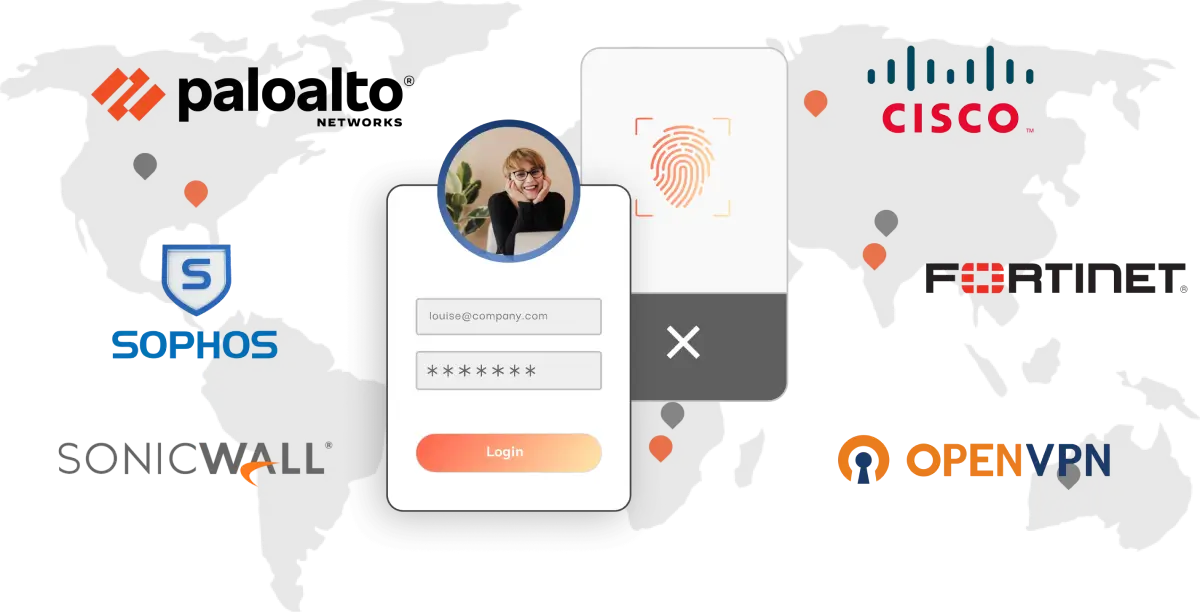
VPNs create encrypted tunnels to provide remote users with secure access to an organization's internal network. However, VPN credentials are prime targets for attacks such as phishing and password theft.
Multi-factor authentication for VPN assures secure remote access by mitigating cyber risks with advanced authentication methods, which prevent breaches even if passwords are compromised.
Enable VPN MFA features for strengthened user access, layered verification,
and better user convenience.

Multi-Factor Authentication (MFA) for VPN is compatible with most of the Remote Authentication Dial-In User Service (RADIUS) protocols, strengthening remote networks and keeping them away from threat entities.

Reduces the authentication burden by prompting for stronger authentication only when needed, based on risk factors like IP address, geographical location, device changes, network changes, and others.

The miniOrange MFA solution for VPN supports integration with any third-party MFA authenticator applications, such as Google Authenticator, Microsoft Authenticator, Authy, and others.

Get directory integration with various directories: AD, Azure AD, OpenLDAP, etc., and avail an option for local authentication if external directories are unavailable, simplifying deployment and user management.

Apply MFA to specific groups with comprehensive audit trails to monitor user activities and maintain accountability. This helps admins to maintain complete visibility, traceability, and boost security.

Enable multi-factor authentication for VPN without the need to install a separate Radius Proxy module. The solution integrates directly with the existing VPN infrastructure, reducing management overhead.
miniOrange integrates with a wide range of VPNs and applications and provides secure remote
access with an extra layer of Multi-Factor Authentication (MFA) security.










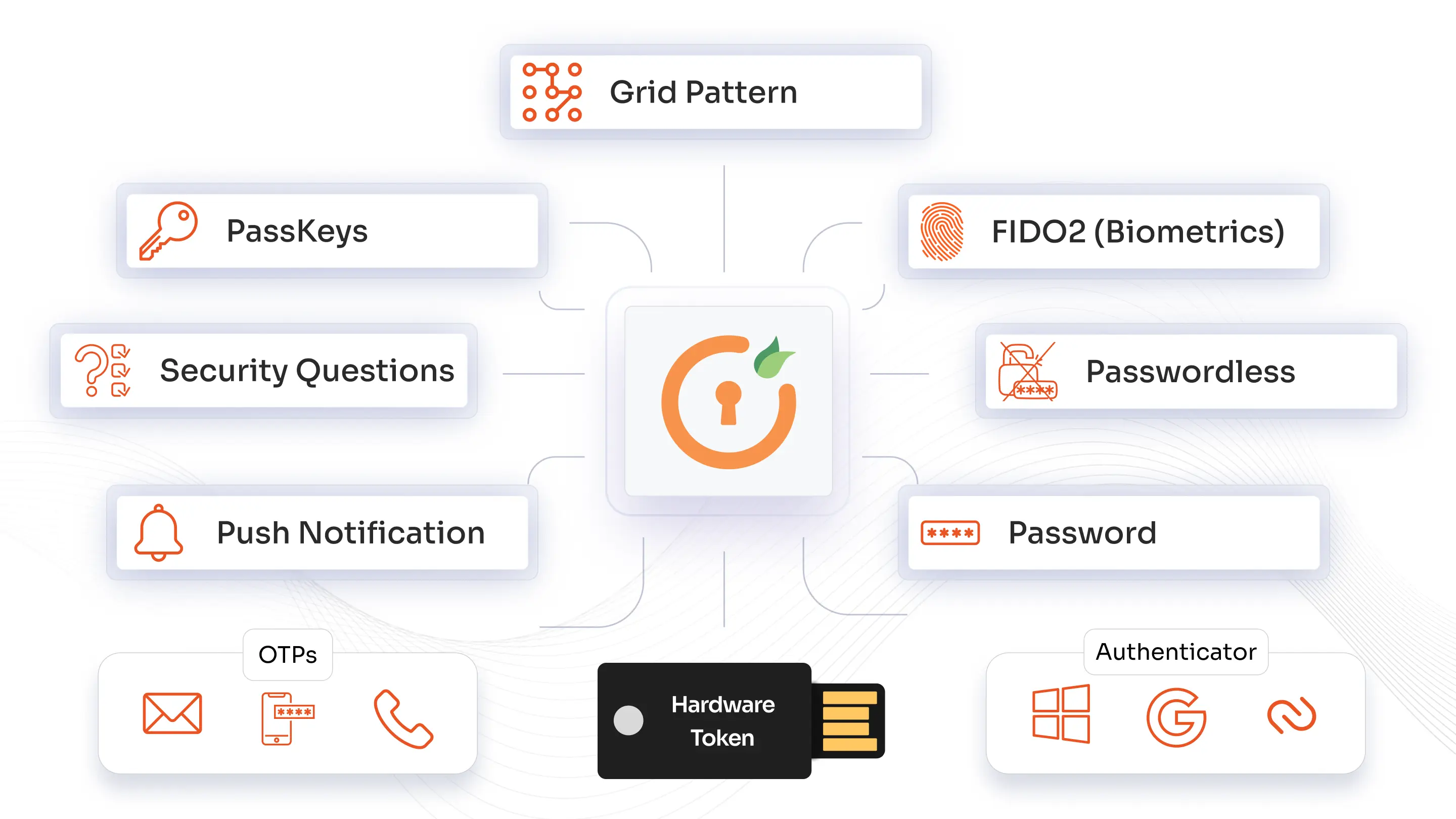
miniOrange authentication methods secure user access with SMS and phone callback for mobile validation, time-based OTP tokens via popular authenticator apps like Google or Microsoft. Users can also verify via secure email links or codes, use physical USB hardware tokens for added security, and authenticate through personalized knowledge-based security questions.
Privacy by design, data residency by choice choosing dedicated hosting in the US, EU, India, or Australia cloud data centers
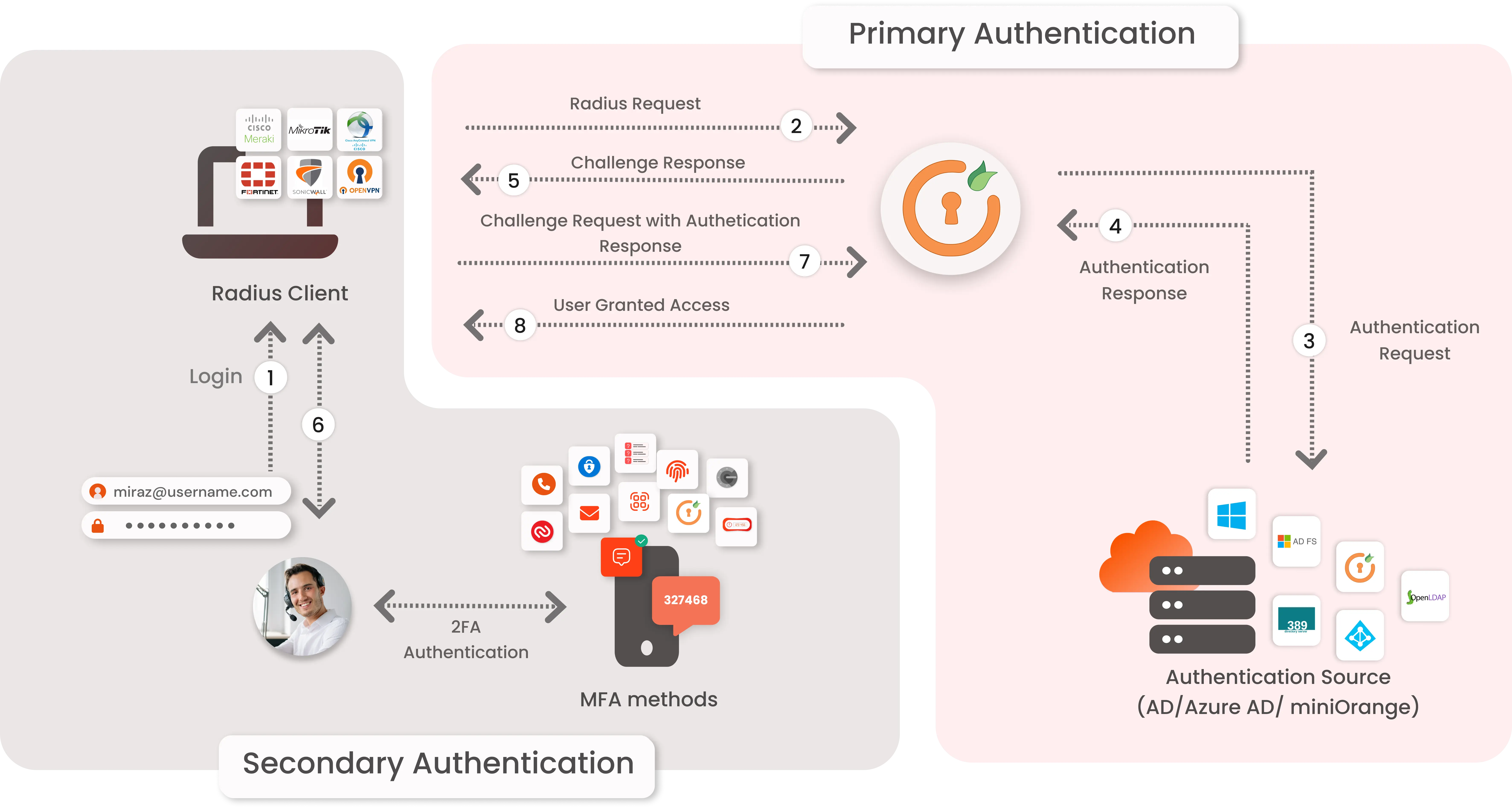
The user submits their username and password to access the VPN.
The VPN forwards the authentication request to the miniOrange RADIUS server.
miniOrange validates the user credentials against Active Directory (AD) or a database.
Upon successful validation, AD confirms the primary authentication to the miniOrange RADIUS server.
miniOrange challenges the user for 2-factor authentication (2FA), sending a code to their device.
The user submits the 2FA code, and miniOrange grants access to the VPN upon successful verification.
*Please contact us to get volume discounts for higher user tiers.
Identity solutions from miniOrange can be easily deployed in your organization's existing environment.
Protect all Active Directory logins with MFA Security. Prevent unauthorized access to all servers by enabling MFA.
Secure your Windows RDP logons, RD Gateway & SSH logins with Multi-Factor Authentication.
Enable MFA on TACACS/TACACS+ logins and all your network devices like routers & Switches.
Prevent unauthorized access to OWA (Outlook on the Web) & RD Web connections.
Enable SSO/MFA for all Office 365 apps on the cloud (Supporting SAML, OAuth, JWT, etc.)
Secure your Virtual Desktop Infrastructure (VDI) (like Citrix, VMWare, etc.) with MFA solution.
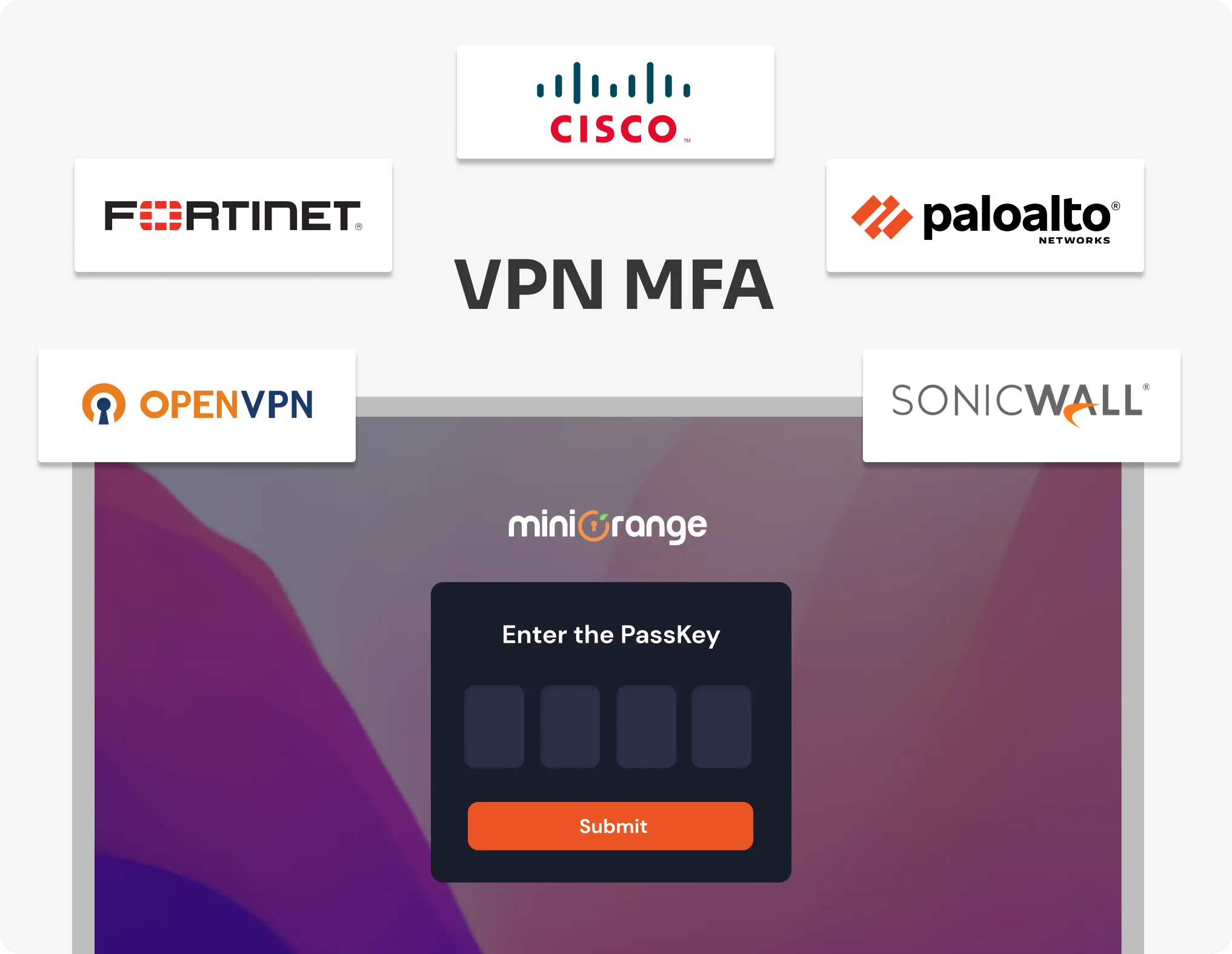
Check out VPN MFA Demo to see how you can secure your VPN access with Multi-Factor Authentication.
View DemoDiscover the benefits of VPN authentication for mitigating new, evolving threats and adapting to flexible
authentication methods for organizational growth.

VPN MFA significantly maximizes security through multiple forms of verification, protecting virtual private networks from brute-force attacks, credential theft, phishing, etc., even if passwords are compromised.

MFA solutions offer flexible authentication options such as OTP, push notifications, biometrics, etc., that don’t require complicated steps. This promotes user convenience, along with smooth and quick access.

VPN MFA supports integration with various authentication methods, enabling organizations to scale their security infrastructure as they grow. This helps meet evolving regulatory needs and adapt to new threat landscapes.