
During and after the COVID-19 pandemic, workplaces are no longer confined to just office cubicles. With organizations adopting a Bring Your Own Device (BYOD) policy and employees using mobile devices for work, managing the security and productivity of a mobile workforce has become a critical business priority.
Enterprise Mobility Management (EMM) has emerged as the comprehensive solution that enables organizations to embrace workplace flexibility without compromising on compliance, security, or control.
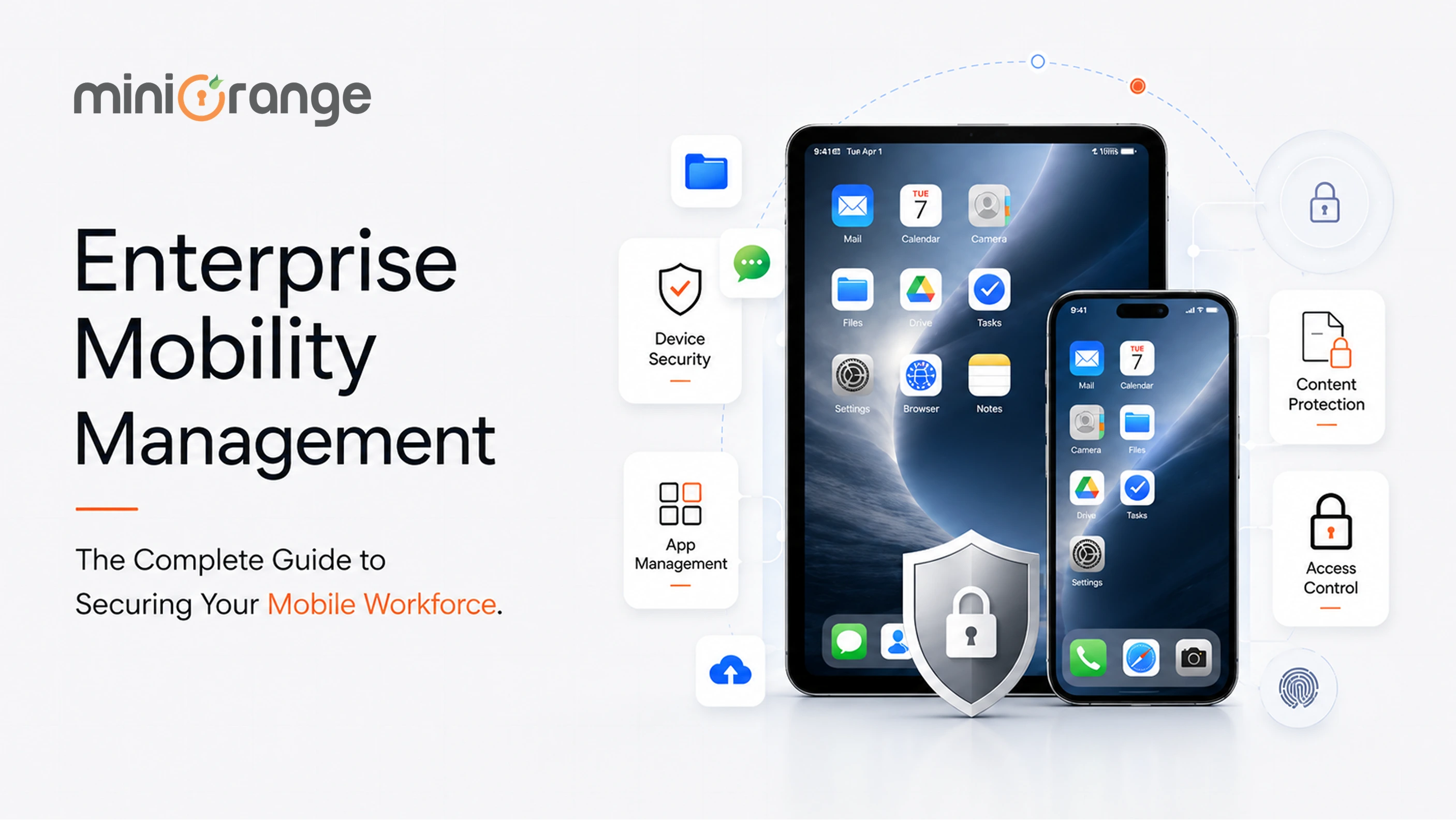 Businesses are recognizing that effective mobile management isn’t just an IT concern; it’s a strategic imperative that directly impacts data security, productivity, and competitive advantage.
What is Enterprise Mobility Management?
Enterprise Mobility Management (EMM) is a comprehensive framework of technologies, policies, and processes designed to secure, monitor, and manage mobile devices, applications, and content used within an organization.
In simple terms, it is the complete ecosystem that allows IT teams to protect corporate data while enabling employees to work productively from mobile endpoints. The enterprise mobility management tool encompasses multiple layers of security and control, right from the device level to individual apps and the data they access. Furthermore, EMM offers visibility and control across iOS, Android, and macOS.

What are the Components of Enterprise Mobility Management?
EMM comprises three main components: MDM, MAM, and MCM. Think of them as concentric circles of control: MDM controls the device, MAM controls the apps, and MCM controls the documents and files.
1. Mobile Device Management (MDM)
Mobile Device Management (MDM) simply refers to device-level control. It manages the entire physical hardware: the smartphone, tablet, or laptop itself.
With an MDM solution, the IT teams can:
- Enroll devices in the company’s management system
- Configure settings like VPNs, email accounts, WiFi networks, and security policies
- Enforce security rules such as screen lock timeouts, password requirements, and encryption
- Track device location for lost or stolen hardware
- Remotely wipe all data from a device if it’s compromised, lost, or when an employee leaves
MDM plays a crucial role in forcing security updates and protecting against vulnerabilities that attackers actively exploit.
2. Mobile Application Management (MAM)
Mobile Application Management (MAM) is app-level control. Instead of managing the entire device, MAM focuses only on specific business applications and the data inside them.
With a Mobile Application Management (MAM) solution, IT teams can:
- Control which apps employees can install and use for work
- Push enterprise apps to devices (such as Slack, corporate email, Salesforce, etc.)
- Create app containers that separate work apps from personal apps on the same device.
- Enforce app-specific policies
- Remotely delete only corporate apps and data when someone leaves, leaving personal data untouched.
MAM is ideal for BYOD environments because it respects employee privacy. IT teams don’t control the phone itself, only the work-related apps.
3. Mobile Content Management (MCM)
Mobile Content Management (MCM) is data-level control. It focuses specifically on securing and managing the files, documents, and information employees access on mobile devices.
A Mobile Content Management (MCM) solution provides:
- Secure file repositories where corporate documents are stored and encrypted
- Controlled access to files based on user roles and permissions
- Collaboration tools that let employees share files securely without using unapproved apps
Document-level security, including- Expiration dates for document access
- Watermarking or tracking who viewed/downloaded files
- Remote deletion of specific documents (even after they’ve been downloaded)
In a nutshell, MCM ensures that sensitive files like contracts, financial reports, customer data, intellectual property, etc., remain protected regardless of which device or app accesses them.
4. Identity and Access Management (IAM)
Identity and Access Management (IAM) is a cybersecurity solution which manages identities of users. It authenticates, authorizes, handles user lifecycle, and maintains a centralized directory. It prevents notable cybersecurity attacks, such as brute force, credential theft, account takeover, and more. IAM consist of Single Sign-On (SSO), Multi-Factor Authentication (MFA), User Lifecycle Management (ULM), passwordless logins, and more solutions, which helps in managing identities.
Strategic Benefits of EMM for Modern Enterprises
In a mobile-first work environment, EMM implementation offers several advantages across security, cost efficiency, productivity, and compliance.
1. Complete Data Protection and Threat Defense
EMM platforms provide multi-layered security that protects data against the expanding mobile attack surface.
It enforces device encryption, secure containers, network traffic monitoring, and automated threat detection that identifies risks before they result in breaches.
2. Increased Employee Productivity
EMM enables seamless, secure access to corporate resources from any device, anywhere. Employees can respond to customer inquiries, approve workflows, and collaborate from mobile devices without security compromises.
Organizations implementing BYOD programs with EMM see improved employee productivity, as employees use familiar devices without the friction of carrying multiple phones or waiting to reach their desks for critical tasks.
3. Application-Level Data Security for Enterprises
Enterprise mobility management offers granular app security that helps prevent leakage through screenshots, clipboard transfers, or unauthorized sharing. Application wrapping and containerization create secure enclaves for corporate data and apps. This is completely isolated from personal apps on the same device.
The isolation ensures that even if malware infects the personal side of a BYOD device, corporate data within the managed containers remains protected and inaccessible to threats.
4. Streamlined IT Functions
IT teams use EMM to consolidate multiple disparate tools into a unified management platform. The teams configure policies once and apply them across devices. They push application updates simultaneously and troubleshoot issues remotely without physical device access. Further, the centralization reduces administrative overhead.
5. Simplified Device Setup
The EMM solution transforms the device enrollment process from a time-consuming IT task into a self-service one. The employees enroll devices by downloading a management app and following a guided prompt; with configurations, certificates, and apps installing automatically.
For work devices, EMM supports bulk enrollment and over-the-air provisioning, enabling IT teams to prepare hundreds of devices with minimal manual effort. This is quite valuable when onboarding new employees or executing device-fresh programs.
Furthermore, zero-touch enrollment enables devices to auto-configure with corporate settings upon activation, reducing IT involvement.
6. Decreased Costs and Overheads
Save high corporate costs and IT overheads with an EMM solution.
You can do this by:
- Enabling a secure BYOD via EMM to eliminate upfront device purchasing costs
- Wiping data on lost devices; if not, then it can lead to data compliance penalties, legal liabilities, and reputation damage.
- Opting for Over-the-Air (OTA) provisioning as it pushes standard network and app configurations automatically. This keeps workers from flooding IT queues with setup requests.
These combined savings can total hundreds of thousands or millions annually for mid-sized to large enterprises.
7. Secure BYOD Enablement
EMM makes BYOD programs practical by creating a clear separation between corporate and personal data on employee-owned devices.
Rather than requiring complete device control, EMM enables privacy-respecting management where corporate policies only affect work apps and data. This balanced approach addresses privacy concerns while maintaining necessary security controls.
8. Centralized Platform for Multi-OS Management
EMM provides unified management across iOS, Android, Windows, and other platforms through a single administrative interface. IT teams create policies, distribute applications, and monitor security from one console rather than maintaining separate tools for each operating system.
This unified approach ensures consistent security postures regardless of device choice. Cross-platform management simplifies reporting and compliance auditing by centralizing all mobile management data.
9. Compliance and Risk Mitigation
EMM platforms enforce organizational policies automatically and consistently, eliminating variability from individual user behavior.
EMM helps organizations manage regulatory compliance across mobile fleets, enforcing HIPAA, GDPR, or ISO requirements.
Detailed audit trails and compliance reports satisfy auditor requirements without manual data collection, reducing the risk of regulatory violations and substantial fines.
EMM Implementation Best Practices
Deploying EMM successfully requires more than just selecting the right platform. These proven best practices help organizations build mobile security programs that employees actually embrace rather than resist.
1. Set Clear Mobility Objectives
Start with specific outcomes, not vague goals. Identify what you want to achieve: secure remote access, BYOD enablement, compliance with regulations, or reduced IT overhead.
Clear objectives guide platform selection, policy design, and success measurement. Pilot with a defined user group before full deployment to refine processes and build confidence.
2. Adopt Zero Trust Principles
Implementing zero trust principles with EMM ensures that no mobile device is inherently trusted. This is regardless of whether it is connected to an employee’s home WiFi or a corporate network.
With zero trust, continuously verify identity, context, and device health before and during access to data requests via the concerned device.
3. Establish Continuous Monitoring and Analytics
Continuous monitoring and analytics are a crucial best practice when deploying an EMM solution. It shifts an enterprise from a reactive stance (resolving problems after they happen) to a proactive one (preventing downtime and breaches).
Without continuous analytics, an EMM platform is blind to operational inefficiencies and real-time threats.
4. Provide Training to Employees
Educate users on enrollment procedures, security requirements, mobile policies, and privacy protections.
Address BYOD privacy concerns transparently, explain what IT can and cannot see, when devices might be wiped, and how personal data stays protected. Training builds trust and reduces resistance to necessary controls.
5. Create Balanced, Risk-Based Mobile Policies
Apply stricter controls to high-risk users accessing sensitive data while enabling flexibility for general users.
Avoid overly restrictive policies that drive workarounds and shadow IT. Review policies regularly based on user feedback, security incidents, and evolving business needs to ensure they remain appropriate.
Why Choose miniOrange as Your EMM Provider?
Finding the right Enterprise Mobility Management provider shouldn't mean compromising between security, usability, and cost. miniOrange delivers all three.
- Easy Deployment: Our guided setup, pre-configured templates, and zero-touch provisioning mean your team can start managing devices easily, without specialized training or complex integrations.
- Cross-Platform Support: Manage iOS, Android, and macOS from one unified console.
- Scalable for Any Enterprise: Whether you're managing 50 devices or 50,000, our cloud-native platform scales automatically.
- Cost Efficiency: Reduce IT costs with faster troubleshooting, smooth app distribution, and minimal downtime.
- Dedicated 24/7 Support: Mobile security doesn't sleep, and neither does our team. Get expert help anytime through chat, email, or phone.
FAQs
1. What is Enterprise Mobility Management (EMM)?
Enterprise Mobility Management (EMM) is a comprehensive framework that combines technologies, policies, and processes to secure, monitor, and manage mobile devices, applications, and content used within an organization.
2. Is EMM suitable for BYOD environments?
Yes, modern EMM platforms are specifically designed to support BYOD programs by creating a clear separation between corporate and personal data on employee-owned devices.
3. What types of devices can you manage using EMM?
EMM platforms support a wide range of devices, including smartphones and tablets running iOS and Android, laptops and desktops running Windows and macOS, Chromebooks running Chrome OS, and specialized devices like rugged handhelds used in warehouse and field service environments.
Additional Resources
About the Author

Content Writer
With a background in Journalism and extensive experience in SaaS and cybersecurity content writing, Chaitali Avadhani has contributed to creating various forms of impactful content pieces across multiple verticals. At miniOrange, her role is to craft SEO-friendly and lead-generating content around Identity and Access Management (IAM) products and cybersecurity as a whole.
Leave a Comment