Hello there!
Need Help? We are right here!

Need Help? We are right here!
Search Results:
×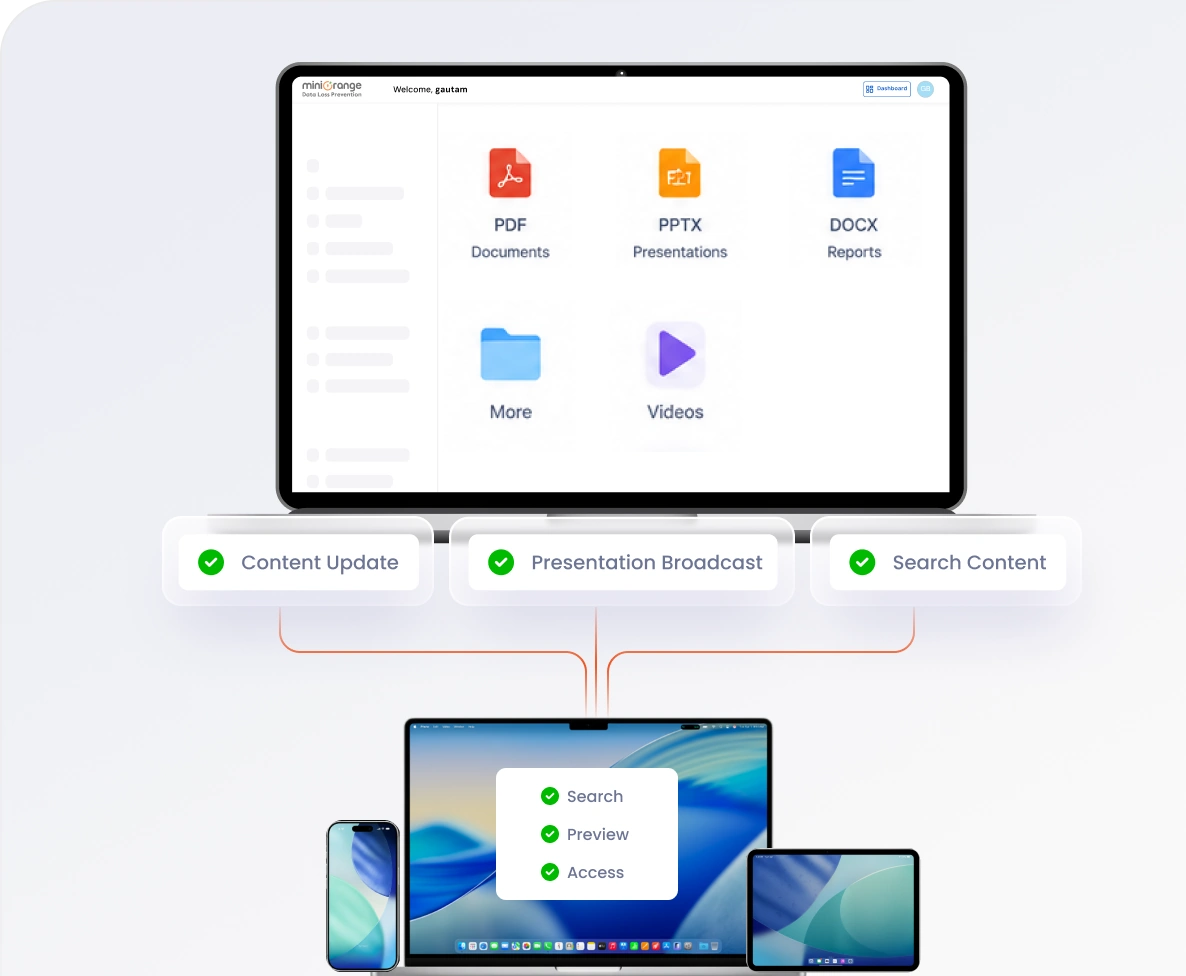
Modern teams rely on MCM software to manage, distribute, and control business content across devices and locations.

With distributed teams, employees need access to business content from anywhere at any time. Mobile content management (MCM) software ensures files are securely available across devices without manual sharing.

Employees increasingly use personal devices for work, making content management more complex. MCM software helps manage and deliver business files securely across both personal and corporate devices.

Managing files centrally reduces complexity and ensures consistent access across teams. Important content can be shared directly to devices without relying on email or manual distribution.

Devices can be grouped based on departments, roles, or locations for easier content management. This allows automatic distribution of relevant files to the right users without repetitive effort.

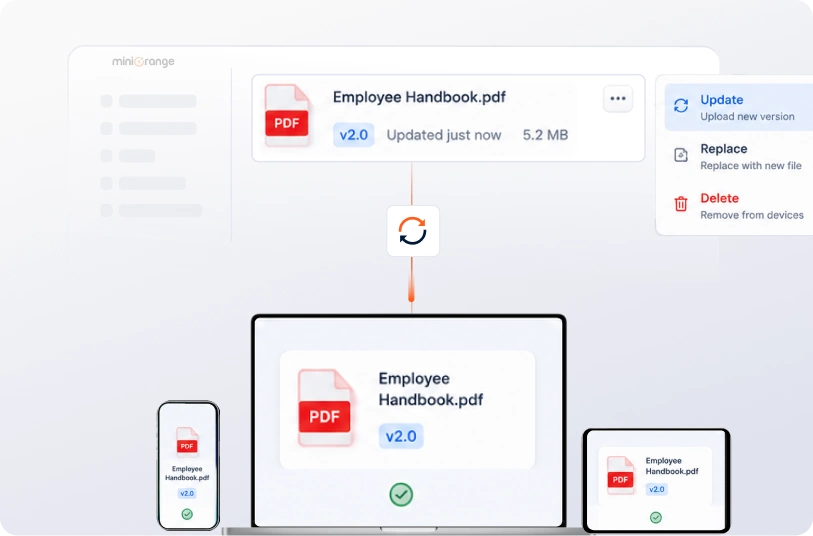
Content updates are automatically synced across devices whenever changes are made in the admin console. This ensures employees always access the latest and most accurate information.

Sensitive business data needs protection across all endpoints and user interactions. MCM software enforces policies that restrict unauthorized sharing and reduce data exposure risks.
Manage, access, and keep your business content up to date with a mobile content management solution.

Upload and organize files in multiple formats into structured folders from a centralized dashboard. This ensures content is easy to manage and access across teams.

Share files and folders with selected users, devices, or groups in just a few clicks. This enables faster and controlled distribution of business content.

Update, edit, or replace files centrally to ensure employees always access the latest versions. This removes confusion caused by outdated or duplicate documents.

Remove content instantly from devices when it becomes outdated or not required. This helps maintain content accuracy and prevents unauthorized access to old files.
A mobile content management system helps organizations manage, distribute, and control business content efficiently.
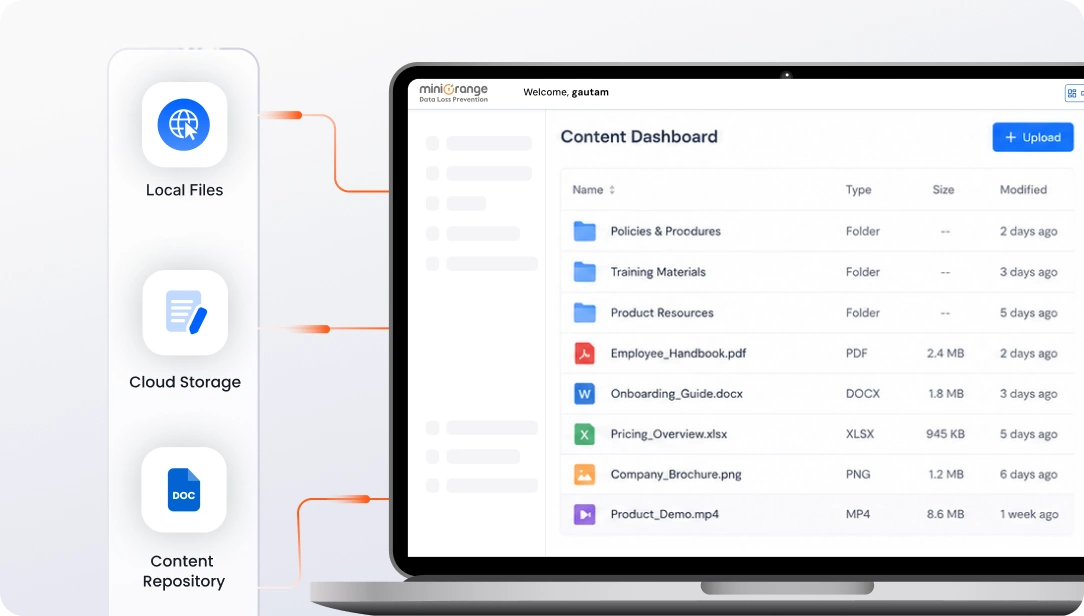
Upload and manage files from a single console to keep all content organized and easily accessible.
Keep content up to date and remove files instantly when no longer needed.
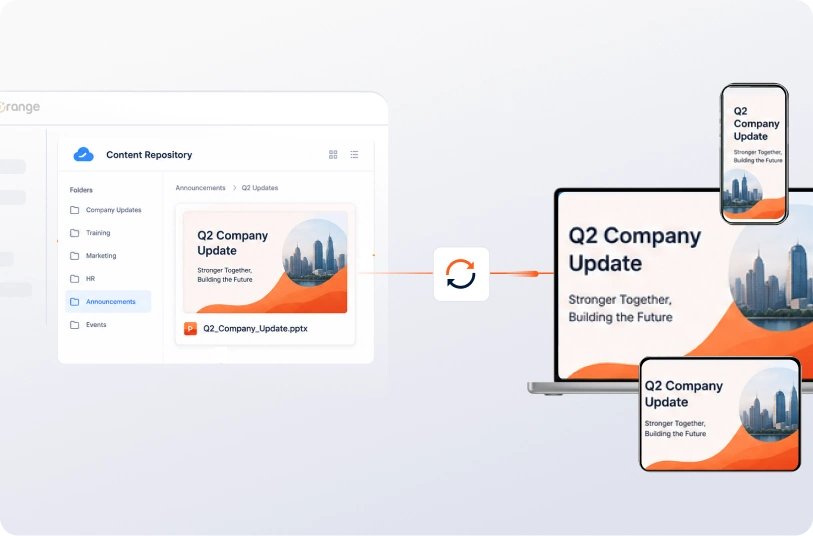
Deliver engaging content experiences directly on managed devices.
Optimize storage by avoiding duplicate file copies across systems and devices.
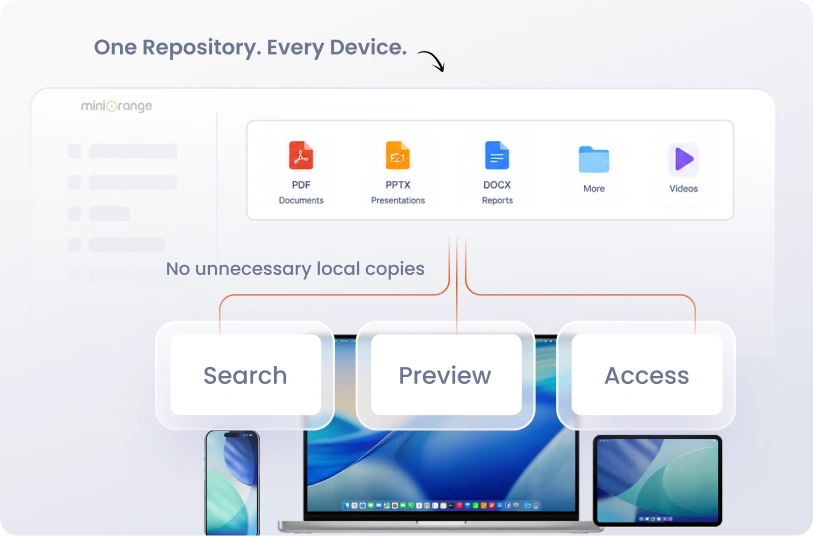
A flexible MCM solution ensures seamless content delivery across different operating systems and device types.
Manage content across Android smartphones, tablets, digital signage, and rugged devices used in field operations. Ensure files are distributed and updated consistently across all Android endpoints.
miniOrange simplifies content management with centralized visibility and seamless distribution across devices.

Manage and publish content across devices and applications from a unified dashboard without constant IT involvement. This simplifies operations and ensures consistent content delivery.

Reduce reliance on multiple tools by managing content from a single solution. This helps streamline operations while lowering overall costs.

Employees can access, edit, and share business content securely from anywhere. This improves collaboration and keeps teams aligned across locations.
Apply policies such as remote wipe, encryption, and restrictions on data sharing. This helps protect sensitive content and reduces the risk of data exposure.
Still have questions? We've got answers to help you make the right decision.

