

A secure Wi-Fi connection does not automatically make every data transfer safe. An employee can connect to an authorized network and still upload a confidential file to an unapproved cloud service.
DLP for Wi-Fi means applying data loss prevention controls to sensitive information transferred through wireless-connected devices. Typically, organizations enforce these controls through endpoint agents, supported browsers, or inline security services, rather than through the wireless access point itself. These controls can identify sensitive content and restrict unauthorized sharing across supported channels.
Wi-Fi security protects network access and connectivity. DLP adds control over what information users can send and where they can send it. An effective approach connects both without treating them as interchangeable.
Why Is It Important to Control Sensitive Data Transfers Over Wi-Fi?
Wireless security requires more than securing access points. There is a need to protect client devices, wireless infrastructure, and configurations throughout the wireless network’s lifecycle. Data transfer controls add another layer by addressing how sensitive information leaves those devices.
Controlling these transfers matters for several reasons:
- Authorized access does not guarantee authorized sharing: An employee may need access to customer records but have no business reason to upload them to personal storage. DLP can restrict supported uploads based on the sensitive content and destination.
- Cloud applications create convenient paths for data exposure: Browser uploads can move sensitive files outside approved workflows. Supported endpoint and browser controls help organizations govern these actions instead of relying entirely on employee judgment.
- Protection must extend beyond the office: This applies to all remote and hybrid working organizations. There is a need for endpoint and network security so data remains confidential.
- Blanket restrictions can interrupt legitimate work: DLP supports more targeted decisions, such as auditing a transfer, blocking it, or allowing a user override where configured. This gives organizations alternatives to banning every upload.
- Unmanaged transfer paths create visibility gaps: A security team cannot reliably govern activity that its enforcement tools cannot see. Reviewing supported browsers, applications, and traffic paths is essential before treating a wireless workflow as protected.
How Does DLP Protect Data Transferred Over Wi-Fi?
DLP protects wireless-connected workflows by inspecting sensitive information at a supported enforcement point and applying policies to the attempted action. It does not need to inspect the Wi-Fi signal itself.
For example, endpoint DLP can restrict a sensitive file upload from a supported browser. An inline security service can inspect traffic routed through it, including encrypted traffic when the appropriate inspection capability is configured.
A typical workflow follows five stages.
1. Identify Sensitive Information
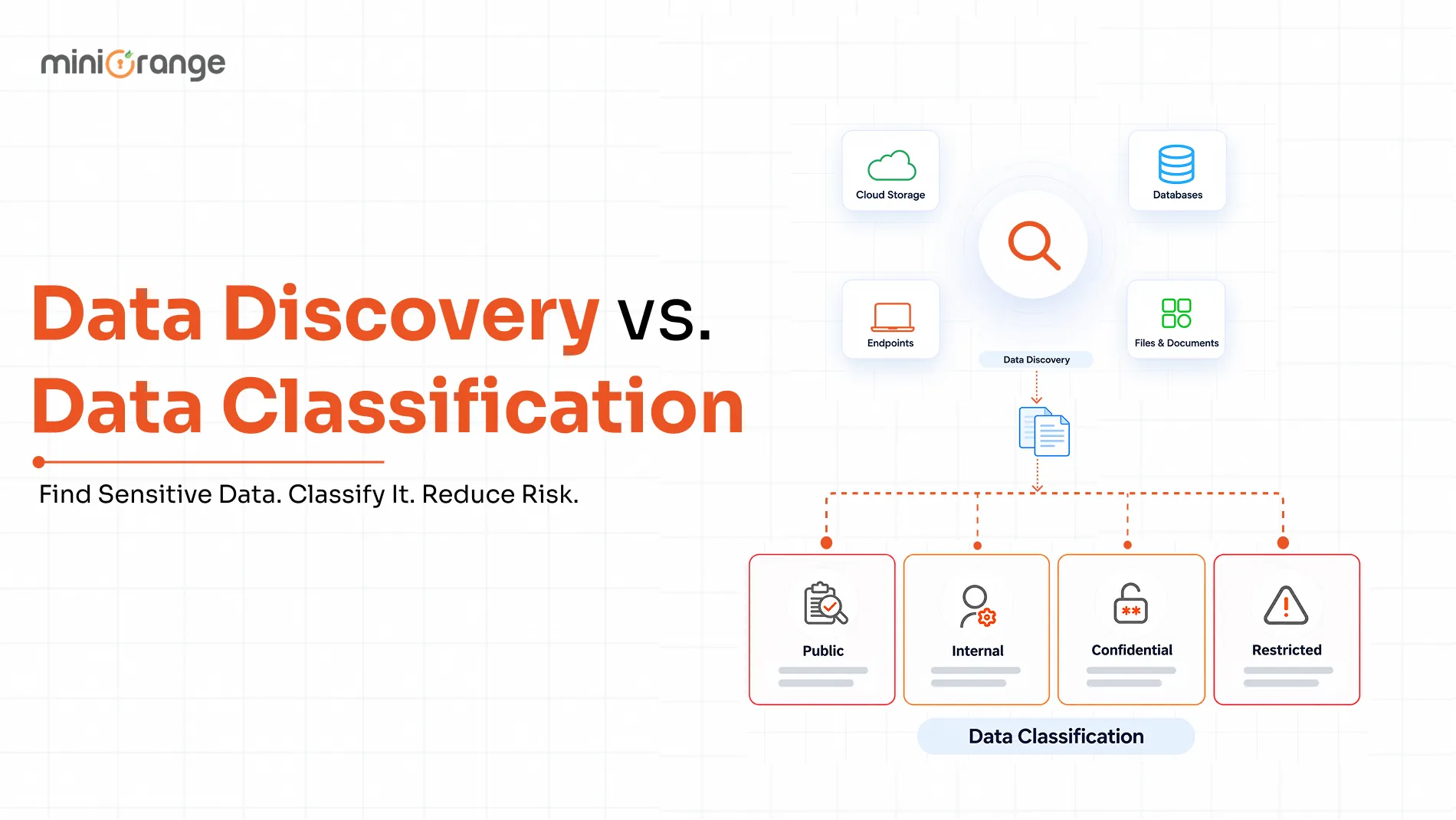
Start by identifying crucial company data through data discovery capabilities.
You can also use pattern-based classifiers or Exact Data Matching (EDM). Exact data matching compares content against defined records, helping distinguish actual business data from information that merely resembles it.
2. Evaluate the Attempted User Action
The system determines what the user is trying to do, such as uploading a file to a restricted cloud service.
A useful policy is specific: “Prevent files containing protected customer information from being uploaded to unapproved domains.” This is more actionable than a broad instruction to “stop sensitive data from leaving.”
3. Apply the Configured Response
Depending on the policy, the system can audit the activity, block it, quarantine it, or allow it to pass. These responses let security teams distinguish between actions that require observation and those that must stop.
4. Capture the Event for Review
Policy matches and alerts provide a record of detected activity. During testing, simulation results can help administrators assess which items match and how a policy would affect users before enforcement begins.
5. Escalate When Network Containment Is Necessary
A blocked upload does not always require disconnecting a device. However, a serious incident may justify restricting the endpoint’s network access.
That containment generally requires a separate capability, such as network access control. DLP detection and network quarantine must be connected through a supported, tested workflow.
Key DLP Mechanisms for Protecting Wireless Data Transfers
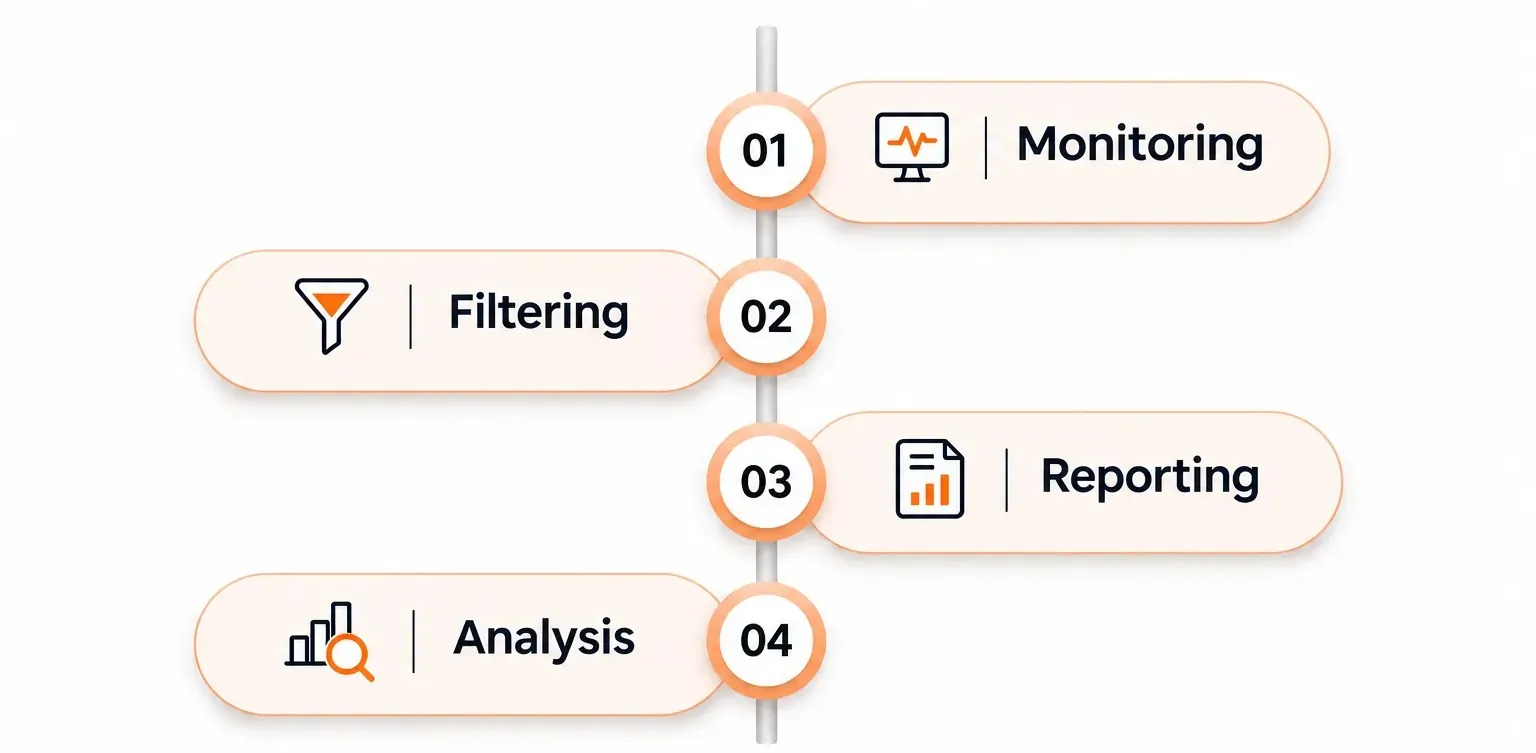
A practical deployment combines content detection with enforcement coverage. No single mechanism provides complete protection across every device, application, and network.
1. Content Inspection and Data Classification
Content inspection helps determine whether a transfer contains information that requires protection. Pattern-based detection can identify common sensitive information types, while exact data matching can identify values drawn from an organization's own records.
Choose detection methods based on the data, not just the available templates. A customer database export and an internal strategy document may require different data classification approaches.
The objective is to identify meaningful risk without treating every business file as equally sensitive.
2. Endpoint and Browser Enforcement
Endpoint DLP places controls close to the user's activity. Supported capabilities can detect or restrict sensitive file uploads and prevent specified browsers from accessing protected files.
Browser coverage deserves particular attention. Document browser-specific requirements for applying service-domain restrictions, including extension requirements for certain supported browsers. A policy that works in one browser should not be assumed to work identically in another.
Furthermore, evaluate actual employee workflows, including webmail attachments and browser-based file sharing, rather than checking only whether an endpoint agent is installed.
3. Inline Traffic Inspection
Inline DLP examines supported traffic while it passes through a security service. This can provide content inspection across web and cloud traffic routed through that enforcement point.
Encrypted traffic requires special consideration. A network service cannot simply read application content because a device uses Wi-Fi. SSL/TLS inspection is a separate capability used to provide visibility into encrypted traffic. Endpoint controls offer another enforcement approach by operating on supported activities at the device.
Document which traffic is inspected, which traffic is excluded, and what protection remains when inspection is unavailable.
4. Coordinated Network Containment
Network access control can restrict an endpoint when a response requires more than blocking a transfer.
Depending on the implementation, quarantine may limit network permissions or place a device into a restricted network segment. These actions belong to the network enforcement layer, not automatically to the DLP engine.
Keep the responsibilities clear: DLP identifies and controls supported data-handling activity; network access control changes the endpoint's network access.
What Actions Can DLP Take to Protect Wi-Fi Data Transfers?
The right response depends on the sensitivity of the data, the confidence of the detection, and the consequences of interrupting the workflow.
1. Block Unauthorized Transfers
Blocking stops a supported action when it violates policy. For example, endpoint DLP can prevent protected files from being uploaded to restricted cloud service domains through supported browsers.
Organizations can use this approach to address unauthorized file uploads and webmail attachments where the relevant application and upload path are covered.
2. Quarantine High-Risk Devices or Sessions
Quarantine restricts network access when a device presents a risk that cannot be addressed through a single transfer block.
For wireless environments, a network access control platform can apply a quarantine policy to the endpoint.
Avoid promising that DLP will “immediately isolate every compromised wireless session.” Response timing and effectiveness depend on detection, integration, endpoint identification, and network enforcement.
Define the trigger, permitted remediation access, and recovery process before automating quarantine.
3. Log Violations and Alert Security Teams
Logging and alerting help teams review policy violations, identify recurring problems, and prioritize investigations. DLP simulation tools can also expose matches and generate alerts before policies enforce restrictions.
For operational use, define the evidence each incident should contain: the matched rule, attempted action, destination, enforcement result, and relevant user or device context.
Audit readiness depends on more than generating events. Establish who reviews them, how long records are retained, and how access to sensitive incident details is controlled.
Five Benefits of Applying DLP Across Wi-Fi Workflows
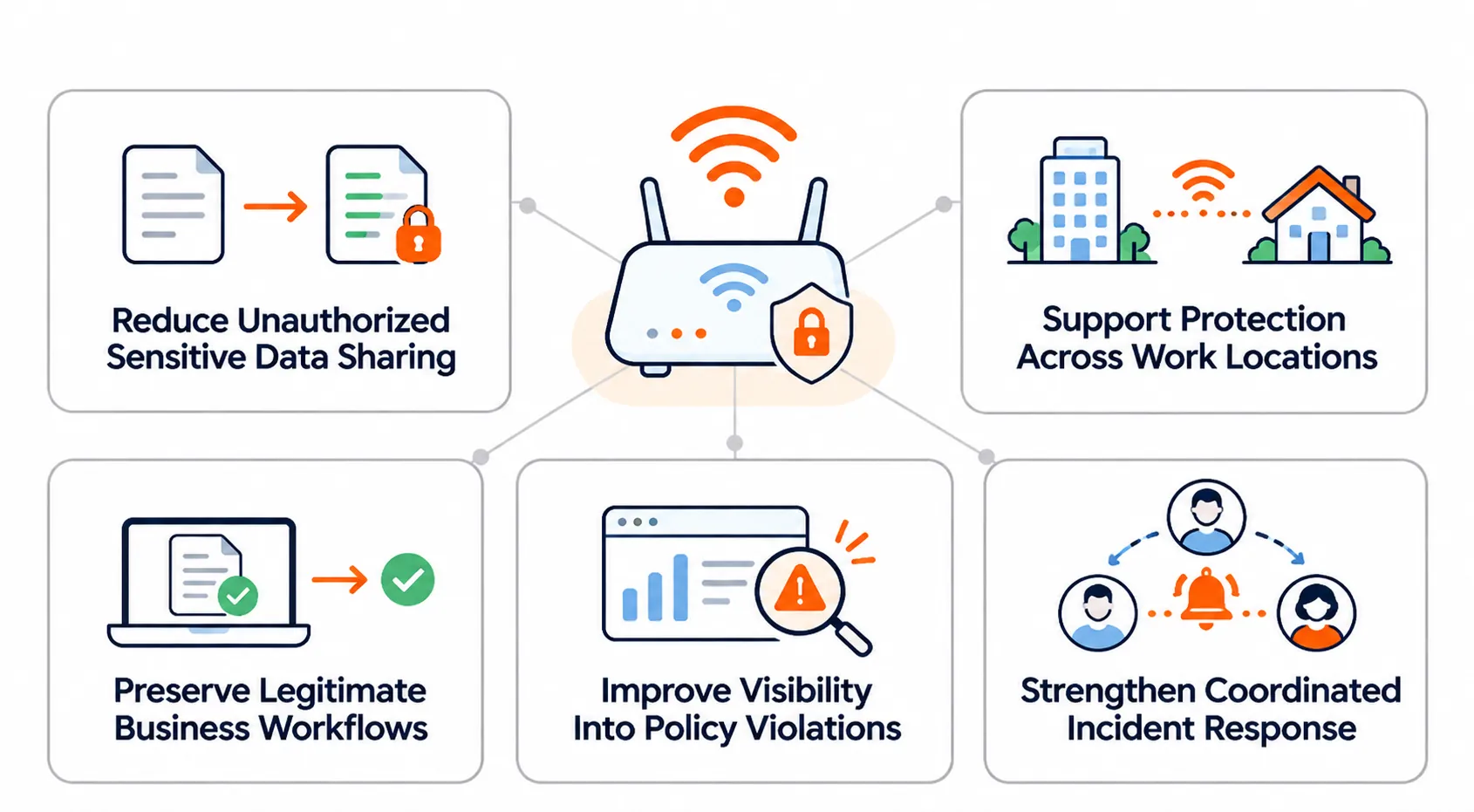
The value of Wi-Fi DLP comes from controlling data movement without treating every wireless connection as suspicious.
1. Reduce Unauthorized Sensitive Data Sharing
Content-aware restrictions can stop supported uploads that violate policy. This adds a targeted safeguard between a user selecting a sensitive file and sending it to an unapproved destination.
The benefit is practical: access to a file does not have to mean permission to share it anywhere.
2. Support Protection Across Work Locations
Endpoint enforcement reduces dependence on an office-only inspection point by applying controls to supported device activities. This is useful when employees move between corporate, home, and other wireless networks.
The important qualification is coverage. Protection must be validated for the applications and actions employees actually use.
3. Preserve Legitimate Business Workflows
Audit, block, and allow options support a graduated response rather than a universal prohibition. Teams can reserve strict blocking for high-confidence violations and use less disruptive actions where appropriate.
This makes data protection easier to align with real business requirements.
4. Improve Visibility Into Policy Violations
Matched activities and alerts give security teams information they can use to investigate inappropriate sharing. Simulation results also reveal how proposed rules behave before enforcement.
That visibility can inform policy adjustments, employee guidance, and decisions about where additional controls are needed.
5. Strengthen Coordinated Incident Response
When integrated with network access control, a detection workflow can support endpoint containment in addition to transfer blocking. Supported network controls can change authorization or quarantine an endpoint.
This creates a clearer escalation path: stop the risky action first, then restrict broader access when the incident warrants it.
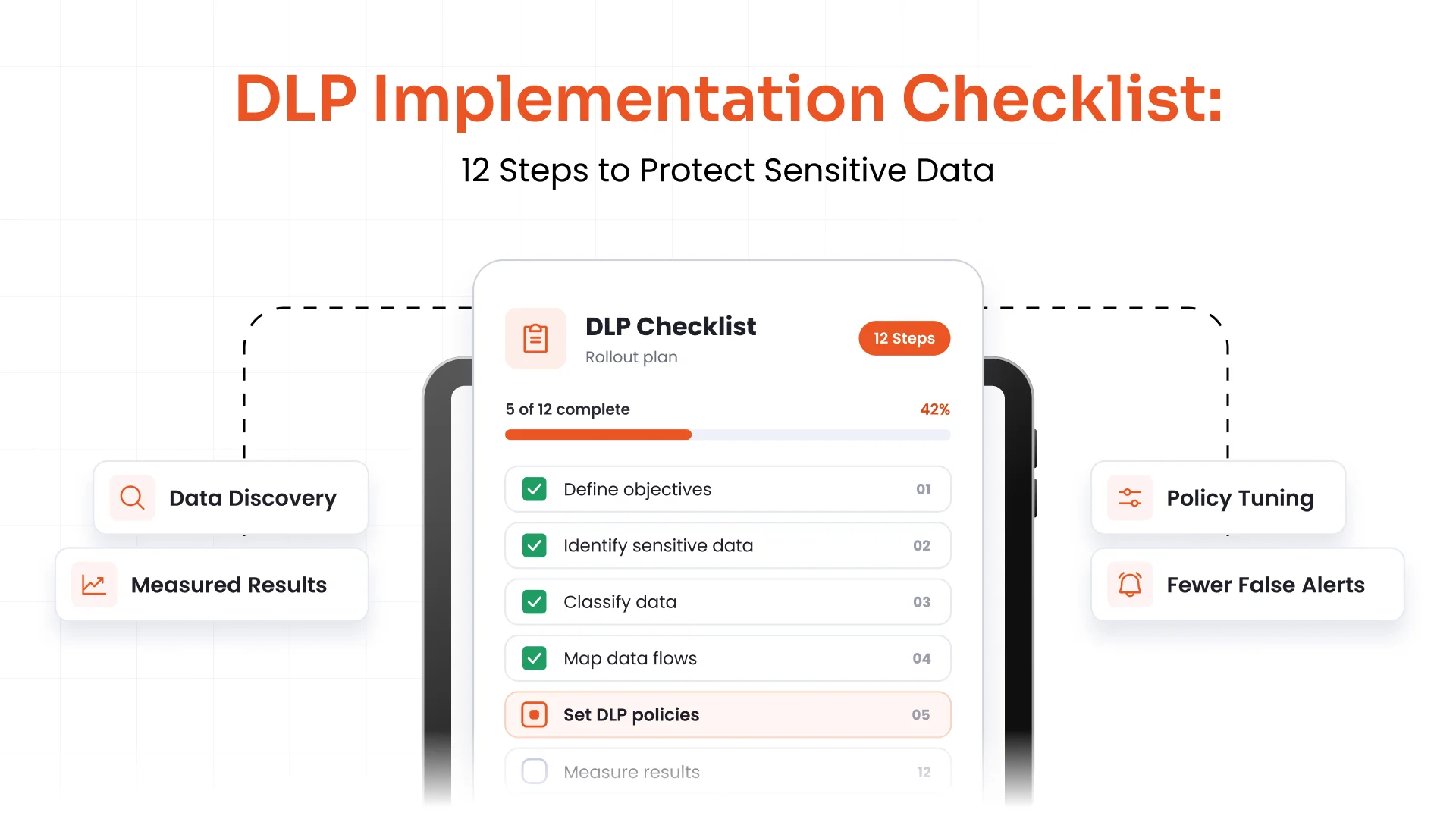
Best Practices for Deploying DLP Across Wi-Fi Networks
Start with specific data-handling risks, then choose controls that address those risks. Buying a tool before defining the workflows often leaves important assumptions untested.
1. Define the Data and Destinations First
Identify which information needs protection and where employees legitimately send it. Establish approved destinations with the teams that own the data.
Use pattern-based detection for suitable information types, and consider exact data matching when protection depends on identifying organization-specific structured records.
Write policies in business terms before translating them into technical rules.
2. Map Every Enforcement Path
Create a coverage checklist for:
- Supported operating systems and device types
- Supported browsers and required extensions
- Browser uploads and webmail attachments
- Desktop applications and cloud sync clients
- Traffic routed through inline inspection
- Devices and activities outside enforcement coverage
3. Test Before Blocking
Begin with simulation or audit mode where available. Review legitimate matches, false positives, and workflows that the policy misses.
Include both sensitive and non-sensitive test files. Confirm not only that a rule detects the intended data, but also that the final enforcement action works as expected.
4. Keep Wireless Security and DLP Complementary
Continue securing wireless infrastructure, client devices, and configurations. NIST’s wireless guidance treats security as an ongoing lifecycle responsibility involving deployment, maintenance, and monitoring.
DLP is an additional layer. It does not replace wireless access controls, secure configurations, or routine security assessments.
5. Make Exceptions Specific and Reviewable
Use supported override options selectively, not as a universal escape route.
For business exceptions, define an owner, a reason, an expiration date, and an approved destination. Review recurring exceptions to determine whether the policy is too broad or the workflow needs a safer alternative.
6. Validate Containment and Recovery
If a serious DLP incident can trigger network quarantine, test the entire chain. Verify that the correct endpoint is identified, the intended restriction is applied, and the device can return to normal access after remediation.
Network access control platforms provide quarantine and unquarantine capabilities, but the organization must configure the surrounding policies and integrations.
Protect the Data, Not Just the Wi-Fi Connection
A wireless network can be properly secured while sensitive information still leaves through an unauthorized upload. DLP addresses that different problem by identifying protected content and controlling supported sharing activities.
Build the approach around three questions: What information matters? Where may it go? Which control can enforce that decision?
Then validate the answer across the browsers, applications, and network paths employees use. Start with targeted policies, test their impact, and connect broader containment only where needed. The result is a more practical approach to Wi-Fi data protection, one that governs sensitive transfers without making routine work unnecessarily difficult.
Looking to safeguard your Wi-Fi against threats? Connect with the miniOrange DLP team, and we will help you out.
Leave a Comment