
Your enterprise probably has a few thousand employees with managed identities. HR provisioned them, IT governs them, and your IAM platform watches them.
Now count the AI agents running across your org. The Claude Code and codex instance that sit inside every dev's IDE. The Salesforce Einstein bot with access to every open deal. The Zapier AI that reads your CRM, writes to your Slack, and forwards summaries to email.
You can't count, secure, or govern them with traditional IAM, can you?
That's the problem this article digs into. What AI agent identity actually means, why it breaks traditional IAM, and how to govern those AI agents across desktop, SaaS, and enterprise AI agents before it learns to govern you.
What is AI Agent Identity?
In simple words, an AI agent is software that takes actions autonomously, on behalf of a human or a system, without a human clicking "confirm" for every step.
And when software takes action, it needs credentials to do it.
AI agent identity is the set of credentials, permissions, roles, and attributes that define what an AI agent is and what it's allowed to do. Think of it as the passport plus the visa plus the access badge, all rolled into one.
AI agents as non-human identities
Non-human identities (NHIs) have existed for decades: service accounts, API keys, bot users, machine tokens. Your CI/CD pipeline authenticates as a service account. Your monitoring tool uses an API key to post alerts.
AI agents are a new class of NHI, but with a different risk profile.
A traditional service account runs a fixed script. It does the same thing every time, reads from the same tables and writes to the same bucket. You can review its permissions once and mostly forget about it.
An AI agent makes decisions. It figures out which tool to call, which system to write to, which API to hit, based on context and instructions that change with every run. A single Copilot session might read 3 files, query 2 APIs, and write to 1 database, and a different session might do 8 completely different things.
That variability is what makes AI agent IAM hard.
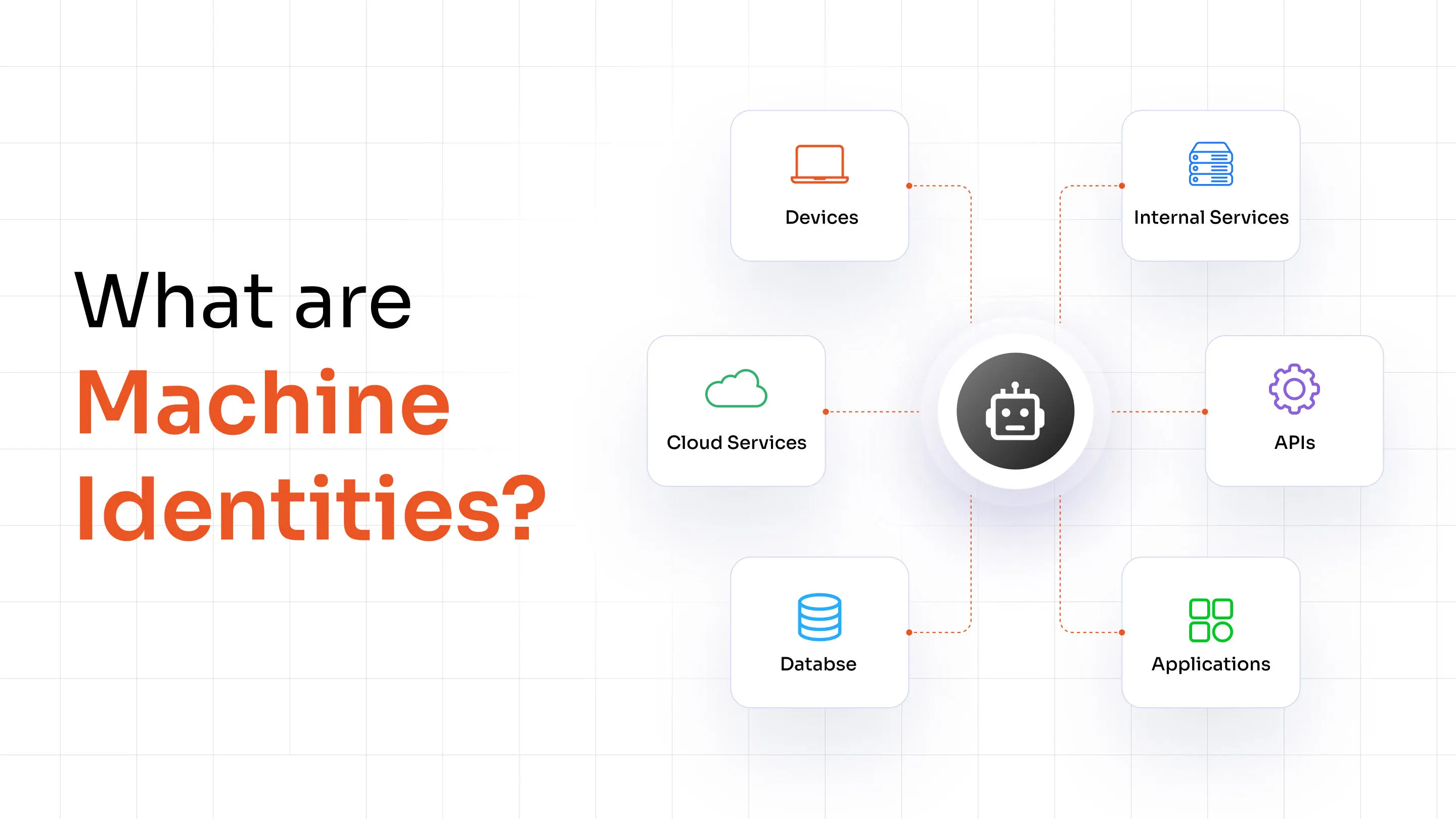
AI agents vs. machine identities
Machine identity management covers certificates, keys, and tokens for servers, containers, and workloads. The workload knows exactly what it needs to do. The identity governs a fixed scope.
AI agents sit above the infrastructure layer. They're application-level actors with dynamic, intent-driven behavior. A Kubernetes pod doesn't decide to go look up a customer's payment history. An AI agent does, because the user asked it to summarize the account.
The threat surface is different. And so the AI governance framework has to be different, too.
Why traditional IAM wasn't built for AI agents
Classic IAM was designed around a few assumptions: a human logs in, gets a session, does a task, and logs out. Or a service account runs on a schedule with a fixed scope.
AI agents violate most of those assumptions.
They run continuously, across sessions, sometimes without a clear start or end. They make authorization decisions in real time, often chaining across multiple systems in a single workflow. They can be granted permissions by other agents (delegation). And they're deployed by individual employees, not just IT, which means provisioning happens without central visibility.
Enterprise IAM wasn't designed for any of that. It was designed for humans at keyboards.
Why AI Agents Need a Different IAM Model
Autonomous decision-making
A human using Salesforce decides to look up a contact. An AI agent using Salesforce might look up a contact, pull the associated deals, cross-reference the company in your ERP, draft a follow-up email, and schedule a calendar invite. All from a single user prompt.
The agent decides the action sequence. IAM tools built for humans can't evaluate the intent behind that chain. They can only see the individual API calls, and each one looks legitimate in isolation.
Persistent access and continuous execution
Most enterprise agents don't log in and log out the way users do. They hold OAuth tokens, API keys, or session credentials that persist indefinitely. A SaaS AI copilot might hold a refresh token with access to your entire Google Workspace for months.
That's a long-lived credential attached to software that makes autonomous decisions. When it's compromised, or when its behavior drifts, you won't necessarily see a login alert. You'll see a trail of actions that were technically authorized.
Dynamic authorization and tool usage
Agentic AI frameworks like LangChain, AutoGPT, and Microsoft Semantic Kernel give agents access to tool libraries. The agent picks which tool to use based on the task.
So the agent's effective permissions depend on which tools are loaded at runtime, not just what the static policy says. You can set a policy. But if the policy doesn't account for tool composition, the agent might reach data you didn't intend to expose.
Cross-system access and delegation
Enterprise AI workflows regularly chain across systems. An agent reading from Confluence, writing to Jira, calling a REST API, and triggering a Slack notification is doing 4 authorization checks across 4 systems in one workflow.
Most of those systems have no idea they're talking to an AI agent. They see an OAuth token, verify it's valid, and comply. There's no layer evaluating whether the whole chain makes sense.
AI Agent Deployment Models for Enterprise Identity Management
AI agents come in 3 deployment forms, and each one creates a different identity management problem.
Desktop AI agents
Desktop agents run locally on employee machines. GitHub Copilot, Cursor, Tabnine, Microsoft Copilot in Windows, or any locally hosted LLM hooked into a shell via something like Open Interpreter.
These agents have access to the local filesystem, local credentials, browser sessions, and sometimes the clipboard. They're governed by the individual user's local permissions, which means IT has almost no visibility unless endpoint DLP is in place.
A developer running a local agent that reads their SSH keys, their `.env` files, and their git history has handed a lot of sensitive material to software that makes autonomous decisions. Most orgs have no policy for this.
SaaS AI agents
SaaS AI agents are the fastest-growing category. Every major SaaS platform now ships AI features: Salesforce Einstein, HubSpot AI, Notion AI, Zendesk AI, Intercom Fin.
Each one requests OAuth scopes during setup. Each one gets a persistent token. And in most enterprises, individual employees or team admins install these without central IT involvement.
The result is AI identity sprawl: dozens of AI agents scattered across SaaS tools, each holding broad OAuth permissions, none of them centrally tracked, and several of them probably still active for employees who left the company 6 months ago.
Enterprise AI agents
Enterprise agents are purpose-built AI systems deployed at the org level: internal chatbots built on Azure OpenAI, LangChain-based workflow agents, ServiceNow's AI features, or custom Python scripts wrapping an LLM API.
These should be the most controlled. But "should be" is doing a lot of work there.
Enterprise agents are often deployed by individual teams without security review. They run under service accounts that were provisioned quickly and never revisited. They get broad database access because scoping permissions properly takes time, and the team had a deadline.
Security Risks Across AI Agent Identities
Here's where things actually break: most enterprises don't have 1 AI identity problem, they have 3 separate ones that aren't talking to each other.
Desktop AI agents are governed (or not) by endpoint policy. SaaS AI agents are governed (or not) by whoever manages SaaS access. Enterprise AI agents are governed (or not) by the team that built them.
The result is 3 separate identity islands. A contractor can be offboarded from Active Directory, wiped from Okta, and still have an active SaaS AI token that reaches your CRM because nobody connected those dots.
Or: an employee gets a phishing credential stolen, the attacker logs in as them, uses their existing SaaS AI copilot access to exfiltrate 3 months of sales pipeline data. The SaaS AI never set off an alert because the credential was valid.
The gaps between the islands are where incidents happen.
Securing Desktop AI Agents
Local identity isolation
Desktop agents should run in sandboxed environments with no access to credentials outside their scope. Practically: a separate OS user account, a container, or at minimum a virtualenv that doesn't inherit the user's full credential chain.
Any agent that can read ~/.ssh/ or ~/.aws/credentials has access to keys that were never meant for it.
Least privilege access
Give the agent exactly what it needs for its task. A coding assistant needs access to the repo directory. It doesn't need access to the downloads folder, the password manager extension, or the system keychain.
This requires organizations to actually define what each agent does, which most haven't done yet.
Secure endpoint governance
Desktop agents should follow the same conditional access policies as human users, blocked from unmanaged devices in the same way. Developer machines need extra care. This is because cloud keys, database passwords, and signing certificates sit there.
For AI coding tools like Copilot or Cursor, pair device compliance policies with secrets management (HashiCorp Vault, AWS Secrets Manager) so agents never touch plaintext credentials.
Securing SaaS AI Agents
OAuth governance
OAuth tokens are the primary attack surface for SaaS AI agents. An agent that requested mail.read, calendar.readwrite, and files.readwrite.all on day 1 still has all 3 scopes a year later, even if it only ever needed mail.read.
OAuth scope creep is real and mostly invisible. Security teams need tooling (like Nudge Security, Grip Security, or Okta's SaaS management features) that shows every OAuth grant in the org, the scopes requested, and when it was last used.
Tokens that haven't been used in 90 days should be reviewed. Revoked if there's no clear owner.
AI access governance with Zero Trust policies
Employees install SaaS AI tools the same way they installed every other SaaS tool: without asking IT. This is the same Shadow IT problem as ever.
Third-party app governance means requiring pre-approval for AI tools above a certain permission threshold (read-write on email or files). Then apply the Zero Trust principle at the API layer.
Zero Trust for AI agents means treating every API call as potentially suspicious, regardless of whether the credentials are valid. Verify the identity, verify the device or service context, verify the requested action fits the expected workflow, then authorize.
CASB tools (Netskope, Zscaler, Microsoft Defender for Cloud Apps) can enforce this at the network layer. Some can also classify traffic by AI agent type.
AI activity monitoring
Most SaaS platforms log API activity. But those logs aren't automatically piped into your SIEM, and most SOC teams aren't writing detection rules for AI agent behavior.
At minimum: enable audit logging on every SaaS tool with an AI feature, export those logs to your SIEM, and write baseline rules that flag unusual data volumes, off-hours access, or access patterns that don't match the user's normal behavior.
Securing Enterprise AI Agents
AI identity lifecycle management
Every AI agent deployed in the enterprise needs an identity lifecycle management: creation, configuration, review, and decommissioning.
That means treating agent identities the same way you treat human identities. When someone deploys a new agent, IAM creates a service identity for it with a defined scope and an explicit owner. When the project ends or the owner leaves, the identity gets deprovisioned.
The problem is that most enterprises don't have a registry of their AI agents.
Building one is step 1.
Policy-based authorization
Static role assignments don't work for agents with dynamic behavior. The better model is attribute-based access control (ABAC) or policy-based authorization, where the agent's permissions are evaluated at runtime based on context: what task it's doing, which user initiated it, what data classification is involved, and what time of day it is.
Open Policy Agent (OPA) and AWS Cedar are designed for exactly this kind of fine-grained, context-aware authorization. Both can evaluate complex conditions in milliseconds.
Privileged access management (PAM)
Some AI agents need elevated access. A contract review agent needs to read confidential legal documents. A security operations agent needs to query raw log data.
Those agents should go through PAM, the same as privileged human users. Credentials checked out from a vault, sessions recorded, access time-limited. BeyondTrust, CyberArk, and Delinea all have guidance on extending PAM to non-human identities.
Continuous monitoring and Auditability
A drifting or compromised agent looks different from a normal one. Some of those differences are odd data volumes, unexpected systems, off-pattern requests, etc. Baseline each agent’s behavior via your SIEM or a UBA tool and alert on deviations.
Every action also needs to be logged for audit. This includes details of who authorized it, what it touched, and when. GDPR, SOC 2, HIPAA, and most financial regulations expect this information for an audit.
Building a Unified AI Identity Governance Framework
Unification doesn't mean one tool. It means one framework that covers all 3 deployment types.
Start with a discovery exercise. Audit every AI tool in the org, every service account that runs an LLM-backed workflow, and every developer's local AI setup, if you can. The number will surprise you.
Then define your classification tiers. A tier 1 agent (read-only, single system, scoped data) gets fast-track approval. A tier 3 agent (multi-system, write access, sensitive data categories) goes through a full security review with IAM, legal, and data governance.
Build the lifecycle process. Creation requires an owner. Every agent gets an entry in your CMDB or service catalog. Quarterly access reviews apply to agent identities the same way they apply to human ones. Decommissioning is a formal step, not just "we stopped running the script."
Apply Zero Trust principles at the agent layer. Every agent call gets evaluated: does this identity have the right to do this action on this data at this time? Don't rely on the fact that the credential is valid as proof that the action is authorized.
Centralize your logging. All 3 agent types should feed activity logs to the same SIEM. Write detection rules. Run tabletop exercises that include AI agent compromise scenarios.
Conclusion
AI agents are quickly becoming one of the fastest-growing categories of non-human identities.
Whether they're running on employee devices, embedded within SaaS platforms, or orchestrating enterprise workflows, they all depend on identity, authentication, authorization, and governance.
The challenge isn't simply managing AI identities in enterprise.
It's managing identities that can act, decide, and interact across systems with minimal human involvement.
That requires a modern approach to AI identity management, one that combines identity governance, access control, privileged access management, lifecycle management, and continuous monitoring.
Organizations that establish those controls early will have a much easier time scaling enterprise AI adoption securely.
For teams looking to extend their IAM strategy to AI agents, machine identities, workforce identities, and privileged accounts, platforms like miniOrange Identity and Access Management can help centralize authentication, authorization, identity governance, and access management across the enterprise.
FAQs
What is AI agent identity?
AI agent identity is the set of credentials, permissions, and attributes that define what an AI agent is and what it's authorized to do within a system or organization.
How is AI agent IAM different from traditional IAM?
Traditional IAM governs humans and fixed-scope service accounts. AI agents have dynamic, intent-driven behavior, can make cross-system decisions autonomously, and are often deployed without central IT visibility. That changes the AI governance framework significantly.
How to secure AI agent identities in an organization?
Discovery first. Run an audit of every AI tool, every OAuth grant, and every service account associated with AI workflows. Then build a classification and approval process for new agents. Then get the logs flowing to your SIEM.
What's the difference between machine identity management and AI agent identity management?
Machine identity management governs infrastructure-layer identities: TLS certificates, server keys, container tokens. AI agent identity management governs application-layer actors that make autonomous decisions. The scope, behavior, and risk profile are different, so the controls need to be different too.
About the Author

Content Writer
Stutee writes about cybersecurity and identity security, covering technologies such as MFA, IAM, PAM, and endpoint management. Her work focuses on translating what products do into why audiences should care, ensuring technical depth does not come at the cost of readers clarity.
Leave a Comment