
Android tablets and smartphones have become core business tools; from POS terminals and warehouse scanners to visitor management systems and digital signage displays.
Recent industry trends suggest that more than 85% of organizations enable mobile access to enterprise applications, reinforcing the shift toward mobile-first operational environments across industries.
But while these devices offer flexibility, they also introduce risks when left unmanaged. Employees may install unauthorized apps, customers may exit intended workflows, and sensitive business data can become exposed through accidental misuse.
This is where Android kiosk software becomes critical. Instead of relying on basic screen pinning or limited native restrictions, businesses use specialized kiosk applications to enforce device lockdown policies, control user access, manage applications remotely, and maintain operational consistency across large fleets of devices.
In this blog, we’ll break down how the best kiosk apps for Android work, explore 7 enterprise-ready solutions in detail, and features that actually matter when choosing a kiosk platform for real-world deployments.
What is Android Kiosk Software?
Android Kiosk Software is a specialized solution that locks down Android devices in a controlled environment, restricting access to specific applications or features. Instead of functioning as open consumer devices, tablets or smartphones operate in controlled modes where only approved apps, workflows, or websites are accessible.
By implementing kiosk mode, businesses can create secure, distraction-free experiences for employees, customers, or students. The software provides centralized management capabilities, allowing IT administrators to remotely configure devices, push updates, enforce security policies, and monitor device status from a single dashboard.
This level of control is crucial for organizations deploying devices in public-facing environments, educational settings, or specialized business operations. Industries commonly using Android kiosk software include retail self-checkout, warehouse scanning, field workforce operations, healthcare registration systems, visitor management, and enterprise productivity devices.
Best Kiosk Apps for Android Devices in 2026
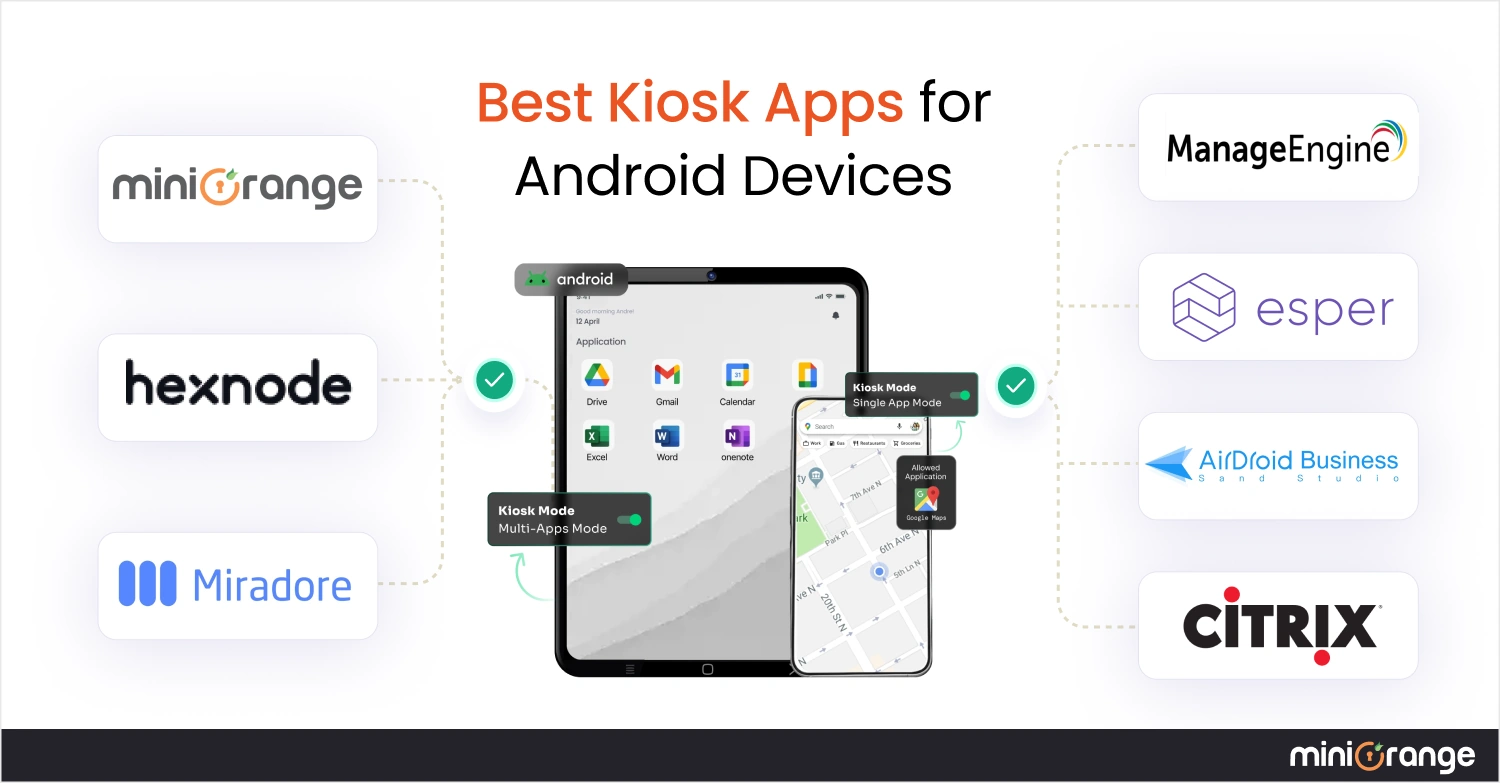
Choosing the best kiosk app for Android depends on several factors: deployment size, security requirements, and remote management capabilities, etc. Below are the 7 Best Kiosk Apps for Android Devices, offering scalable device management features that excel in different enterprise scenarios.
1. miniOrange
miniOrange stands out as one of the best kiosk apps for Android that excels at transforming regular tablets and smartphones into secure, purpose-built kiosks. This MDM platform provides enterprises with complete control over their Android devices through an intuitive central dashboard. Its scalable Android kiosk lockdown solution enables fast deployment, streamlined device configuration, and consistent enforcement of usage policies, making it suitable for organizations managing anything from small device batches to large enterprise fleets.
Key Features:
- Single-app, multi-app, and browser based kiosk modes with granular control
- Remote device management with real-time location tracking
- Geofencing capabilities with instant alerts for unauthorized device movement
- Remote wipe functionality in case of theft or misplacement
- Restricted access to system-level configurations & hardware functions
- Custom branding options for a tailored user experience
Pros:
- Highly scalable solution suitable for organizations of all sizes
- Comprehensive security features, including remote wipe, app-lockdown, and location tracking
- Flexible device-based pricing tiers
- Excellent customer support and extensive documentation
Cons:
- May have a learning curve for smaller organizations new to Mobile Device Management (MDM)
- Advanced features require a subscription to higher-tier plans
2. Hexnode
As an advanced Android tablet kiosk software, Hexnode UEM enables organizations to lock devices into controlled environments while maintaining centralized visibility, monitoring, and policy enforcement across large device fleets. It combines deep lockdown capabilities with flexible deployment options for business use cases.
Key Features:
- Robust kiosk lockdown with single, multi, and web-app modes
- Remote monitoring and screen control for supported devices
- Hexnode kiosk browser with URL whitelisting/blacklisting
- Peripheral function controls (camera, USB, Bluetooth, hardware buttons)
- Remote corporate data wipe for device security
Pros:
- Flexible kiosk deployment options suitable for multiple business scenarios
- Advanced browser security with strong control over web usage
- Rapid device enrollment (Zero-Touch, Samsung Knox, etc.)
Cons:
- Premium pricing may be challenging for small businesses
- Feature distribution across plans can create confusion during scaling or upgrades
- Offboarding devices may be complex in certain environments
3. Miradore
Miradore is a cloud-based Android tablet kiosk app designed to help organizations secure and manage company-owned devices through centralized control. Recognized as a practical option for SMBs, this solution enables administrators to enforce security policies, restrict device usage, and monitor activity while maintaining a straightforward deployment process. Its balance of simplicity and functionality positions it as a viable choice for teams prioritizing usability and cost efficiency.
Key Features:
- Single-app and multi-app kiosk modes with custom launcher for controlled device environments
- Activity logging to monitor usage patterns and identify potential security concerns
- Scheduled device usage controls to restrict access during defined hours or days
- Remote lock and wipe capabilities to protect sensitive business data
Pros:
- Intuitive interface simplifies setup and ongoing management workflows
- Flexible kiosk configurations suitable for varied business requirements
- Cost-effective solution for teams evaluating the best free kiosk apps for Android
Cons:
- Limited diagnostic data when application deployment or profile installation fails
- Occasional delays in syncing policies between dashboard and devices
- Customer support response times and documentation accuracy may vary
4. Esper
Positioned among the best kiosk mode apps for Android, Esper helps organizations running dedicated Android fleets convert standard devices into secure kiosks with strong lockdown controls and centralized remote management. This android tablet kiosk app is particularly suited for enterprises that need consistent device security, controlled usage, and remote troubleshooting capabilities across large deployments
Key Features:
- Managed Chrome configurations for secure, controlled browsing experiences
- Hide status bar, block notifications, and prevent users from exiting kiosk mode
- Block calls and SMS to minimize distractions during device usage
- Advanced lockdown policies to prevent unauthorized device actions
Pros:
- Purpose-built Android management with support for specialized hardware
- Reliable performance when managing large enterprise deployments
- Responsive technical support with strong enterprise expertise
Cons:
- Steeper learning curve during initial setup and configuration
- Costly pricing tiers for scaling businesses
- Primarily focused on Android, which may limit mixed-device fleet management
5. Mobile Device Manager Plus by ManageEngine
ManageEngine's Mobile Device Manager Plus is an enterprise-focused android tablet kiosk software that helps organizations secure, manage, and control Android devices through centralized policies. For businesses seeking integrated mobility management, this solution enables IT teams to deploy controlled kiosk environments while maintaining application security and operational consistency. With automation and remote management capabilities, it is often evaluated as a strong choice for enterprises needing structured device governance.
Key Features:
- Ability to allow basic device setting modifications even when status bar restrictions are applied
- Automatic installation of provisioned apps in multi-app Kiosk mode
- Protection against accidental or intentional deletion of critical business apps
- Remote monitoring and troubleshooting through centralized device management
Pros:
- Flexible kiosk configurations suitable for various enterprise use cases
- Straightforward setup with a structured, web-based management console
- Cost-effective licensing model compared to many enterprise kiosk platforms
Cons:
- Large number of configuration options can create an initial learning curve
- Interface may feel complex for advanced configurations
- Costs can increase as device numbers grow beyond initial deployment tiers
6. AirDroid
AirDroid Business is an acclaimed Mobile Device Management solution that emphasizes ease of use without sacrificing functionality. Regarded as one of the best Android Kiosk Software options for organizations seeking intuitive device lockdown and remote management, this solution helps businesses manage user access, customize device interfaces, and secure browsing environments.
Key Features:
- Single-app and multi-app kiosk modes to prevent misuse and unnecessary data consumption
- Device limitation controls for volume, brightness, WiFi, Bluetooth, and other system settings
- Custom layout options including logo, wallpaper, and icon customization
- Built-in kiosk browser with incognito mode and automatic cache clearing
Pros:
- Intuitive interface simplifies deployment and day-to-day device management
- Remote monitoring and troubleshooting reduce operational downtime
- Flexible per-device pricing suitable for various business sizes
- Industry-specific solutions for retail, education, and logistics
Cons:
- Initial deployment process may feel complex for first-time administrators
- Limited native third-party integrations compared to some competitors
- Some advanced analytics features require higher-tier plans
7. Citrix
Citrix Endpoint Management provides an innovative Android tablet kiosk software that helps organizations securely manage kiosks and self-service Android devices across business environments. Built to simplify administration while maintaining strong control over deployed devices, this solution enables IT teams to enforce access restrictions, maintain consistent configurations, and deliver a secure, user-friendly kiosk experience.
Key Features:
- Access controls to ensure only authorized users can access approved applications & features
- Ability to pin specific apps to device screens for controlled kiosk usage
- Policy-driven device management to maintain consistent security configurations
- Centralized content management and device administration capabilities
Pros:
- Strong access control for complex enterprise setups
- Centralized device and application management across large deployments
- Supports repurposing older Android hardware, reducing infrastructure costs
- Controlled user environments with restricted app and setting access
Cons:
- Complex setup requiring experienced IT teams
- Higher licensing costs compared to simpler kiosk solutions
- Performance depends heavily on reliable internet connectivity
Why is a Kiosk App Needed?
Organizations deploy Android kiosk apps to address several critical business challenges.
- First, they enhance security by preventing unauthorized access to sensitive corporate data and system settings. This is particularly vital when devices are used by customers, temporary staff, or in public settings.
- Kiosk apps for Android also boost productivity by eliminating distractions and keeping users focused on specific tasks. For example, retail associates can process transactions without switching to social media, and students can access educational content without gaming apps.
- Kiosk software solutions for Android also reduce device misuse and associated costs, from excessive data usage to unauthorized app installations.
- From a customer experience perspective, Android kiosk software creates intuitive, streamlined interfaces for self-service applications. Whether checking in at a hotel, ordering food at a restaurant, or accessing information at a museum, locked-down devices provide consistent, reliable interactions.
- Finally, kiosk software enables centralized management, allowing IT teams to deploy, configure, and troubleshoot hundreds or thousands of Android devices remotely, significantly reducing operational overhead.
How to Choose the Right Android Kiosk App
Finding the best kiosk app for Android requires careful consideration of your organization's specific needs.
- Start by defining your primary use case: Will devices run a single dedicated application or require access to multiple approved apps? Do you need public-facing kiosks or employee-focused devices?
- Evaluate scalability requirements based on your current fleet size and growth projections. Some Android kiosk apps excel with small deployments but struggle at enterprise scale, while others offer robust features only practical for large organizations.
- Consider your budget constraints, as pricing models vary significantly, from free tiers to enterprise licenses costing thousands annually.
- Security requirements should heavily influence your decision, especially in regulated industries like healthcare or finance. Look for features like remote device management, geofencing or location tracking, compliance reporting, granular access controls, etc.
- Integration capabilities matter as well; ensure your chosen solution works with existing IT infrastructure, business applications, and authentication systems.
- Assess the vendor's support quality, update frequency, and long-term viability. Read user reviews, request demos, and consider starting with starter options before full deployment.
The right kiosk solution should simplify device management while providing the security and functionality your organization requires.
FAQs
1. Is there a free kiosk app for Android?
Yes, there are some third-party kiosk apps available. However, most of them are not built for enterprise use and can be easily bypassed, allowing users to exit kiosk mode. Because of these limitations, enterprises rely on MDM solutions like miniOrange, which provide secure, enforceable kiosk mode with centralized control and stronger device lockdown.
2. What features should I look for in an Android kiosk app?
Essential features include single-app and multi-app kiosk modes, remote device management capabilities, and customizable lockdown options. Also look for Security features like remote wipe, location tracking, and compliance reporting, which are crucial for enterprise deployments.
3. Can an Android kiosk app run in single-app and multi-app mode?
Yes. Most enterprise-grade Android tablet kiosk software solutions allow both single-app and multi-app configurations and configure different settings for different device groups depending on workflow needs.
4. Can I remotely manage devices using an Android kiosk app?
Yes. The best kiosk apps for Android facilitate efficient device management by providing centralized dashboards for remote monitoring, troubleshooting, configuration changes, and policy updates across device fleets.
Leave a Comment