Hello there!
Need Help? We are right here!

Need Help? We are right here!
Search Results:
×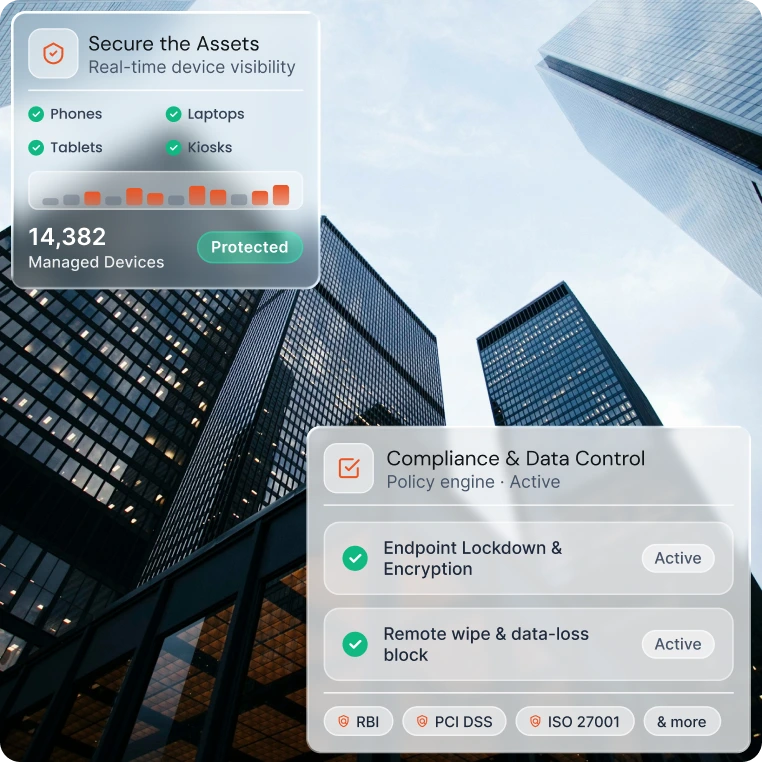
Banks run mixed fleets, from branch kiosks to executive phones. Manage them all from a single console, apply consistent policies,
and keep a clear view of every endpoint.
Every unmanaged device is a possible entry point to customer data. MDM closes that gap while cutting the manual work of
managing devices one by one.

Enforce encryption, passcodes, and kiosk mode on every device. Remotely wipe or lock lost or stolen devices before data is exposed.

Enroll devices in bulk, push apps and updates remotely, and automate routine tasks. Your IT team spends less time on repetitive setup and support tickets.

Allow personal devices for work while keeping corporate data separate and controlled. Apply policies to work data and apps, and keep personal content out of the security scope.
MDM for banking works best when security controls are built into the device lifecycle, from the first enrollment to retirement. These capabilities help teams meet internal policy and regulatory expectations such as PCI DSS, ISO 27001, and India's DPDP Act.

Onboard devices in bulk with enrollment options like zero-touch, QR-based, or self-service. Each device arrives configured with the right policies, apps, and settings.

Install, update, and remove apps remotely. Make sure staff run only approved, current versions of banking applications.
Prevent unauthorized users from reactivating a lost or stolen device after a reset. This keeps the hardware tied to your organization.

Define approved zones, such as bank branches and offices, and trigger alerts or actions when a device leaves them. Along with this, locate lost devices faster.

Incorporate single-app and multi-app kiosk mode options for limiting and controlling device usage. This suits self-service terminals, customer-facing screens, and shared tablets.

Trigger actions automatically when a device falls out of compliance, such as notifying admins, restricting access, or locking the device. Policy enforcement no longer waits on manual review.
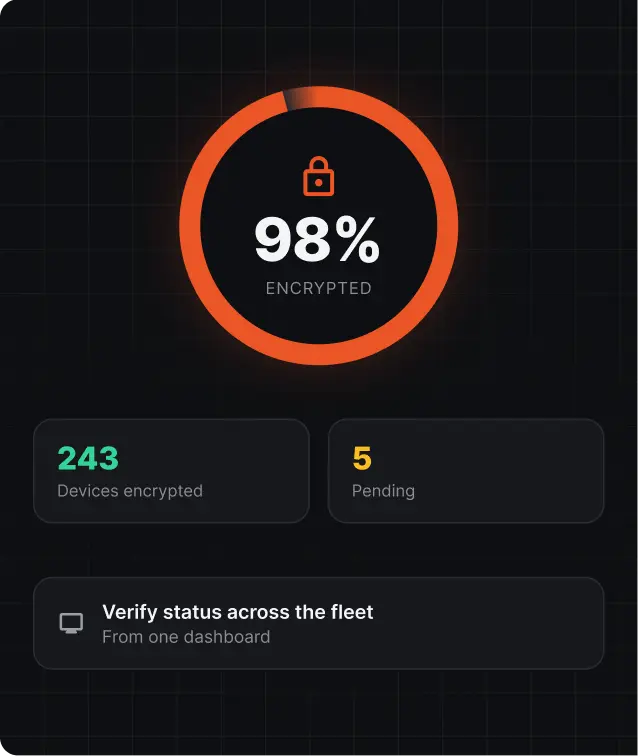
Enforce device encryption so data stays unreadable if a device is lost or stolen. Verify encryption status across the fleet from one dashboard.
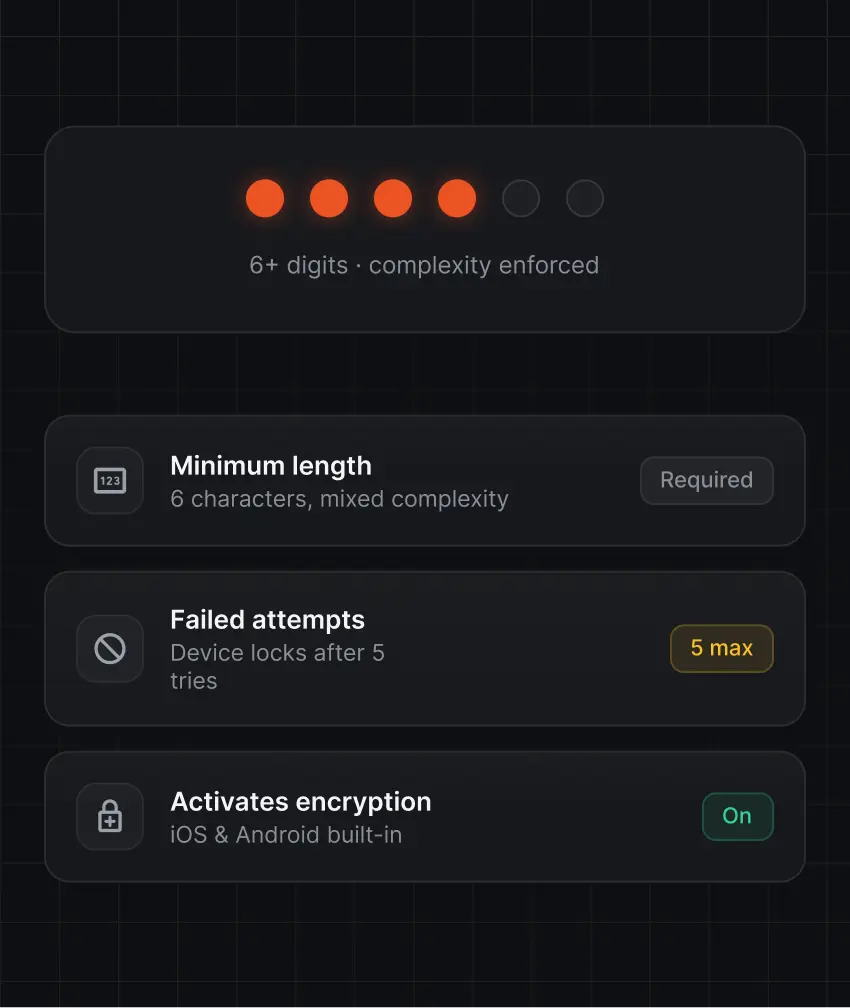
Set strong passcodes, define complexity rules, and cap failed attempts before a device locks. On iOS and Android, a passcode also activates built-in device encryption.
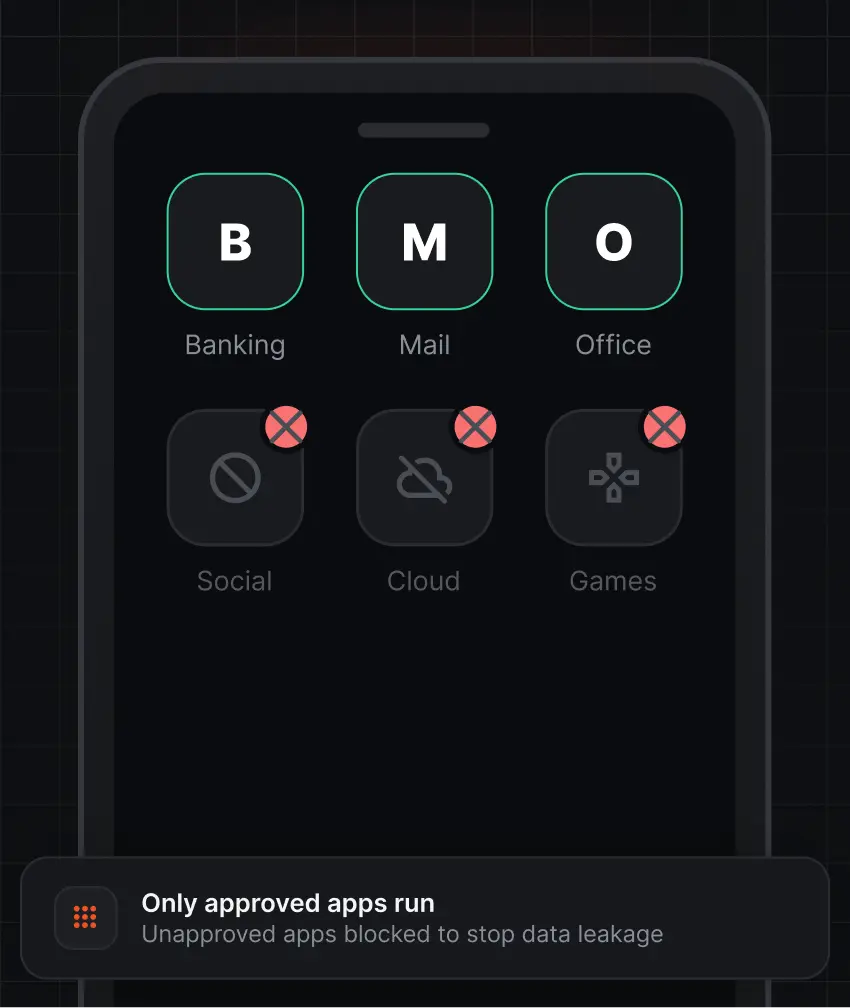
Decide which apps can run and how they handle corporate data. Restrict unapproved apps to limit the risk of data leakage.
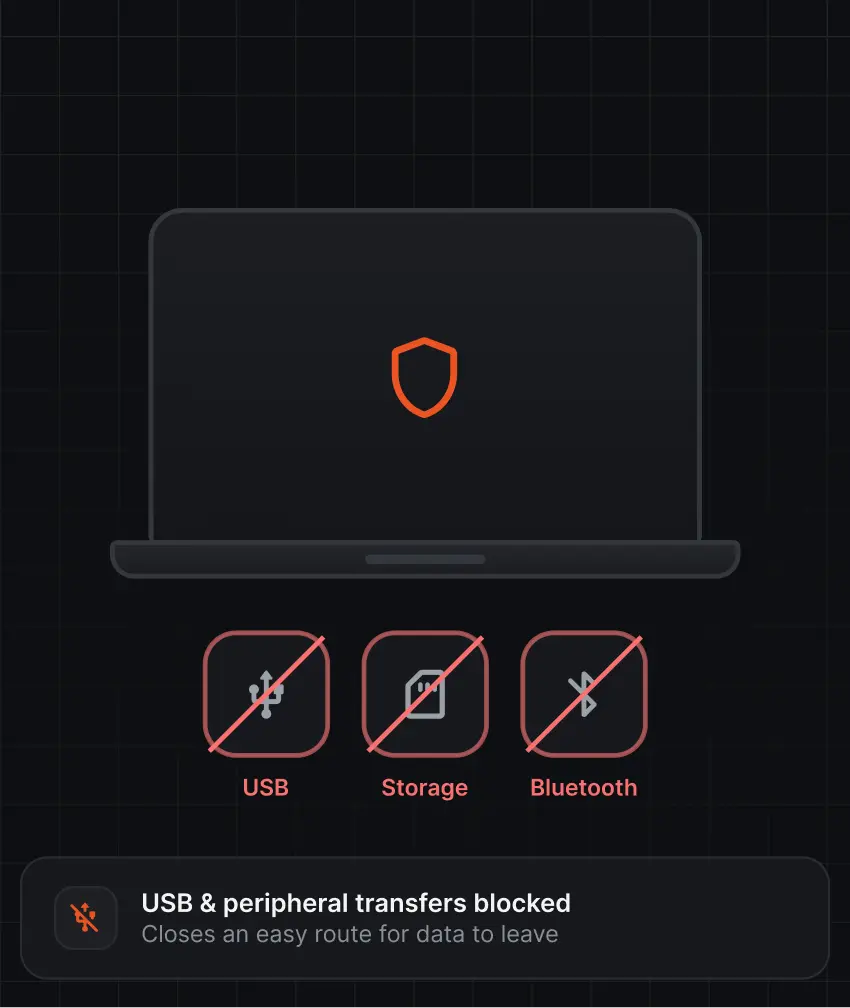
Block or limit USB file transfers, external storage, and other peripherals. This closes off an easy route for data to leave the device.
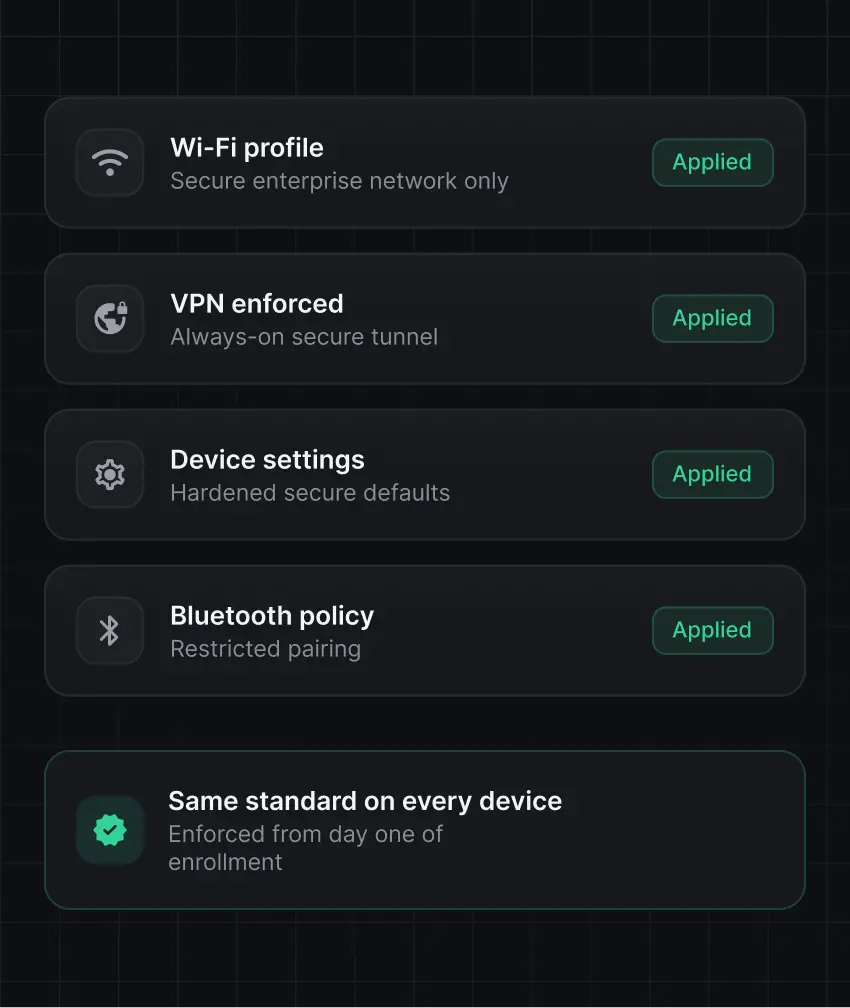
Apply standard security baselines for Wi-Fi, VPN, device settings, and Bluetooth. Every device meets the same security standard from the day it enrolls.
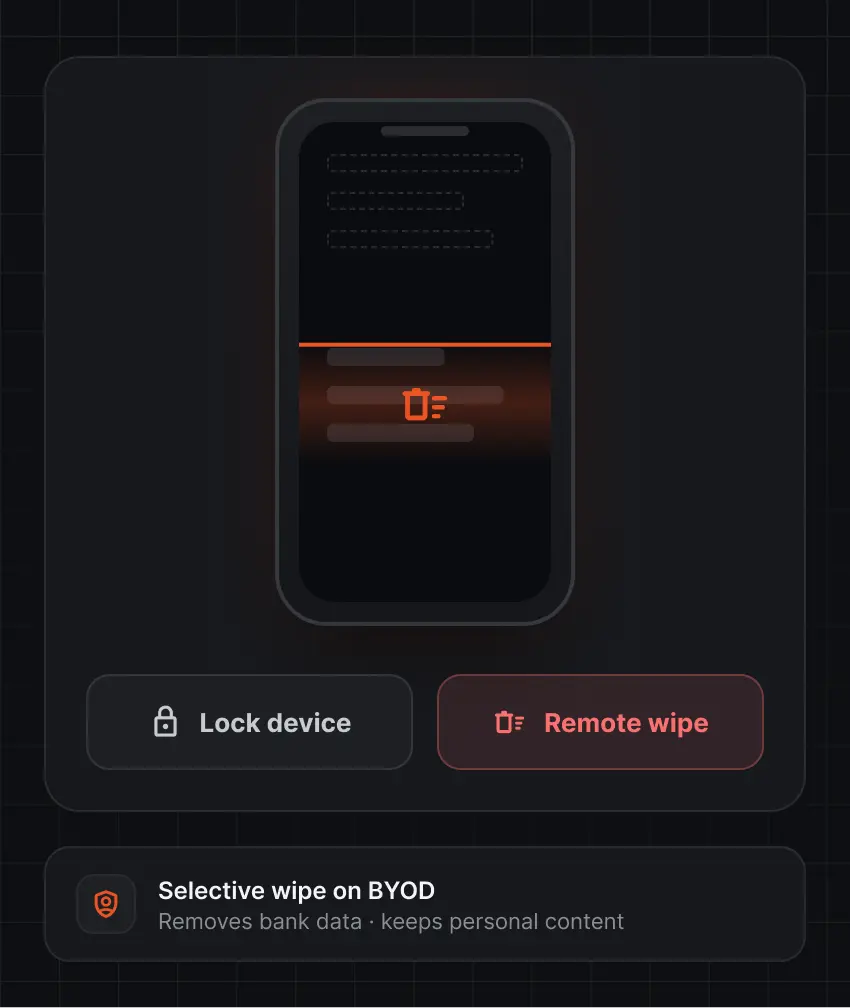
Erase corporate data, or lock the device, when it is lost, stolen, or retired. The wipe feature removes bank data without touching personal content on BYOD devices.
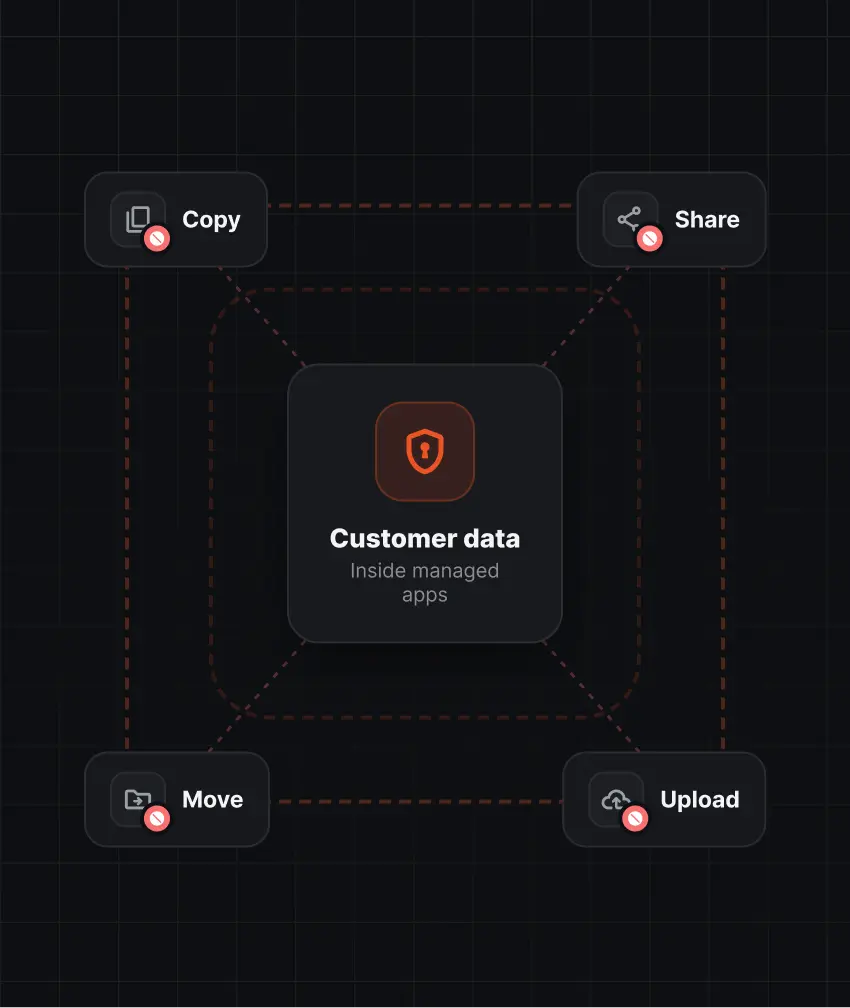
Stop sensitive information from being copied, shared, or moved outside managed apps. Data Loss Prevention (DLP) keeps customer data inside the preset perimeters.
Mobile device management for banking should govern more than the device. It should control what gets installed, who can use it, and
what apps run across your fleet.
Control which applications can be installed or accessed on managed devices. Block unapproved apps before they put customer data at risk.
Deploy required banking applications with no manual installs. Push updates remotely so every employee runs an approved, current version.
Apply policies based on users, devices, or groups. A branch teller, a loan officer, and a field agent can each get access to apps based on their roles.
Monitor installed applications across managed devices. Spot unapproved or outdated apps early and act before they become a compliance gap.
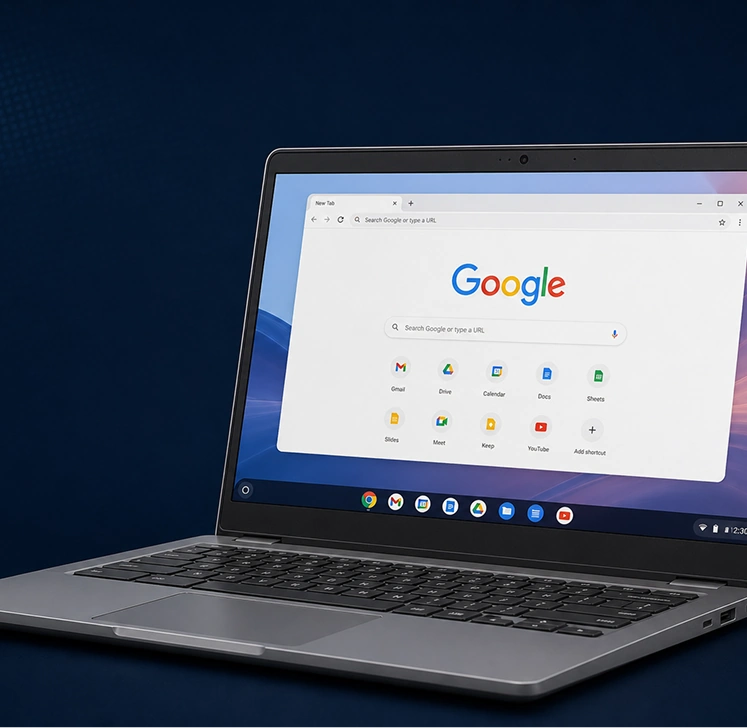
Manage Android, iOS, Windows, macOS, and ChromeOS from a single console. Skip separate tools for each platform and keep one consistent view of the fleet.
Set policies once and apply them across all devices, locations, and user groups. Admins can enforce controls, spot non-compliant devices, and respond from one place.
Get an in-house data protection feature to prevent unapproved transfer of sensitive information via email, endpoints, network, or cloud.
Enforce encryption, access, and configuration policies that support PCI DSS, ISO 27001, and DPDP Act requirements. Policy records give auditors the visibility they ask for.
An MDM solution for banking is a platform that lets banks and financial institutions enroll, configure, secure, and monitor employee devices from a central console. It enforces policies such as encryption, passcodes, and app controls.
MDM protects banking data by enforcing encryption, strong passcodes, app allowlisting, USB restrictions, and secure configurations. It can separate work data from personal data and block data sharing outside managed apps. If a device is compromised, admins can lock or wipe it remotely.
Yes, with BYOD enrollment, banks can manage work apps and data on personal devices and apply security policies only to that work environment. Admins can remove corporate data without touching personal content.
MDM reduces the risk of data loss from lost devices, unapproved apps, and misconfigured endpoints. It also gives IT consistent control and audit visibility.
Yes, MDM provides the technical controls that frameworks such as PCI DSS, ISO 27001, RBI, and the DPDP Act expect.
Yes, admins can lock a device or erase corporate data on the device remotely. This limits data exposure when a device is lost, stolen, or retired, or when an employee leaves the company.