Hello there!
Need Help? We are right here!

Need Help? We are right here!
Search Results:
×
Handle every stage of device usage with MDM for Windows, from onboarding to decommissioning.

Enroll Windows devices quickly using secure onboarding methods. Devices are added to the management console with minimal effort and consistent setup.

Configure devices with required settings, policies, and applications during setup. Every device starts with consistent and ready-to-use configurations.

Assign devices to users or teams based on roles and requirements. Roll out devices smoothly without delays or setup inconsistencies.

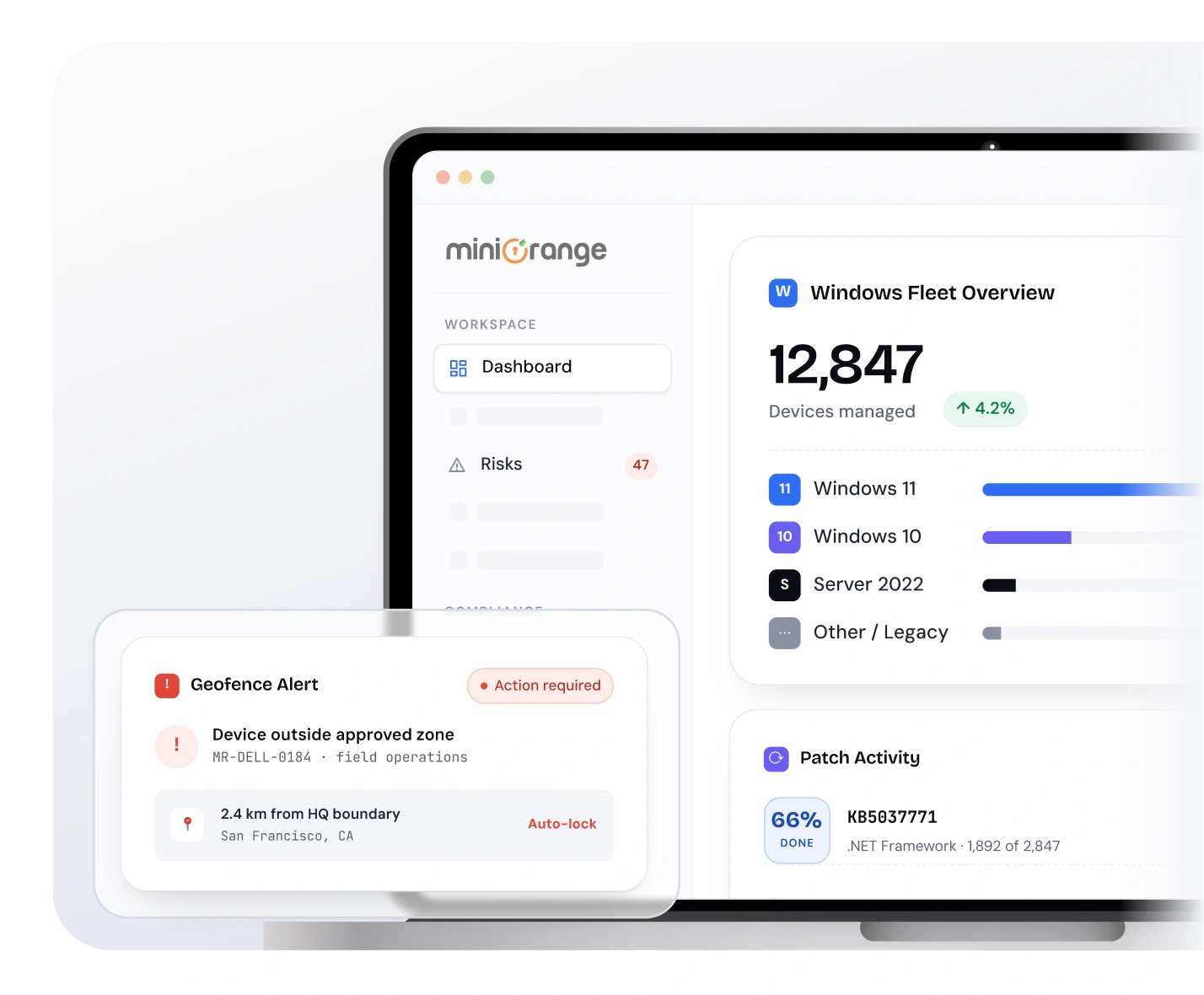
Monitor device activity, enforce policies, and manage applications from one dashboard. Maintain consistent visibility across all managed Windows devices.

Decommission devices when they are no longer in use across teams. Remove data and policies to prevent unauthorized access or exposure.
Manage all device types with MDM for Windows laptops and desktops from a single platform.

Phones & Tablets

Interactive Kiosks
PoS

Digital Signage
Laptops
Desktops
Manage and secure endpoints with Windows device management capabilities designed for enterprise use.

Manage access to corporate email based on device compliance and user policies. Block access from unmanaged or non-compliant devices.

Deploy and manage digital certificates across Windows devices. Enable secure authentication without relying on passwords.

Restrict devices to single or multiple applications for controlled usage. Ideal for kiosks, POS systems, and frontline environments.

Enroll and configure devices with required policies and applications. Ensure devices are ready for use with consistent configurations.

Apply security policies and maintain compliance across all Windows devices. Monitor device posture and enforce rules based on organizational standards.

Configure Wi-Fi and VPN settings across Windows devices for secure access to corporate resources. Maintain reliable connectivity across office and remote environments.
Extend control with the best MDM for Windows designed for enterprise environments.
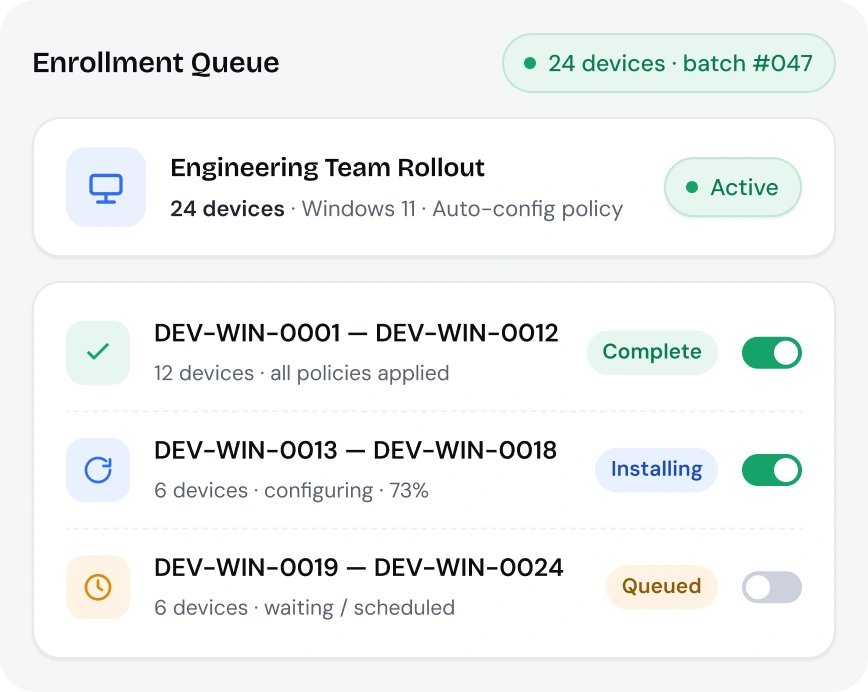
Enroll multiple Windows devices at once using a streamlined onboarding process. Reduce manual setup effort while maintaining consistency across all devices.
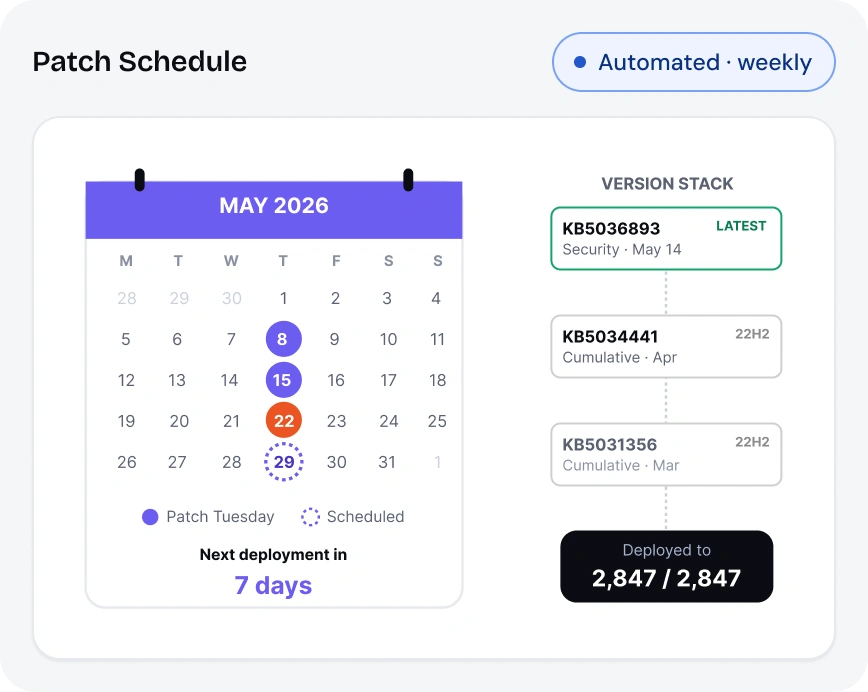
Keep devices updated with the latest OS patches and security updates across your fleet. Reduce vulnerabilities and maintain system stability without manual intervention.
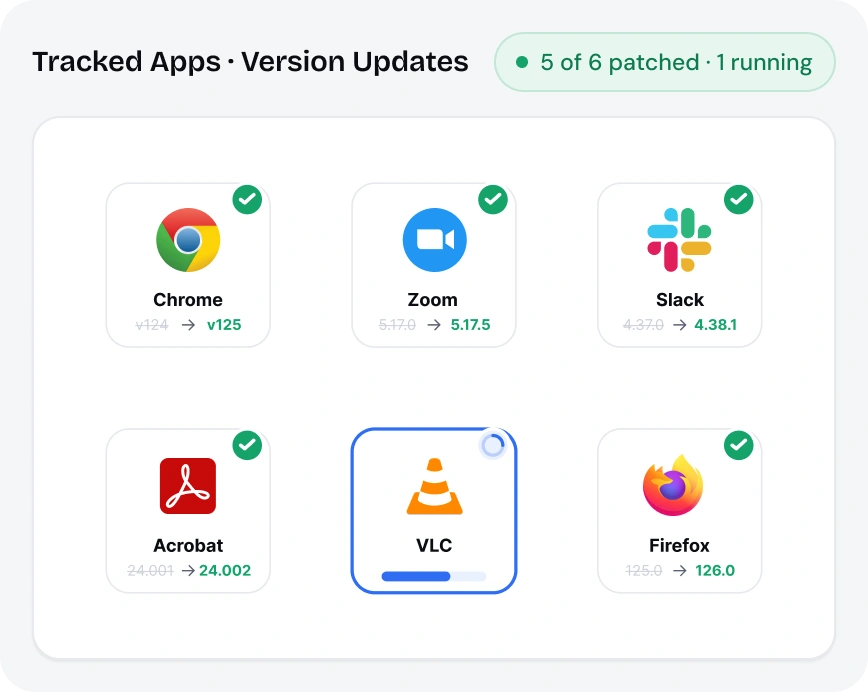
Ensure third-party applications remain updated across all managed devices. Eliminate manual updates and reduce risks from outdated software.
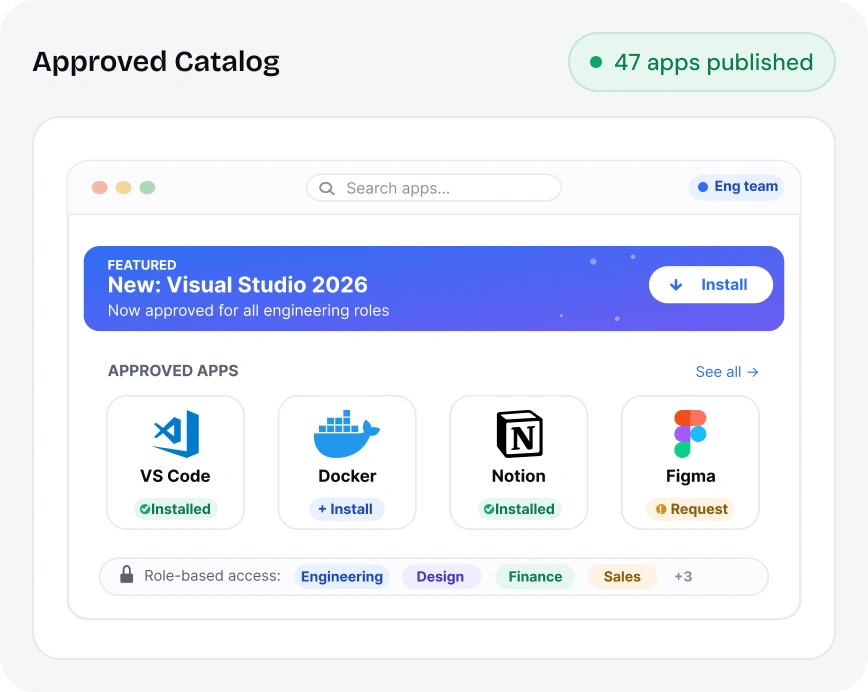
Provide users with access to approved applications through a centralized app catalog. Simplify app distribution while maintaining control over installations.
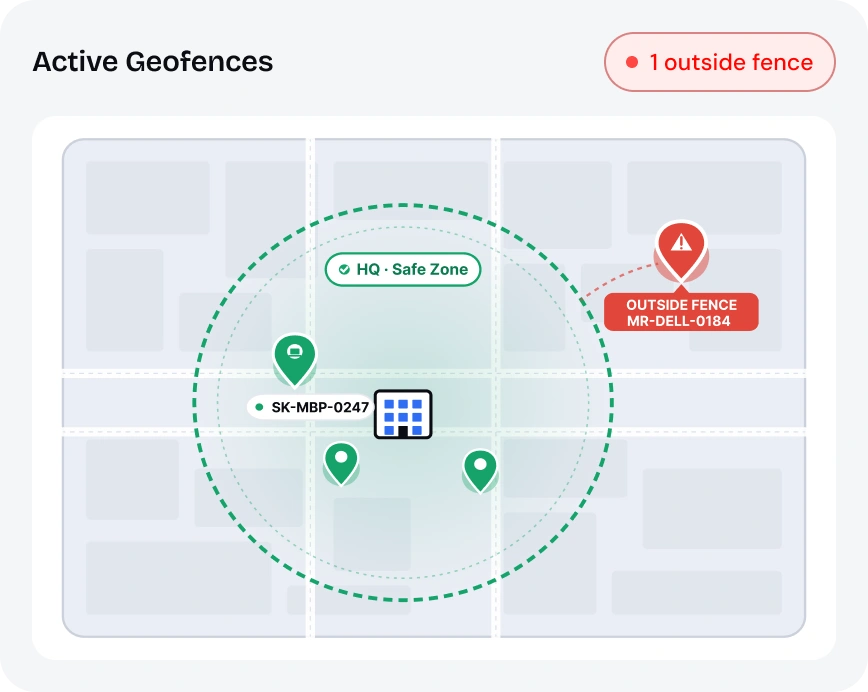
Track device location and define usage boundaries based on organizational requirements. Maintain visibility and restrict usage outside approved locations.
Strengthen endpoint protection with Windows device management security controls.
Set password complexity and authentication requirements across devices. Configure idle timeout to auto-lock devices when not in use.
Encrypt device storage to protect data from theft or unauthorized access. Secure data even if devices are lost or stolen.
Control access to apps and data based on device and user conditions. Restrict access from unmanaged or non-compliant devices.
Control usage of USB devices, Bluetooth, and other peripherals. Prevent unauthorized data transfer across devices.
Maintain uninterrupted operations with Windows device management and remote control capabilities.

Manage Windows Defender settings across devices from a central console. Maintain consistent protection against threats and vulnerabilities.

Apply security configurations and monitor device posture continuously. Detect risks and maintain compliance across environments.
Access devices remotely to diagnose and fix issues quickly. Reduce downtime and improve user experience across teams.

Execute actions such as lock, wipe, restart, or sync remotely. Maintain control over devices without physical access.

Integrate with IT helpdesk tools for faster issue resolution. Streamline support workflows and improve response times.
miniOrange simplifies Windows desktop management with centralized visibility and consistent policy enforcement.

Manage device usage and data protection from the same dashboard. Gain visibility into device activity and data movement.
Integrate with ITSM platforms and productivity tools already in use. Maintain seamless workflows across systems.
Support compliance with GDPR, HIPAA, SOC 2, and PCI-DSS. Maintain audit readiness with consistent policy enforcement.
Still have questions? We've got answers to help you make the right decision.

