Hello there!
Need Help? We are right here!

Need Help? We are right here!
Search Results:
×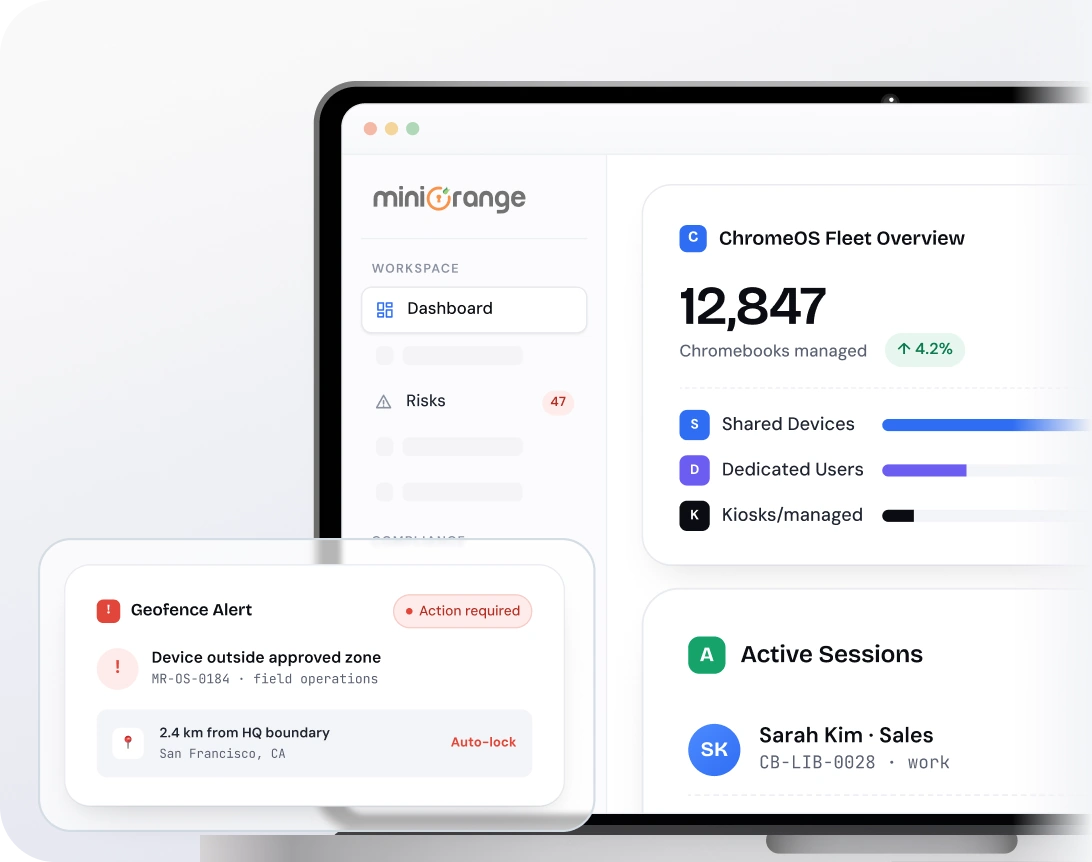
Manage every stage of device usage with MDM for Chromebooks from enrollment to retirement.

Enroll Chromebooks quickly using automated and bulk enrollment methods.

Configure devices with required settings, policies, and applications during setup.

Assign and distribute devices to users or teams based on business requirements.

Monitor device activity, manage applications, and enforce policies from a central dashboard.

Retire devices securely by removing data, policies, and organizational access.
Simplify device control and policy enforcement with MDM for Chromebooks built for enterprise use.

Enroll multiple devices without manual configuration or user intervention. This reduces setup time and ensures consistent onboarding across devices.

Manage devices, policies, and configurations from a single dashboard. Apply controls like app restrictions, kiosk mode, web filtering, password rules, and updates while keeping management simple.

Lock devices or wipe data remotely in case of loss or theft, helping prevent unauthorized access. Maintain control over sensitive data even when devices are out of reach.

Restrict devices to specific apps or use cases for controlled usage across teams. Works well for frontline operations, kiosks, and shared environments where access needs to stay limited.

Organize devices into groups based on roles, departments, or locations. Apply policies and configurations at a group level for easier management.

Track device activity and generate reports for better visibility. Monitor usage patterns and maintain operational oversight.
Extend ChromeOS device management solution capabilities with advanced control and visibility features.
Configure Chromebooks for single or multi-app usage based on business needs. Restrict access to only approved applications.
View and control Chromebook screens remotely for support and monitoring. Resolve issues without physical access to devices.
Track device location and define usage boundaries based on location. Ensure devices are used within approved areas.
Manage shared and personal Chromebooks used across teams or departments. Ensure policies are applied without impacting user experience.
Control app installation and content access across Chromebooks. Ensure only approved applications are available to users.
Ensure devices stay updated with the latest ChromeOS updates. Maintain device performance and reduce vulnerabilities.
A flexible ChromeOS device management solution supports secure device usage across industries.

Manage student and staff Chromebooks across classrooms and campuses. Restrict distractions, push learning apps, and keep school devices secure with centralized Chromebook MDM.
Read more
Manage Chromebooks used in patient care, clinical workflows, and hospital operations with Chromebook MDM. Control access to critical systems and maintain compliance with healthcare standards.
Read more
Manage Chromebooks used for financial operations and transactions across teams. Control access to sensitive systems and support compliance with industry regulations.
Contact Us
Control devices used on the production floor and in operations. Ensure restricted usage and consistent device configurations across environments.
Contact Us
Manage devices used for POS systems and customer-facing operations. Maintain consistent access and usage across stores and locations.
Read moreminiOrange simplifies Chromebook management with centralized visibility and consistent policy enforcement.

Manage device usage and data protection from the same unified dashboard. Gain visibility into device activity and data movement without relying on multiple tools.

Integrate with ITSM platforms and productivity tools already used in your organization. Ensure smoother workflows and alignment with existing systems.

Support compliance with regulations such as GDPR, HIPAA, SOC 2, and PCI-DSS. Maintain audit readiness with consistent policy enforcement across devices.
Get the clarity you need before you commit.

