Hello there!
Need Help? We are right here!

Need Help? We are right here!
Search Results:
×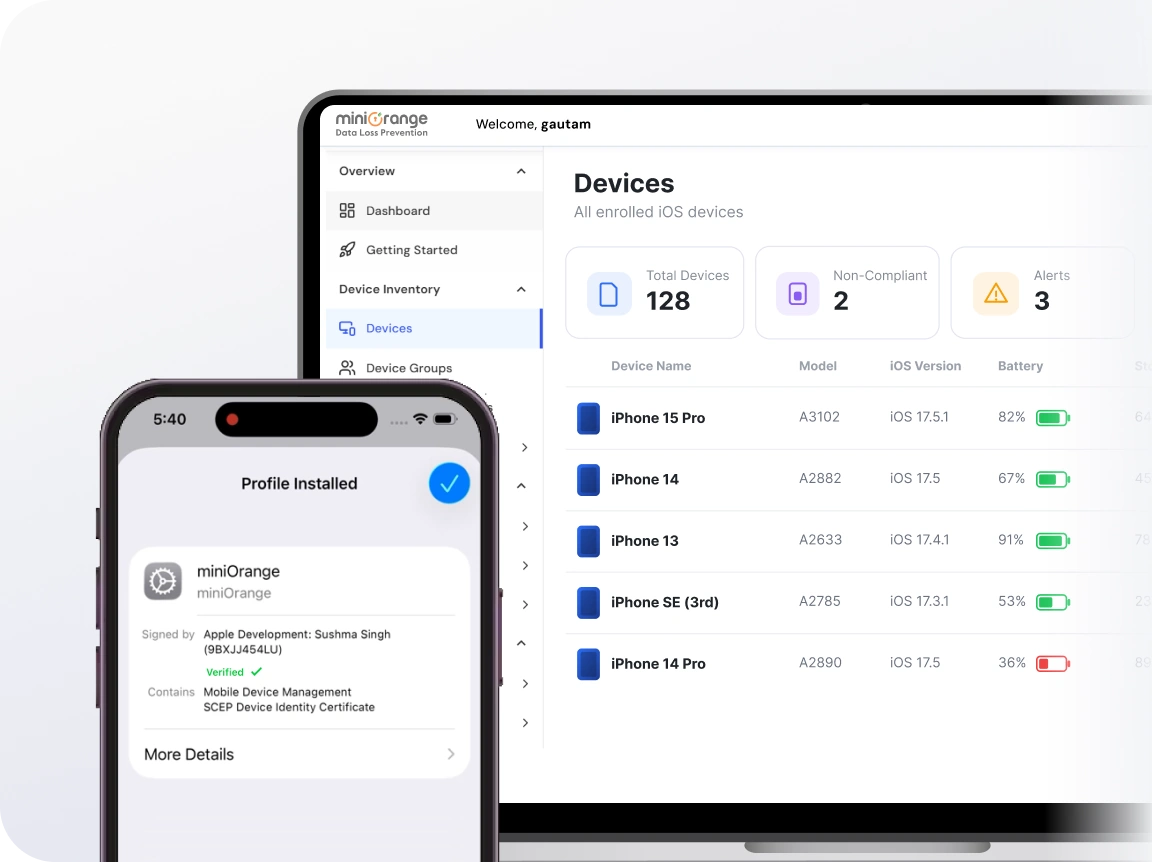
Get unified control over iPads, iPhones, and macOS with the MDM for iOS devices.
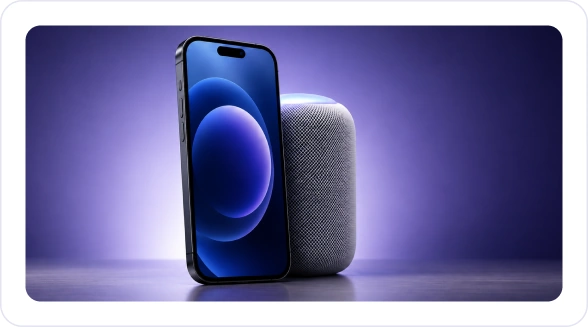
Enroll, configure, and secure corporate or employee-owned iPhones with granular policy controls and real-time monitoring.
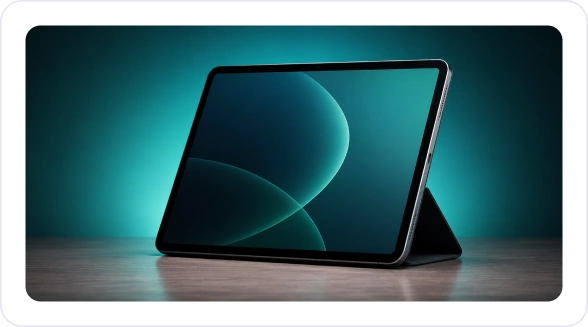
Deploy shared or dedicated iPads for field teams, retail, healthcare, or education, with full kiosk and app management support.
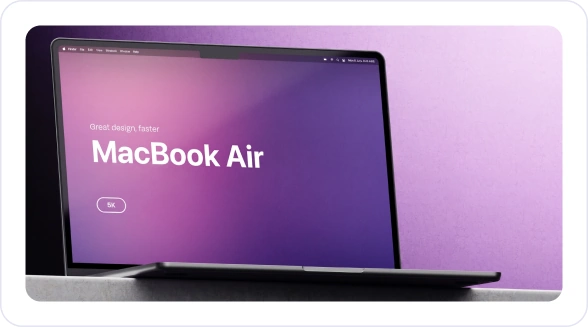
Extend the same iOS device management control for macOS. Get a seamless Apple ecosystem management experience from one platform.
Handle every stage of your iOS devices — from the day it is ordered to the day it is retired. Keep your IT operations lean and your data secure.
Onboard devices at scale using zero-touch enrollment, with no manual configuration required for any iOS device.
Push Wi-Fi, email, VPN, and app settings automatically the moment a device is enrolled.
Enforce encryption, passcode rules, and conditional access policies across all devices instantly.
Get real-time visibility into device health, app inventory, compliance, and location with continuous alerts.
Remotely wipe corporate data, revoke app licenses, and unenroll devices cleanly when employees leave.
Everything you need to manage, secure, and support your iOS fleet; built into one powerful iOS MDM solution.
Full visibility and control over every enrolled iOS device.
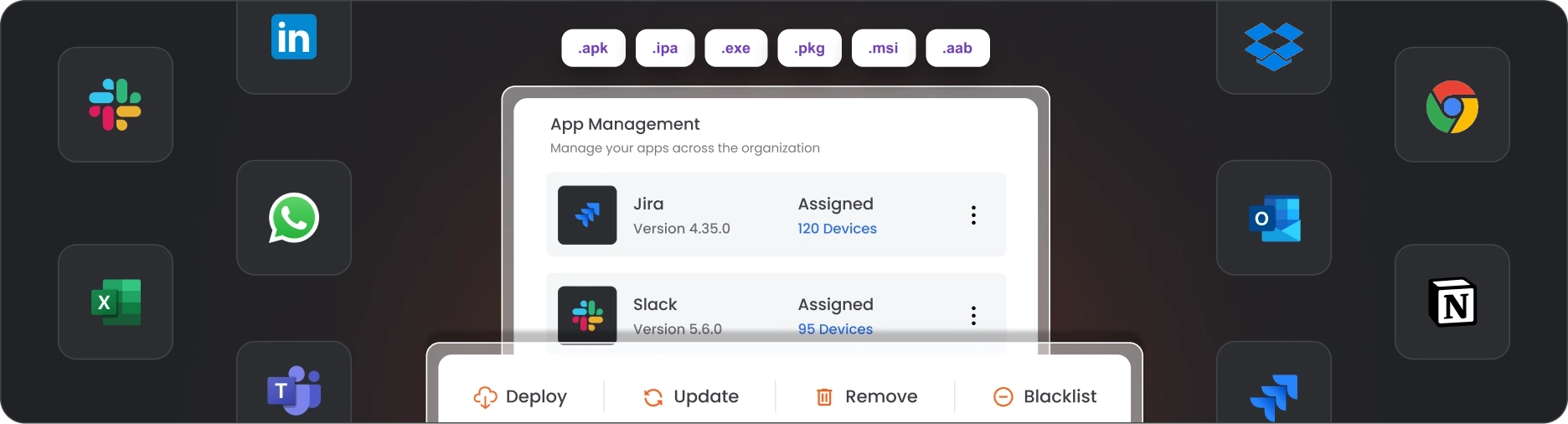
Get the right app, on the right device, at the right time automatically. Deploy from the Apple App Store with a single click, distribute in-house enterprise apps without touching the App Store, and use Apple's VPP to roll out licensed apps across your entire fleet in one shot.
Your apps, your rules. Install silently without interrupting users. Push updates automatically so nothing runs outdated. Pull apps remotely the moment they're no longer needed. Blacklist unauthorized apps before they ever become a problem.
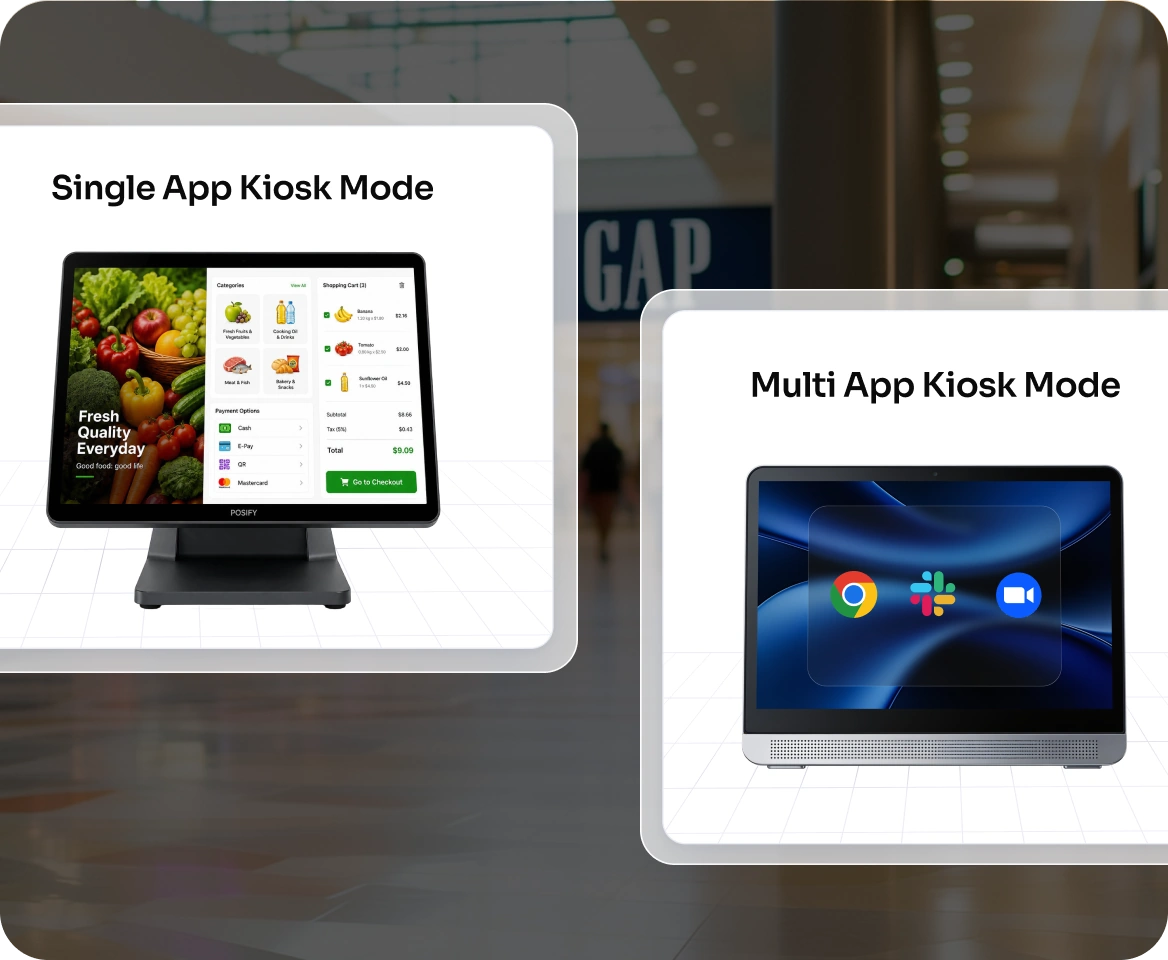
Turn any iPhone or iPad into a purpose-built kiosk. No distractions. No unauthorized access. No compromise.
Lock devices to a single app or a curated set of apps for a secure, streamlined user experience.
Whether you're deploying devices in retail, healthcare, digital signage, hospitality, education, or field service, ensure users stay focused on exactly what they need and nothing else.

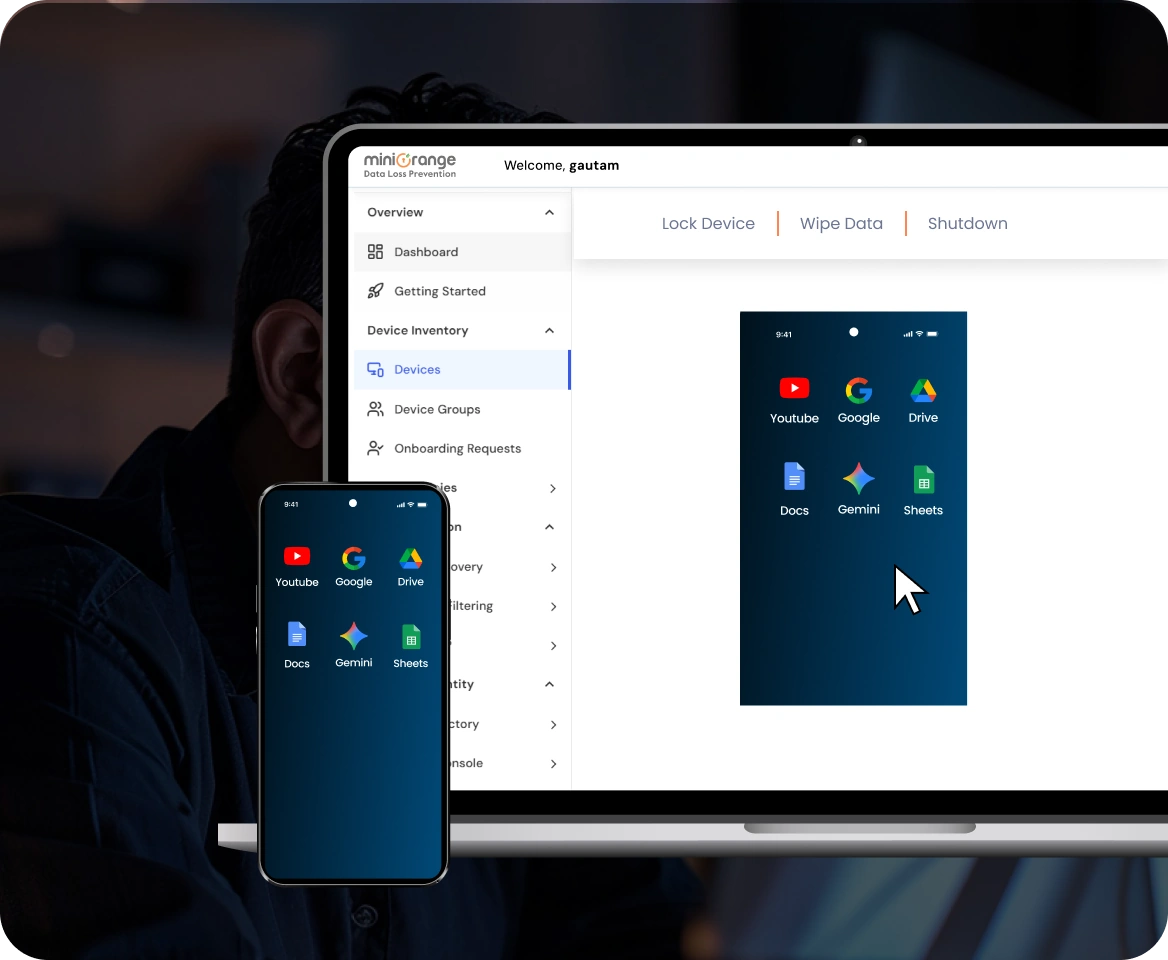
Remote cast gives IT admins a live view of any managed iPhone or iPad in real-time, from anywhere.
Watch the screen, guide the user, and resolve issues in minutes. No truck rolls. No back-and-forth. No frustration. Every session is secure, permission-based, and logged.
Integrate with the Apple Business Manager (ABM) to give IT teams a streamlined, enterprise-ready device provisioning workflow straight out of the box.

Devices purchased through Apple or authorized resellers automatically appear in your MDM, ready to enroll before they even arrive at the user's desk.

Zero-touch deployment means devices self-configure when powered on for the first time, with no IT hands-on required at any step.

Assign devices to users, locations, or departments directly through ABM and have the right profiles and apps waiting for them automatically.
Protect your corporate data with a full suite of security controls built into miniOrange iOS device management software.

Mandate minimum passcode length, complexity, and expiry intervals across all managed devices, with auto-lock policies to prevent unauthorized access.

Encrypt all corporate data stored on iOS at rest using Apple's native encryption, and verify compliance status from the dashboard.

Keep personal and corporate data completely separate on BYOD devices using managed app containers and selective wipe capabilities.

Control exactly which apps can access corporate data, and prevent data leakage between managed and unmanaged apps using app-level policies. Enforce restrictions like secure file sharing to keep sensitive data protected.

Block access to corporate emails, VPN, and other resources on devices that don’t meet your security requirements until the device is declared compliant. Apply real-time checks based on device health, user identity, and location, so only trusted access is granted.

Configure and deploy corporate email accounts on iPhones and iPads with Exchange ActiveSync, IMAP, POP, and Google OAuth support.
Purpose-built for IT teams that need powerful Apple device management without complexity or cost.

iOS MDM is built to scale with your organization. Manage a considerable number of iOS devices without performance degradation.

Enforce DLP at the device level. Block unauthorized transfers, restrict copy-paste between managed and unmanaged apps, and keep corporate data exactly where it is.
Manage Android, iOS, Windows, and ChromeOS devices from the same dashboard. One tool, one workflow, zero context-switching.
Get the clarity you need before you commit.
iOS MDM is a technology framework provided by Apple that allows IT administrators to remotely enroll, configure, manage, and secure iPhones and iPads.
When a device is enrolled in an MDM solution, it establishes a secure, persistent connection with the MDM server. IT administrators can then send commands and configuration profiles to the device, such as enforcing a passcode policy or installing an app. After this, the device reports back its compliance status and inventory data in real-time.
A full range of Apple devices, including iPhones (all modern models), iPads (iPad, iPad Air, iPad Pro, iPad mini), and macOS devices. Both corporate-owned and employee-owned (BYOD) devices can be managed with appropriate policy scopes.
You can enforce passcodes, screen lock timers, encryption, web content filtering, corporate data separation, and conditional access controls.
With Apple Business Manager and zero-touch enrollment, devices can be fully enrolled and configured the moment they're powered on, in as little as a few minutes.
Pricing depends on the number of devices and features. miniOrange offers flexible, per-device pricing that scales with your business.

