DLP PII Scanner for Jira & Confluence: Documentation & Resources
Everything you need to set up, configure, and get the most out of your PII Scanner, from setup guides and video walkthroughs to FAQs and blogs.
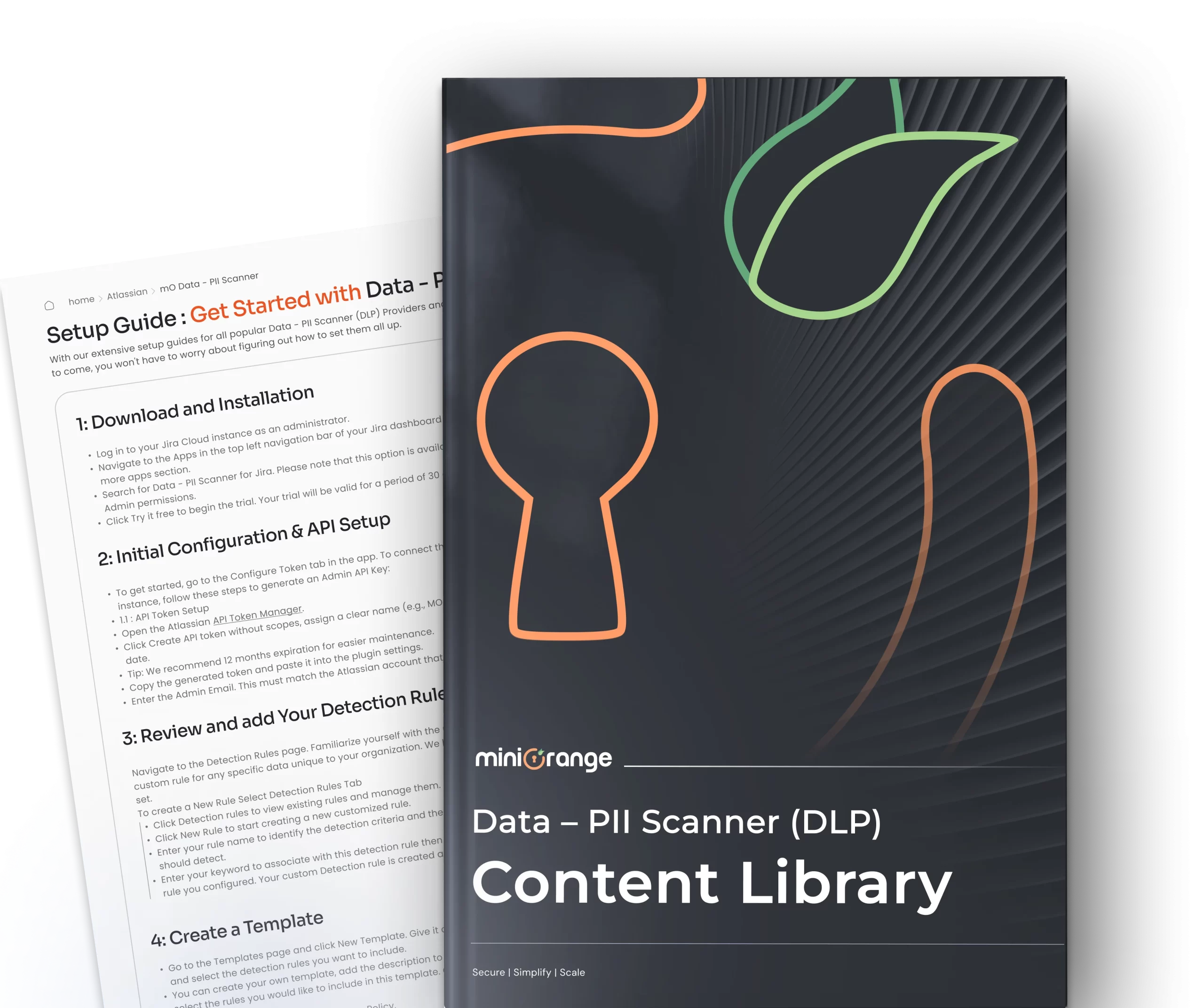
Step-by-Step DLP PII Scanner Setup Guides
Follow the detailed setup guides to install, configure, and activate the DLP PII Scanner across your Jira and Confluence Cloud instances.


-
What types of sensitive data can the PII Scanner detect?
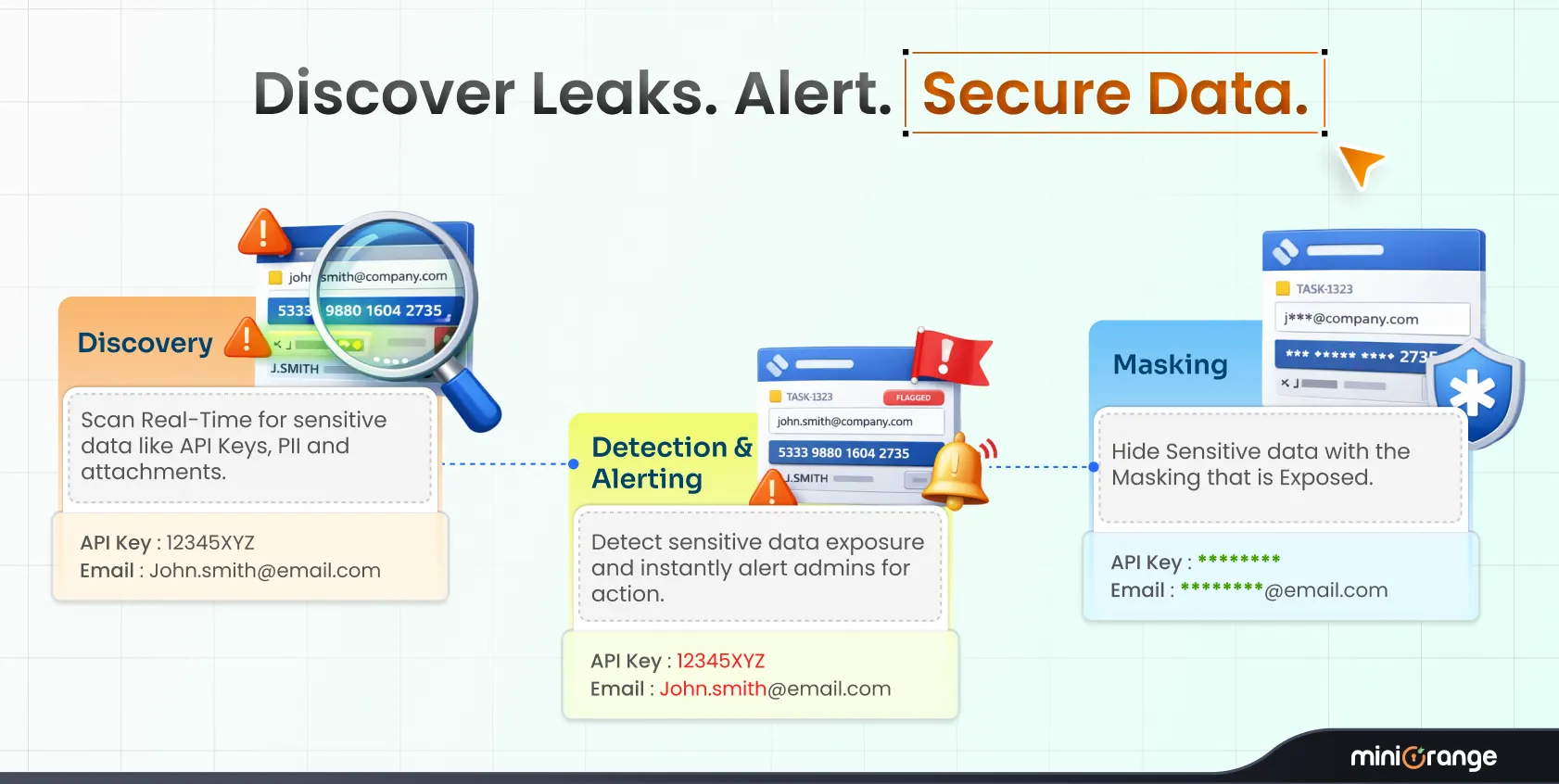
The app scans for over 80 data types out of the box, including PII (names, emails, phone numbers, SSNs), PHI, credit card numbers, passwords, and API keys. You can also define custom regex rules to catch data unique to your organization
-
Does the app transfer my Confluence data to external servers?
No. The PII Scanner leverages Atlassian Forge, which means all scanning and redaction happens within your Atlassian environment. Your data is never transferred outside your instance.
-
What happens when a policy violation is detected?
Depending on the action configured in your active policy, the app can automatically redact the sensitive content from the Confluence page. You can also review violations manually from the dashboard and take bulk actions.
-
Is the PII Scanner available for Jira as well as Confluence?
Yes. miniOrange's Data Loss Prevention solution is available for both Confluence Cloud and Jira, allowing you to protect sensitive data across your entire Atlassian workspace.
-
Can I create custom detection rules beyond the 80 pre-built ones?
Absolutely. You can create custom rules using regular expressions and keywords to detect any proprietary or organization-specific data patterns, then organize them into templates and apply them via policies.