LDAP Sync Settings
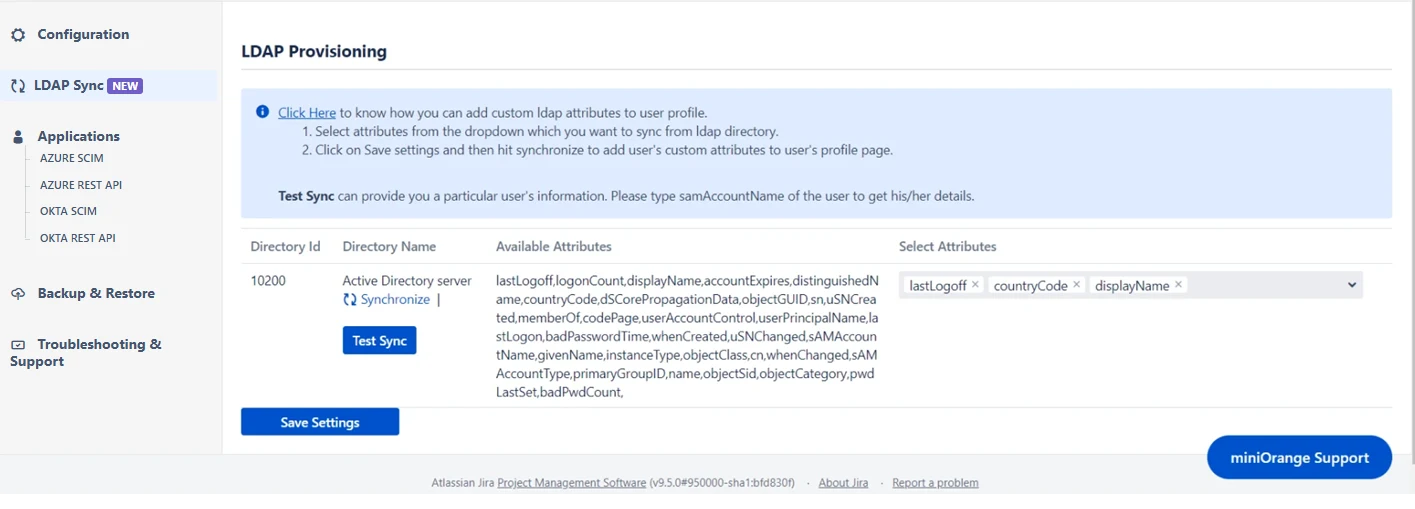
LDAP Sync Feature allows you to synchronize additional user attributes from Active Directory directly to the user profile. This feature works on top of the native LDAP connection. The synchronized attributes will be displayed in the user’s public profile. Follow the instructions below to configure the LDAP directory.
Step 1: Configuration of Directory
- By configuring the LDAP directory, you can synchronize all attributes from your LDAP directory and choose the attributes you wish to include in Jira.
Step 2: Testing Attribute Sync
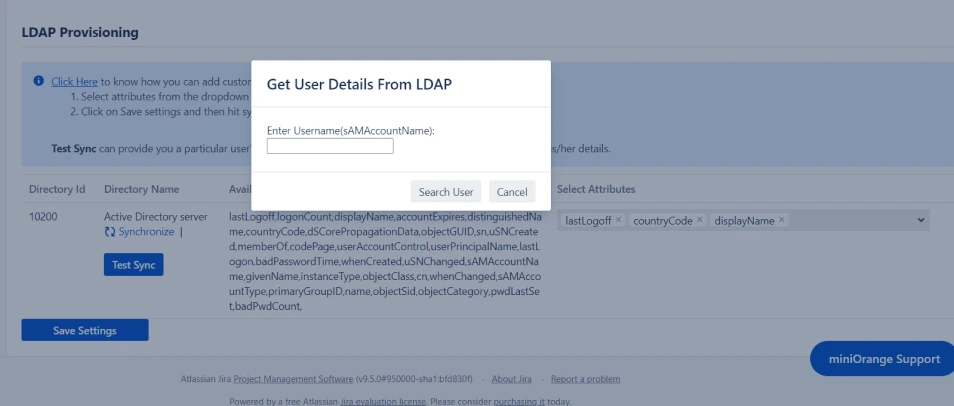
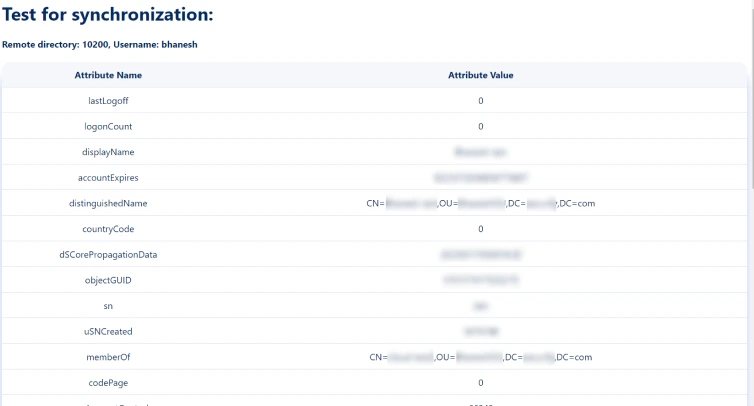
- Once you have successfully configured the LDAP directory in Jira/Confluence, you can test the specific user’s attributes by using the Test Sync button.
- To test your configuration, enter an username(sAMAccountName) from your directory's user data and click on the Search User button. You will then be able to view the details of the searched user.