

TL;DR:
Registration friction kills conversions before a customer ever becomes a customer. Long forms, forced passwords, and one-size-fits-all MFA all push people to abandon signup. The fix applies security more intelligently, through passwordless authentication, social login, progressive profiling, and adaptive authentication that only asks for more when the risk actually calls for it.
Every extra field on your signup form costs you customers. Every password requirement costs you a few more. And every unnecessary MFA prompt convinces someone that your competitor's app, the one with a single tap to sign in, is worth switching to.
This is customer registration friction. And it's quietly draining your conversion funnel.
This article therefore covers customer registration friction, why it happens, and what can you do to mitigate them without compromising your security
What is customer registration friction?
Customer registration friction is anything that slows down or complicates the process of a new user creating an account with your business. It shows up as long forms, confusing password rules, extra verification steps, or a signup flow that just doesn't work well on a phone.
Some friction is unavoidable. You need enough information to run the account, verify the person is real, and protect them from fraud. But most registration friction is just bad design, not protection.
The goal is the right amount of friction, applied at the right moment, for the right reason.
What causes customer registration friction?
A handful of patterns show up again and again in signup flows that lose people:
- Long or complex forms: Asking for a job title, company size, and phone number before someone has even seen your product is asking a lot from a cold visitor.
- Too many required fields: Every field is a decision point. Every decision point is a chance to bounce.
- Password requirements: Eight characters, one number, one symbol, no repeats from the last five passwords. Customers know this dance, and a lot of them don't want to do it again.
- Excessive verification or MFA: A one-time code by email is fine. A one-time code by email, then an SMS code, then a security question is not.
- Repeated account creation: If a customer has to make a fresh account for every product line, portal, or subdomain you run, you're multiplying friction instead of reducing it.
- Difficult mobile experiences: Tiny form fields, autofill that doesn't work, CAPTCHA boxes that are nearly impossible to tap accurately on a small screen. Mobile is where most registration attempts happen now, and it's where friction hurts the most.
Why reducing registration friction matters
Every added step in your signup flow shows up somewhere on a spreadsheet, doesn’t it? Here’s what it says:
- Registration completion rates: Every added step drops your completion rate a little more. Signup forms aren't just data collection. They're a conversion funnel, and each field is a leak.
- Customer experience: A frustrating first interaction sets the tone for the whole relationship. First impressions in software work the same way they do everywhere else.
- Customer acquisition costs: You already paid for that click, that ad, that campaign. When someone abandons registration, you've paid to acquire a customer who never became one.
- Customer trust: A signup process that feels invasive or clunky makes people wonder what else you're getting wrong. Trust starts before the first login.
- Support requests: Confusing password rules and clunky verification flows generate support tickets. Password resets alone are one of the most common (and most avoidable) reasons customers contact support.
Reducing friction doesn't mean removing security
For many businesses, reducing friction sounds like loosening security, and no business wants to be the one that made signup easy and got breached for it.
But friction and security aren't the same dial. You can turn one down without touching the other if you're applying security intelligently instead of applying it everywhere, all the time, to everyone. Two fixes that do most of that work. Going passwordless and applying risk-based security practices.
Going passwordless to deal with security fatigue
Researchers use the term "security fatigue" to describe the exhaustion people feel from constant security demand like password resets, MFA prompts, and security alerts. It was first studied as an employee problem. Now it's a customer one too, and it shows up as abandoned signups and lost accounts.
From password overload perspective, NordPass has tracked the average number of passwords people manage since 2020. That number climbed for years, peaking at 168 in 2024. In 2026, it dropped to 120. NordPass's head of product pointed to two reasons:
- More people using social sign-on with an existing Google or Apple account instead of creating a new password
- And growing adoption of passkeys and biometric login.
Risk based security for contextual verification
Passwordless login solves fatigue at the credential level. Risk-based security looks at context: device, location, behavior, and history of the credential instead of demanding the same verification from every customer at every signup.
A returning customer signing up for a second product from a recognized device doesn't need the same scrutiny as someone registering from an unfamiliar location with mismatched details.
Customer identity verification still matters. Reducing friction doesn't mean skipping verification. It means matching the depth of verification to the actual risk of the signup, rather than defaulting to the strictest possible check for every single person.
How CIAM helps reduce customer registration friction
Customer identity and access management (CIAM) is built specifically to solve this problem. Workforce IAM was designed for employees who have no real choice but to tolerate friction. Customers do have a choice, and CIAM is built around that reality.
Simplify signup with passwordless authentication
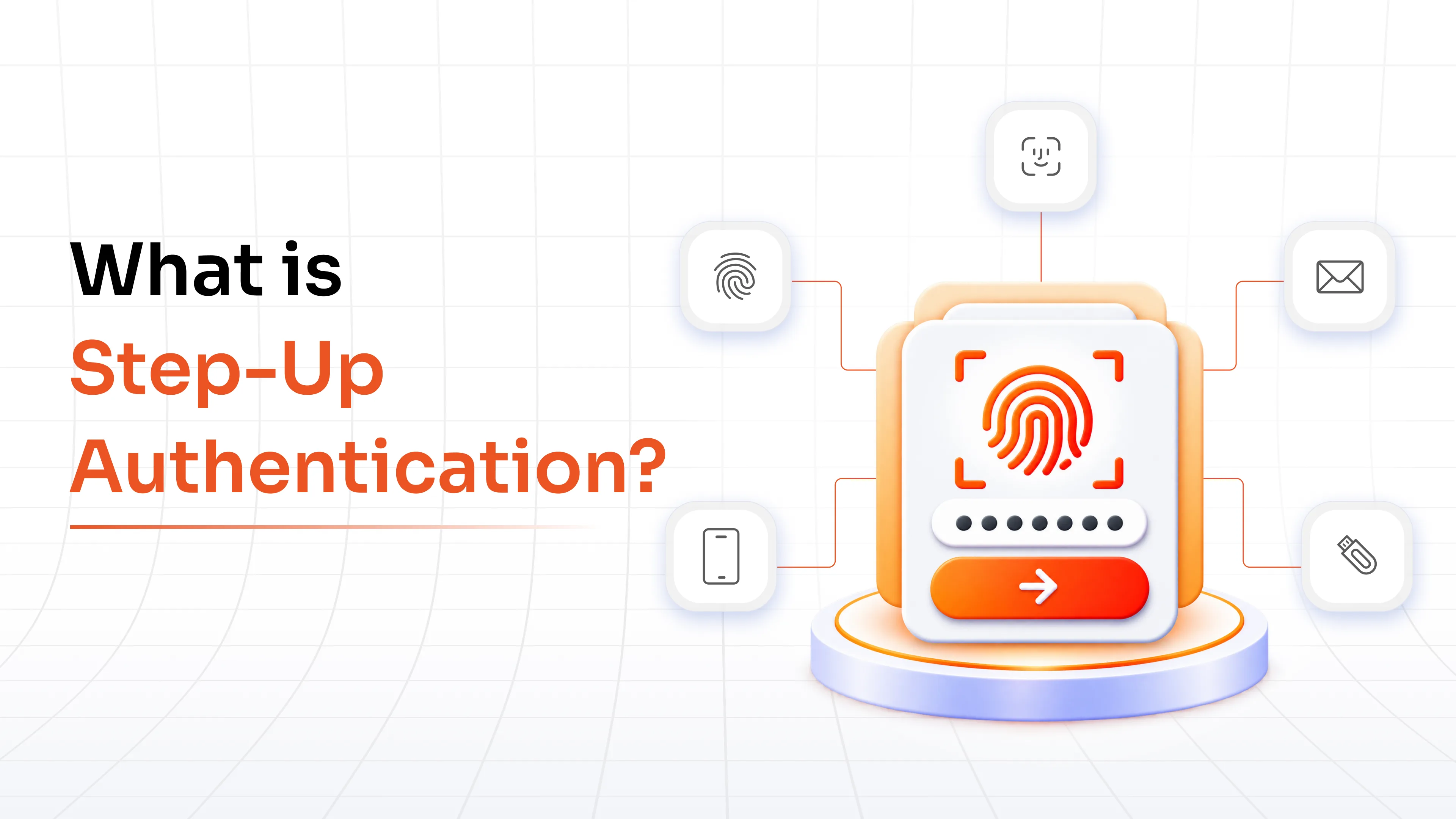
Passwordless authentication removes the password field from registration entirely. Instead of creating and remembering a new credential, customers verify themselves with a fingerprint, face scan, magic link, or one-time passcode.
This does more than reduce friction. It closes off entire categories of attack. Credential stuffing, phishing for passwords, and brute-force attacks all depend on a password existing somewhere to steal. Take the password out of the picture and those attacks lose their target.
Enable faster registration with social login
Social login lets customers sign up using an existing Google, Microsoft, or Apple account instead of filling out a form and creating new credentials. It cuts registration down to a couple of clicks and skips the password problem entirely, since authentication happens through a provider the customer already trusts.
Collect information gradually with progressive profiling
Most businesses ask for too much, too soon. Progressive profiling flips that. Ask for the minimum at signup: email, maybe a name. Everything else, preferences, company details, demographic data, gets collected later, in context, once the customer has a reason to share it.
A customer who's already using your product is far more willing to fill in a profile field than one who hasn't seen any value yet.
Apply customer identity verification based on risk
Not every signup carries the same risk. A free trial for a note-taking app and a new account for a banking portal aren't the same situation, and they shouldn't require the same verification. Risk-based identity verification checks signals like device reputation, IP location, and behavioral patterns, then adjusts how much proof it asks for accordingly.
Use adaptive authentication to balance security and convenience
Adaptive authentication is the mechanism that makes risk-based security work in real time. It continuously evaluates context (new device, unusual location, atypical time of day) and only introduces extra steps when something looks off. Low-risk signups move through fast. Higher-risk ones get an additional check before they're allowed through.
Think of it as the difference between a TSA line and TSA PreCheck. Everyone still goes through security. Trusted, low-risk travelers just don't have to take their shoes off to prove it.
Reduce unnecessary MFA challenges
Multi-factor authentication (MFA) software is one of the most effective tools against account takeover, but forcing it on every login and every registration step is how you turn a security win into a customer complaint. Adaptive MFA reserves the extra step for situations that actually warrant it, so most customers move through registration without ever hitting a second factor.
Enable customer single sign-on across applications
If your business runs multiple products, portals, or subdomains, customer single sign-on (SSO) lets a customer register once and access all of them with one identity. Instead of creating separate accounts for each touchpoint, they carry one identity across your entire ecosystem.
Create a unified customer identity
Fragmented identities, one record in the e-commerce system, another in the support portal, a third in the loyalty app, create friction and bad data at the same time. A unified customer identity ties these together, so registration happens once and every downstream system already knows who the customer is.
Best practices to reduce customer registration friction
The above points don’t need an overhaul of your entire tech stack. A lot of it comes down to disciplined form and flow design, on top of whatever identity, authentication and authorization tools you’re running.
- Keep forms short: Ask for what you need to start the relationship, not everything you might eventually want to know.
- Ask only for necessary information: Every field should earn its place. If you can't explain why you need it right now, cut it.
- Explain why you're asking: A one-line note next to a sensitive field, like why you need a phone number, reduces hesitation more than removing the field would.
- Don't stack verification steps: A CAPTCHA plus an email code plus an SMS code, all for the same low-risk signup, tells customers you don't trust them. Match the verification to the actual risk.
- Let people see value before you ask them to register: Where it's possible, delay account creation until someone has had a reason to want one. Forcing signup before any value is shown is one of the fastest ways to lose a visitor.
- Make recovery self-service: A locked-out customer who can recover access in two minutes doesn't call support. One who can't will, and won't be happy about it.
- Get mobile registration right: Test your signup flow on a phone, not just a laptop. Most of your customers will meet it there first.
- Test and measure abandonment: Track where customers drop off in the registration flow. The data will tell you exactly which field, step, or prompt is costing you signups.
None of these works well without identity infrastructure that can actually support it. That’s where purpose-built CIAM platform earns its place.
How miniOrange CIAM delivers frictionless customer registration
With miniOrange CIAM in place, most of your customers register in a few taps: no password to create, no unnecessary verification step, just a passkey, a biometric prompt, or a social login they already trust. The signups that do carry real risk get a closer look automatically, without you having to build that logic yourself.
That balance shows up in the numbers that matter to a growth team: higher registration completion, fewer support tickets from locked-out or frustrated customers, and lower acquisition costs, since fewer people bail out of a flow you already paid to bring them into.
It also means your customer's identity works everywhere at once. Register once, and that same identity carries across every product, portal, or subdomain you run, without asking them to create a new account each time. And because the whole platform deploys on cloud, hybrid, or on-premise environments, you get there without ripping out whatever infrastructure you're already running.
FAQs
What is customer registration friction?
It's anything that slows down or complicates a customer creating an account: long forms, password requirements, unnecessary verification steps, or a signup flow that doesn't work well on mobile.
Why do customers abandon registration forms?
Usually because the process asks for too much, too soon, or introduces security steps that feel disproportionate to what they're signing up for. Password creation rules and excessive MFA are two of the most common culprits.
How does CIAM reduce customer registration friction?
By replacing one-size-fits-all security with passwordless authentication, social login, progressive profiling, and adaptive, risk-based verification that only adds steps when the situation calls for it.
Is passwordless authentication secure?
Yes. Passwordless methods like biometrics, passkeys, and magic links remove the password entirely, which closes off credential stuffing, phishing, and brute-force attacks that depend on a password existing to steal.
What is progressive profiling?
It's the practice of collecting customer information gradually, asking for the minimum at signup and requesting additional details later, once the customer has more reason to share them.
How does adaptive authentication improve customer experience?
It evaluates risk signals like device, location, and behavior in real time, so low-risk customers move through registration and login quickly while only higher-risk situations trigger extra verification.
What are the best ways to improve customer registration completion rates?
Shorten forms, ask only for necessary fields, offer multiple authentication options, apply progressive profiling, and test the flow on mobile, where most registration attempts happen.
Can social login reduce signup abandonment?
Yes. It lets customers register with an existing Google, Microsoft, or Apple account instead of creating new credentials, cutting registration down to a couple of clicks.
Leave a Comment