Hello there!
Need Help? We are right here!

Need Help? We are right here!
Search Results:
×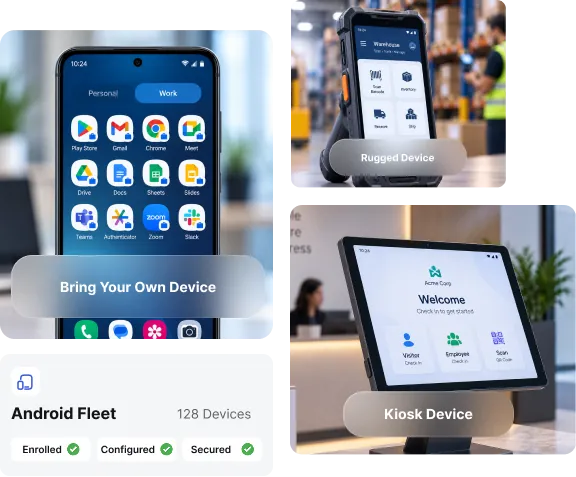
Android EMM applies the right policy to the right device type
automatically, whether it's employee-owned, company-issued,
or purpose-built for a single task.
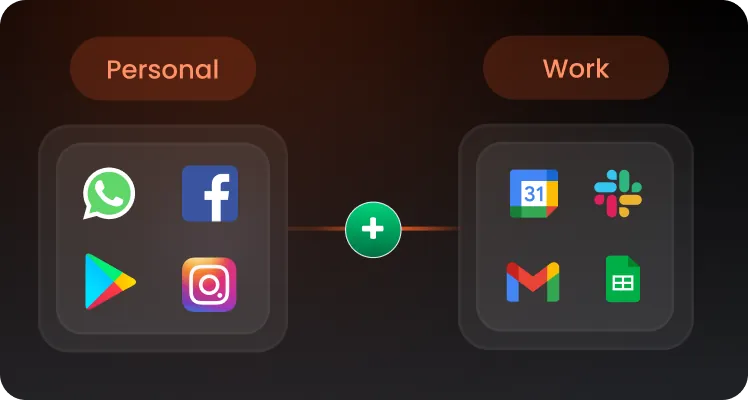
Isolate business apps and data from personal information, so admins can wipe corporate content remotely without touching personal photos or accounts.
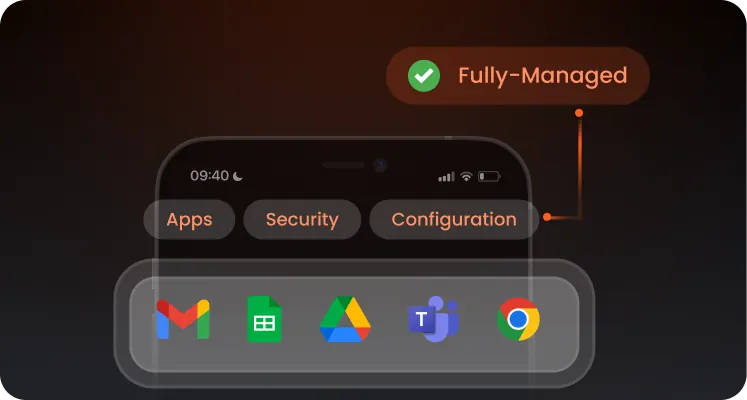
Under COPE, keep complete authority over devices. Lock devices to approved apps and push passcode, encryption, and configuration changes the moment a device connects.
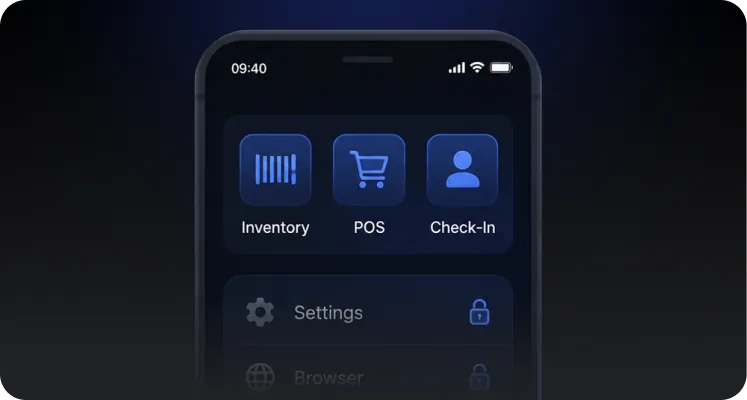
Dedicated device and kiosk modes lock devices such as rugged handhelds, POS terminals, and digital signage to one app or a curated set of apps.
Bundle monitoring, security enforcement, and device management into a single Android EMM dashboard that your IT team will actually want to use.
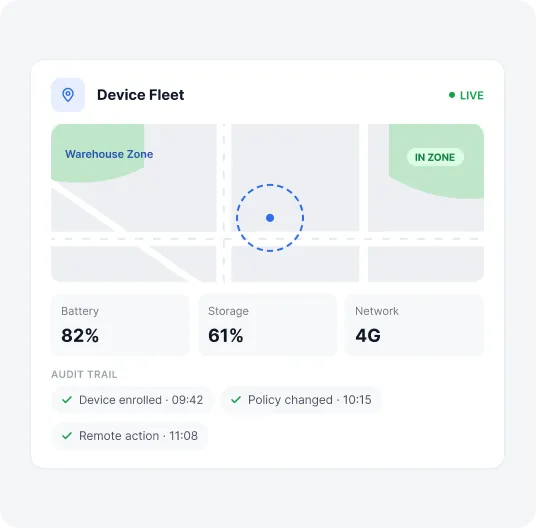
Track device location in real time, set virtual boundaries, and get instant alerts when a managed device leaves its assigned zone.
Keep tabs on battery health, storage, data usage, and network status across your entire fleet from one dashboard.
Track a full audit trail of enrollment, configuration changes, and remote actions to satisfy internal reviews and regulatory audits.
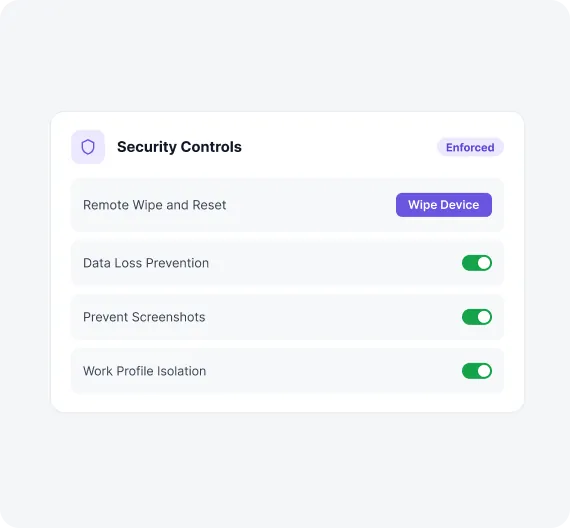
Erase corporate data instantly from a lost, stolen, or retired device, or trigger a full factory reset.
Block corporate data from leaking through unauthorized apps, USB transfers, or unsecured networks.
Block screenshots and screen recording on endpoints, particularly BYOD devices.
Contain business apps and data inside an isolated work profile so personal and corporate information never mix.
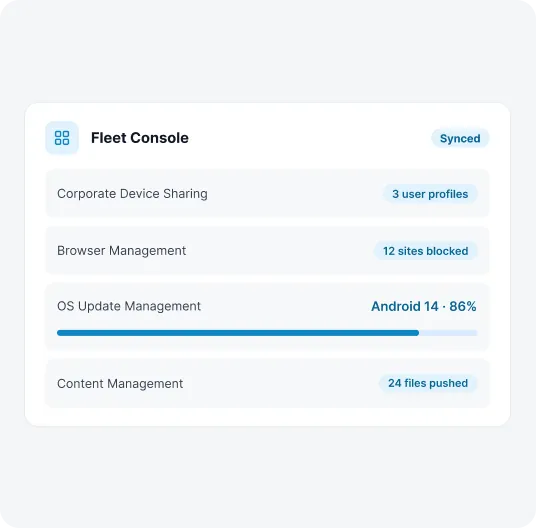
Assign one device to multiple employees without losing personalization or security.
Restrict access to non-business websites and lock down browser settings on managed devices.
Control when and how Android OS updates roll out across your device fleet.
Push documents and files directly to managed devices, or turn idle tablets into digital signage.
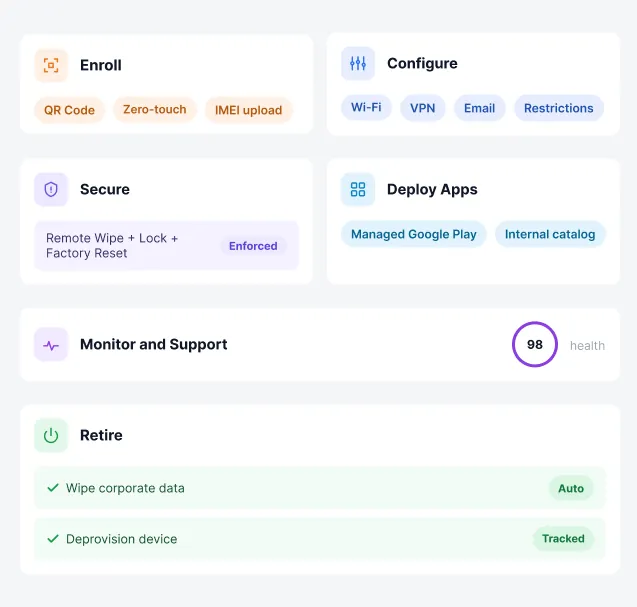
Managing an Android device is a full lifecycle, not a one-time setup.
Onboard devices in bulk via QR code, zero-touch, or IMEI upload, with policies applied automatically.
Push Wi-Fi, VPN, email, and device restrictions when a device connects.
Enforce remote wipe and lock, along with a factory reset on every managed device.
Distribute and update business apps silently through managed Google Play or an internal catalog.
Track device health, location, and compliance status from a single live dashboard; view and control device screens remotely.
Wipe corporate data cleanly and deprovision devices the moment they're reassigned or decommissioned.
Your device fleet probably isn't limited to smartphones. miniOrange
manages the full range of Android hardware your
business runs on, all from the same console and
policy engine.
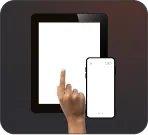
Smartphones and Tablets
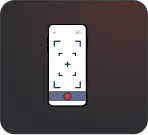
Rugged Devices
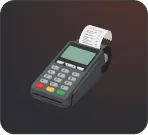
POS Devices
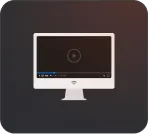
Android TV
Dedicated and Kiosk Devices
Push, update, and retire business apps across your entire fleet without ever touching a device by hand.
miniOrange supports silent installs through managed Google Play and private app distribution for in-house builds, so employees always have the tools they need and nothing they don't.
Book a DemoGrowing IT teams choose miniOrange among other Android EMM providers for deployments that need to move fast and stay secure.

Enroll devices in bulk through QR codes, zero-touch, or IMEI-based provisioning, and apply policies automatically from the first boot.

Get enterprise-grade Android management without enterprise-grade pricing. Receive transparent, per-device plans for your organization.

Get help when you need it. Our support team is available around the clock to keep your device fleet running.
Android EMM lets IT teams enroll, configure, secure, and monitor Android devices from a single console.
Android enterprise EMM connects your device fleet to a central console through Android's built-in enterprise APIs. Once enrolled via QR code, zero-touch, or IMEI upload, devices automatically receive the right policies, security settings, and apps, while IT retains remote control to configure, monitor, lock, or wipe them at any time.
Android EMM secures corporate data through layered controls: data containerization, factory reset, remote wipe, and network control capabilities.

