
Mac In-House Packages
Deploy your own custom-built apps and packages to enrolled Macs. Get internal tools to the teams that need them without manual installations.
Need Help? We are right here!

Search Results:
×
macOS MDM capabilities cover the essentials, from securing lost devices to configuring the settings users need on day one.

Lock a lost Mac, wipe corporate data from a device that has left your control, and restart a Mac remotely. Stay in control wherever the device is.

Dedicate a Mac to a single app with the single-app kiosk mode feature. This works well for check-in stations, digital signage, shared-use devices, or patient check-ins.

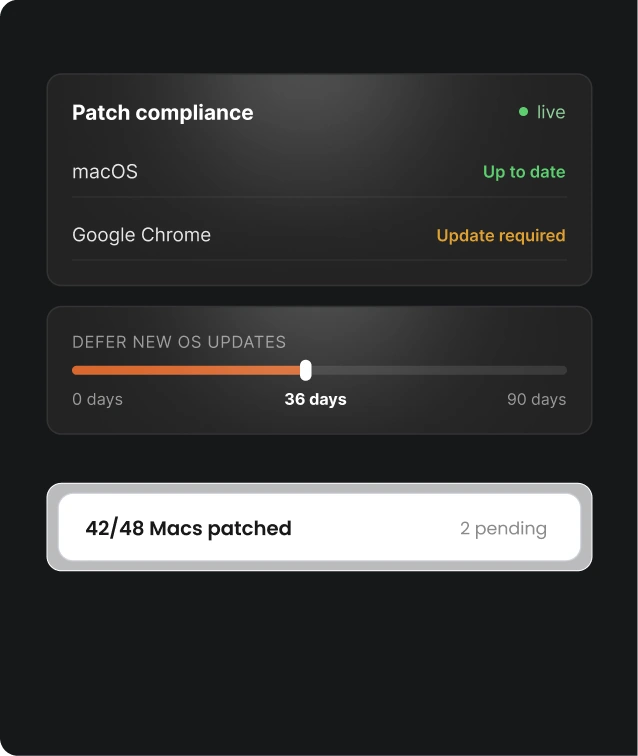
Set passcode requirements, such as character length and complexity, so every Mac meets organizational security standards and compliance requirements.

Push Wi-Fi settings to Macs automatically. Users connect to the right network without manual setup or raising help desk tickets.

Configure and deploy email accounts to enrolled Macs so users can access work email as soon as they sign in. Support account types such as Google Workspace, POP, and IMAP.

Enable Platform SSO to let users sign in to macOS with their work credentials and securely access supported apps, browsers, and services without repeatedly entering passwords.
Get more from Mac device management — all in the same console you’re already using, because security doesn’t stop at the device settings.
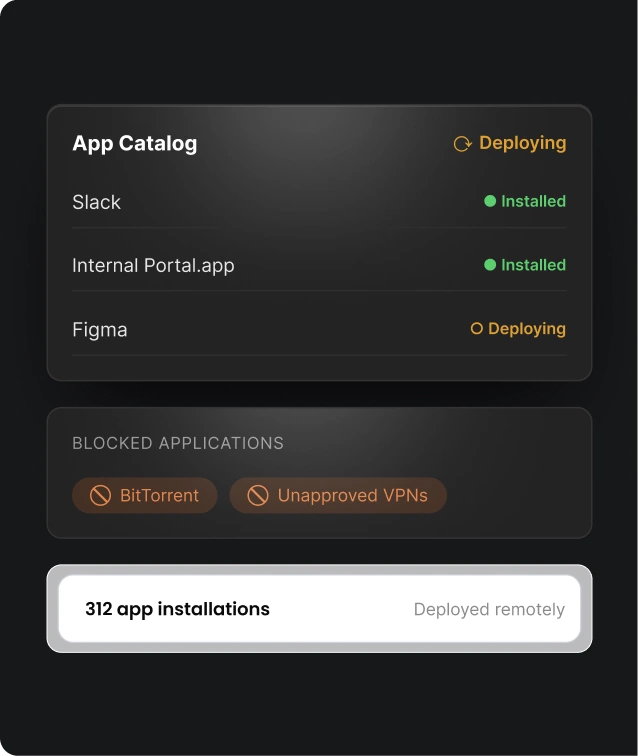
Put the right apps on the right Macs, without visiting a single device.
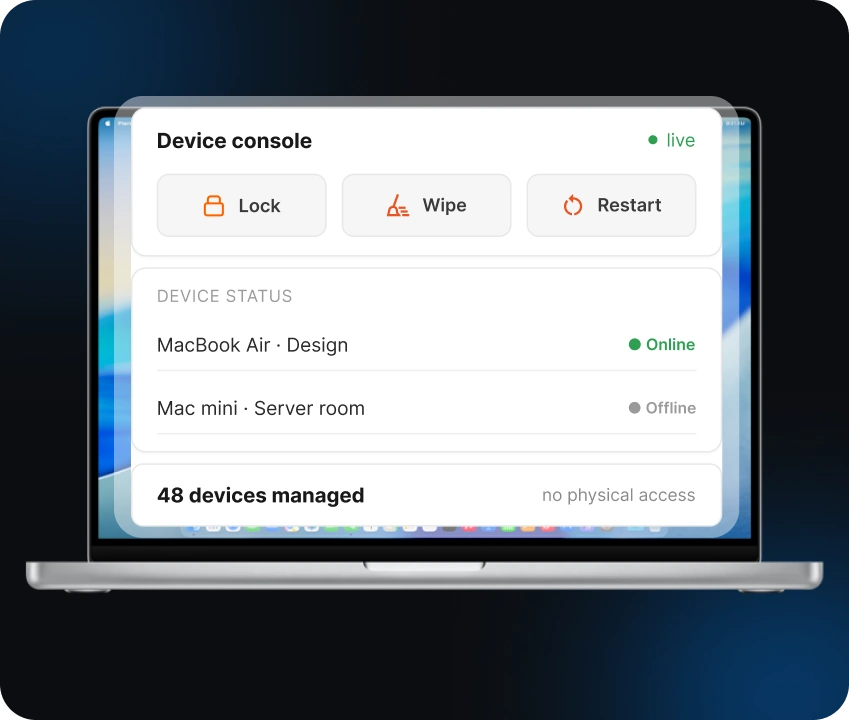
Manage devices from the unified console, wherever they are. Use Mac device management software to act on devices and check their status without physical access.
Remote Device Actions: Lock, wipe, or restart Macs from the console
View Device Information: Check device details and status from the dashboard
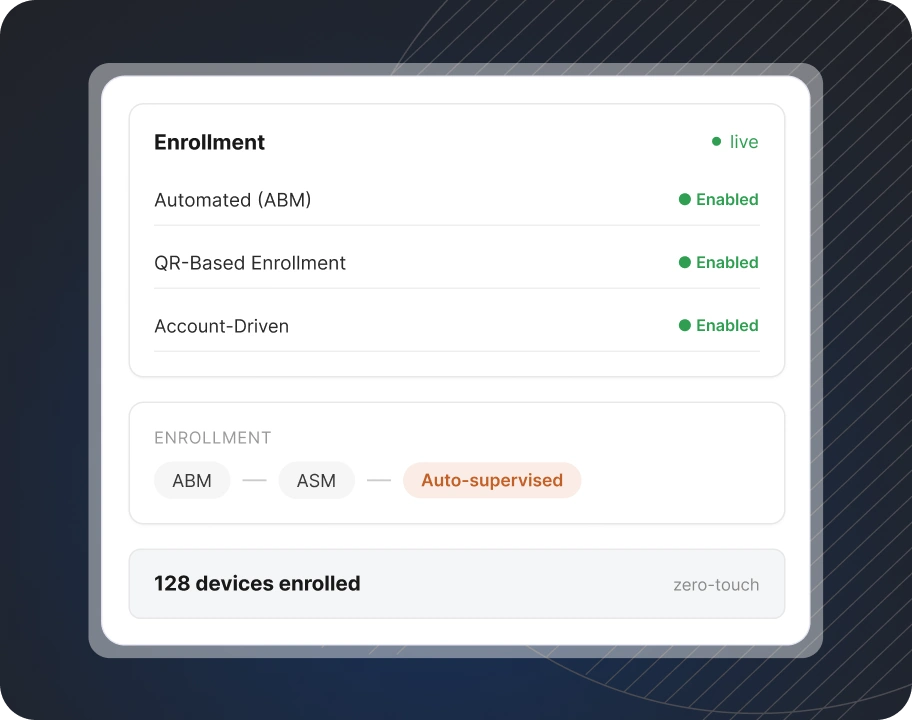
Enroll company-owned devices before they reach employees, or bring personal Macs under management with privacy protections. Every enrollment method falls under one console.
Automated Device Enrollment With ABM
QR-Based Enrollment
Account-Driven User Enrollment
Public apps and in-house tools shouldn't need separate workflows. With one console for macOS management, you can deliver every app your teams need.
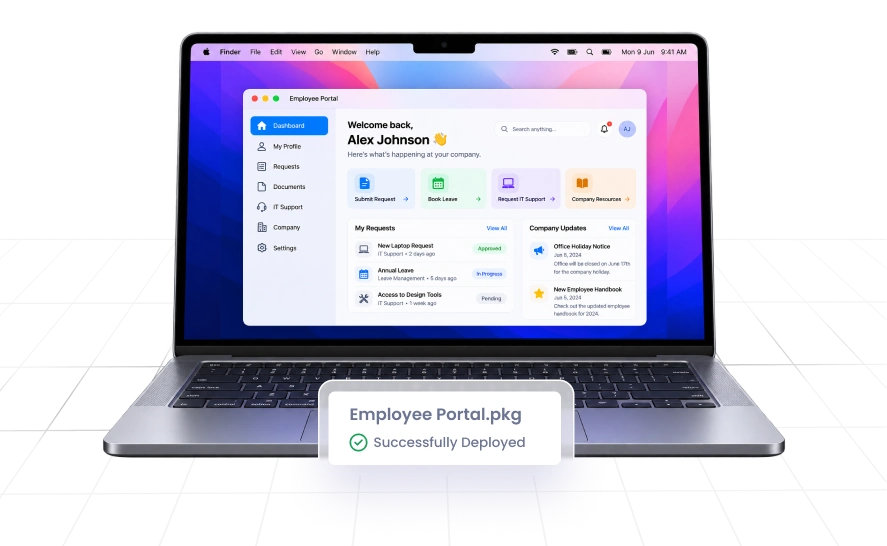
Deploy your own custom-built apps and packages to enrolled Macs. Get internal tools to the teams that need them without manual installations.
Distribute the apps your teams use every day from the same console. Users get what they need to work, and IT skips the device-by-device setup.
Manage iOS, macOS, ChromeOS, Android, and Windows from one platform. Your Macs don't need a separate platform.
Protect sensitive data with data loss prevention built into your device management platform. There’s no need to opt for a separate vendor altogether.
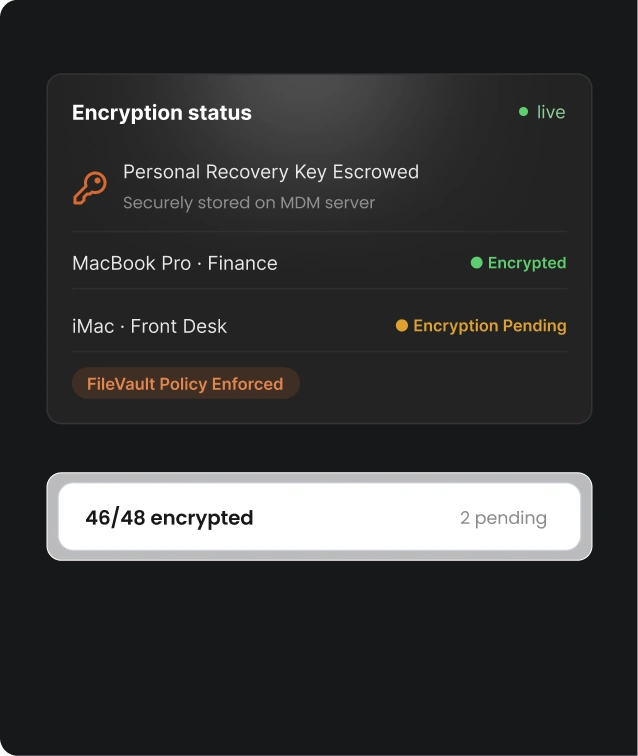
Enforce encryption, passcodes, and other security controls to support your audits and regulatory requirements.
Use one console to manage devices, policies, and apps. This helps IT teams save time, and your Mac fleet stays consistent.
Get the clarity you need before you commit.
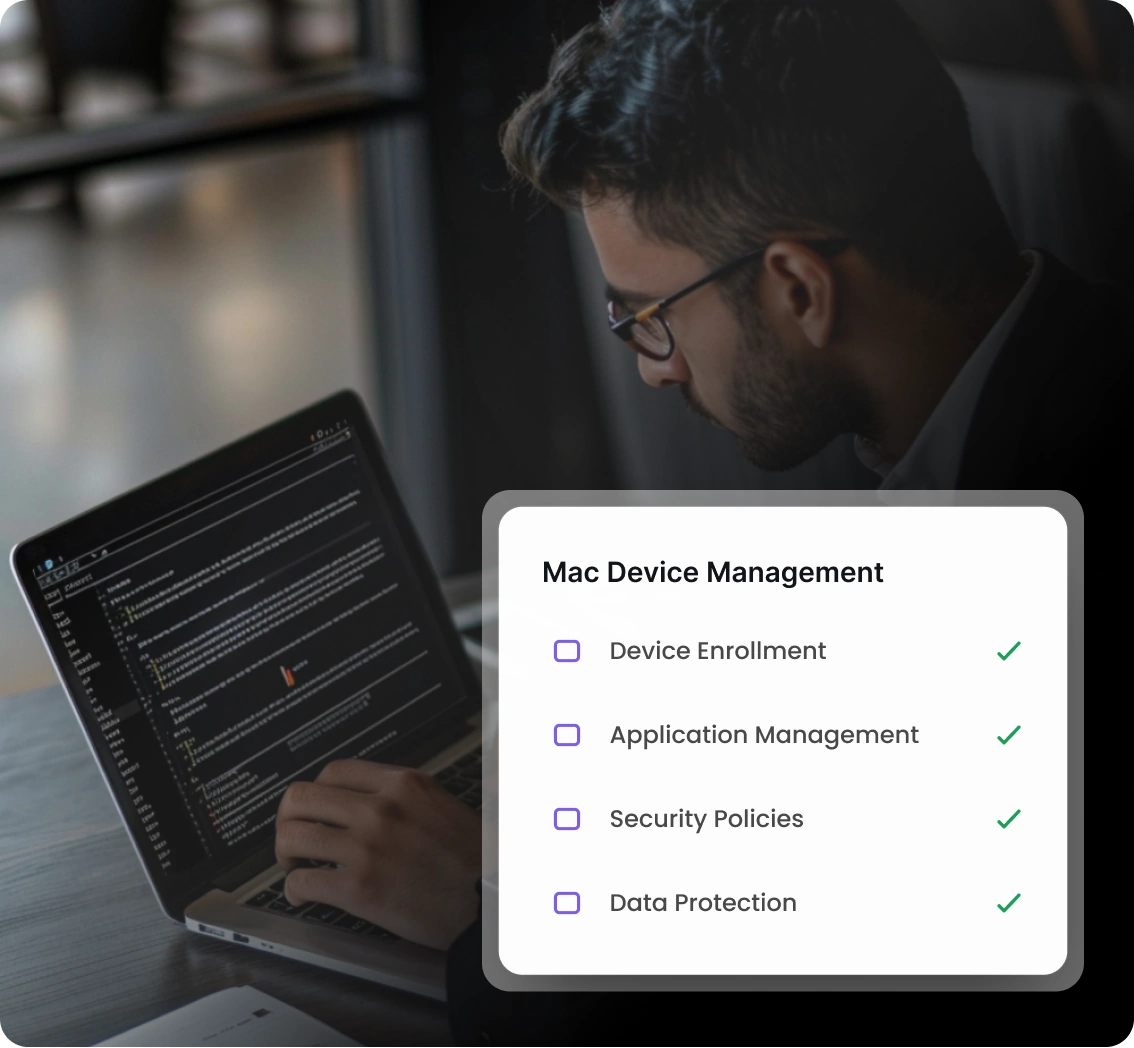
Mac Mobile Device Management (MDM) is software that lets IT teams enroll, configure, and secure Macs remotely. Admins apply policies, manage apps, and run device actions like lock and wipe from one console.
Yes, MDM manages MacBooks along with iMacs, Mac mini, and other Mac computers. Once enrolled, they follow the policies you set.
Yes, account-driven user enrollment is designed for personally owned devices. It keeps work and personal data separate, and IT manages only work accounts and data.
Yes, miniOrange supports macOS, Windows, iOS, Android, and ChromeOS from a single console.
Some of the notable benefits are consistent device setup, centralized app management, stronger security through encryption policies, and remote actions for lost or retired devices.
Yes, admins can lock or wipe an enrolled Mac from the console, which helps protect company data if a device is lost or stolen.
