
Single-App Mode
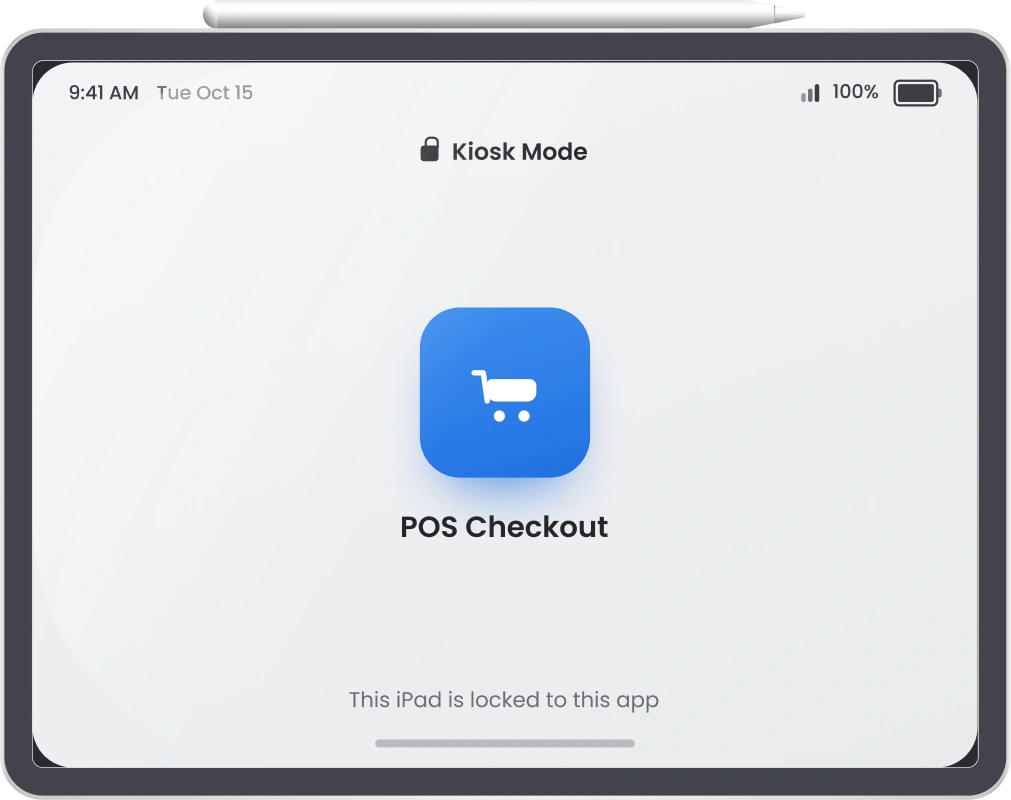
Lock an iPad to exactly one application. Hardware buttons, navigation gestures, and access to any other app get disabled. So the device runs exclusively for the job you assigned it.
Need Help? We are right here!

Search Results:
×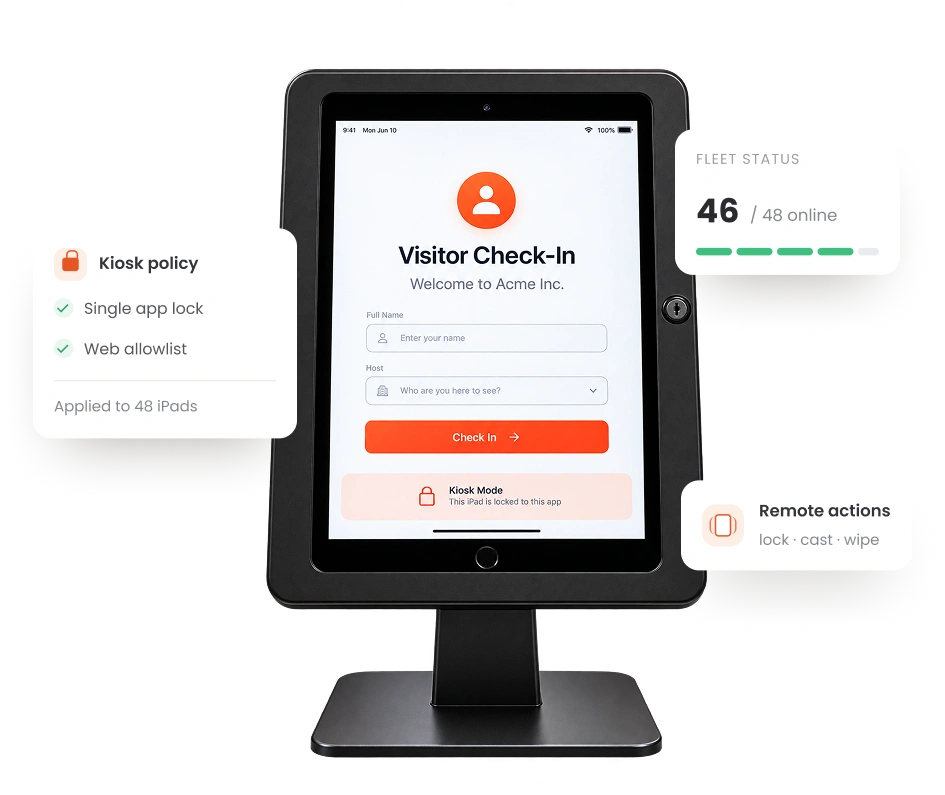
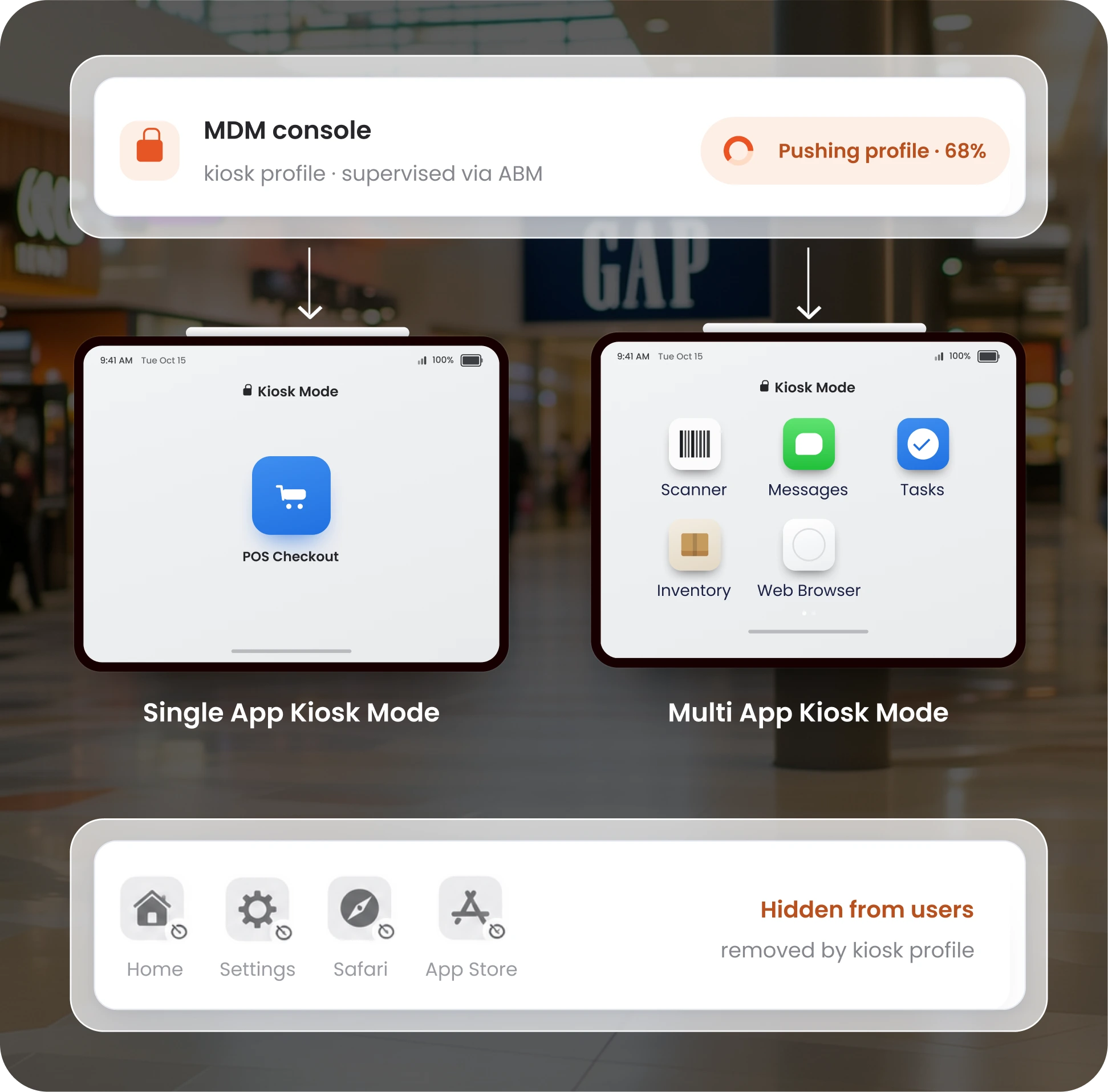
iPad kiosk mode restricts a supervised iPad to one app or a curated group of apps. The Home button, Settings, Safari, and the App Store all disappear from view. Users only see what you’ve put in front of them: a check-in form, point-of-sale screen, or a training module.
Getting an iPad into this state takes device supervision, which happens through Apple Business Manager (ABM) or Apple Configurator. Once supervised, an MDM console can push, update, or remove the kiosk profile on any number of devices without anyone touching the hardware.

Not every deployment needs the same lockdown. Kiosk mode for iPad flexes to match your use case, whether that’s a single dedicated app
or a small toolkit your team switches between.
Lock an iPad to exactly one application. Hardware buttons, navigation gestures, and access to any other app get disabled. So the device runs exclusively for the job you assigned it.
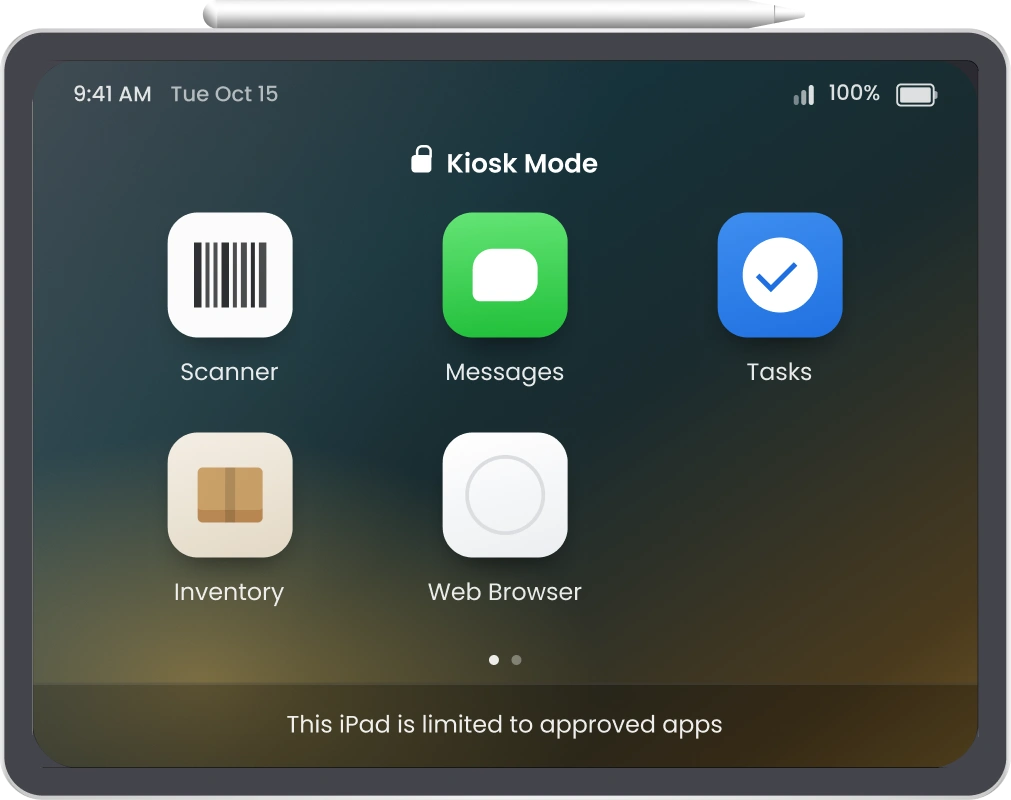
Allow a defined set of apps instead of just one. Ideal for frontline workers who need a scanner app, a messaging tool, and a task tracker on the same device, without the risk of having anything else.
Kiosk mode on iPad is the starting point, not the whole story. miniOrange Mobile Device Management (MDM) layers device management, security, and monitoring on top and out of the wrong hands.
Run shared iPads, push updates, and control the on-screen experience without a single site visit.
A kiosk mode for iPad is only as reliable as the app management behind it. miniOrange MDM gives IT teams one dashboard to install, update, restrict, and retire apps across every device.

Push apps to iPads or pull them off entirely without physically handling a single device. Apply updates and removals instantly across thousands of device units.

Distribute both App Store and enterprise apps, with licenses assigned to devices rather than individual accounts. No App Store sign-in required on the kiosk itself.

Test updates on a staging device before rolling them out. Catch bugs before they reach a live checkout counter or a hospital bedside tablet.

Block access to the App Store, FaceTime, AirDrop, and other apps that don’t belong on a locked-down kiosk. Keep the device focused on its assigned task.

Connect to Apple Business Manager (ABM) or Apple School Manager (ASM) to automate enrollment, supervision, and app assignment the moment a device powers on.

Upload internally built .ipa files directly to the MDM console and deploy them with no dependency on an Apple Business Manager account.
The same lockdown technology solves very different problems depending on where it's deployed.
Schools lock iPads into a single assessment app during exams, cutting off access to browsers, messaging, or games for the duration of a test. Outside exam windows, multi-app mode restricts classroom devices to only the apps a given lesson requires, keeping students on task without constant teacher oversight.
Self-checkout counters, product catalog kiosks, and loyalty sign-up stations all run on locked-down iPads that stay on the store's app no matter who's behind the counter. Auto-lock and screen rotation settings keep the experience consistent across every shift and every location.
Patient check-in tablets, bedside monitoring devices, and appointment scheduling kiosks handle sensitive workflows where compliance matters as much as usability. Kiosk mode ensures patients and visitors interact only with the intended app, never with device settings or unrelated data.
Branch lobbies and ATMs increasingly use iPads for account inquiries, appointment booking, and self-service transactions. Locking these devices to a single banking app prevents tampering and keeps customer sessions private between users.
Donation stations at events or fixed locations run a payment app in single-app mode, so no one (accidentally or otherwise) navigates away from the giving screen. It keeps the experience simple for donors and secure for the organization.
Locking down a device is only half the job. Keeping it secure, updated, and compliant is the other half.
miniOrange MDM combines Single App Mode, remote monitoring, and centralized app control in one platform, which is built for IT teams managing real fleets, not just single devices. See it running on your use case before you commit to anything.
Book a DemoLocking an iPad into kiosk mode is easy. Keeping hundreds of them locked, updated, and compliant without a fleet of IT staff
is where most solutions fall short.

Push, update, or roll back kiosk and security policies to any device or device group from a single console, with no physical access required.

Enroll iPads through Apple Business Manager and have kiosk profiles apply automatically the moment a device connects, so it's kiosk-ready out of the box.

Install, update, restrict, and remove apps across devices centrally, with a test-before-deploy workflow that keeps bugs off production devices.

Enforce password policies, web filtering, and data protection settings that align with the frameworks your industry requires, from HIPAA in healthcare to PCI DSS in banking.
Common questions about iPad kiosk mode and how miniOrange MDM locks down and manages your fleet.
