Hello there!
Need Help? We are right here!

Need Help? We are right here!
Search Results:
×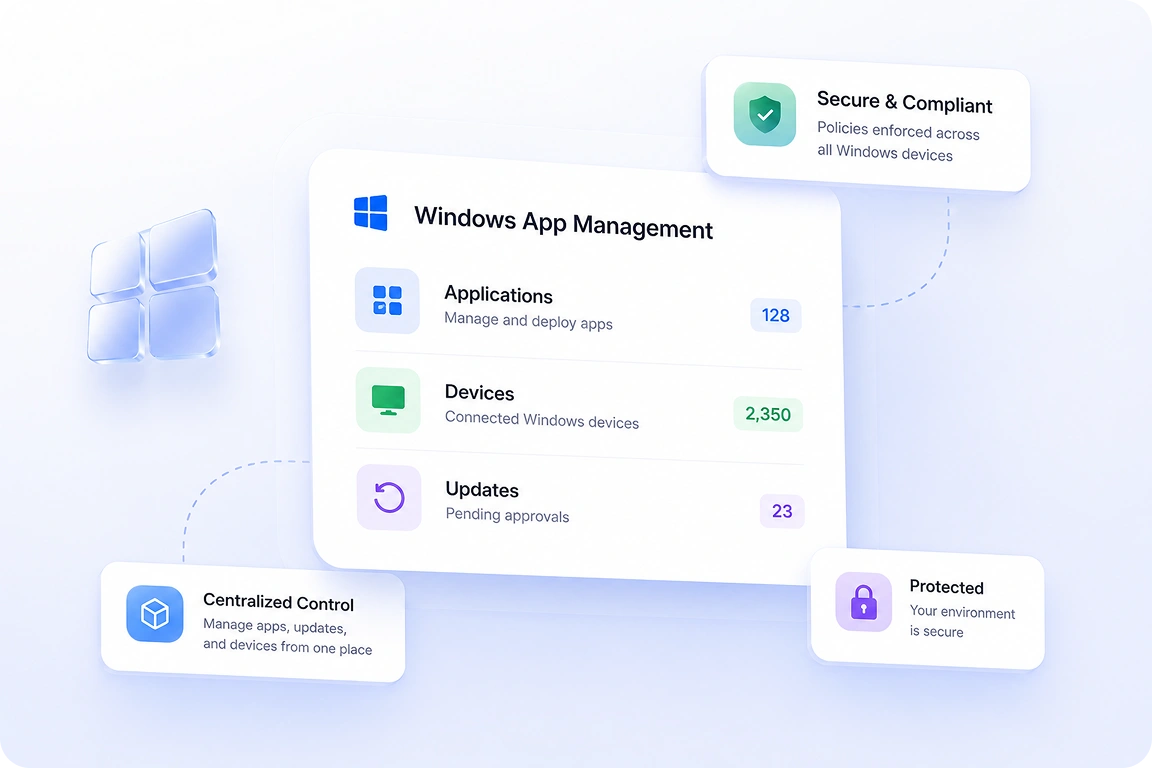
Windows application management software helps organizations simplify app deployment, maintain consistency,
and reduce operational overhead across devices.

Deploying applications manually across multiple devices takes significant time and effort. Centralized management reduces repetitive tasks and simplifies large-scale deployments.

Different app versions across devices can create compatibility and security issues. Application management helps maintain consistency across all managed systems.

Outdated applications expose devices to vulnerabilities and performance issues. Automated updates help ensure applications remain secure and up to date.

Organizations often struggle to track which applications are installed across devices. Centralized visibility helps IT teams monitor app usage and identify unauthorized software.

Different teams require different applications and configurations for daily operations. Group-based deployment simplifies app assignment across departments and user roles.

Managing applications across distributed devices becomes difficult without centralized management. Remote deployment and updates help maintain consistency across all environments.
Simplify Windows application management with centralized deployment, configuration, and update capabilities.
Manage applications, deployments, and updates across Windows devices from one dashboard. Maintain visibility into app status, installations, and device activity centrally.

Configure applications based on business requirements during deployment. Define app versions, settings, and configurations for consistent installations across devices.

Silently deploy applications across multiple Windows devices simultaneously without manual intervention. Reduce deployment time while maintaining consistency across environments.
Find and add applications quickly with direct access to the Windows Business Store. Simplify application onboarding and reduce the time required for deployment preparation.

Assign applications to device groups, departments, or user profiles in seconds. Simplify application distribution across different teams and business functions.

Push application updates and patches without interrupting business operations. Keep applications secure and up to date across all managed devices.
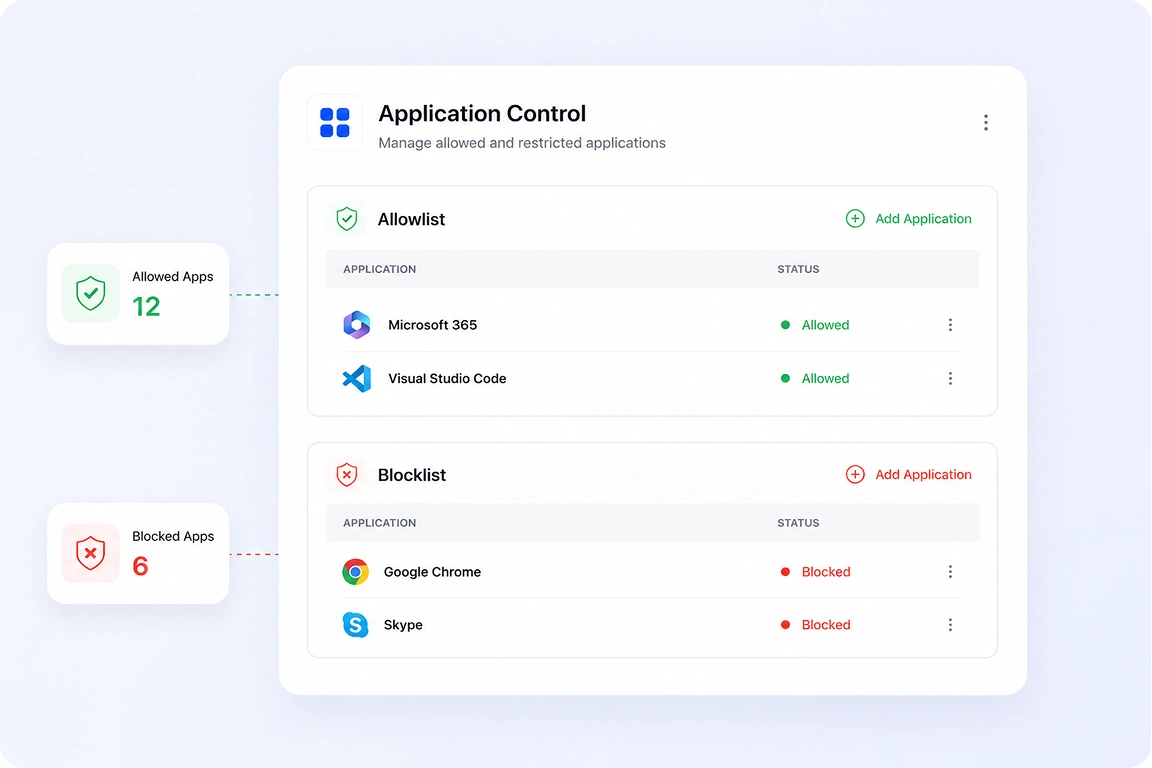
Create application allowlists and blocklists directly from the management dashboard. Restrict unauthorized applications while ensuring employees have access only to approved business software. Maintain consistent application policies across all managed Windows devices.
Create a curated application catalog with frequently used business applications for employees. Simplify software access with
an organized and easy-to-navigate app experience across Windows devices.









Support multiple application formats with flexible Windows application management capabilities.
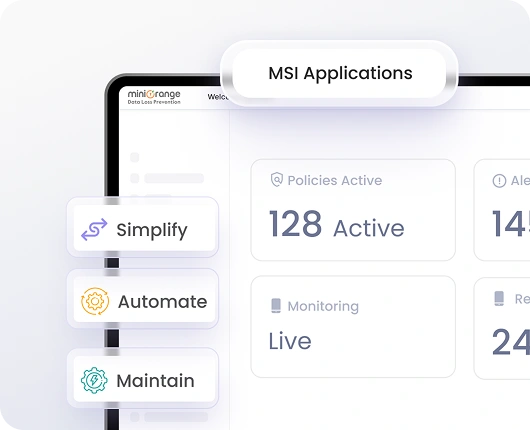
Deploy and manage MSI-based applications across Windows environments. Support consistent application delivery for business software packaged in MSI format.
Manage EXE applications with centralized deployment and update controls. Distribute a wide range of Windows applications from a single management console.
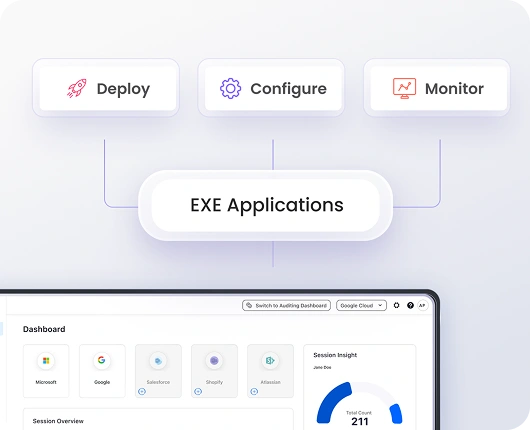
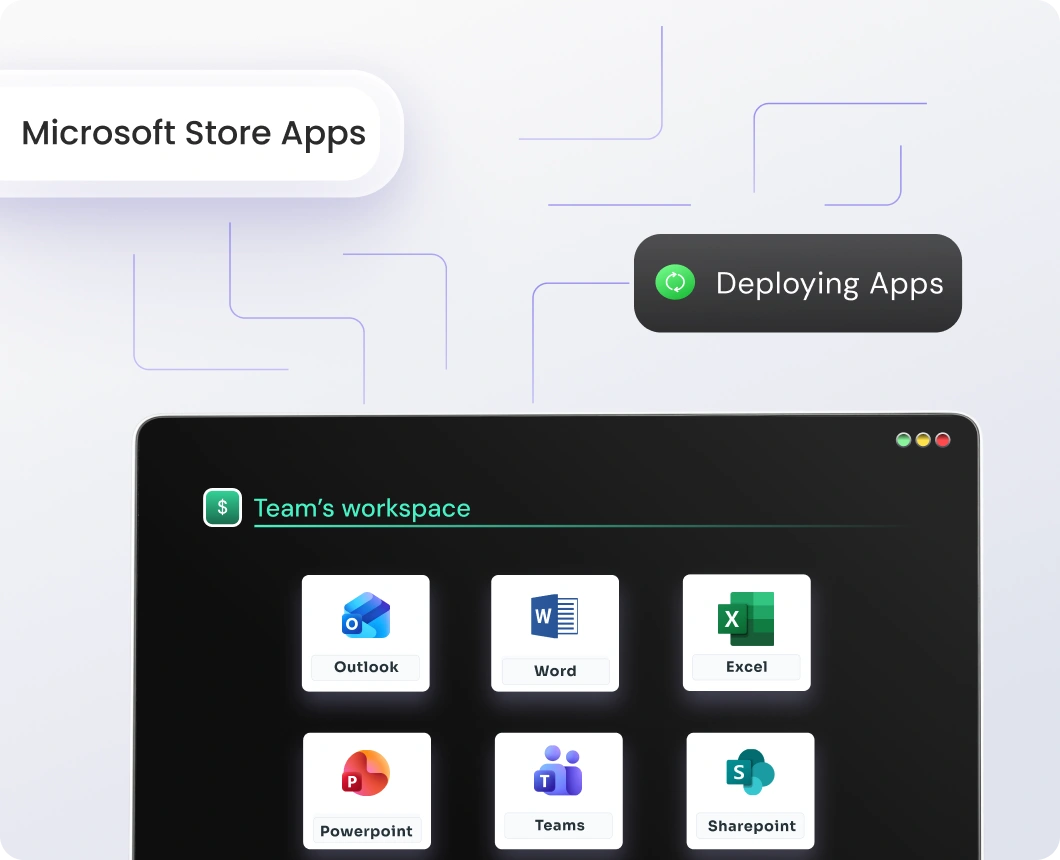
Deploy applications directly from the Microsoft Store across managed devices. Simplify the management of approved Store applications across your organization.
Manage internal business applications used across departments and teams. Ensure business-critical software is available to the right users and devices.
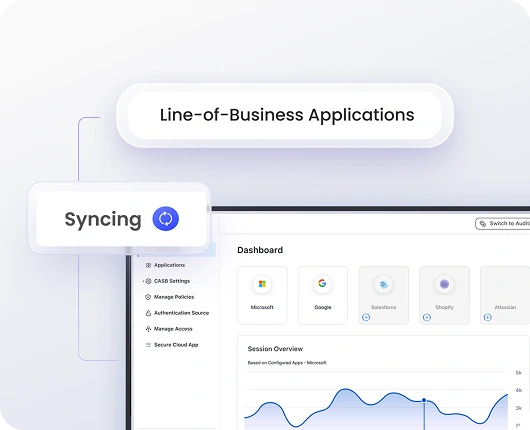
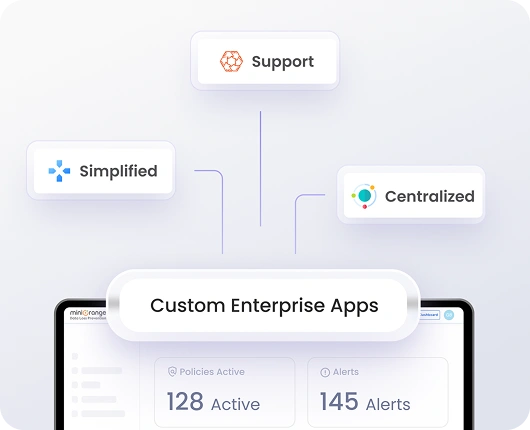
Deploy proprietary enterprise applications across Windows devices easily. Manage internally developed software alongside commercial applications from one platform.
Improve app management for Windows with automated deployment, visibility, and update workflows.
Automate application installations during defined deployment windows. Reduce disruptions by scheduling installations at convenient times.
Track application installation status across all managed devices in real time. Access detailed logs to simplify troubleshooting and deployment monitoring.
Push application updates silently during maintenance windows across devices. Maintain consistent application versions without manual intervention.
Gain visibility into application usage and software consumption across devices. Analyze usage patterns to optimize application deployment strategies.
Remove unnecessary or unauthorized applications from managed devices instantly. Free up storage space and maintain a clean application environment.
Roll out applications gradually across devices and departments in stages. Reduce operational risks and maintain uninterrupted workflows during deployments.
miniOrange simplifies Windows application deployment and management with centralized visibility and automation.

Manage applications across Windows, macOS, Android, iOS, Linux, and ChromeOS from one console. Maintain consistency across mixed device environments.

Connect with DLP, IAM, ITSM, and security tools for a unified management experience. Streamline workflows across your existing enterprise systems.

Support compliance with GDPR, HIPAA, SOC 2, and PCI-DSS requirements. Maintain audit readiness with centralized application policies and update management.
Still have questions? We've got answers to help you make the right decision.

