Hello there!
Need Help? We are right here!

Need Help? We are right here!
Search Results:
×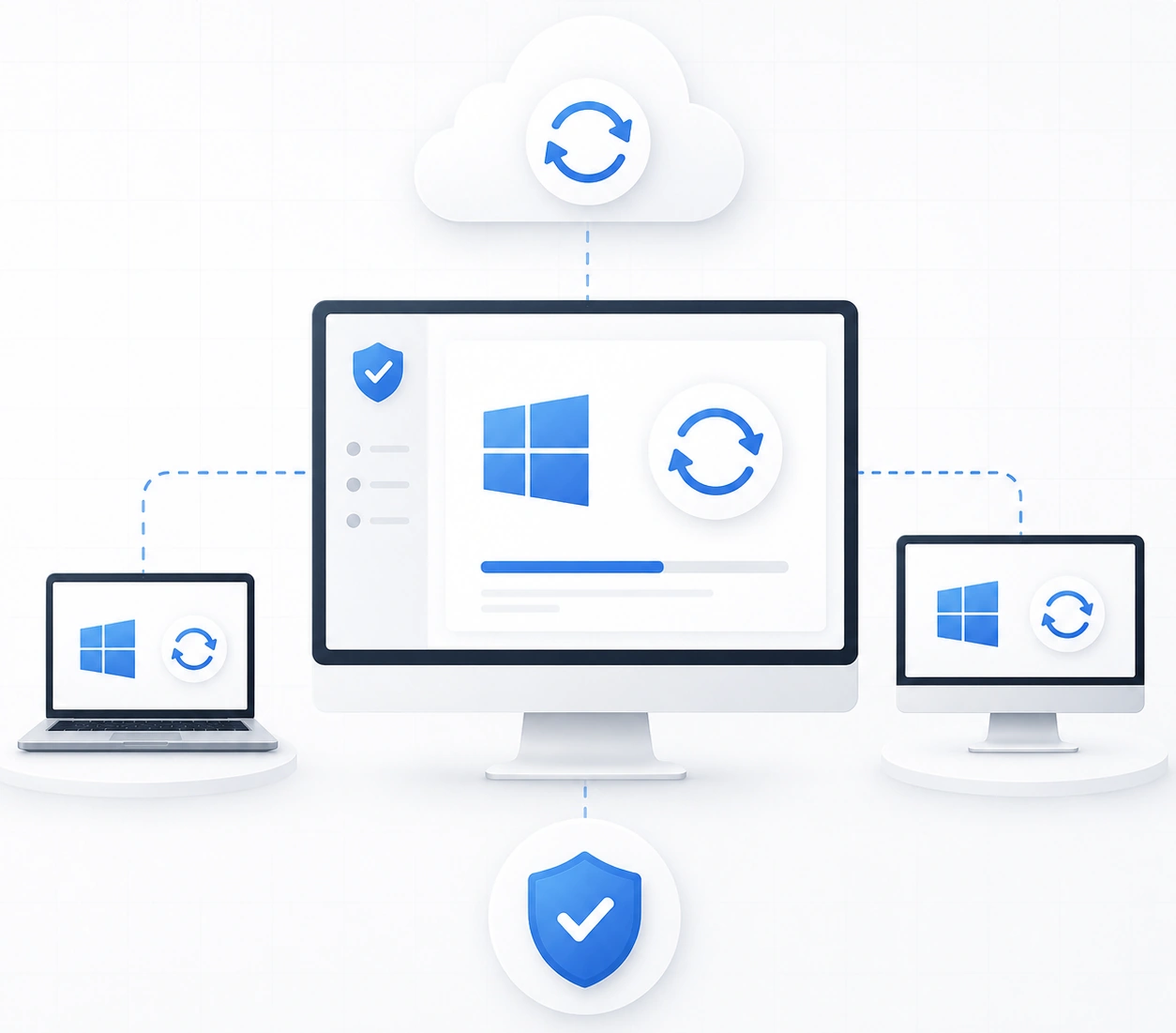
Effective Windows patch management helps organizations reduce risks, maintain system stability,
and ensure consistent updates across devices.

Outdated systems are vulnerable to known threats and exploits. Regular patching helps close these gaps and reduce exposure to attacks.

Manually updating devices takes time and effort across large environments. Automation simplifies patch deployment and reduces operational workload.

Different devices often run different patch levels without centralized management. This creates gaps in security and system performance.

Regulations require systems to stay updated with the latest security patches. Patch management helps maintain compliance and audit readiness.

Devices used outside the office are harder to update consistently. Centralized patch management ensures all endpoints stay updated regardless of location.
Streamline updates with Windows patch management features designed for efficiency and visibility.
Manage all patching activities from a single interface. Gain visibility into patch status, device health, and update progress.

Automate patch deployment across devices based on defined schedules. Reduce manual effort while ensuring timely updates.

Prioritize critical patches based on severity and impact. Focus on high-risk vulnerabilities that require immediate attention.

Test patches before rolling them out across devices. Reduce the chances of system issues caused by faulty updates.

Generate reports for audits and compliance requirements. Maintain visibility into patch status and update history.

Receive notifications for failed updates or missing patches. Stay informed about patching issues across your environment.
Extend Windows patch management to third-party applications used across your organization.
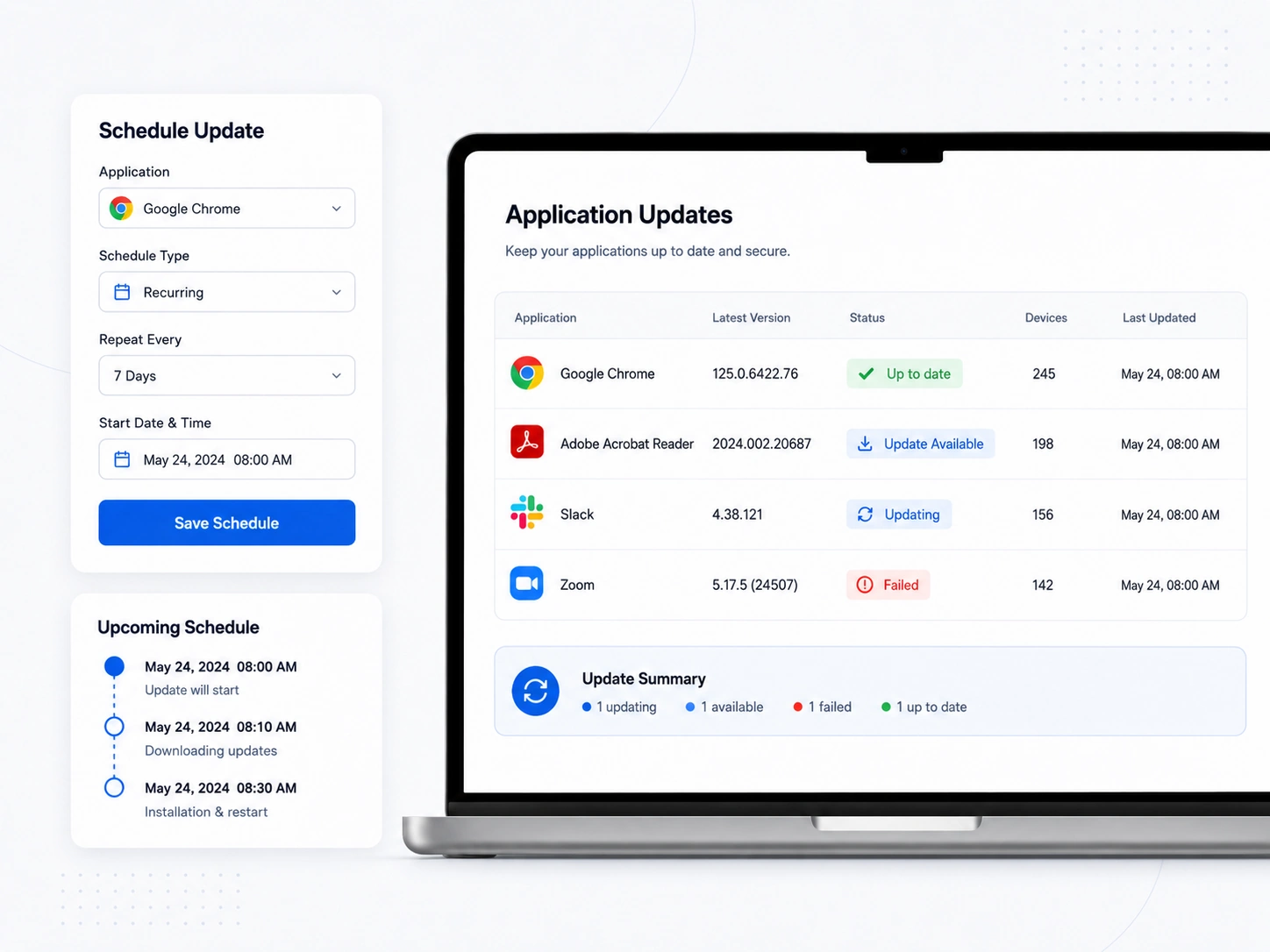
Schedule updates for third-party applications across all devices.
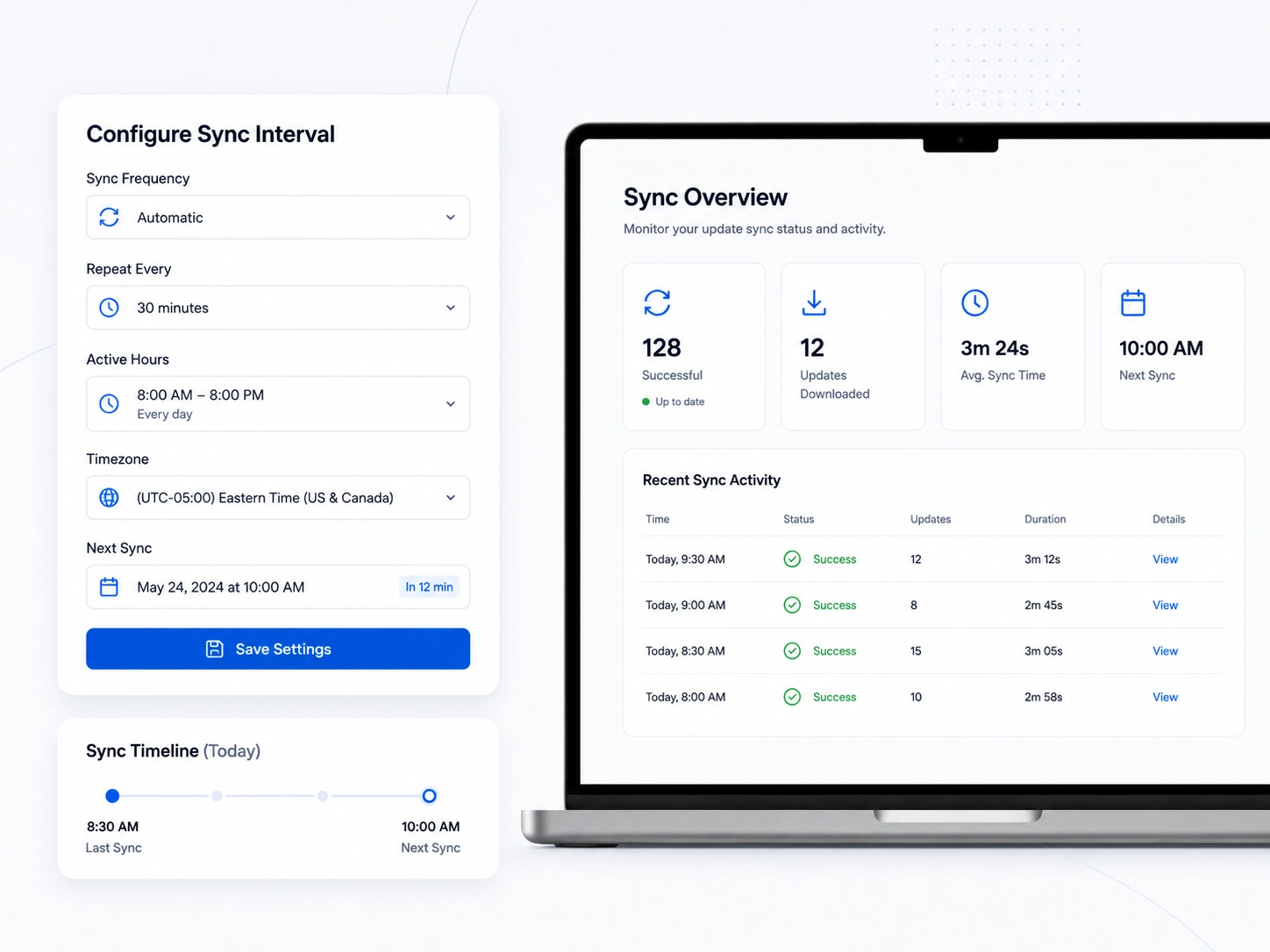
Define how frequently updates are checked and applied.
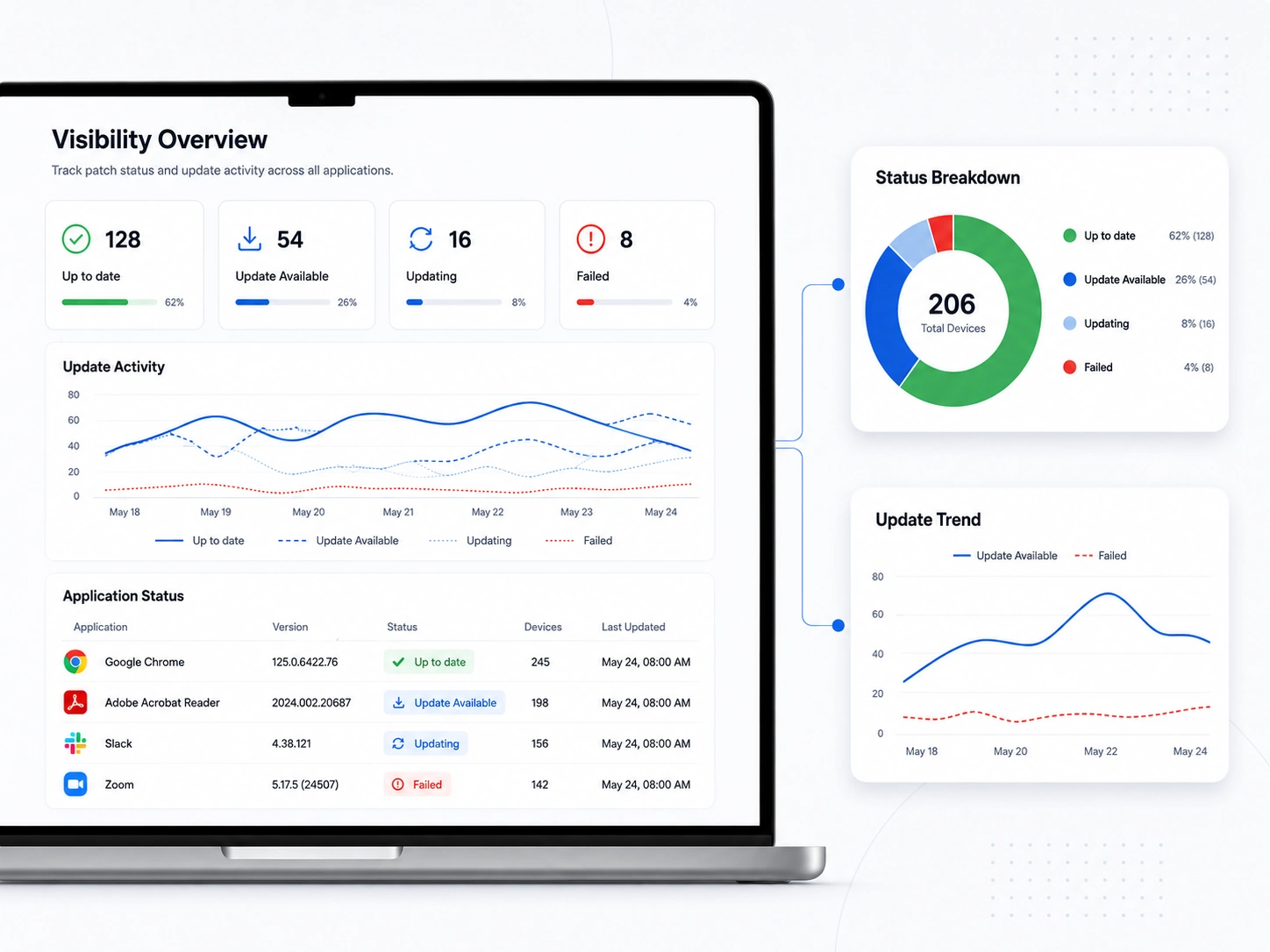
Track patch status and update activity across all applications.
Handle patching across multiple devices without manual intervention.
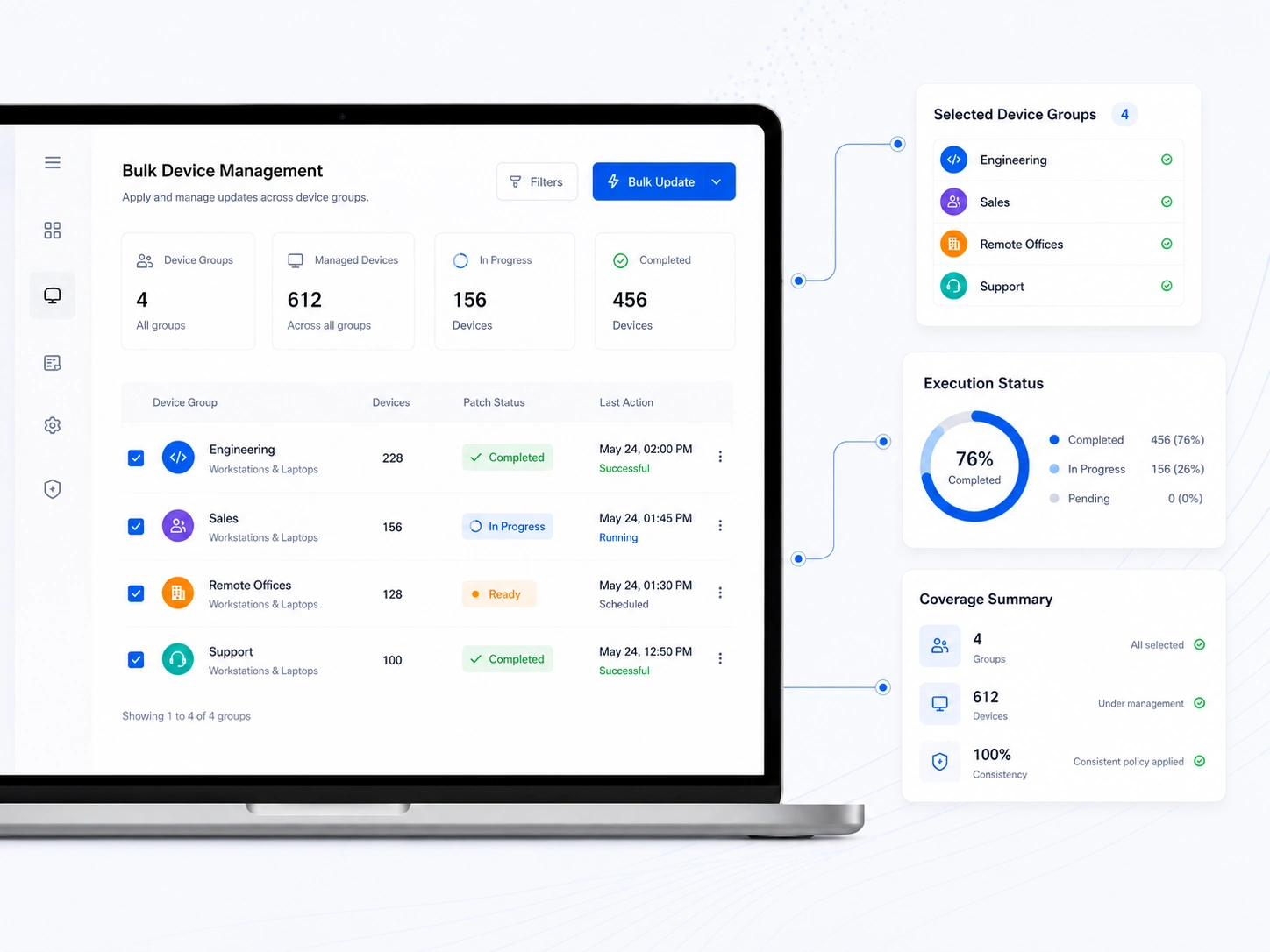
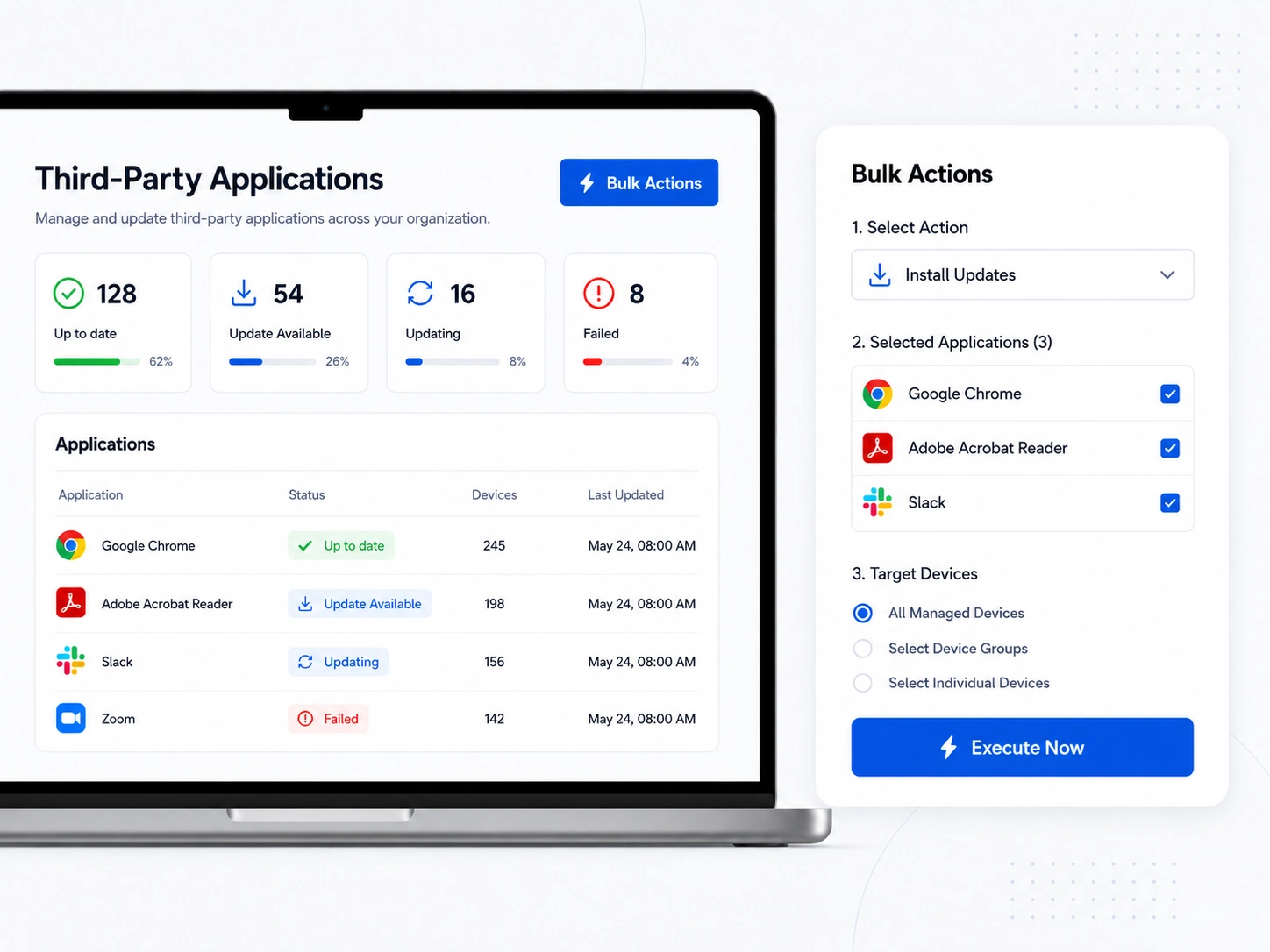
Execute bulk patching actions instantly across devices.
Ensure consistent patch management for Windows across all device types and environments.
Manage updates across Windows laptops used by employees in office, hybrid, and remote environments. Automate patch deployment to ensure devices receive critical security and feature updates on time. Maintain visibility into patch status and compliance across all managed laptops. Reduce security risks without disrupting employee productivity.
Maintain consistent patching across desktop systems used in day-to-day business operations. Deploy updates centrally to ensure devices remain secure and stable. Monitor patch compliance and identify systems that require attention. Reduce vulnerabilities while improving overall system performance.
Monitor patch compliance for personal devices used to access corporate resources. Enforce update requirements to help maintain security standards across your environment. Gain visibility into device patch status without impacting user experience. Reduce risks associated with outdated or vulnerable devices.
Ensure remote devices receive patches regardless of their location or network connection. Automate update deployment to maintain security across distributed teams. Monitor patch progress and compliance from a centralized dashboard. Keep remote endpoints protected against emerging threats.
Keep kiosk devices updated with the latest security and performance patches. Schedule updates to minimize disruption to business operations and customer experiences. Maintain device stability while preserving kiosk configurations and restrictions. Ensure public-facing systems remain secure and reliable.
miniOrange simplifies patching with centralized visibility and automated update workflows.

Manage patching across Windows, macOS, Linux, and ChromeOS from a single console. Maintain consistency across mixed environments.

Connect with UEM and security tools for a unified endpoint management experience. Streamline workflows across your existing systems.

Support compliance with GDPR, HIPAA, SOC 2, and PCI-DSS requirements. Maintain audit readiness with consistent patching policies.
Get the clarity you need before you commit.

