Migration Hub – Phases

Map Your Atlassian Migration for a Smooth Cloud Transition

Moving from Data Center to Atlassian Cloud requires clear steps and the right preparation. miniOrange supports each phase with tools that help you organize users, secure access, and maintain compliance throughout your migration.
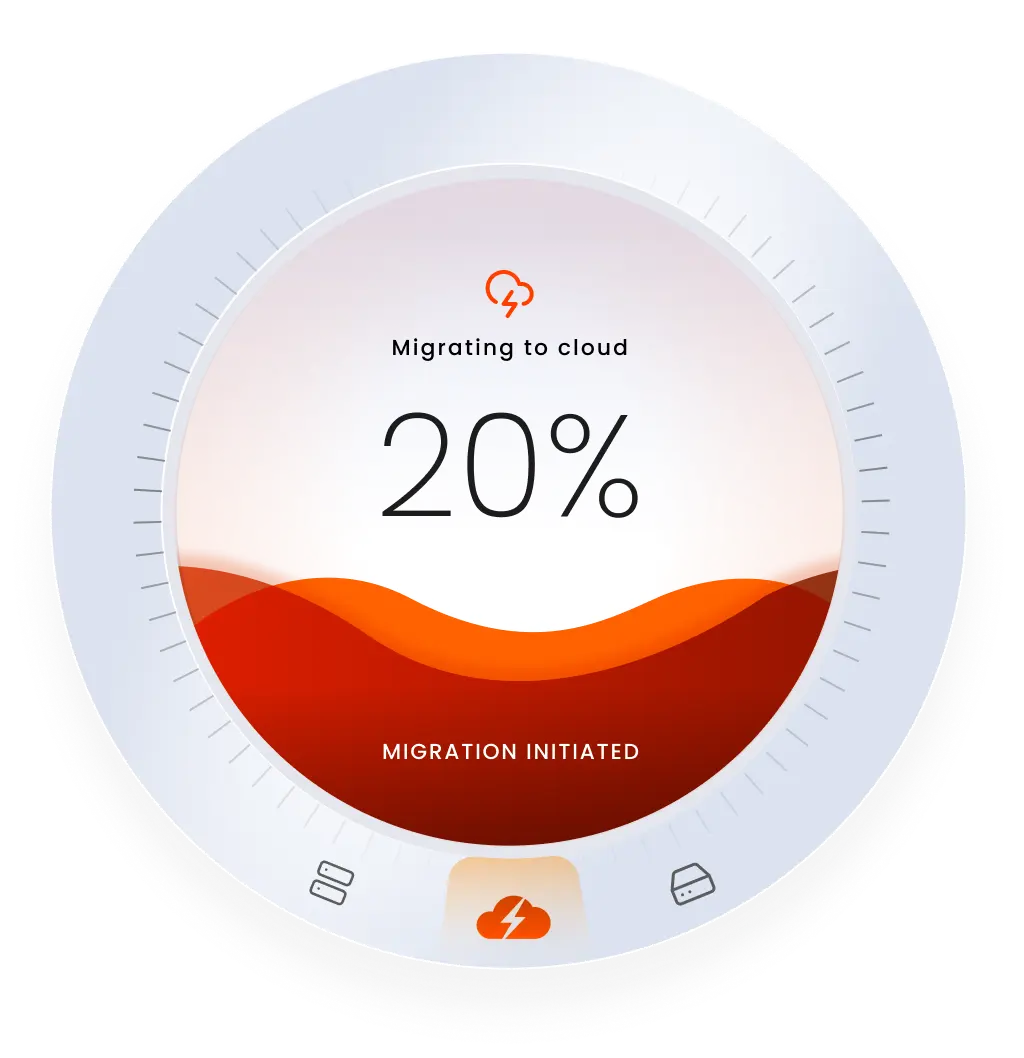
migration to cloud

Assess Your Cloud Migration Process

Understand your current stage and explore how miniOrange apps support your migration.

Prepare for Migration

Prepare for Migration

Review your Data Center setup, remove inactive users and groups, organize permissions, and protect sensitive data to ensure a well-structured start to your Cloud migration.

Optimize on Cloud

Optimize on Cloud

Automate user access, strengthen authentication, protect sensitive data, and maintain visibility into permissions to keep your Atlassian Cloud environment secure and efficient.

Preparing for Migration

Prepare for Migration

Before migrating, review your Data Center setup, organize user accounts, and ensure your data is ready for Cloud.

Icon

Automated User Management DC

Identify inactive or duplicate users and streamline your directories before migration.

Icon

Data Center Migration Assistant

Review users, groups, spaces, and permissions to prepare your instance for Cloud.

Optimize on Cloud

Optimize on Cloud

After migrating, focus on strengthening security, automating user management, and protecting sensitive information.

Icon

SSO & MFA for JSM

Provide portal-only customers a secure authentication experience in Jira Service Management customer portals.

Icon

OAuth SSO

Offer users a unified, secure login across Atlassian Cloud apps.

Icon

SCIM Provisioning

Automatically update user access as roles change across your organization.

Icon

MFA

Add an extra layer of authentication to prevent unauthorized access.

Icon

DLP PII

Identify and protect personal data stored in your Cloud environment.

Icon

Access Governance

Monitor and adjust permissions to maintain appropriate access levels.

Global trust footprint: 25K+
premium clients and counting!

Google KPMG NASA Mastercard Walmart Porsche

Here’s what our awesome customers say

Quote

We have been using miniOrange for a long time and are absolutely satisfied with it. It meets our requirements and expectations. When we noticed errors, support was able to help us a lot and find and develop a solution for us. Awesome!

Quote

We recently installed this plugin for our Jira and found the solution to be very straight-forward and efficient. The support team has been extremely helpful in setting it up and answering all subsequent questions in operating the plugin. Highly recommended!

Quote

Well-designed SSO app packed with practical features for any enterprise setup. The consistent UI across Jira, Confluence, and Bitbucket makes management simple, and both SAML and OIDC variants work seamlessly. Excellent support and highly recommended!

Got Questions? We’ve Got You Covered

Everything You Need to Know

Chat Icon Contact us
How long does Atlassian Cloud migration take?
The timeline depends on your Data Center instance size and data complexity. Proper cleanup and preparation can significantly reduce overall migration time. Normally it takes 6 to 9 months to completely migrate to Cloud.
How can I keep my data secure during migration?
Implementing secure authentication, encrypted data transfers, and consistent access governance is key. miniOrange provides tools that ensure data remains protected throughout the migration process.
Can I migrate in phases?
Yes. Many organizations move users, spaces, or projects in stages. miniOrange solutions support phased migrations without compromising access or data security.
How does AUM DC assist in pre-migration preparation?
AUM DC identifies inactive, duplicate, or outdated user accounts in your Data Center environment, ensuring that only relevant users can be migrated and be assigned licenses on Cloud.
What does the Migration Assistant exactly do?
The migration assistant provides insights on the ideal number of users to migrate to the cloud based on end-user activity. Additionally, if you wish to redact or hide sensitive information before migration, you can easily do so to ensure data security.
How does DLP PII help maintain compliance on Cloud?
DLP PII automatically detects and encrypts sensitive personal information such as credit cards, emails or any kind of PII data stored within Atlassian Cloud. This helps organizations prevent data exposure, comply with privacy regulations, and maintain complete control over sensitive content.
Can miniOrange solutions integrate with all Atlassian Cloud applications?
miniOrange solutions support integration with most major Atlassian Cloud products, including Jira and Confluence. However, integration compatibility may vary depending on the specific solution.
What type of support can I expect from miniOrange?
Our team of experts provides continuous support from initial planning through post-migration optimization, ensuring your migration remains efficient and secure.
miniOrange Atlassian Contact Us

Book a Free Consultation with
Our Experts Today!

Schedule a call now!


Contact Us