Automated User Management for Atlassian Data Center
Reclaim self-hosted licence seats by automatically deactivating inactive Jira, Confluence, Bitbucket, and Crowd Data Center users on a schedule you define. Floating licence support that returns a seat to the pool when a user goes idle, bulk CSV operations for thousands of accounts, and no user data leaving your instance.
TRUSTED BY 3000+ CUSTOMERS ACROSS Cloud & Data Center





Why Teams Choose miniOrange
All-in-one automated user management for Jira, JSM & Confluence.
35%
Average Cost Reduction
3X
Admin Time Saved
24x7
Developer Support
DC User Management Benefits That Cut Costs
-
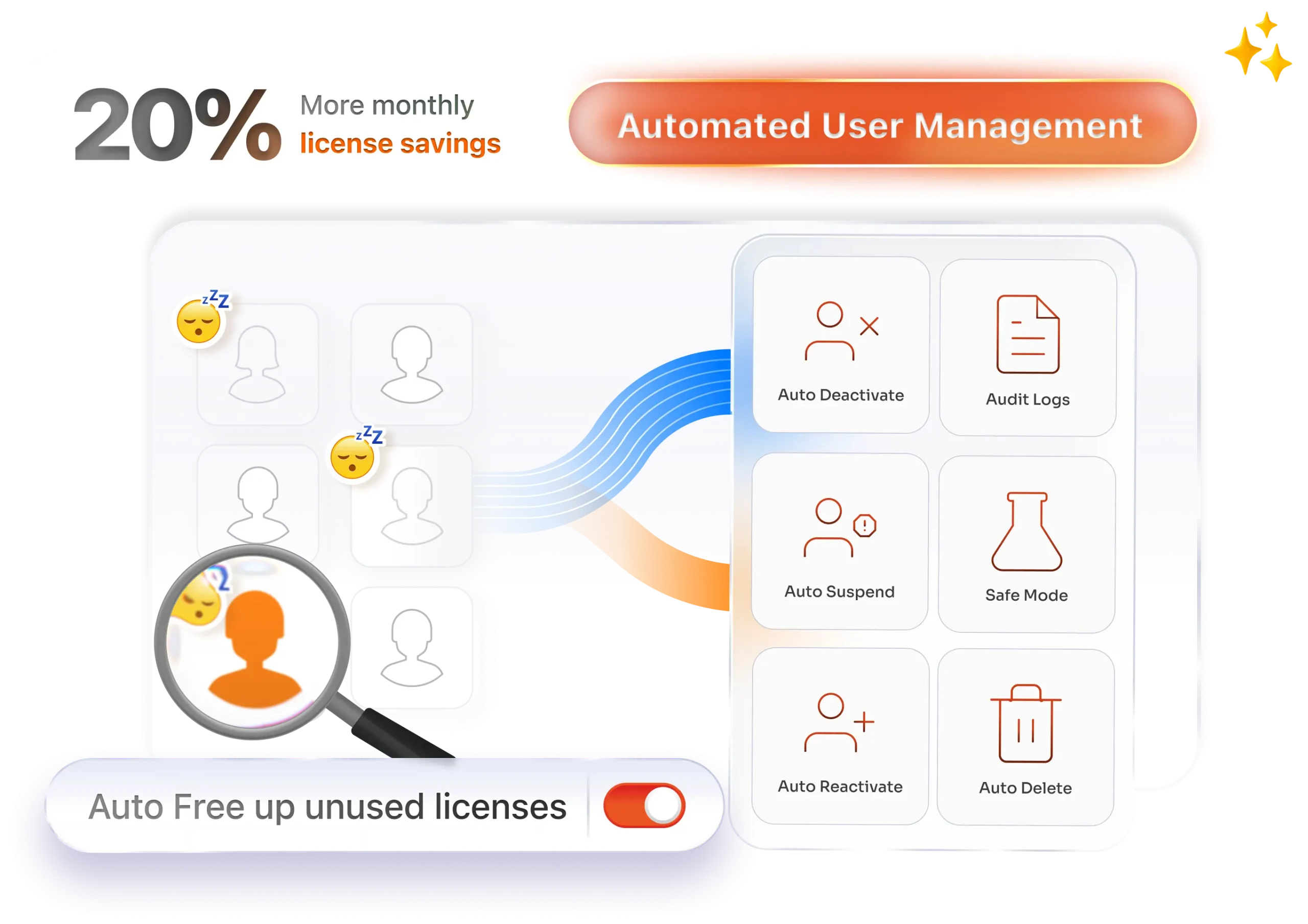
Reclaim Licenses Automatically
A seat releases when a user goes idle and reassigns on their return, so rotating contractors and shift workers never occupy a permanent seat.
-
Nothing Leaves Your Instance
The app interacts only with your Atlassian instance and stores no data, with no external server or third-party database, which usually shortens the security review.
-
Built for On-Prem Scale
Bulk activate, deactivate, delete, or regroup thousands of users in one operation using filters or a CSV, with group membership updated as each file imports.
-
Protect Specific Groups
Admins, C-level accounts, service accounts, and integration users go on an exclusion list, skipped by every scheduled run and bulk operation regardless of login activity.
-
Audit-ready
Every manual action and automated run is logged with timestamps, the triggering rule, and affected users, ready to export for internal reviews and compliance reporting.
User Management Features for Atlassian Data Center

Advanced inactivity detection
Filter by last login date, activity status, group membership, email, or name to build the exact list, surfacing accounts a migration left unused.

Scheduled auto-deactivation
Automatically deactivate inactive users based on a last-login threshold you set, running daily, weekly, or monthly, so cleanup continues without waiting for an annual review.

Licence reclamation
Deactivating an inactive user releases their licence seat immediately, and the app can remove them from licensed groups in the same cleanup, keeping records accurate.

Floating licence support
A seat returns to the pool when a user goes idle and is reassigned automatically when they log back in, maximising utilisation across self-hosted instances.

Bulk operations and CSV import/export
Update thousands of accounts in a single bulk operation, using filters or a CSV file. This works whether you're syncing with an external directory or running a periodic user review.

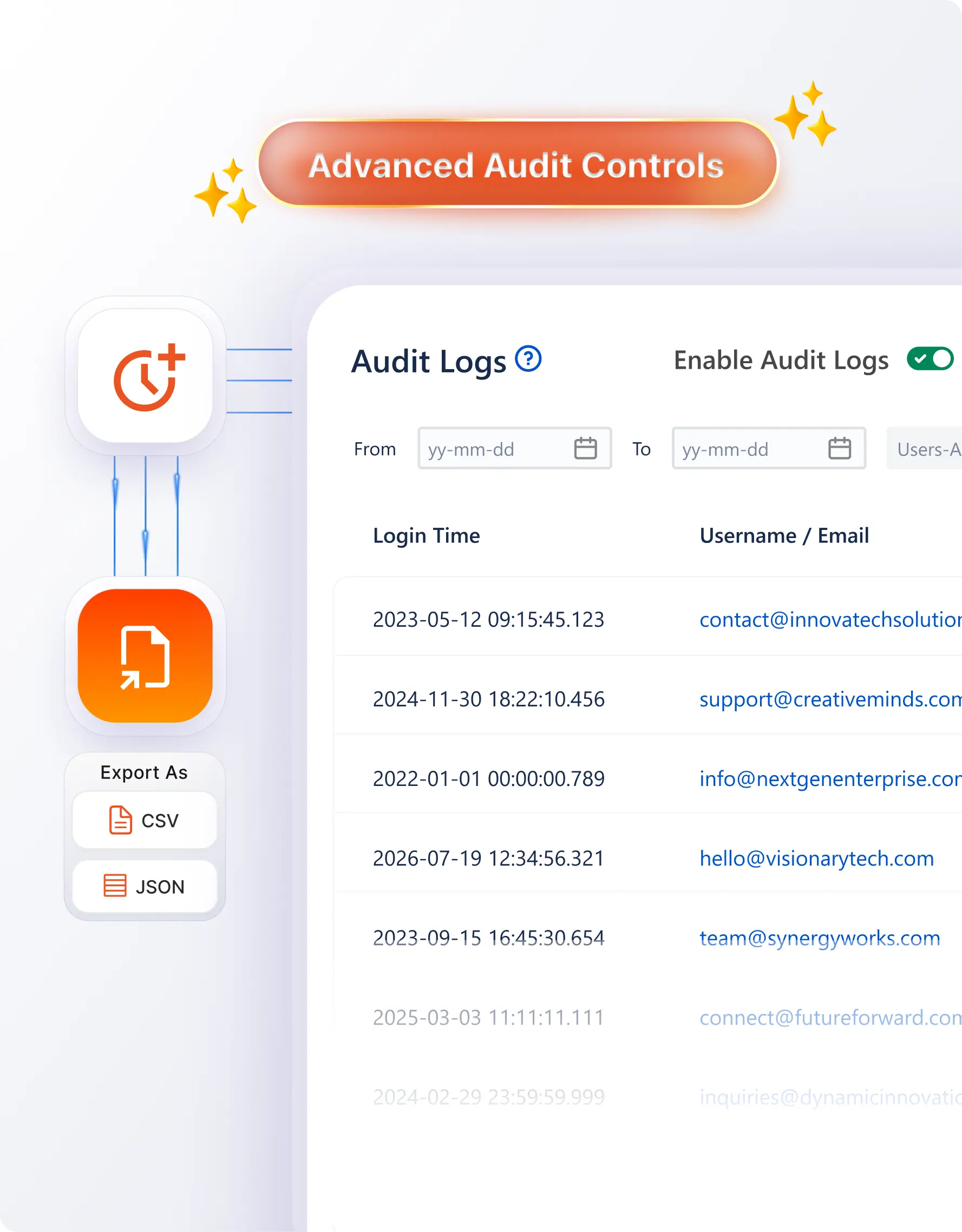
Audit logs and reporting
Track every action with timestamps, triggering rules, and affected users, then export for compliance reviews and watch licence usage trends over time in Report Insights.
How It Works: Licence Reclamation in 5 Steps
Setup takes minutes, and the schedule handles every cleanup after that.
Install
Install the Data Center app for your product from the Atlassian Marketplace. No scripts to write or maintain as your instance grows.
Protect what matters
Add your admin, C-level, etc., to the exclusion list before you configure a single rule. Every run skips excluded groups. it.
Define inactive
Pick the threshold that matches your policy, commonly 30, 60, or 90 days, then narrow by group or activity status.
Automate
Set the schedule, turn on advance email notifications, and choose whether idle seats return to a floating pool.

Comprehensive Feature Comparison
Why Teams Choose miniOrange Automated User Management Over Native Atlassian Tools




Globally trusted by 3000+
premium clients and counting!






Here’s what our awesome customers say
View All Reviews

We recently migrated all our employees from Jira Server to Jira Cloud, and this tool was a game-changer! It quickly helped us separate our non-Jira users, streamlining the entire process. The automated user management and auto-deactivation features saved us a lot of time and effort. Highly recommend it for anyone looking to simplify their Jira user management!
LaTonya A. Pearson
This application is great for managing user licensing. It allows us to reclaim licenses for users that have not logged in recently in order to stay within our license limit. Developer is very helpful and responsive. Developer is actively adding new features based on feedback.
Ron Erlandson
What truly sets this plugin apart is the excellent support team - they are quick to respond, highly knowledgeable, and always ready to help with any questions or issues.
Oskar-Ruben Järvemaa
Frequently Asked Questions
Everything you need to know about support, licensing, and deployment
 Contact us
 Setup & Functionality
Licences, Safety & Data