Comprehensive Git Authentication SSO
Authenticate Git on Bitbucket Data Center via OAuth with seamless SSO, eliminating passwords and SSH keys. Works with SourceTree, GitKraken, and CMD to simplify workflow and boost security.
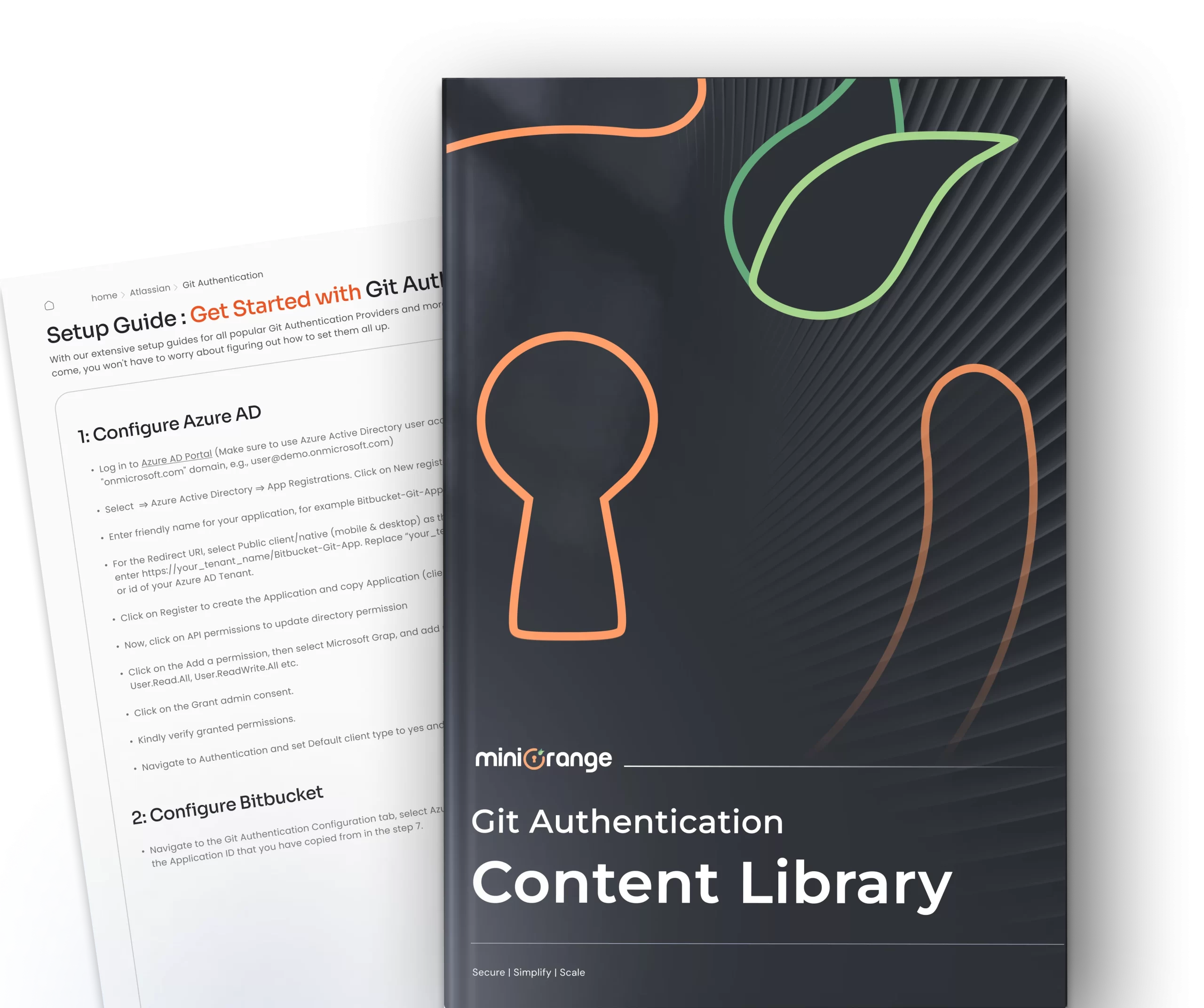
Git Authentication SSO Setup Guides
Configure your Git Authentication SSO with your Bitbucket Data Center






-
How to record debug logs for Git Authentication?
You can follow below steps to enable DEBUG logs,
- Go to Administration >> SUPPORT >> Logging and profiling.
- Enable debug logging and profiling.
After these steps, install the additional plugin Advanced Logging for Bitbucket for managing advanced logging. Once the plugin is installed –
-
How to reset credentials entered for Git Authentication in the local machine?
Windows:
- Press Window button and search for Credential Manager and open it.
- You’ll see two tabs – Web credentials and Window Credential, select Window Credentials.
- Under generic credentials section, identify your git credentials, it will be in format as git:@
- Expand the section and click on remove.
-
Test Connection is successful, but getting an error during git login
This could be because
- User does not has repository access.
- User has a different username in Bitbucket and IDP.
The Test Configuration screen only verifies if the plugin configuration is correct and checks connection with the configured provider.
Hello there!
Need Help? We are right here!


