Why Teams Choose miniOrange
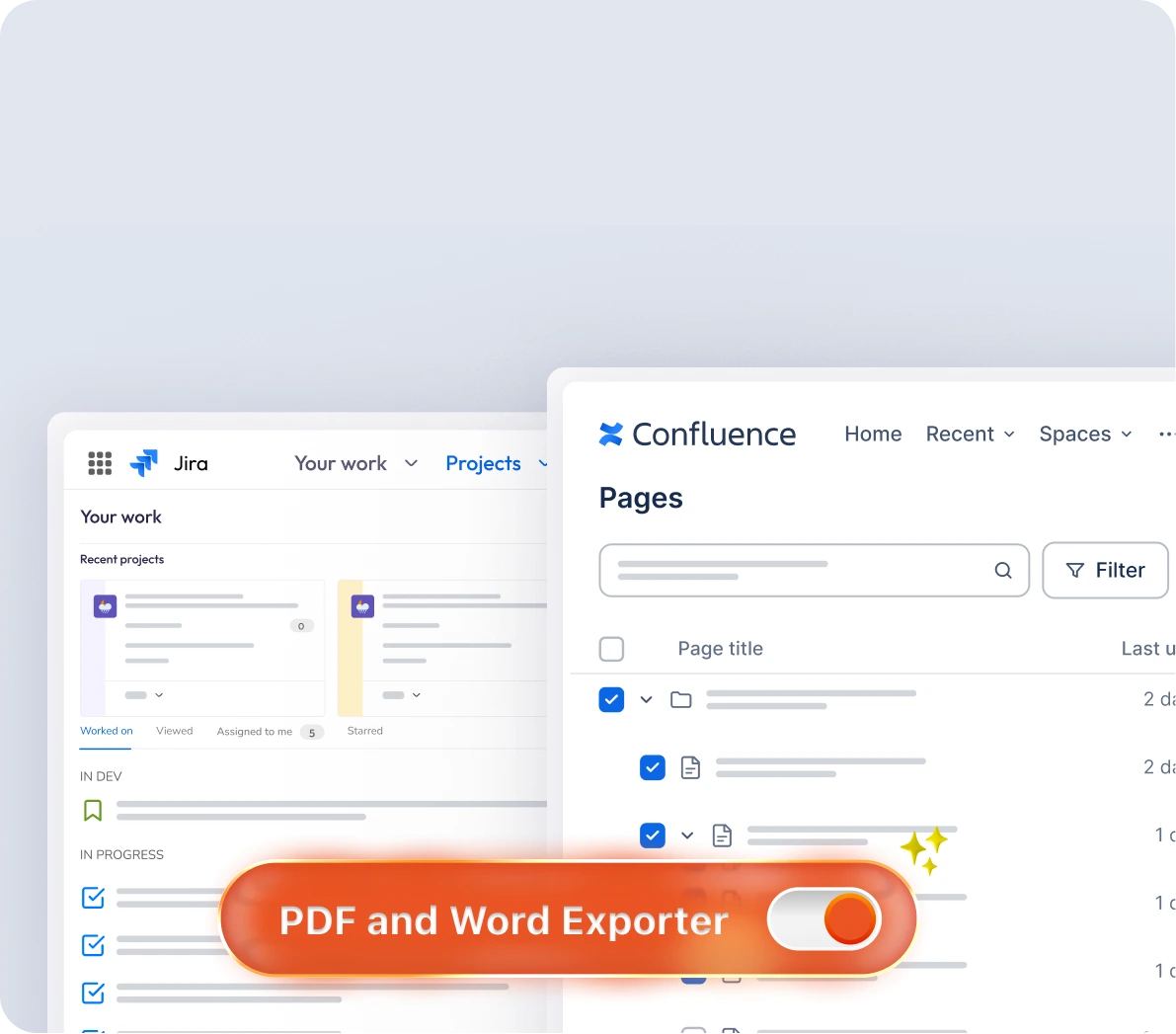
Streamline Jira and Confluence exports with one-click bulk automation and brand-ready documents.
1
Click Bulk Automation
100%
Brand Consistency
24/7
Support
Top Jira Export Features to Simplify Your Workflows
-
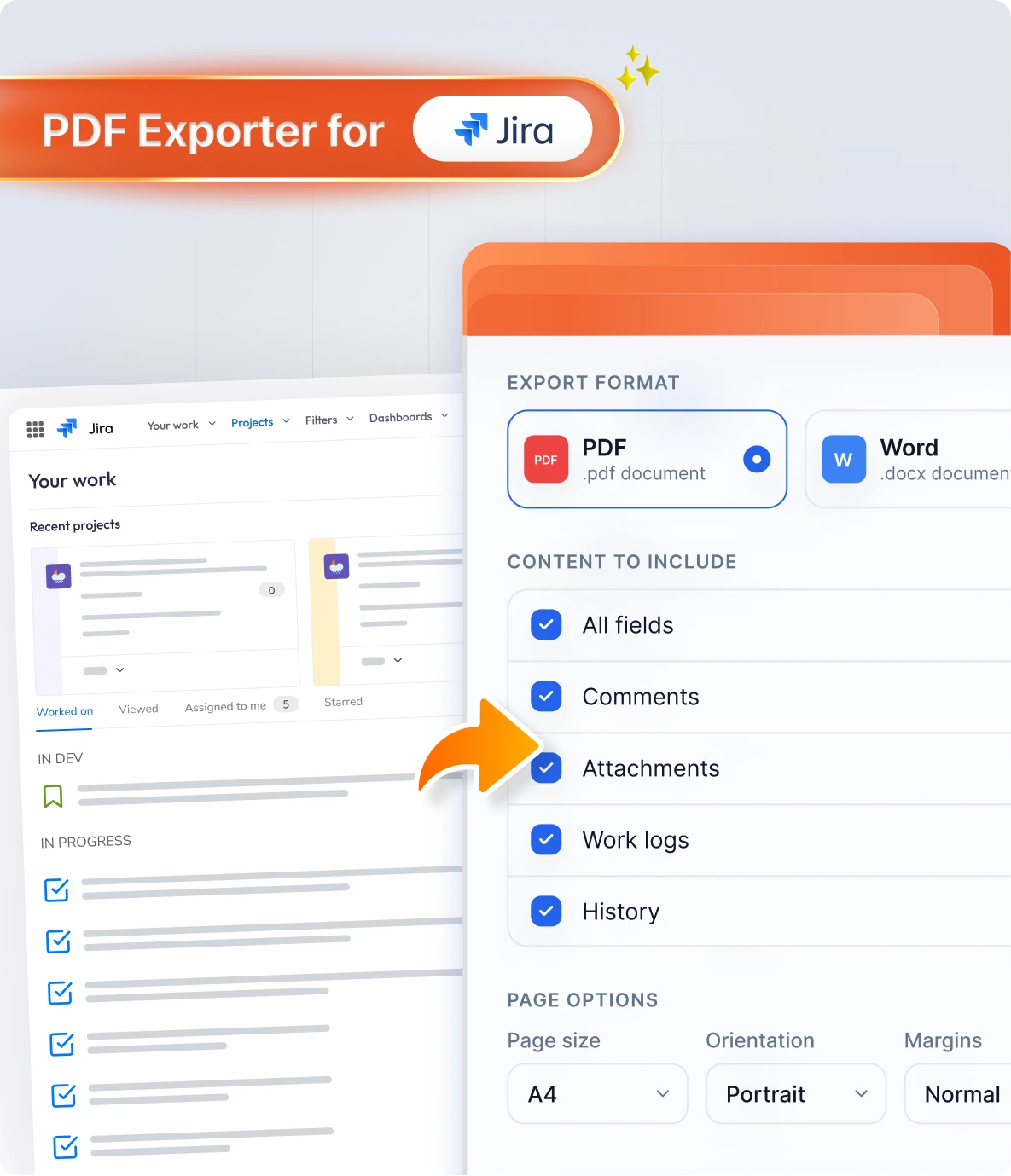
Bulk Ticket Exporting via JQL
Export multiple Jira issues simultaneously with a single click. Filter your exports using Jira Query Language (JQL) to select exactly the tickets you need, eliminating tedious manual copying and pasting.
-
Complete Field & Subtask Control
Gain total control over your documents by choosing exactly what gets shared. Export all fields, custom fields, subtasks, standard comments, internal comments, work logs, and history.
-
Tempo Timesheet Integration
Streamline your billing and reporting workflows. Export all your timesheets directly to PDF or Word formats to effortlessly personalize and share corporate invoices.
-
Saved Export Configurations
Save your preferred fields to your settings so they are automatically selected for every future export, saving you valuable time and repetitive manual setup.
Top Confluence Export Features Built for Every Team
-
Bulk & Child Page Exporting
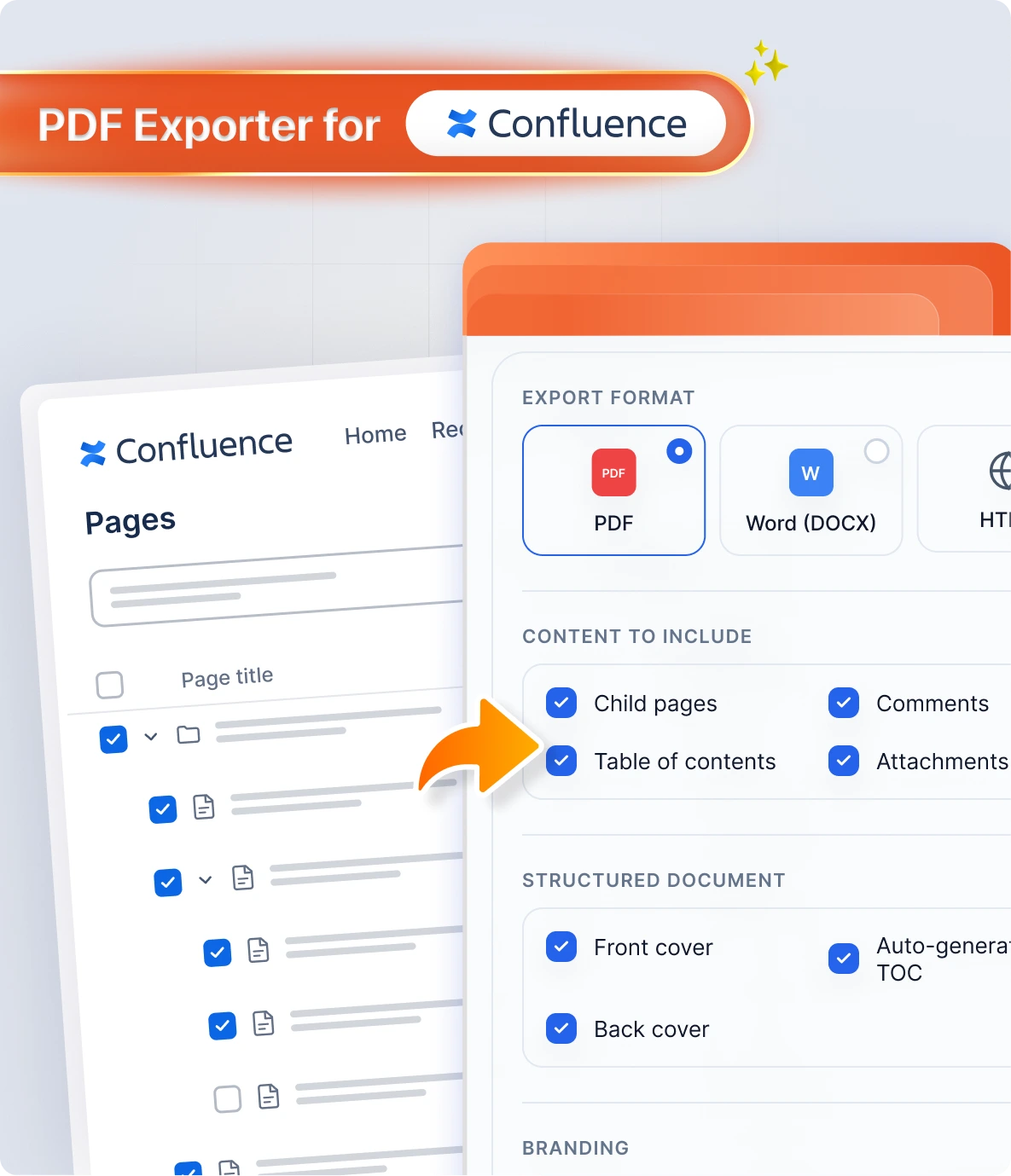
Swiftly export multiple Confluence pages with just a few clicks. Choose exactly which nested child pages to include alongside the parent page to generate a single, all-inclusive document.
-
Structured Document Conversion
Convert loose wiki pages into highly structured corporate documents, automatically complete with custom front and back covers and a clean table of contents.
-
Custom Branding & Watermark Support
Personalize your exported documents to match your brand identity. Add custom headers and footers, and easily upload your own watermark to ensure information protection and consistency.
-
Integrated Email & Google Drive Sharing
Distribute your exported PDF, Word, or HTML files instantly. Share documents directly via email or upload them to Google Drive in bulk without interrupting your active workflow or switching browser tabs.

Comprehensive Comparison
Why Teams Choose miniOrange PDF Exporter Over Native Atlassian Solutions




Globally trusted by 3000+
premium clients and counting!






Here’s what our awesome customers say

The solution is fantastic and incredibly easy to configure! I’m also extremely impressed with the support & the assistance provided has been outstanding and truly appreciated. The team is knowledgeable, approachable, and clearly committed to delivering an excellent user experience.
Reach Tech Support
miniOrange's support team deserves special mention. Their prompt and knowledgeable assistance has been invaluable, from initial setup to ongoing maintenance. Whether through email or live chat, their support representatives have always provided clear and effective solutions.
James Hunt
We recently installed this plugin for our Jira and found the solution to be very straight-forward and efficient. The support team has been extremely helpful in setting it up and answering all subsequent questions in operating the plugin. Highly recommended!
Maria Grudinina
Frequently Asked Questions
Everything you need to know about support, licensing, and deployment
 Contact us
 App Support & Functionality