PDF & Word Exporter Documentation: Export Guides for Jira & Confluence
Find setup guides and configuration references for PDF/Word Exporter across Jira and Confluence.
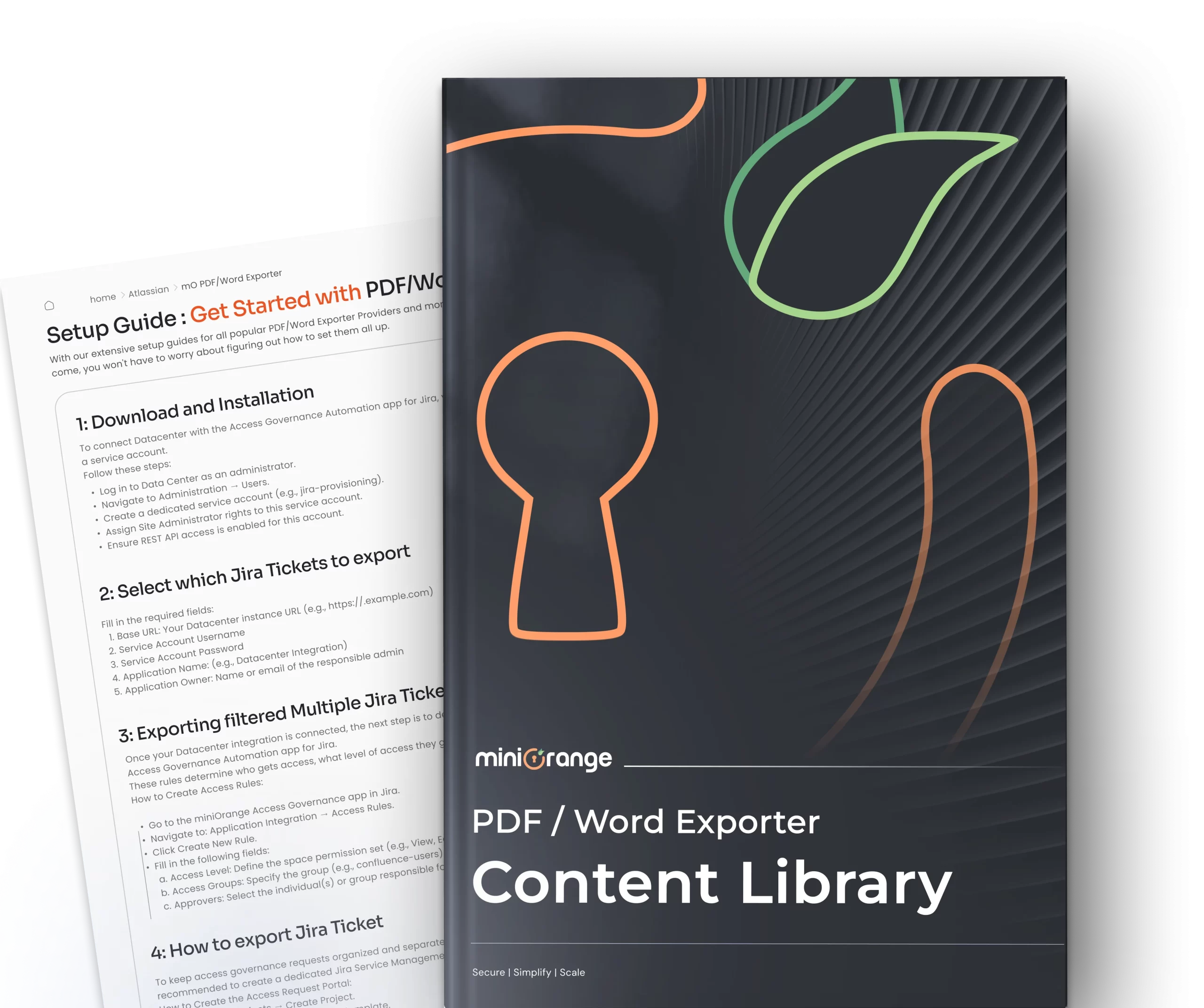
Set Up PDF & Word Exporter for Jira and Confluence
Browse step-by-step setup guides for exporting Jira issues and Confluence pages to PDF, Word, and HTML.


App Resources: Explore Blogs and Handbooks
Handbook
PDF/Word Exporter Cloud
PDF/Word Exporter Cloud plugin provides easy, quick and better way to export issues/tickets from any Project in standard business documents file formats like PDF and Word document.
Know More
Handbook
PDF/Word Exporter DC
Jira Issue Exporter downloads in PDF & Word format. Export Issues for Jira using a single click Jira Exporter for Data Center/DC.
Know More
Blog
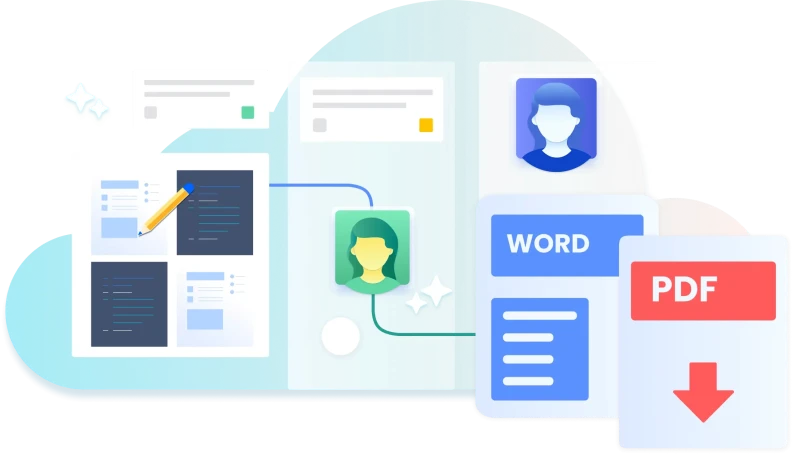
Export Jira issues in Single Click!
Know More
-
What file formats does miniOrange PDF/Word Exporter support for Jira and Confluence?
For Jira, the app exports issues to PDF and Word (.docx). For Confluence, it goes a step further, you can export pages to PDF, Word, and HTML. Both apps let you choose which fields and elements to include before exporting, so you're never stuck with a one-size-fits-all output.
-
Which Jira issue fields and details can I include in an export?
You have full control over what goes into each export. Beyond the standard issue fields, you can include custom fields, subtasks, comments, internal comments, work logs, and full issue history. You can also filter which issues to export using JQL, making it straightforward to generate targeted reports, such as all open bugs in a sprint or issues assigned to a specific team member.
-
Can I export multiple Confluence pages at once?
Yes. The Confluence app lets you select and export multiple pages in bulk with just a few clicks, no need to export page by page. You can also choose to include child pages, embedded links, page creator details, comments, and attachments in the export, giving you a complete document rather than a stripped-down snapshot.
-
Can I customize the look of exported documents with branding?
Yes, for both Jira and Confluence exports. The apps support custom templates that let you control the layout, field order, and formatting of your PDF or Word output. For Confluence exports specifically, you can also add custom headers, footers, and watermarks — useful for adding company logos, confidentiality notices, or page numbers to client-facing or compliance documents.
-
How do I share exported documents directly from the app?
You don't need to download the file first and then switch to your email or Drive. The Confluence exporter lets you send exported PDFs and Word documents directly via email or to Google Drive from within the app itself. For Jira, you can also send exported issues over email without leaving the issue screen.