

Every employee, contractor, application, and device in your environment needs the right level of access, but deciding how that access is managed is where many organizations struggle. Grant too many permissions, and you increase security risks. Make access too restrictive, and productivity suffers.
Understanding the differences between RBAC and ACL is essential for designing a secure, scalable, and compliant access strategy. In this guide, we'll explain what RBAC is in cybersecurity, what an Access Control List (ACL) is, compare their strengths and limitations, and help you determine which model best aligns with your organization's security and operational requirements.
What Is Role-Based Access Control (RBAC)?
Managing access for a handful of users is straightforward. Managing permissions for hundreds or thousands of employees across applications, departments, and locations is far more challenging. This is where Role-Based Access Control (RBAC) becomes essential. Instead of assigning permissions to every individual, RBAC groups users based on their responsibilities and grants access through predefined roles.
Role-Based Access Control (RBAC) is an access control model that grants permissions based on a user's role within an organization. Administrators define roles such as Administrator, Manager, HR Executive, or Viewer, each with a specific set of permissions. Users are then assigned to these roles, automatically inheriting the access they need to perform their responsibilities.
Think of RBAC like an amusement park with different ticket types. A VIP Pass provides access to every attraction, while a Standard Pass only allows entry to selected rides. Instead of deciding access for every visitor individually, the park simply checks which pass they hold. RBAC follows the same principle by granting permissions based on the assigned role rather than evaluating every user separately.
How RBAC Works
RBAC introduces a simple relationship between users, roles, and permissions.
Users → Roles → Permissions → Resources
For example, a finance department may define separate roles for a Finance Administrator, Accountant, and Auditor. Each role includes only the permissions required for that job function. When a new accountant joins the organization, administrators simply assign the Accountant role instead of configuring permissions across every application individually. If the employee changes departments or receives a promotion, updating their role automatically updates their access.
This centralized approach makes onboarding, role changes, and offboarding significantly faster while reducing the risk of permission sprawl.
Key Components of RBAC
An effective RBAC implementation is built around four core elements:
- Users: Employees, contractors, partners, or service accounts that require access.
- Roles: Collections of permissions based on business responsibilities, such as Sales Manager or IT Administrator.
- Permissions: Actions users can perform, including viewing, creating, editing, approving, or deleting data.
- Resources: Applications, databases, cloud services, files, and other systems that require protection.
By separating users from permissions, RBAC provides a structured framework that scales with organizational growth while making access governance easier to manage.
What is an Access Control List (ACL)?
Not every access decision can be made using roles alone. Sometimes, organizations need to control access to a specific file, folder, database, or network device regardless of a user's job title. This is where an Access Control List (ACL) is most effective. Instead of assigning permissions through roles, ACLs attach access rules directly to individual resources, making them ideal for environments where fine-grained control is required.
An Access Control List (ACL) is a list of permission entries associated with a specific resource. Each entry specifies which users or groups can access that resource and the actions they're allowed to perform, such as reading, writing, modifying, or deleting it.
A simple way to think about an ACL is as the guest list for a private event. Every guest's name appears on the list along with the level of access they've been granted. If someone's name isn't listed, they aren't allowed inside. Likewise, each protected resource maintains its own access list, and permissions are evaluated whenever someone attempts to access it.
How ACL Works
Unlike RBAC, where permissions are inherited through roles, ACLs evaluate permissions at the resource level.
User → Resource → Access Control List → Permission Decision
Imagine a confidential project folder shared across multiple teams. The folder's ACL might grant Project Managers full control, Developers permission to view and edit files, Auditors read-only access, and deny access to everyone else. Whenever a user opens the folder, the system checks the ACL before allowing or denying the requested action.
This approach provides precise control over individual resources without affecting permissions elsewhere.
Where ACLs Are Commonly Used
ACLs are widely used in environments where access must be managed on a resource-by-resource basis. Common examples include:
- File systems to secure folders and documents in Windows and Linux.
- Network infrastructure to filter traffic on routers, switches, and firewalls.
- Shared storage where different users require different levels of access to specific files.
- Cloud storage services that control permissions for individual buckets, objects, or resources.
While ACLs offer exceptional flexibility and precision, maintaining individual permission lists across thousands of users and resources can quickly become difficult. For this reason, organizations often rely on ACLs for resource-level protection while using RBAC to manage user access at scale.
RBAC vs. ACL: The Core Differences
While both RBAC and ACL are designed to control access to systems and data, they take fundamentally different approaches. RBAC simplifies access management by assigning permissions through predefined roles, making it easier to manage users across an organization.
ACLs, on the other hand, attach permissions directly to individual resources, offering greater precision but requiring more administrative effort as environments grow. Understanding these differences helps organizations choose the right model based on their security, operational, and compliance requirements.

| Feature | Role-Based Access Control (RBAC) | Access Control List (ACL) |
|---|---|---|
| Access Assignment | Permissions are assigned to roles, and users inherit access through their assigned role. | Permissions are assigned directly to individual users or groups for each resource. |
| Primary Focus | Managing user access based on organizational responsibilities. | Protecting individual files, folders, databases, or network resources. |
| Granularity | Broad, role-level access that's easy to standardize. | Fine-grained, resource-level permissions with greater flexibility. |
| Scalability | Highly scalable for organizations with large or growing workforces. | Best suited for smaller environments or specific resources, as permission lists become harder to manage over time. |
| Administration | Centralized and consistent, with changes made by updating user roles. | Decentralized, requiring permissions to be maintained for each protected resource. |
| Compliance | Simplifies audits by standardizing access across similar job functions. | Auditing can be more complex since permissions vary by resource. |
| Common Use Cases | Enterprise applications, SaaS platforms, IAM solutions, and business systems. | File systems, shared folders, cloud storage, routers, switches, and firewalls. |
| Best Fit | Organizations that need scalable, policy-driven access management. | Environments requiring highly specific, resource-level permission control. |
When to Choose RBAC vs. ACL
The right access control model depends on what you're protecting and how your organization manages permissions. If your priority is simplifying user access across applications and departments, RBAC is often the better choice. If you need to secure individual resources with unique permission requirements, ACLs provide the level of control that's needed. In many environments, using both models together delivers the strongest balance of security, flexibility, and operational efficiency.
Choose RBAC When
RBAC is best suited for organizations where users perform clearly defined job functions and require consistent access across multiple systems.
It's an ideal choice if you:
- Manage a growing workforce with frequent onboarding, role changes, and offboarding.
- Need to enforce least privilege through standardized roles.
- Must demonstrate compliance with regulations through consistent access policies.
- Want to simplify permission management across cloud and on-premises applications.
- Are implementing an Identity and Access Management (IAM) solution for centralized access control.
Choose ACL When
ACLs are a better fit when permissions need to be managed at the level of individual resources rather than users or roles.
Consider ACLs if you:
- Need to secure specific files, folders, or shared storage.
- Manage routers, switches, or firewalls that require traffic filtering.
- Have resources with unique permission requirements that don't align with predefined roles.
- Need temporary or exception-based access to a particular resource.
- Operate in smaller environments where resource-level permissions are easier to maintain.
Can RBAC and ACL Work Together?
Absolutely. In fact, many organizations combine both models to take advantage of their strengths.
For example, an organization might use RBAC to grant employees access to business applications based on their roles, while ACLs protect sensitive documents, shared folders, or network resources within those applications. This layered approach simplifies user management without sacrificing the granular control needed for critical assets.
Rather than choosing one over the other, the goal is to apply each model where it delivers the greatest value. RBAC streamlines identity management across the organization, while ACLs provide precise control over the resources that matter most.
Building an Access Control Strategy That Scales
Selecting between RBAC and ACL depends on how your organization manages users, resources, and permissions. RBAC is ideal for environments where access aligns with job roles and needs to scale efficiently, while ACLs are better suited for protecting individual files, systems, or network resources with highly specific permissions.
Many organizations combine both approaches to balance centralized access management with granular resource-level control. By understanding where each model fits, you can build an access strategy that strengthens security without adding unnecessary administrative complexity.
FAQs
Can RBAC and ACL be used together?
Yes. Many organizations combine RBAC and ACL to balance scalability and granular control. RBAC manages user permissions through roles across applications, while ACLs secure specific files, folders, databases, or network resources that require individual access rules.
What is the main difference between RBAC and ACL?
RBAC grants permissions based on a user's assigned role, such as Administrator or Manager. ACLs assign permissions directly to individual users or groups for a specific resource, offering more granular but less scalable access management.
What is RBAC vs ACL vs ABAC?
RBAC grants access based on predefined roles, ACL controls access at the individual resource level, and ABAC (Attribute-Based Access Control) evaluates attributes such as user identity, department, device, location, or time to make dynamic access decisions.
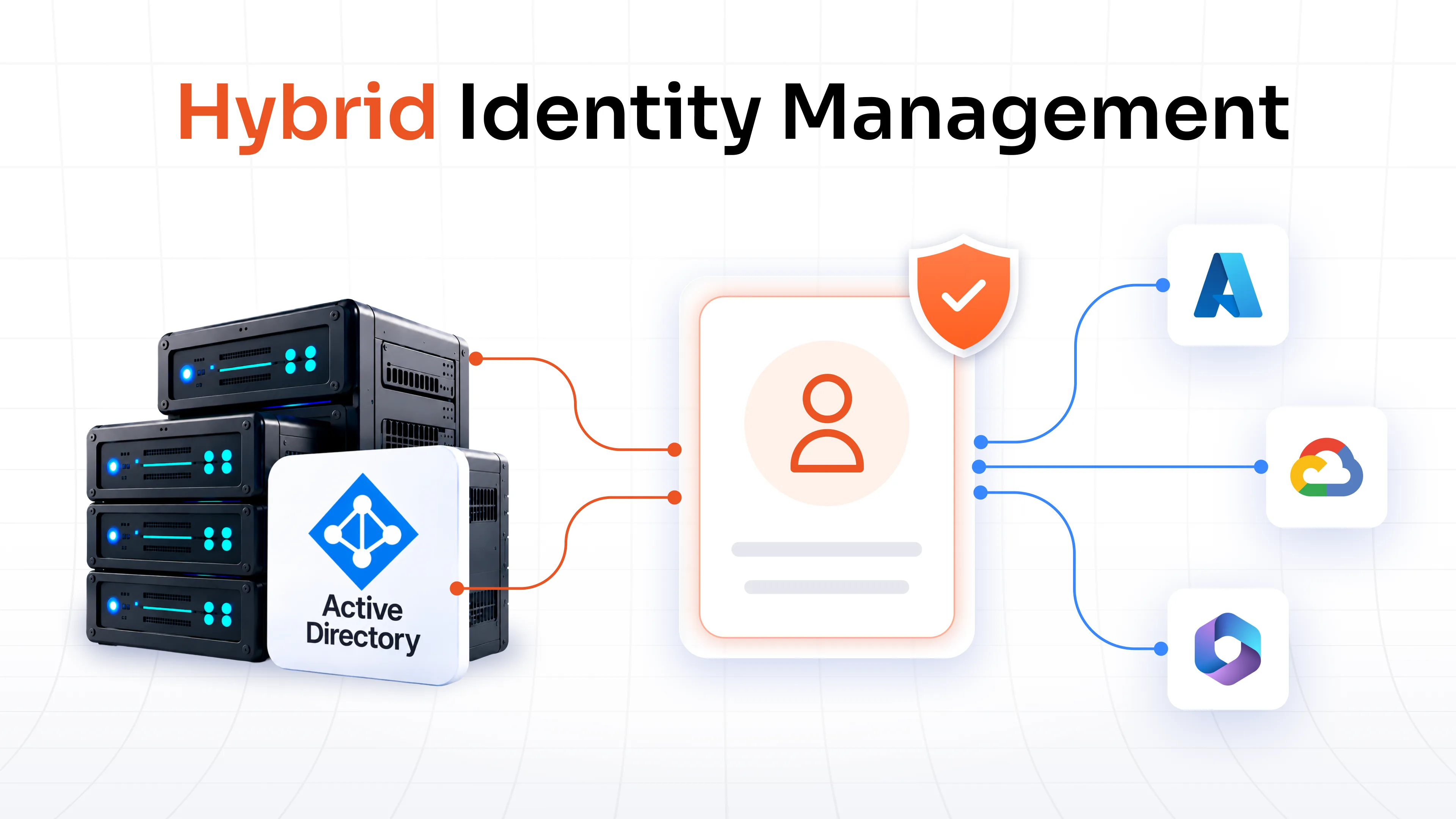
Is Active Directory (AD) an RBAC or ACL system?
Active Directory supports both models. Security groups can be used to implement RBAC by assigning permissions through roles, while NTFS permissions rely on ACLs to control access to files and folders.
Why is RBAC preferred over ACL for growing businesses?
RBAC reduces administrative overhead by managing permissions through roles instead of configuring access for every individual user and resource. This makes it easier to onboard employees, enforce least privilege, support compliance, and scale access management as the organization grows.
Which is more secure, RBAC or ACL?
Neither model is inherently more secure. RBAC improves consistency and reduces the risk of excessive permissions across large organizations, while ACL provides fine-grained control over individual resources. The most effective approach depends on your security requirements and is often a combination of both.
Leave a Comment