Hello there!
Need Help? We are right here!

Need Help? We are right here!
Search Results:
×
Traditional access control models often create fragmented permissions, excessive access rights, and inactive accounts that go unnoticed. As organizations scale, this lack of visibility increases cybersecurity risk, makes compliance with standards such as GDPR, PCI DSS, NIST, and ISO more complex, and adds continuous manual effort for IT teams during access reviews.
Role-Based Access Control (RBAC) introduces a structured approach by mapping permissions to job roles, ensuring users receive only the access they need. miniOrange RBAC strengthens this model with centralized role management, faster onboarding and offboarding, simplified audit readiness, and scalable access control that improves security while reducing operational overhead.

Assign roles once and instantly provision appropriate access across systems.

Enforce structured access policies that support regulatory alignment and simplify reviews.

Maintain clean permission structures as users, applications, and environments expand.
Define structured access groups aligned to job functions, ensuring users receive consistent and appropriate access based on their responsibilities.
Establish clearly scoped actions within applications, systems, and data environments to keep access controlled and intentional.
Map individuals or teams to roles through directory integrations, enabling efficient provisioning and updates as responsibilities change.
Monitor active user sessions to maintain visibility into access activity and support stronger administration across systems.
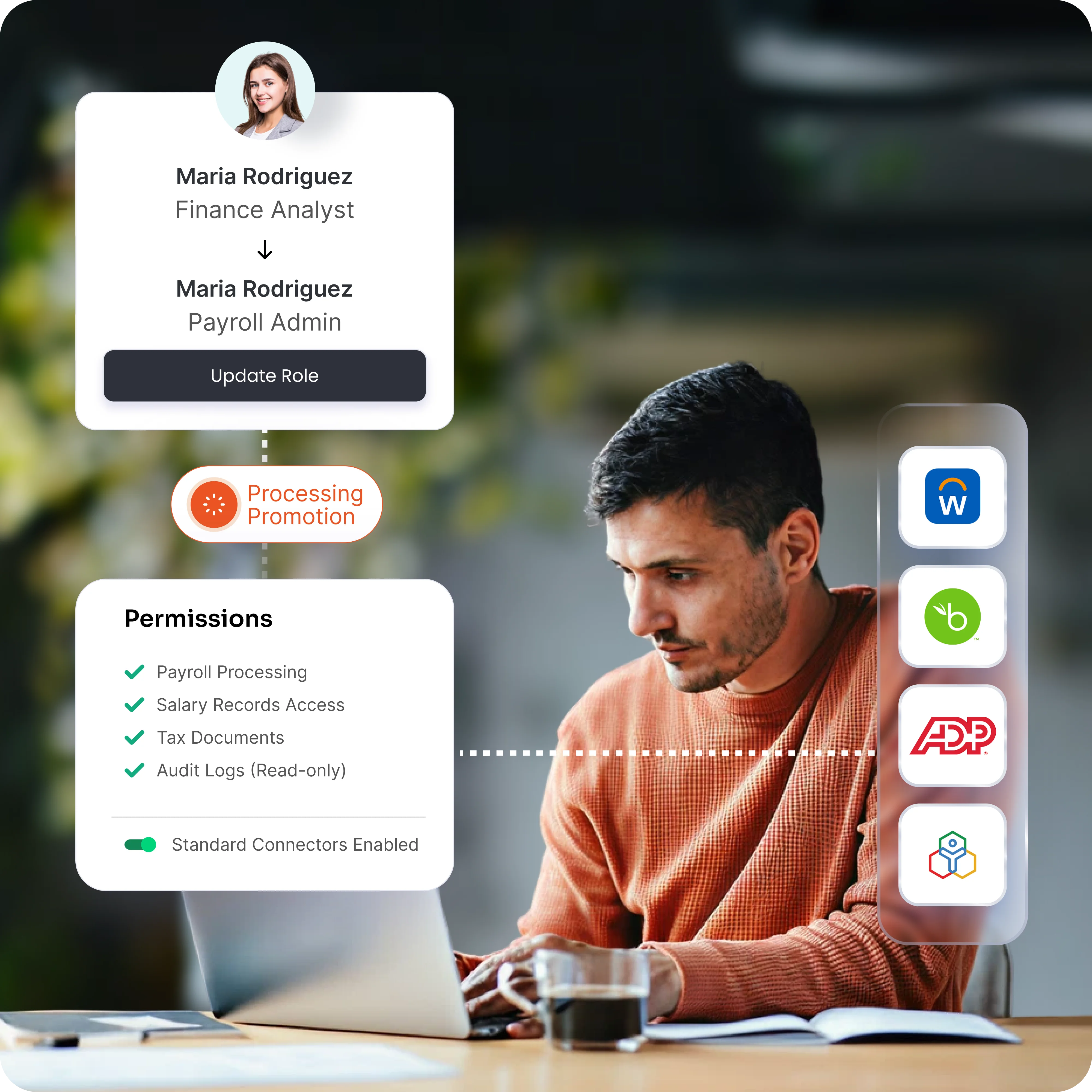
Goal: Mirror sensitive roles like "Payroll Admin" across HR/payroll apps like Workday, BambooHR, ADP, or Zoho People.
How: Automatic sync using standard connections.
Actions:
Benefit: Instant updates across all apps minimize compliance risks and exposure windows.
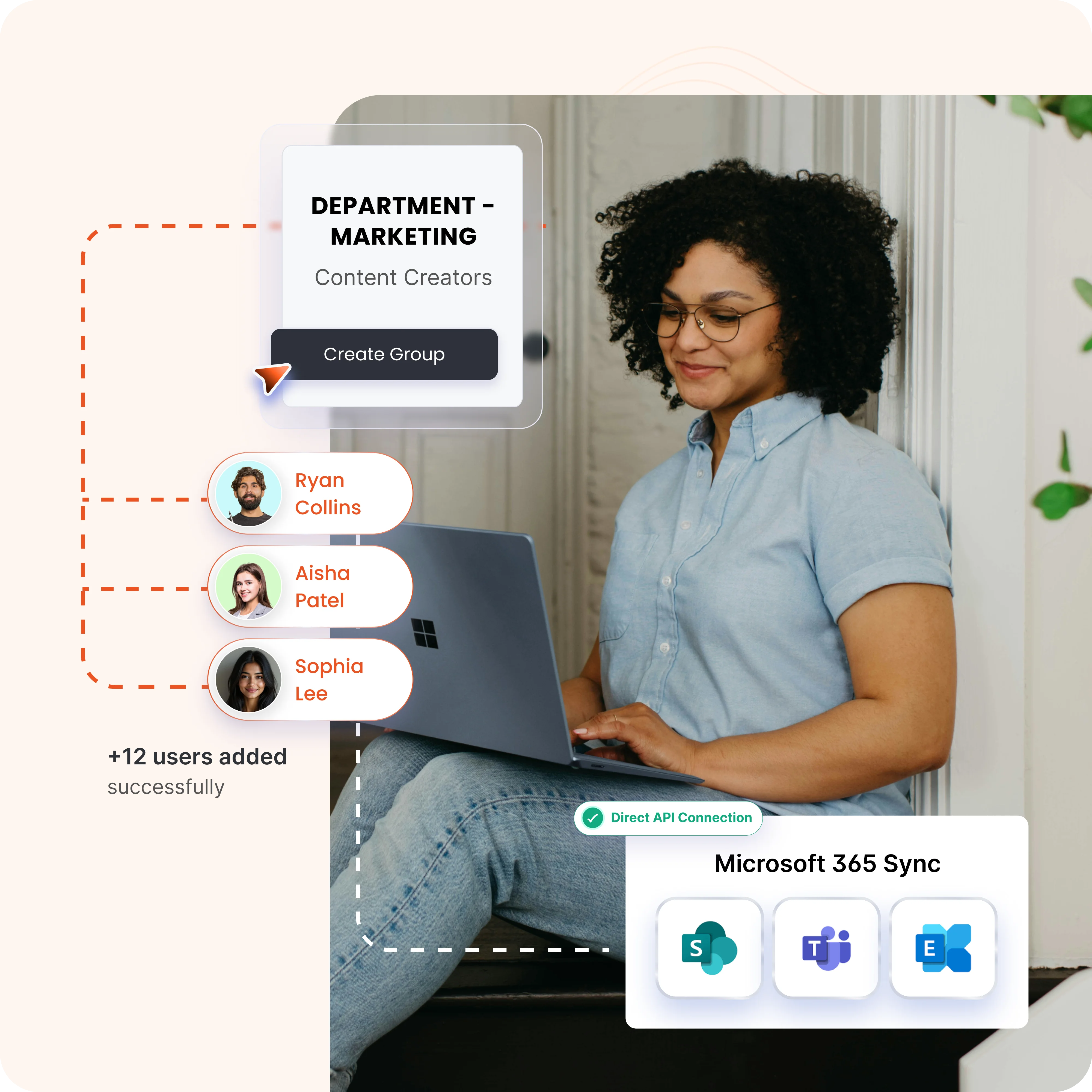
Goal: Sync departmental roles like Marketing to Office 365 security groups and licenses.
How: Direct connection to the Microsoft 365 role system.
Actions:
Benefit: Perfect match for SharePoint and Teams access; simplifies licensing.
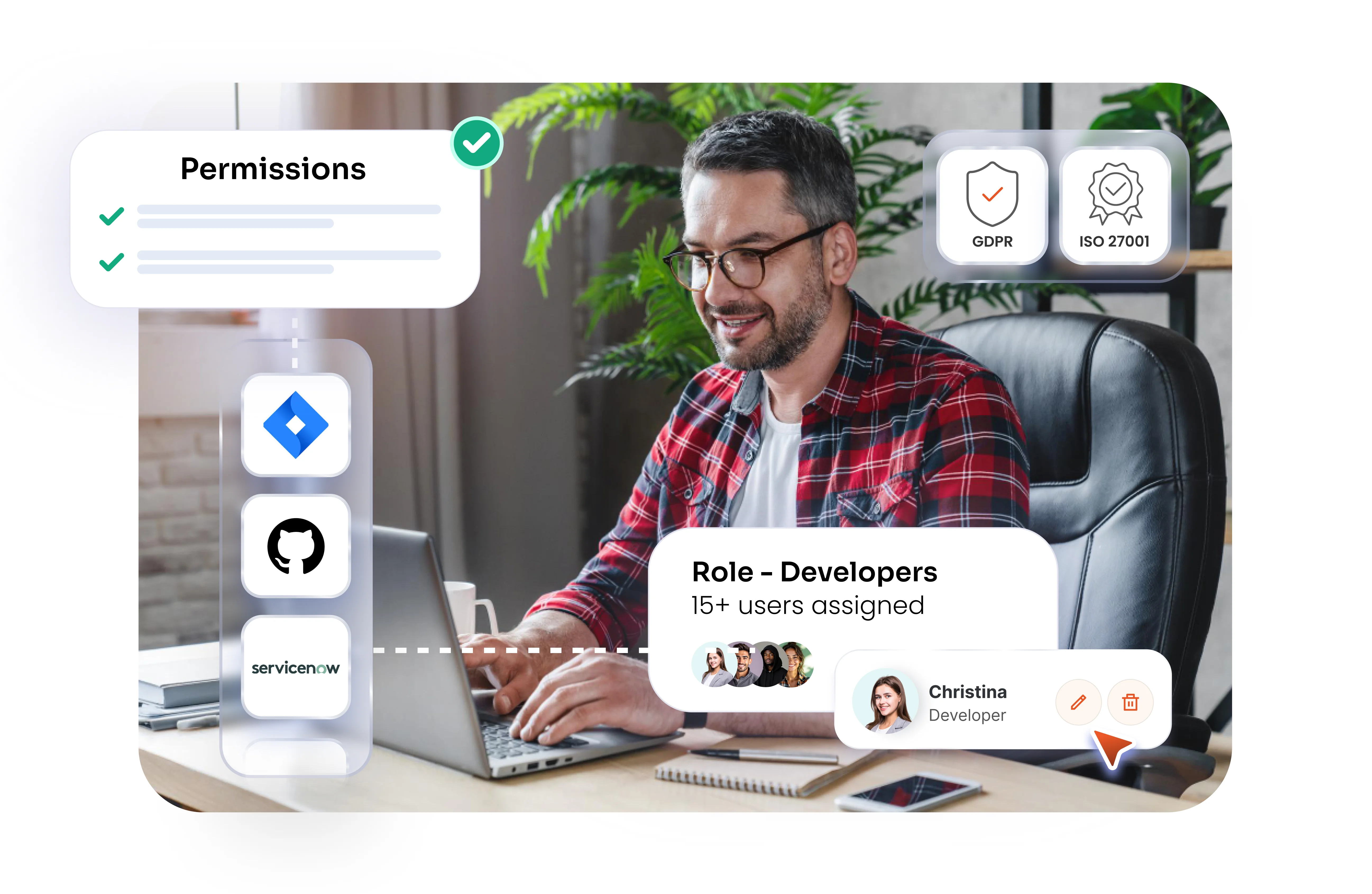
Goal: Give software developers the right access to Jira, GitHub, ServiceNow, and internal tools, automatically.
How: IT creates developer roles in miniOrange and assigns them to users for instant access.
Actions:
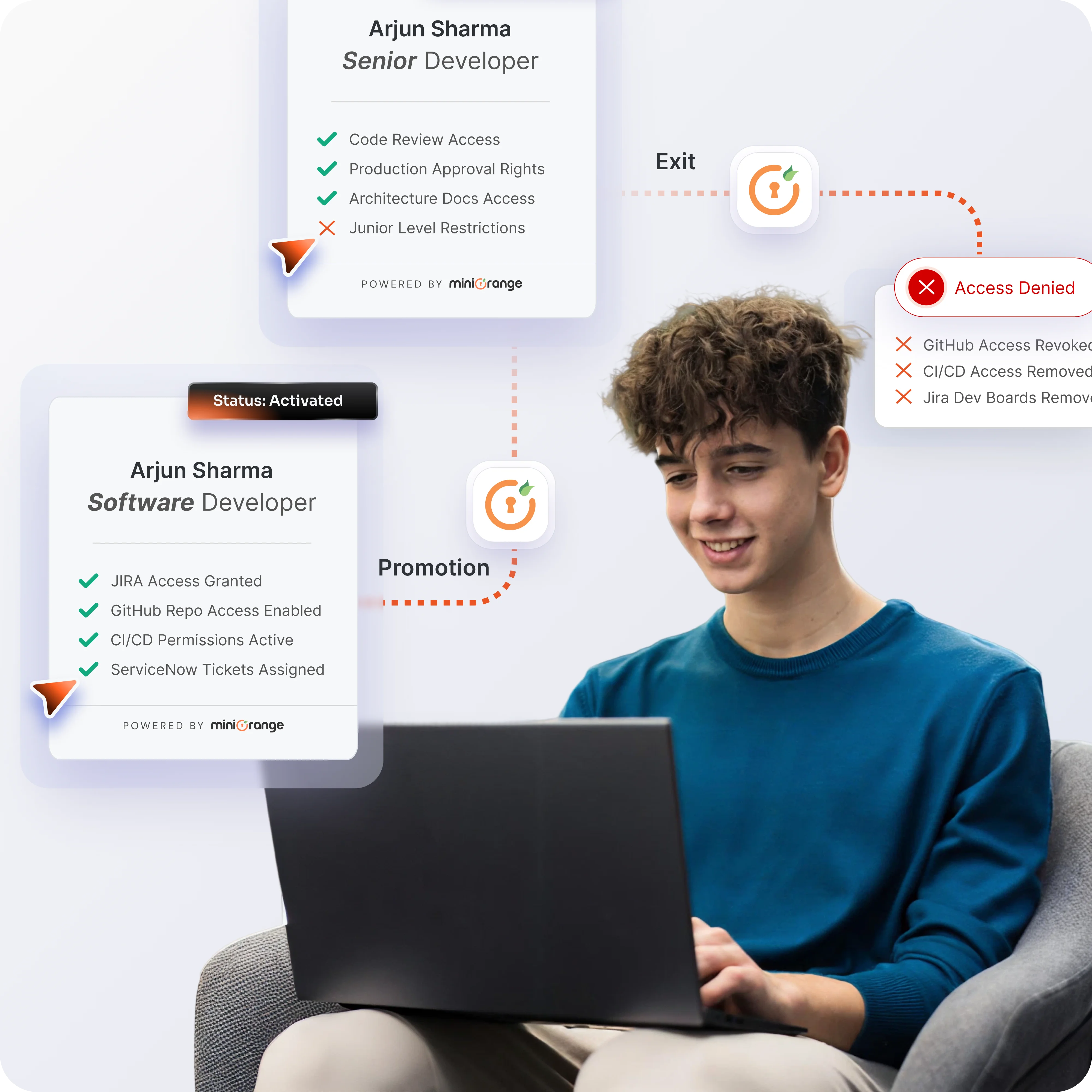
Benefit: Faster onboarding, smooth role changes, and accurate access from one control point.
Go to the provisioning apps section from the admin console to start configuring roles.
View existing roles or create new ones to define how access should be structured.
Select and activate the permissions required for specific roles to ensure appropriate access levels.
Enter basic role details, assign relevant permissions, and map groups to streamline user access.
Save your configuration to instantly activate the role with its assigned permissions and groups.
Oversee all roles, permissions, and assignments through miniOrange's centralized platform, ensuring consistent visibility and policy enforcement across your organization.
Define precise roles tied to job responsibilities, granting only essential permissions while blocking unnecessary access to sensitive resources.
Automate role provisioning for joiners, updates for movers, and deprovisioning for leavers, keeping access accurate with zero manual effort.
Manage users through roles instead of individuals, accelerating onboarding, offboarding, and changes via miniOrange's intuitive dashboard.
Automation eliminates permission errors, slashes IT workload, and ensures instant access, balancing security with seamless operations.
miniOrange RBAC centralizes control, auto-syncs permissions everywhere, and eliminates risks instantly.
x
Your download should start now. If not, please email us at idpsupport@xecurify.com or contact us.